

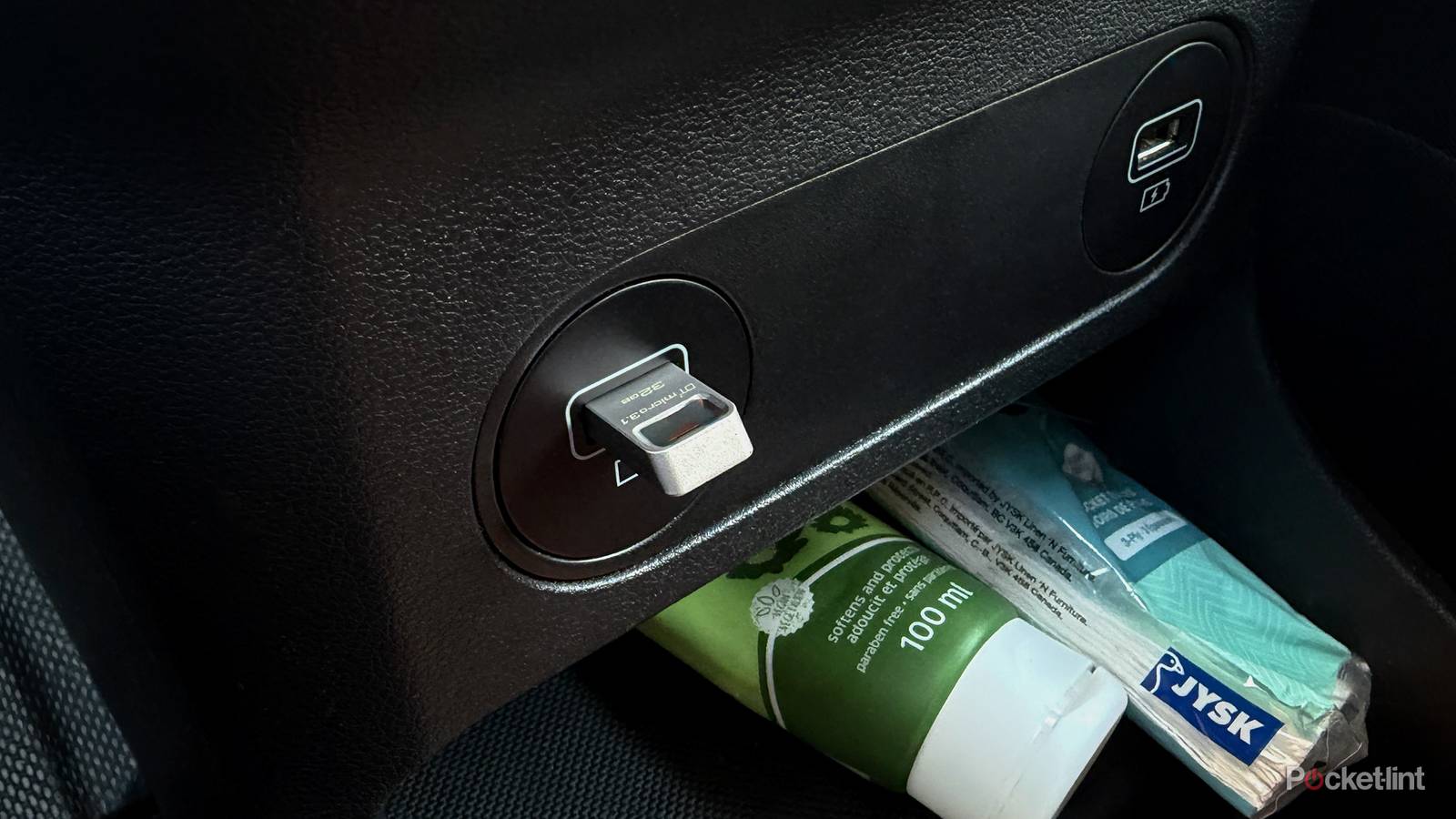

Problems with your car’s USB ports make journeys more stressful because you can’t access your navigation apps on your infotainment system or stream music from your phone while you’re driving. Not being able to charge your phone can also be an issue, especially if you need to keep the kids occupied. You might get away with it with newer cars, which have more USB ports for front and rear passengers, but it can be an issue on older cars, which have only one or two.
USB ports are fairly resilient, but, like any electronic device, can stop functioning, often at the worst times. That’s why we’ve made this list of common car USB port problems, along with some common solutions to fix them. Most of these methods are straightforward and don’t require any special tools or equipment. They’ll help you troubleshoot common issues and have your ports up and running in no time.
Faulty cables
The most common issue

Faulty cables are the most common reason why car USB ports don’t work. Cables are often plugged and unplugged, and have weak points that are prone to breaking with wear and tear. Common signs that a cable is worn out include intermittent connections or only working when you hold it at a certain angle.
The best way to check whether the cable is the problem is to try another one you know works and see how it performs. You can also try the old cable on other devices to see if you have the same problem. USB cables aren’t all the same and some are more durable and offer faster charging speeds. Speaking of charging speeds, your car’s USB ports could offer different charging speeds, and you’ll need a compatible cable to get the best performance.
Newer cars should have USB-C ports with up to 7.5W of power, but you’ll need a corresponding cable to enjoy its benefits.
Older USB-A ports often supply around 2.5W of power, which can cause slow charging, especially if you’re also running navigation and other data-intensive apps. Newer cars should have USB-C ports with up to 7.5W of power, but you’ll need a corresponding cable to enjoy its benefits. For the best performance, stick to quality cables from reputable brands and ensure they match your USB ports’ specifications.
Dirty ports
Dust and rust prevent connectivity

Car USB ports can get dirty over time, leading to broken or intermittent connections when you plug in a cable. It’s understandable because most of us don’t clean our USB ports regularly, and dust or lint build-up is inevitable. Rust can also form on the connectors and block them from sending information to the cable.
Car USB ports can get dirty over time, leading to broken or intermittent connections when you plug in a cable.
There are a few ways to safely clean your USB ports. The first step is to inspect the port with a flashlight to see what kind of dirt is inside. You can remove dust and grime with soft, thin tools, like toothpicks or brushes. Sometimes, all it requires is compressed air to blow the dirt out. Stubborn dirt may require more effort; moisten a cotton swab with isopropyl alcohol and wipe the port clean.
Always avoid using hard metal objects, such as pins or blades, to clean your USB ports, as they can scratch or damage them. You should also avoid using corrosive or harsh cleaning agents. If you’ve used isopropyl alcohol to clean your USB ports, wait until they are completely dry before you try plugging in your cables or devices.
Software updates and configuration
Check your settings

Sometimes car USB ports or the connected devices don’t work because they need a simple software update. Checking your car’s firmware is one of the first steps to try if your car’s USB port isn’t working, because a simple update can fix system bugs. Newer cars support over-the-air internet updates, while older cars might need to go to the dealership. Your phone should also be on the latest software to avoid issues. Running the latest phone software provides peace of mind that you’ll get the best performance. You should update the phone’s apps, like Android Auto and Apple CarPlay, to ensure you have the current features.
A USB port could be working, but you can’t access your phone’s features due to incorrect permission settings. Your phone will usually detect the port when you plug it in for the first time, but you’ll probably need to grant access to apps and media files. You might need to allow access to wired accessories or change the default mode from charging only to data transfer, depending on the device you’re using.
A USB port could be working, but you can’t access your phone’s features due to incorrect permission settings.
In most cases, you’ll get a notification on your phone when plugging it into the USB port, asking what you’d like to do, and you can just follow the instructions. You can also try disabling any battery-saving features that may be running in the background. Sometimes, you can also try restarting your phone and car to refresh their systems before plugging in your devices.
Port malfunctions
You might need to replace it

If the previously-mentioned solutions don’t work, there’s a chance your USB port isn’t functioning. If that’s the case, you’ll need to check if the fuse that controls it is blown or damaged. Each car is different, and you’ll need to read your manual to find the fuse box. The cover usually has a diagram to show you which fuse runs each feature, and you’ll need to inspect the one that runs the USB port for signs of damage, like burn marks or a broken internal filament. Fuses are inexpensive, and you can buy one to try if you’re unsure if the old one is working.
If all else fails, you’ll need to take your car to the dealership to have the USB port and electrics inspected by qualified personnel. They can usually diagnose the issue and might be able to replace the entire port with a new one if it isn’t functioning. If your car is out of warranty, you can try ordering the part and replace it yourself if you know what you’re doing. This is a riskier option and can cause short circuits and other issues if not done correctly.
You can try alternative solutions for connecting your phone if your USB port isn’t working.
You can try alternative solutions for connecting your phone if your USB port isn’t working. Switch to wireless CarPlay or Android Auto if your car supports it. A 12V charger is also a good alternative to a USB port for topping up your phone, but it won’t help with running apps on your infotainment unit.
