

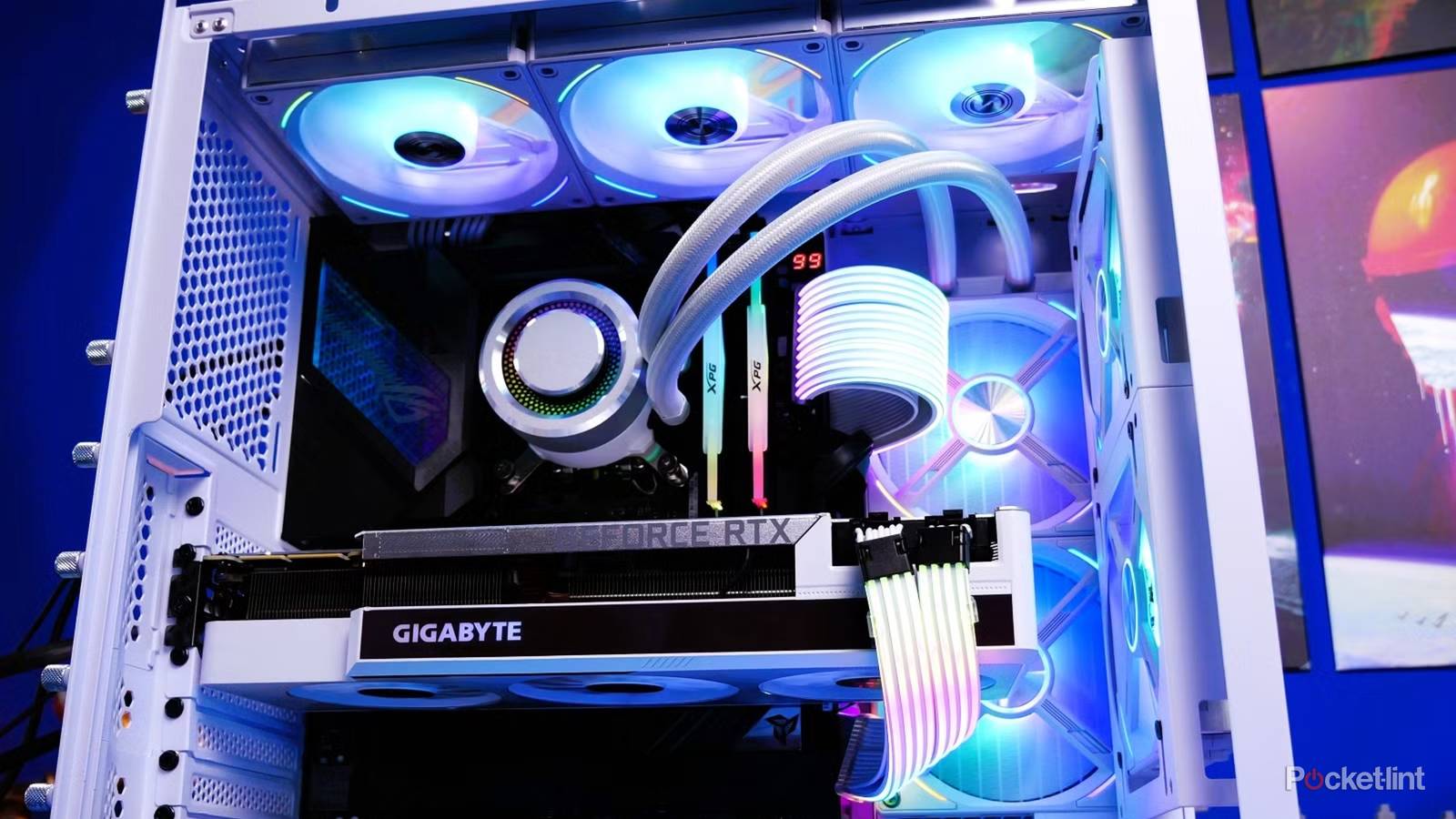

It’s important to think strategically with PC upgrades. If you’re on a budget, you can’t afford to waste a penny on something that doesn’t help performance. If you’re rolling in cash, the wrong upgrades can still waste your time, or create headaches that interfere with productivity and gaming. An analogy I like is a tuner car dropped to an inch off the street — sure, it may look slick, but the driver is going to regret it whenever they need to clear a speed bump.
Ultimately, how you spend your income is up to you. I’m just here to suggest that some options may be better than others. Whatever the case, it’s always worth asking if a purchase will genuinely make you happier, or if you’re only buying it because of marketing or peer pressure. Some skepticism is always warranted.
Gaming motherboards
Sound and fury…

I don’t mean to dismiss all gaming motherboards, since there are unique demands if PC gaming is your hobby — fast RAM and card slots, for instance, or compatibility with the best AMD or Intel processors. Those requirements can be met by some non-gaming products, though. Plus, often, you’re paying for specs you don’t need, and looks that will probably be hidden under all the parts you buy, even if they go into a transparent tower. It’s akin to spending a million on the foundation of a house — sure, it’s a vital component, but it only matters as much as what it allows you to build on top.
What’s especially mystifying to me is the proliferation of boards with RGB lighting, or even full-color LCDs. They do have a certain appeal if you can arrange the inside of your computer to see them, but at that point you’re turning the computer itself into your hobby, rather than what it can do for you. Focus, people.
Smart light strips for monitors
Great idea, wrong format

I’m actually a big fan of smart home lighting. The right lights can alter the mood of a room — cheering me up a little in the middle of winter, say, or setting the tone for a horror game. In fact, one of my favorite lights is a Hue filament bulb I stuck inside an antique-looking lantern. With a flicker effect casting shadows, it’s perfect for dungeon crawling.
At times, I’ve even synced my lights to my PC, yet I still wouldn’t stick a light strip on a monitor. The resulting halo looks cool, but typically only when it’s synced with games and video. A monitor strip isn’t versatile in any sense really. It’s not powerful enough to properly illuminate a room, and if you decide to repurpose it, it may be cut too short for anything else. You’re better off buying a set of small lamps and smart bulbs — or even some decorative room lights, like Nanoleaf light panels or a Hue Gradient Light Tube. At least those have some value when you’re not sitting down in front of your computer.
Gigantic power supplies
It’s not a measuring contest

It’s always better to overshoot your PC’s power requirements than fall short, since a weak supply can lead to sudden shutdowns — assuming your PC even boots in the first place. Dedicated GPUs in particular can be massive power drains. For a system with an Nvidia RTX 5070 Ti, you’ll want a 750W supply at a minimum, and possibly as much as 1,000W if you’re planning to overclock the card and pair it with an Intel Core Ultra 9 chip. You may also want some overhead if you expect to upgrade your GPU before replacing the entire computer.
My issue is that some companies will gladly sell you 1,200, 1,300, or even 1,600W supplies when you don’t need them. About the only configuration that can fully exploit 1,600W is a top-of-the-line Ultra 9 PC paired with an RTX 5090. Really, there’s no need for mere mortals to invest in anything more than 1,000W at the moment.
AIO coolers with elaborate LCDs
And often, AIO coolers in general

If you’re going to buy an all-in-one (AIO) cooler, there is some logic in buying one with an LCD. Linked to sensor data, it can help identify overheating problems at a glance, or show how much leeway you have for your overclocking efforts. There’s no need for these screens to be large and colorful, however — that’s just gratuitous decoration, and can actually make it harder to maneuver hands and parts inside your case. Indeed, you probably don’t need an LCD at all. It’s not like there aren’t software tools for temperature.
Think twice about getting any kind of AIO. Most PCs aren’t pushing their heat that high, since they’re already equipped with fans and other cooling methods. Also, air coolers tend to be both simpler and cheaper, as long as you have the room to fit them. If a high-end gaming laptop can get away without flowing liquid, your tower can too.
Top-end gaming mice and keyboards
Not every advantage matters

Being both a writer and a gamer, I do appreciate a good keyboard. It makes typing more precise, and there’s nothing worse than a squishy keyboard that sounds awful and breaks at the drop of a hat. I’d like to upgrade to a proper mechanical model at some point. Likewise, a good mouse makes it easier to navigate around both games and productivity apps, and feels comfortable enough to hold all day.
With mice and keyboards, the lowest possible response times tend not to matter in most games, let alone jamming out a news article.
Some products are overkill, even for people like me. These are keyboards built like tanks, or mice that are so paired down for weight that you’d destroy them by splashing your drink. In both categories, companies like Razer and Corsair often concentrate on the lowest possible response times — which tend not to matter in most games, let alone jamming out a news article. Some gaming mice are so ridiculously sensitive at their higher DPI settings as to be unusable.
As a rule, you probably don’t need to spend any more than $200 on a keyboard to get something with excellent feel and response. You might need to spend a little more if you want to customize your keycaps, but you may be lost to the Keyboard Cult anyway if that’s a concern.
