

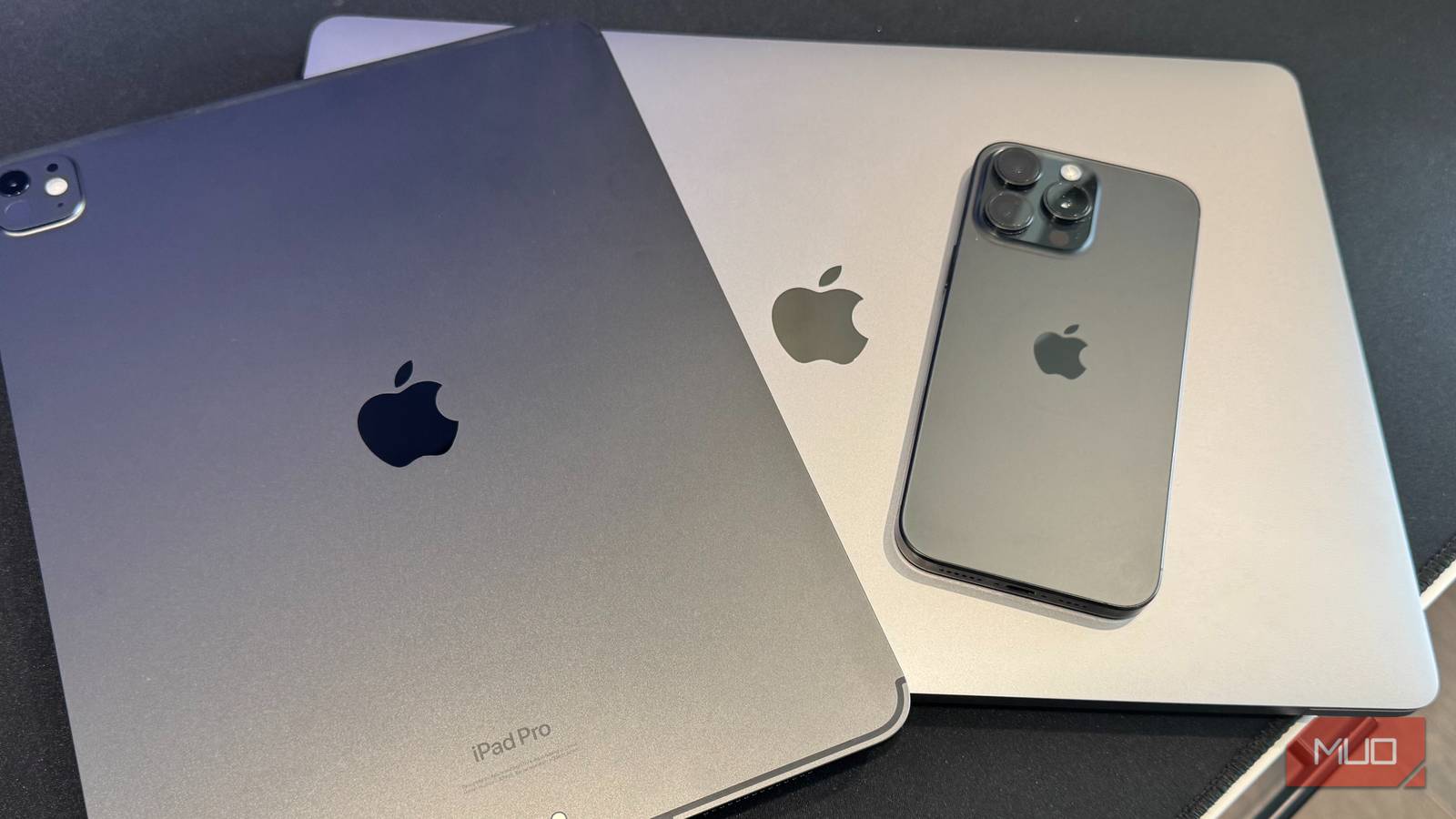

I made the jump from Android to Apple around 2015–2016. Since then, every device I own has an Apple logo—iPhones, iPads, Mac minis, Apple Watches, and MacBooks. The way everything syncs without me fiddling with settings still feels like magic; I’m never going back to Windows.
That said, loving Apple doesn’t mean I have to pretend the company has adopted Android’s best features. Sure, iOS 26 added Call Screening and Live Translation, which are great, but Android users have had other features for years that I keep waiting for Apple to adopt. The iPhone 18 should land in September 2026; here’s what I’m hoping makes the cut when it does.
A foldable iPhone is finally coming?
Apple might finally join the foldable race in 2026

Samsung’s first foldable hit shelves in 2019. Apple is still waiting to release its own. Assuming the iPhone Fold actually shows up this year, we’re looking at a seven-year gap. That’s a long time to sit on the sidelines.
Most leaks and rumors point to a book-style design arriving this fall, likely debuting with the iPhone 18 Pro models. From what’s floating around, the inner display should measure about 7.6 inches—think iPad mini territory—with a smaller 5.3-inch screen on the outside for notifications and quick tasks.
What’s gotten the most attention, though, is the crease situation—or the apparent lack of one. Apple has supposedly kept delaying because it couldn’t stomach the visible fold line that other manufacturers accepted.
The pricing rumors look rough; many put it anywhere from $2,000 to $2,500. But a device that unfolds into near-tablet size while still fitting in your pocket is something I’ve wanted for years. I’ve been waiting too long watching Samsung users show theirs off. Should Apple nail this, we’re talking about the most dramatic iPhone redesign since the original.
Split-screen multitasking belongs on the iPhone
Running two apps side by side shouldn’t require an iPad


The display on my iPhone 16 Pro Max measures 6.9 inches. That’s bigger than plenty of Android phones that had split-screen multitasking a decade ago. And yet, the iPhone can’t do two apps at once.
Android rolled this out with version 7 in 2016. Samsung went even further, adding floating windows you can drag around and resize however you want. On iPhone, we’re still flipping between apps constantly. What frustrates me most is that Apple built Split View for the iPad ages ago. The feature exists; they just won’t bring it to the phone.
I would use this constantly. Checking my calendar while writing an email, or referencing a document without losing my place in another app, for example. These aren’t exotic use cases. They’re basic productivity scenarios that Android handles effortlessly, while iPhone users keep swiping.
Desktop mode would unlock the iPhone’s wasted power
Samsung DeX has offered this for years
The A19 Pro chip in recent iPhones rivals the performance of early M-series processors. All that horsepower, and when you plug into an external monitor, you only get screen mirroring. Your phone’s display is duplicated on a bigger screen. That’s it.
DeX on Samsung phones turns your Galaxy into a proper workstation. Plug into a monitor, and you’ve got windows you can resize, a taskbar at the bottom, and full keyboard shortcut support. It actually works like a computer. Someone even discovered code for a similar feature hidden in iOS 26.1 before Apple patched it out. They’re clearly working on something.
When I’m away from my desk and only have my phone, the ability to plug into a hotel TV and get an actual workspace would pair nicely with my stationary Mac Mini setup back home. The hardware capability exists, but Apple’s just sitting on it.
Apple’s version is limited and saves as PDF

Android’s scrolling screenshot feature captures entire webpages, long conversations, and anything that extends beyond your screen. It works in virtually any app and saves as a normal image you can share anywhere.
The iPhone technically has this, except it only functions in Safari, Mail, and Apple’s built-in apps. Try capturing a long WhatsApp thread or an Instagram conversation, and you’re out of luck. Even when it does work, iPhone saves the result as a PDF rather than a shareable image file. Sending that to someone means finding a third-party app to convert the format first.
Android figured this out years ago with a system-wide approach that doesn’t make you jump through hoops. On iPhone, you’ve got to remember which apps support the feature and deal with a file type nobody asked for. For a company that built its reputation on simplicity, that’s a weird miss.
Guest mode solves a problem every parent knows
Letting someone borrow your phone shouldn’t make you nervous

Give your iPhone to a kid for a YouTube video, and you spend the whole time worried they’ll wander into your texts, scroll through your camera roll, or somehow send an email to your boss. Android fixed this problem years ago.
Guest mode gives you a clean, temporary profile. Your personal data stays hidden. When the borrower hands your phone back, their browsing history, any apps they opened, and everything else is gone. And many Android phones take it further with actual multi-user setups. Different people get their own apps and accounts, so each profile has everything it needs on one device.
iPhone gives you Guided Access. That locks the screen to whatever app is open, which works fine for handing over your phone during a specific task, but is useless if you want someone to browse around without seeing your entire life.
This is a problem on iPad too, where there’s no true multi-user support. The hardware could handle it; Apple just hasn’t bothered.
True home screen customization still eludes iOS
Third-party launchers remain an Android exclusive


iOS 18 expanded widget options and finally let you place app icons with gaps between them. It’s progress, sure. But Android’s customization runs so much deeper.
On Android, you have tons of options for launchers that tear the home screen apart and rebuild it. You can have different icon styles, custom swipe gestures, whatever grid size you want, and totally different animations. Prefer Alexa over Google Assistant? Swap it out. Want Waze handling every navigation request system-wide instead of just when you tap certain links? Done.
New wallpapers and reorganized apps can make an iPhone feel a bit fresher, sure. But you hit a wall pretty fast. Apple’s locked-down approach does keep the system stable—that’s a real benefit. But sometimes you want your phone to properly reflect how you use it, and iOS won’t let you get all the way there.
Apple borrows ideas all the time—these should be next
None of this means I’m switching to Android. Apple still wins for how I use my devices with the ecosystem, the software support, and the overall experience. But pretending they’re perfect doesn’t help anyone. Pointing out where Android does something better is just common sense.
Apple will continue to watch features land on Android, wait a couple of years, then ship its own take. Call Screening showed up in iOS 26 long after Google had it working. This happens over and over. With both the iPhone 18 and a foldable potentially on deck for September 2026, Apple’s got a real opportunity here. My fingers are crossed that they take it.
