

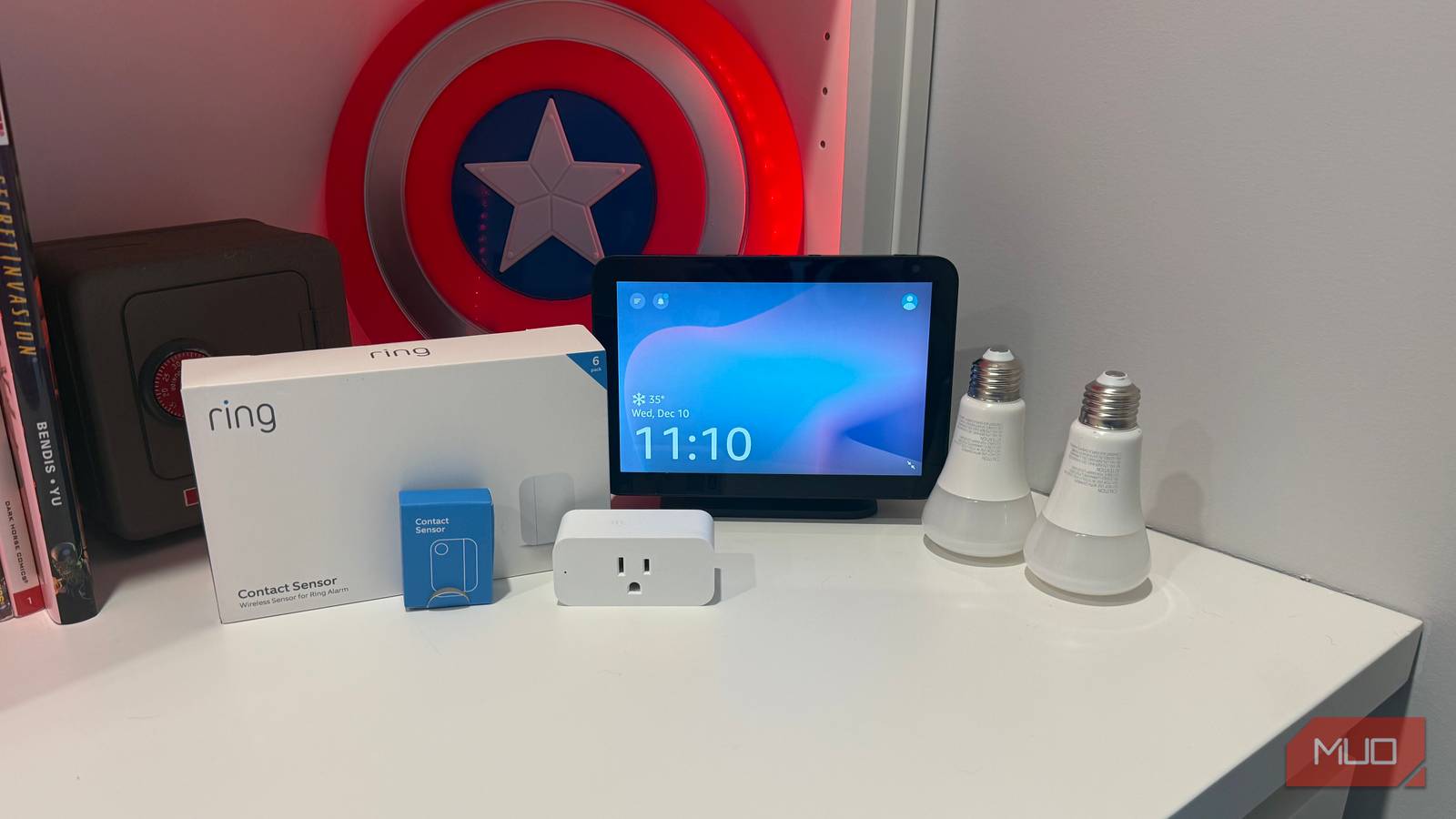

Smart plugs, smart bulbs, and Echo speakers—I’ve had all of it for years. And for most of that time, I treated the whole setup like a glorified light switch that responded to my voice. Even after consolidating all my smart devices under one app and building out routines I was pretty proud of, I kept tripping over features I’d completely ignored. The automations that eliminate the most daily friction aren’t new purchases—they’re capabilities hiding inside stuff already plugged into your walls. These seven use devices and apps you likely already own, and most take less than five minutes to configure.
Echo sound detection triggers routines you never knew existed
Your speaker already listens for more than wake words
Your Echo is listening for way more than just its wake word. Starting with the 4th generation, these speakers can pick up on beeping appliances, running water, dogs barking, a baby crying, and even snoring. Almost nobody turns it on. It’s buried under Routines > When This Happens > Sound Detection in the Alexa app, and Amazon doesn’t exactly advertise it.
I enabled mine a few months ago. Now, when the dryer finishes a cycle, Alexa announces “Dryer’s done” through every speaker in the house. No more forgetting a load overnight. You can also trigger lights, notifications, or camera checks when a dog barks while you’re away. No additional hardware needed—just an Echo you already own.
Alexa Guard simulates someone being home when you leave


Alexa Guard is a free built-in feature that randomly turns your connected smart lights on and off to simulate someone being home. It also listens for glass breaking and smoke alarms, sending alerts to your phone. Say “Alexa, I’m leaving” or toggle Guard in the app, and any lights connected to your account cycle in natural patterns. I used to leave a single lamp on a timer when we traveled, which was probably obvious from the outside. Guard’s randomized behavior is far more convincing, and it pairs well with the security automations I already had running.
Smart plug energy monitoring doubles as an appliance health alert
Catch problems before they become expensive
A lot of smart plugs—Amazon Basics, Kasa, and others—track how much energy whatever’s plugged into them is drawing. That makes them a surprisingly effective diagnostic tool. Plug one into the same outlet as your chest freezer, your sump pump, or your garage fridge and pay attention to the baseline wattage for a few days.
If that number suddenly drops to zero, something went wrong, and you want to know about it before the food thaws or the basement floods. One of my smart plugs even saved me from a fridge full of spoiled food, but the same energy monitoring trick works for any critical appliance. You can also spot energy hogs—leave a plug on your entertainment center for a week and see what’s pulling phantom power when everything’s “off.”

This $15 smart home gadget gives me more peace of mind than a security camera
I use it for a lot of reasons.
IFTTT bridges your devices that refuse to talk to each other
Free automations that connect everything

IFTTT’s free tier lets you build basic applets connecting services your devices already support—weather data, calendar events, location triggers—to your existing smart home gear. I use Weather Underground to flash my entryway lights blue when rain is in the forecast.
My kids actually respond to that visual cue, unlike me yelling down the hallway. Another applet shifts my office lights to a focus scene when a Google Calendar meeting starts. The real power is bridging devices that don’t natively work together, like connecting myQ garage doors to Alexa routines through IFTTT as a middleman.
Alexa Hunches learns your patterns and acts on them
Proactive automation you don’t have to build yourself


Hunches is an opt-in Alexa feature that observes your habits and either suggests or automatically takes action. If you turn off the living room lights around 11 PM every night, Alexa eventually starts doing it for you—or asks, “I noticed the living room lights are still on. Want me to turn them off?” Enable it under the Alexa app’s More > Hunches menu, where you choose between gentle suggestions or full auto-pilot. It’s the closest thing to a self-learning smart home most people can get without installing Home Assistant, and I’d bet most Echo owners have no idea it exists.
Your phone’s built-in automations can run your entire house
iPhone Shortcuts and Android routines are wildly underrated

Both iPhone and Android have powerful automation engines that connect directly to smart home platforms, and almost nobody uses them. On iPhone, the Shortcuts app can trigger HomeKit or Alexa scenes based on time of day, arriving home, or connecting to your car’s Bluetooth.
Android users get Google Home routines tied to alarm dismissal, location, or time—plus Samsung owners have Bixby Routines that respond to charging or connecting to home Wi-Fi. My phone arriving on the home network triggers a different set of actions than Alexa’s geofencing, and they complement each other without any overlap.
Your smart bulb app has scheduling features you’ve probably never opened
Automation that lives outside Alexa entirely

Here’s something I wish I’d figured out sooner. Philips Hue, Govee, and most other smart bulb brands ship their own automation tools baked right into their apps—completely separate from Alexa or Google. Hue has one called “Natural light” that gradually adjusts your bulbs’ color temperature from morning to night, syncing them to natural daylight patterns.
You set it up once and the app handles everything from there. Govee’s app offers its own scene presets and schedules that run directly on the bulbs. These native automations tend to be more reliable than cloud-dependent routines, especially Hue, which runs locally through the Bridge. I’d owned Hue bulbs for ages before I even noticed this buried in the Automations tab. I forgot the feature was running until my wife asked why the lights looked different at night.
Stop buying and start configuring
You probably don’t need another gadget. You need about ten minutes with an app you already have installed. Pick one thing from this list—whichever one bugs you the most—and set it up. Then forget about it for a while. A week from now, maybe two, you’ll realize the house just handled something you used to do yourself. That’s when you’ll go back and set up a second one.
