

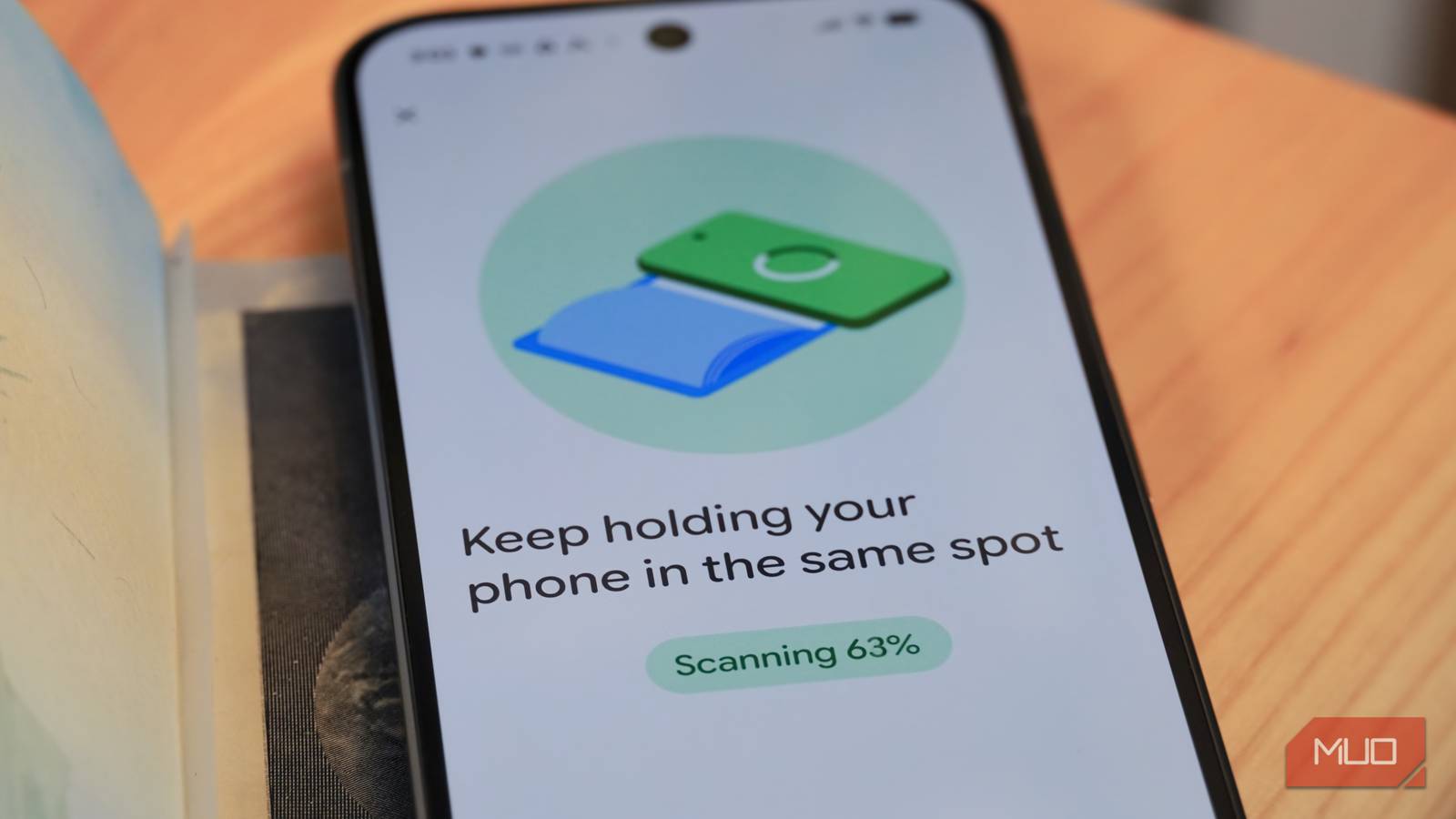

Carrying a physical government identification card can be a hassle, especially when traveling. It’s another thing to keep track of amid the bustling chaos of work trips or vacations, and another thing to potentially lose. The benefits of a mobile driver’s license or digital ID pass are immediately clear — they allow people to keep their physical cards or passports in their pocket while passing through checkpoints, making purchases, and verifying their identity.
A few years after Apple and Google first added support for digital government IDs to iOS and Android, many of us are still wondering where we can actually use them. The situation is more complicated than you might expect. Apple Wallet and Google Wallet each added support for U.S. passports, simplifying matters. You don’t need your individual state to offer digital IDs to reap the benefits of them. That said, you still need to know these essential tips about when and where they’re accepted.
This article covers the general rules for digital ID acceptance, but remember that states, countries, and private businesses have discretion whether to accept a digital ID. It is always a good idea to keep a physical ID close by for when it is necessary.
Use digital ID at over 250 airports
You can pass through TSA checkpoints at most US airports
The best way to use a digital ID is while traveling domestically within the U.S. Security checkpoints at more than 250 of the country’s airports accept digital IDs in Apple Wallet or Google Wallet. The Transportation Security Administration provides a list of every supported digital ID type and app, but the TSA accepts U.S. passports from Apple Wallet, Google Wallet, and Clear ID. If you have a passport, you can confidently add it to your preferred wallet app without worrying if TSA checkpoints will accept your state’s digital ID.
There are a few restrictions to keep in mind. If you use a digital state ID or driver’s license, it must be REAL ID compliant — just like your physical ID. Since all passports are REAL ID compliant, you can rest assured every digital passport can be accepted at most TSA checkpoints. Notably, the TSA requires you to carry a valid and acceptable form of physical ID on your person while traveling. The advantage to using digital IDs is that your physical card or passport can stay safely stored in your bag while moving through the airport.
With over 250 supported TSA checkpoints, almost every major U.S. airport accepts mobile IDs in Apple Wallet and Google Wallet, making it one of the safest places to try the technology out without worrying you’ll be denied.

5 Android apps that make flights, maps, and planning so much smoother
These are the apps I use to travel cross-country and beyond on a regular basis.
Don’t use digital ID at border crossings
You need a valid, physical passport for international travel

It might sound counter-intuitive, but you cannot use a digital passport stored in Apple Wallet or Google Wallet for international travel. You may be able to pass a TSA checkpoint for an international flight with a digital ID version of your passport. However, you will not be able to pass through a border crossing or immigration checkpoint with a digital passport. Here’s how Apple explains the importance of keeping your physical passport for international travel:
Digital ID is not a replacement for a physical passport, and cannot be used for international travel and border crossing in lieu of a U.S. passport.
In any situation where you are planning to cross a border by land, air, or sea, it is absolutely crucial to bring your physical passport. A digital version simply won’t cut it for international trips.
Use digital ID at select bars and restaurants
It’s a secure and private way to complete age verification requests

States that support digital IDs allow businesses to accept them for age and identity verification. Google Wallet state IDs are available for Arizona, Arkansas, California, Colorado, Georgia, Iowa, Maryland, Montana, New Mexico, and North Dakota. Apple Wallet state IDs are available for Arizona, California, Colorado, Georgia, Hawaii, Illinois, Iowa, Maryland, Montana, New Mexico, North Dakota, Ohio, West Virginia, and the territory of Puerto Rico.
In these states, bars and restaurants can use digital ID to verify that you are above the legal drinking age and confirm your identity. It’s a more secure and authentic way to check IDs — you don’t have to pull out your ID or worry about a bartender alleging your card is fake. This is a secure, private, and accurate form of age and identity verification that many businesses are starting to accept. However, digital ID acceptance is not required by every business, even if your state allows it.
Don’t use a digital ID as your only driver’s license
State law requires you to carry a physical ID when driving in some jurisdictions

It’s not a good idea to use a digital ID as your only driver’s license while operating a motor vehicle on public roads. There are a few states that allow drivers to use digital IDs without carrying a physical card, including Virginia, Tennessee, North Dakota, North Carolina, Montana, Mississippi, Louisiana, and Iowa. There’s just one problem — you will need your physical ID to drive outside your state.
Although digital IDs are built on an international standard, even states that accept mobile driver’s licenses on the roads are not ready to verify digital IDs from other states. In some states, like Delaware, drivers are required by law to carry a physical card and present it to law enforcement when requested.
Theoretically, if you’re in a state that permits driving with a mobile driver’s license alone, you should be alright. However, carrying a physical ID keeps you covered in the event you interact with untrained law enforcement or need to cross state lines.
Use digital ID to book hotels and rent cars
You can verify your age and identity in apps using a digital ID

Perhaps the coolest part of adding a digital ID to Apple Wallet or Google Wallet is saving time entering your information on supported apps and websites. For example, if you’re booking a hotel or renting a car in a supported app, you can use a state ID or passport saved in your wallet app to complete the verification process.
This eliminates the hassle of needing to find your ID and enter your identification card number. The exact steps for using digital IDs vary from app to app, but this handy functionality is available on both iOS and Android. It’s also safer — your personal information is never permanently shared with businesses and apps. This avoids the risk of your ID card data being stolen in a breach.
How to set up a digital ID on iOS or Android
If you haven’t added your government ID to Apple or Google Wallet yet, now is the time.
Android users should open the Google Wallet app and tap the + button for Add to Wallet. Then, tap ID as the pass type and pick either Driver’s license or state ID or ID pass. The former is for state driver’s licenses and ID cards, while the latter is exclusively for U.S. and U.K. passports. From there, follow the on-screen prompts to add and verify the government ID, adding it to your phone. Note that you can only add a passport or ID card to one device at a time.
iPhone users can open the Apple Wallet app and tap the + button. Then, select Driver’s License and ID Cards, and choose your government ID type from the list. Follow the on-screen prompts to add it to your iPhone. Keep in mind that you need an iPhone 11 or newer running iOS 26.1 or later to add a U.S. passport to Apple Wallet.
Once you’ve added the digital ID to your Apple or Google Wallet, you can use it out and about in supported places.
