

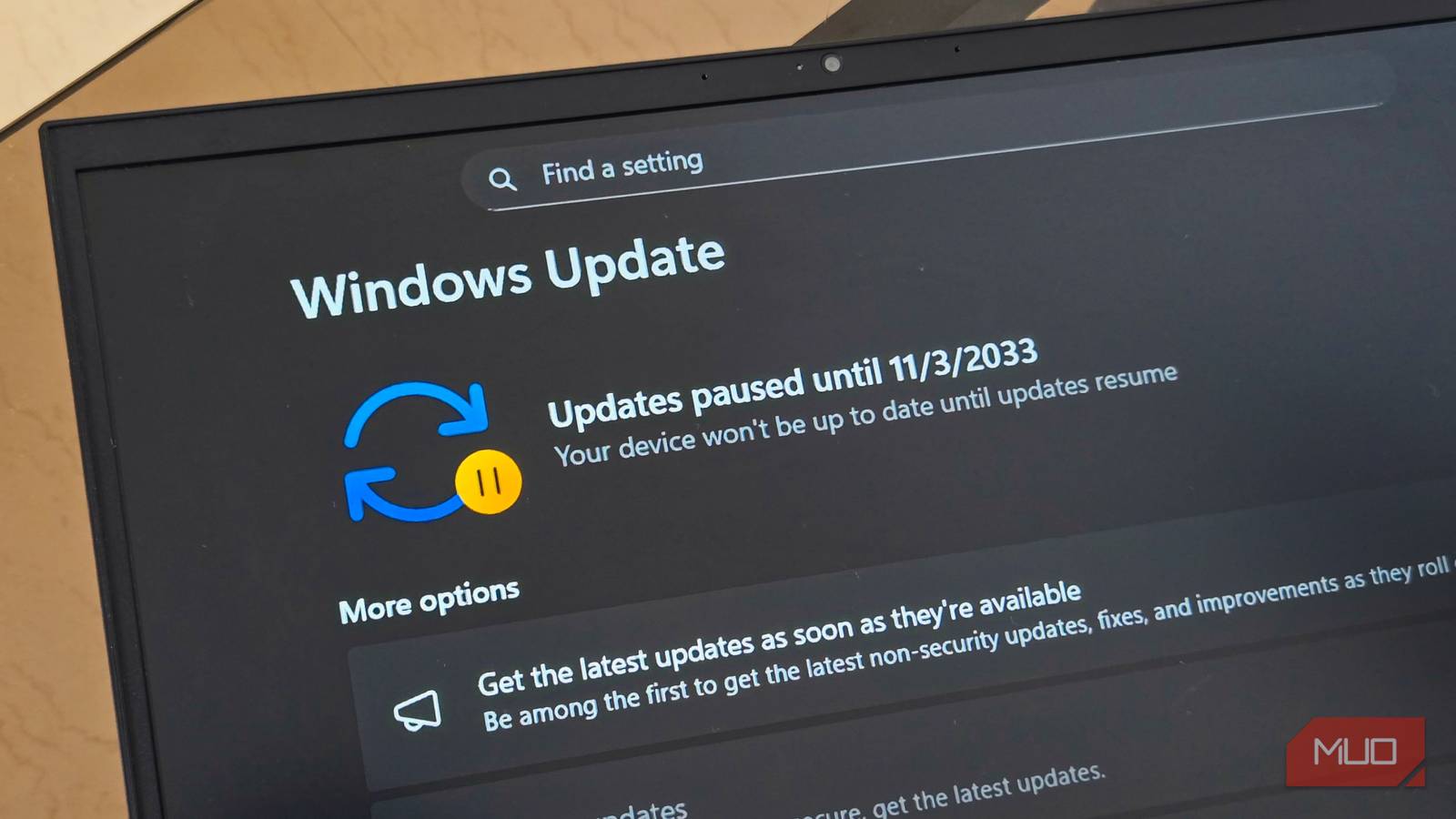

There used to be a tiny moment of hesitation every time I clicked the update button. You know the moment: the cursor hovers. Your brain runs a quick risk assessment. Do I really want to deal with this today? Updates are supposed to improve your system, but anyone who has used computers long enough knows they occasionally come with surprises. Drivers stop cooperating, or something that worked perfectly yesterday suddenly refuses to behave. Windows users know this feeling particularly well.
Windows updates have a long and colorful history of occasionally going sideways. Sometimes the system installs them at the worst possible moment. Sometimes a driver breaks. Sometimes a feature quietly stops working, and you don’t even know why. Recovery tools exist, but they often feel slow, opaque, and a little unpredictable. Linux, on the other hand, quietly solved this problem years ago. The trick is something called filesystem snapshots, and once you start using them, updates stop feeling risky altogether.
Updates used to feel like a gamble
The universal “please don’t break anything” moment

For years, updates always carried a small element of uncertainty. You press update, and you’re essentially making a deal with your computer. Maybe everything improves, maybe nothing changes, or maybe your sound device disappears into the twilight dimension. Most updates go fine, of course. But the possibility of trouble is enough to make experienced users cautious. If you’ve ever postponed an update because you actually needed your computer to behave that day, congratulations. You’re not alone. That hesitation disappears once your system has a reliable way to rewind itself. The feature that changed everything for me is filesystem snapshots. Instead of hoping an update works perfectly, Linux can freeze the entire system before anything changes: every file, installed package, and configuration.
That frozen state becomes a snapshot of your system at that exact moment. Then the update runs. If everything works, great. You keep using your computer. If something breaks, you simply return to the snapshot taken before the update happened. There will be no detective work, no reinstalling drivers, and no wandering through forum posts from 2014 trying to undo something mysterious. Your system simply reverts to the way it was. Windows does attempt something similar with System Restore, but it rarely feels as transparent. Restore points appear unpredictably, and rolling back can involve multiple reboots and long waiting periods. Snapshots take a simpler approach: if something breaks, you just go back to when it didn’t.
How Linux can freeze time in seconds
Modern file systems make snapshots almost instant

This capability comes from modern file systems like Btrfs. Traditional file systems would need to duplicate huge amounts of data to create a backup. Btrfs uses a technique called copy-on-write, which allows the system to record the current state of the filesystem without copying every file.
When something changes later, only the differences are stored. That means snapshots can be created almost instantly and take up surprisingly little space. Tools like Snapper automate the entire process. Before the system installs updates, Snapper quietly creates a snapshot in the background. You click update, and the system quietly saves a snapshot first. Then the update runs. That small design choice completely changes how updates feel.
The moment Linux updates stop feeling scary

The real magic happens the first time snapshots show up in your boot menu. Many Linux systems use the bootloader GRUB, and some distributions integrate snapshots directly into it. Instead of a single boot option, you might see something like this:
- Boot current system
- Snapshot before system update
- Snapshot from three days ago
If an update causes problems, you simply select the earlier snapshot. Seconds later, your computer boots exactly as it existed before the update ran, with no repair utilities, no long troubleshooting sessions, and no mysterious “attempting to recover your system” screens.
You’re simply back. From there, restoring that snapshot as the active system takes one command:
sudo snapper rollbackThe broken update effectively disappears from history. Not going to lie, the first time you do this, it feels a little like cheating.
When updates actually break something
A quick real-world scenario

Imagine installing a graphics driver update that suddenly makes your desktop feel … strange. Animations stutter, windows open with a delay, and everything technically works, but the system now feels like it’s arguing with itself. Normally, this is where troubleshooting begins: you start searching forums, you try downgrading packages, and you question several recent life decisions. With snapshots, the process is dramatically shorter: reboot, select the snapshot from before the update, and continue working. The broken update becomes tomorrow’s problem instead of today’s emergency.
Some Linux distributions already do this automatically
Snapshot-driven updates are becoming common
Several Linux distributions already treat snapshots as a core part of the update process. For example, openSUSE Tumbleweed automatically creates Btrfs snapshots before every system update. If something breaks, you can boot the previous snapshot directly from the GRUB menu and roll the system back.
Distributions like Garuda Linux also rely heavily on snapshots to make updates much safer. Even distributions that don’t use Btrfs by default often provide similar protection through tools like Timeshift, which creates restore points you can return to if something goes wrong.
The philosophy behind all of this is simple: updates should never trap you in a broken system.

I figured out why my Windows updates kept failing — and it wasn’t my internet
Old update data inside Windows was stopping every install
Why Windows should absolutely steal this idea
Windows does include recovery tools such as System Restore and update rollbacks. But they often feel like emergency tools instead of everyday safety nets. When a Windows update fails, users typically end up navigating recovery screens, waiting through several reboots, and hoping the system eventually repairs itself. Snapshots flip that entire process around. Instead of trying to repair a broken system, Linux simply lets you boot a system that isn’t broken. It’s faster, it’s clearer, and it dramatically reduces the stress around updates.
Most modern operating systems update constantly. Security patches arrive regularly. Drivers evolve. Software changes faster than ever.
In that environment, the ability to undo changes instantly becomes incredibly valuable. Linux doesn’t pretend updates will always go perfectly. Instead, it provides a safety net. Press update, let it run, and reboot if needed. If everything works, great. If something breaks, reboot again and choose yesterday’s system instead. Windows treats updates as something you hope will work.
Linux treats them as something you can undo.
