


I’d been with the same local cable provider for many years. The service worked, the price remained predictable, and switching to satellite internet felt like a hassle involving upfront costs I was not interested in paying.
Then, slowly, my provider hiked the rates. With each passing year, the service seems to degrade as the bill grows. My neighbor couldn’t stop talking about his Starlink setup, and I decided to try it. Worst case, I’d send it back within the 30-day window.
I didn’t send it back.

I separated my 2.4GHz and 5GHz bands and I should have done it sooner
A simple router setting was holding back my home network’s full potential, and I wish I’d made this change sooner.
What made me finally pull the trigger? One bill undid years of cable inertia. The yearly rate hike became the tipping point that prompted me to explore alternatives. The rate hike wasn’t dramatic. It was the principal, the reminder that I was stuck in a relationship with a company that lacked the incentive to keep me happy. Meanwhile, Starlink had matured from an experiment to something people relied on.
When I went onto the Starlink website, I was expecting to pay $349 for the standard kit. That was a cost I had been reluctant to pay for many years, but because of the cable situation, I decided to pay the price of admission. And then I saw it: for select residential areas in the U.S., where it’s available, more or less everywhere, Starlink is no longer charging for the hardware equipment.
Instead, it “rented” for $0 per month. I had to enter my ZIP code to see if my area qualified, and it did. My free kit arrived two days later.
How to set up Starlink: Easier than you think
How the Starlink app guides your installation

The Starlink hardware arrives in a compact box: dish, mount, power supply, router, and cables. Everything you need is there. The Starlink app does the rest.
The app uses your iPhone camera to scan your intended mounting location with some pretty ingenious graphics that require you to aim your phone at the sky and pivot slowly 360 degrees. During this process, which takes about 60 seconds, the app scans for obstructions. This step matters. In fact, it’s probably the most important step. Starlink needs a clear view of the sky, and even a tree branch in the wrong spot will cause periodic dropouts. I moved my dish location several times based on the app’s feedback before finding the correct spot.
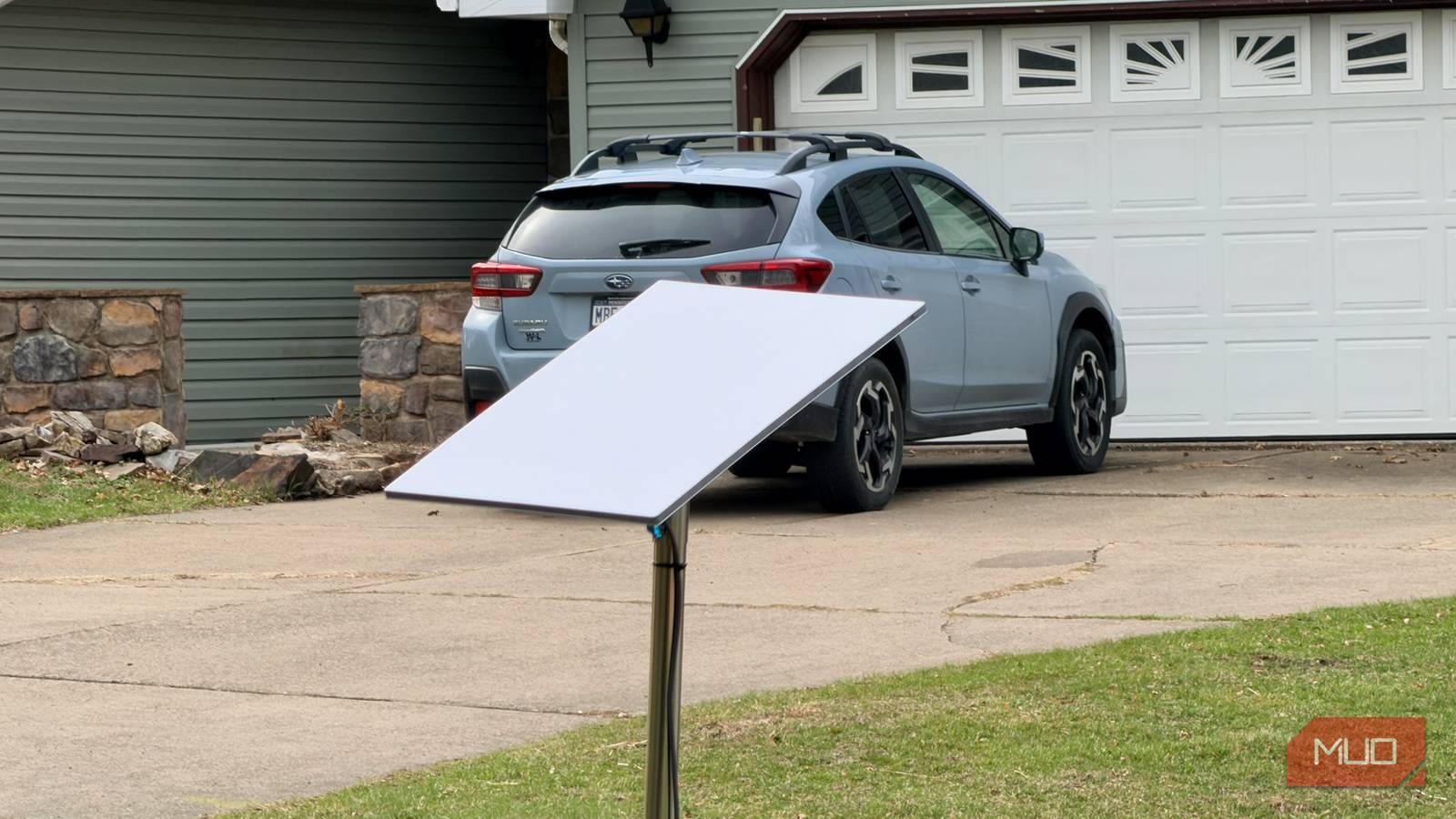
During this setup, I simply placed the dish in my yard, which you can certainly do as a long-term solution. Once I was comfortable enough with the service, I purchased a third-party pole on Amazon to mount my dish in the yard. You can mount the dish on your roof, on the side of your house, in the yard, wherever it works. Starlink sells all of the accessories you need, as do third-party vendors.
Once I found the right spot, I found a place in my house for the Starlink router, fished the cord through a hole on the side of my home I had used many years ago for my long-canceled DirecTV service, and attached it to the dish and powered it on. Once it oriented itself, the process took less than an hour.
Starlink speed and performance: What to expect in real-world use
Latency and what it means for video calls
My first speed test came back at 264 Mbps down, immediately faster than my old cable connection at just over 150 Mbps. The boost was noticeable. Interestingly, setting up Starlink can take up to an hour for the entire configuration to complete. This is done behind the scenes, and during this time you can already set up devices on your new network. When the configuration was complete, I hit 350 Mbps, and that’s where it has sat, on average, ever since.
But when it comes to internet connections, it’s not always just about speed. The real game-changer was the balanced upload. Years of sluggish cable uploads slowed video calls and file sharing. Starlink’s improved upload speeds meant smoother work and instant sharing.
Latency averages between 22 and 50ms, much faster than that of older satellites. That means video calls are smooth, making online meetings and chats effortless instead of frustrating compromises.
Starlink pricing and plans: Which tier is right for you?
Monthly plan breakdown: 100, 200, and Max

Starlink currently offers three residential packages. Its Residential 100 Mbps is priced at $50 per month, while the mid-priced Residential 200 Mbps plan is $80 per month. Those speeds are the most you should expect with those plans. The Residential Max plan I purchased costs $120 per month. This is the plan that gives you the best speeds currently available through Starlink, up to 400 Mbps. While all three plans offer unlimited service (no data caps), only the Residential Max plan guarantees “network priority.” This means that when the network is under load, Starlink can temporarily allocate bandwidth based on your tier plan. Those on the first two tiers can see their speeds temporarily throttled until congestion eases.
As noted above, the standard kit either costs $349 as a one-time purchase or, depending on your location, is available for free. In that case, the equipment is considered a rental and must be returned at no cost if you decide to cancel the service. There are no contracts. If you purchased the equipment, you can return it for a refund within 30 days.
My previous cable bill was nearing $139 per month, with a maximum speed of 250Mbps, which I rarely saw. So I got better speeds for less.
Starlink limitations you should know before switching
Wind, obstructions, and dish placement challenges

There are several important points to consider if you are thinking about switching to Starlink. For one, and this is a big one, Starlink is still best in rural, not urban areas, where internet connections are typically much slower. I’m fully aware that for many, 400 Mbps doesn’t sound fast, especially when there are plans available elsewhere with significantly higher speeds. Those, however, aren’t aware in areas like where I live.
In the short time I had Starlink, I also noticed that stormy weather can sometimes cause brief interruptions, especially during heavy rain. I’ve had a handful of 10 to 30-second drops during storms. It’s not frequent, but it happens. Interestingly, Starlink has engineered the current-generation dishes with built-in heating elements that automatically activate when needed. It detects snow and ice buildup and heats up to melt it off the surface. You can also activate a pre-heat feature from the app that lets you heat the dish ahead of an incoming storm.
The dishes also handle wind speeds up to 75 mph. This sounds good, but there’s a caveat: if your dish is on a pole, the wind can slightly move it, which can disrupt your perfect alignment. There are several videos on YouTube by fellow Starlink customers offering suggestions on how best to secure your dish, whether on a pole, on the roof, or the side of your home. They are worth watching, and I plan to do so soon to adjust my current setup.
Finally, obstructions are a major issue with Starlink. My setup required careful positioning, and people in heavily wooded areas or with complex rooflines may struggle to find a clear line of sight. Luckily, you can test different areas around your home with Starlink even before ordering a unit to make sure there’s a spot that works for you.
The bottom line: Is Starlink worth it?
If you’re locked into a dead-end cable contract that keeps getting more expensive while it delivers less, Starlink is worth a serious look, especially if you live outside a major metro area where fiber isn’t an option. The setup is straightforward, the speeds are fast, and the pricing is competitive enough that the math works out for most households.
Yes, there are trade-offs. Stormy weather can cause short-term interruptions, and obstructions are a genuine challenge, and the service shines brightest in rural and suburban areas rather than dense cities. But after years of dreading my monthly cable bill, switching to Starlink felt less like a tech experience and more like a decision I should have made sooner. If your situation is anything like mine was, it might be yours too.
Not ready to commit? Starlink is now available for flights and on my cruise ships, too.
