

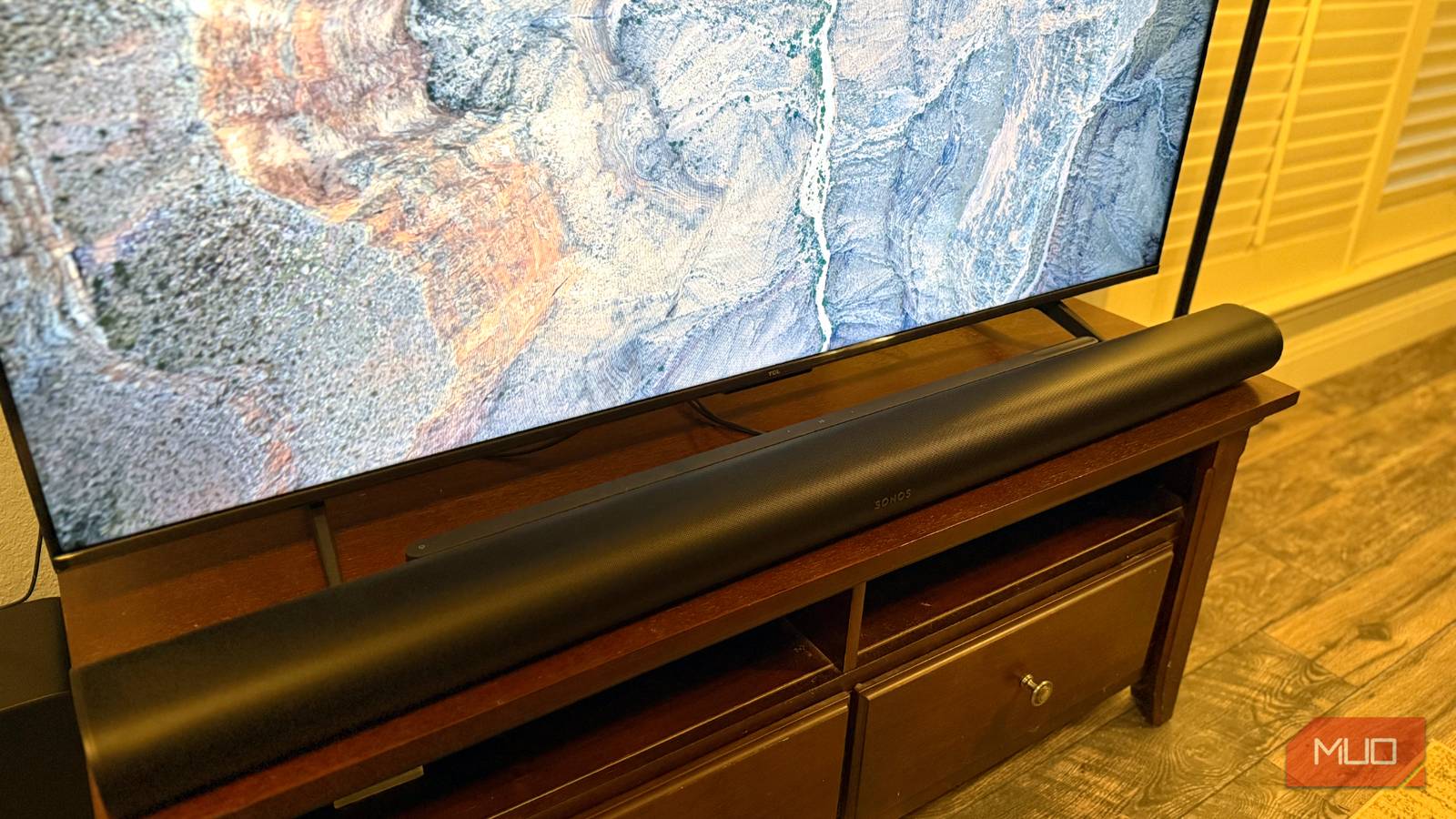

Dolby Atmos is a spatial audio format that works virtually on supported TVs or speakers and physically on surround sound speaker systems. For the best experience, you need a Dolby Atmos receiver and a 5.1.2 surround sound speaker layout to provide full spatial coverage. Dolby Atmos includes object-based sound imaging and uses down-firing speakers mounted above you to create a three-dimensional listening effect. This is how the audio format works when you have at least a 5.1.2 layout, but there’s one thing that could throw a wrinkle in your spatial listening experience.
Regardless of whether your inbuilt TV speakers support Dolby Atmos, you should make sure they’re disabled when using a dedicated surround sound speaker system. Check your TV’s audio output settings to confirm your ARC/eARC, digital audio out, and passthrough audio preferences are configured correctly for your Dolby Atmos speaker system. If they aren’t, your TV speakers could be inadvertently interfering with the Dolby Atmos system or forcing it to fall back to basic stereo sound. Here’s what you need to know about connecting your Dolby Atmos surround sound setup to your TV, and how to avoid interference.

Check these 3 things before streaming music in Dolby Atmos
If you fail to watch for these three Dolby Atmos limiting factors, you’ll end up missing out on the spatial audio experience you crave.
Are your TV speakers important for Dolby Atmos?
Speakers and soundbars can actually support virtualized Atmos sound

Before moving forward, you need to check how you are using Dolby Atmos in your home theater or audio setup. Your TV might actually have Dolby Atmos support built-in if you own a supported model from Hisense, Samsung, Sony, LG, TCL, Vizio, Amazon, Roku, Panasonic, Toshiba, or SunBrite TV. However, this is a virtualized version of Atmos that uses software to create a three-dimensional listening effect. It’s not perfect, and it’s certainly not the same as using a true surround sound system. In addition to your TV, your soundbar might include Dolby Atmos support as well.
There’s nothing wrong with using Dolby Atmos via your built-in TV speakers or soundbar. It’s better than not using spatial audio at all, and costs a fraction of the price of a seven-speaker Dolby Atmos surround sound system. The issue lies in setups where you do have a dedicated surround sound speaker system. In that situation, leaving your TV speakers active is hurting your sound quality. Even if they support Dolby Atmos, your inbuilt TV speakers are adding echoes, interference, and conflicting spatial imaging to your expensive setup.

Dolby Atmos is great until you realize your setup isn’t actually using it
To use Dolby Atmos, every device in your media setup must support it, from your PC and streaming box to your receiver and speakers.
If you have a Dolby Atmos setup, disable your TV speakers
Even if your TV speakers support Atmos surround sound, they aren’t necessary
Most people focus on their TV’s picture settings, but if you have a Dolby Atmos speaker system, you’ll want to pay just as much attention to your audio output settings. The exact settings menu location will vary by TV brand, but look for something like Settings → General → Volume & audio output. This is where you’ll find the settings for Dolby Atmos and audio output.
Depending on your TV’s sound outputs, you might see options like built-in speakers, Bluetooth, HDMI ARC/eARC, line out, or wired headphones. If you’re using HDMI to connect to your Dolby Atmos-equipped receiver, you need to configure your preferred audio output to ARC/eARC. Using eARC is preferred if your hardware supports it, because the enhanced Audio Return Channel is compatible with lossless, uncompressed Dolby Atmos. If you use standard ARC, you’ll get a lossy, compressed version of Atmos.

To ensure you’re getting the best sound out of your speaker system, you can’t stop there. Go into your advanced TV audio settings and look for a page called HDMI Input Audio Format. This setting dictates which audio format an HDMI ARC/eARC connection will use. Make sure the HDMI Input Audio Format is either set to Bitstream or Passthrough.
Here’s why — without this setting enabled, your TV will handle the audio decoding, leading to worse audio quality or the loss of Dolby Atmos compatibility altogether. By using Bitstream or Passthrough, the connected Dolby Atmos receiver will take care of audio decoding, which is preferred. You could let your TV handle Atmos decoding if your model supports it, but generally, receivers are purpose-built for this task and are the superior option.
Finally, check your Bitstream Format when using Bitstream as the HDMI Audio Format. You’ll probably want to set the Bitstream Format to Dolby Digital or Dolby Digital Plus if using ARC to transmit audio, as it’ll provide the best balance of compression and latency. For those using eARC, set the Bitstream Format to Dolby Atmos for Home Theater to get uncompressed spatial audio.
Changing these TV audio output settings should automatically disable the inbuilt speakers when your Dolby Atmos receiver is connected. However, if you’re still hearing audio from your built-in speakers, manually turn them off in your TV’s Volume & audio output settings.

TV speakers aren’t good, but this app makes them noticeably better
Make your TV speakers better before you get a soundbar or home theater system.
Why your TV speakers can interfere with Dolby Atmos
Latency, echoes, and poor spatial sound imaging are the main side effects

Without correctly configuring your TV’s audio output settings, you might accidentally end up hearing Stereo PCM audio instead of Atmos, lossy Dolby Atmos instead of lossless, or your inbuilt TV speakers in addition to your surround sound system. While you’ll probably notice if your TV speakers are playing alongside your Atmos setup, this might be the most frustrating mistake of all.
Spatial audio imaging is critical for surround sound formats like Dolby Atmos. Speaker placement and positioning is arguably more important than the quality of the speakers themselves. It’s the difference between a surround sound system feeling convincing or like a gimmick. If your TV speakers are enabled while a Dolby Atmos system is connected, the spatial imaging is completely thrown off. Latency differences between the Atmos speakers and your TV speakers will cause unwanted echoes and interference.
Dolby Atmos is a stunning technology, but surround sound systems are too expensive to risk getting wrong. That’s why it’s worth double-checking the HDMI Audio Output Format and Bitstream Format selections in your TV’s settings menu.
