

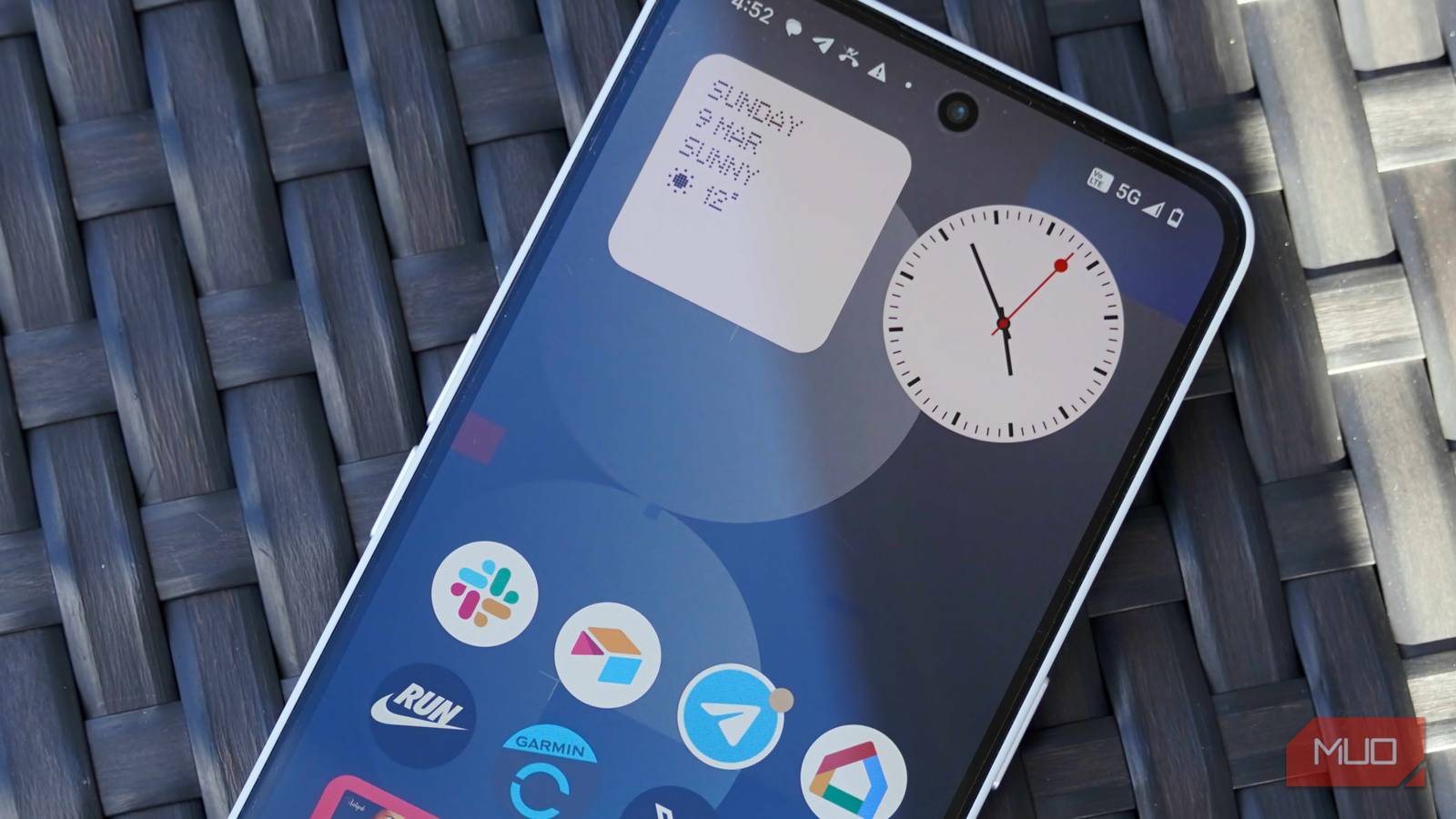

5G was hailed as the transformative change in cellular internet connectivity. Gigabit speeds, near-zero latency, and instant downloads were all parts of the pitch. I’ve been on a 5G phone for years now, and network coverage has spread far and wide. Despite that, something feels off.
Pages load at the same speed, if not slower. Videos can sometimes buffer, and internet speed tests don’t really show much of a difference. If anything, my 5G network seems to be delivering worse speeds than good old LTE somehow.
5G isn’t always the upgrade you think it is
Why some “5G” connections are barely better than 4G
5G is not a single technology. Instead, it’s a range of frequencies grouped into three different tiers: low-band, mid-band, and high-band (also called mmWave). Each one of these behaves differently, almost like a completely different network.
The mmWave 5G you commonly see in advertisements runs at frequencies above 24 GHz and can theoretically achieve speeds over 1 Gbps. But it comes with a major catch: terrible range. It can’t penetrate walls, or even heavy rain or cloud cover, and requires a dense grid of small cells to function. This means you’ll likely experience mmWave 5G in dense urban areas like stadiums, airport terminals, or a particularly busy part of town.
Sub-6 GHz 5G is what most people are actually connected to. Mid-band sub-6 GHz offers a reasonably fast 100 to 700 Mbps speed in real-world conditions. Then there’s low-band 5G, which carriers use to claim nationwide coverage. This operates below 1 GHz and only gives you around 50 to 100 Mbps, barely better than LTE. Research from Nokia shows that with the low-band spectrum, 5G performance is only incrementally better than 4G. So, while you might be seeing that 5G icon show up next to your signal strength indicator, your experience is more or less what it would be on an LTE connection.
Faster speeds come with hidden trade-offs
Latency, signal switching, and real-world slowdowns

A lot of carriers use DSS or Dynamic Spectrum Sharing to quickly roll out 5G without building entirely new infrastructure—a long, expensive, and time-consuming process. Carriers use DSS to let 5G and LTE share the same frequency band simultaneously. It’s actually quite the clever approach as base stations dynamically allocate resources between 5G and LTE users in real time.
The problem, however, is the overhead it creates. The 5G synchronization signals often collide with LTE pilot signals, requiring workarounds that reduce efficiency for both sides. In areas where there is more LTE traffic, your phone might be on 5G, but it’s getting a smaller part of the spectrum than what a dedicated LTE connection would have provided.
You’re technically on a newer network that, in practice, is more congested and less optimized than the LTE infrastructure powering it. Fixing Wi-Fi network congestion is one thing, but this one is completely beyond our reach as cellular network users.
Your battery pays the price too
5G quietly drains more power
So far, this might not sound that bad. After all, when on a 5G network, you still have headroom for higher speeds, even if you’re on slower speeds most of the time. But slower speeds aren’t the only cost you pay for 5G.

If you’ve noticed your phone’s battery draining faster since upgrading to 5G, you’re not imagining it. Ookla Speedtest Intelligence data shows that accessing 5G networks can increase battery drain by between 6 and 11%. And it only gets worse as the signal weakens.
When your phone is far from a 5G tower and straining to maintain a signal, your battery drains faster. When signal strength is weak, which it often is on mmWave 5G, your modem works harder to maintain the signal. This results in a higher power draw and hence, more battery consumption.
You can fix this in seconds
Simple settings that instantly improve speed and stability

Your best bet is to force your phone to use an LTE connection and stop it from chasing weak 5G signals.
On Android, you’ll find the option to do it in your network settings. Go to Settings > Connections/Network & Internet > Mobile Networks/SIM > Select LTE or 4G Preferred. On iOS, go to Settings > Cellular > Cellular Data Options > Voice & Data > LTE.
Apple also gives you an option called 5G Auto, which automatically defaults to an LTE connection when 5G isn’t providing meaningfully strong signals. It lets your phone use 5G when it’s genuinely better, but stops it from clinging to 5G just for the sake of it.
5G still has its place
When it’s actually faster—and worth turning back on
None of this means 5G is useless. It is still very much the next iteration in cellular connectivity. Mid-band 5G is legitimately fast and worth using when you’re connected to it, and it’s often deployed on dedicated new spectrum in denser, urban areas.

I disabled 2G on my phone and it’s the best security move I’ve made
Avoid a potential security nightmare.
The question isn’t whether 5G is good or not. It’s whether you’re actually connected to it. Just because you see the 5G icon show up doesn’t mean you’re going to get faster internet. And sometimes, old is in fact, gold.
