


A lot of Windows advice still floating around on the internet today was written for a very different era of hardware. This means certain tweaks that made sense back then may no longer apply, and can even make things worse. Disabling the page file is a good example.
The reasoning usually sounds convincing. Either you don’t need it on a system with 16GB or more RAM, or it’s slowly wearing down your SSD with constant writes. In reality, though, disabling the page file makes your PC more vulnerable to crashes and instability, which is why it’s not a good idea.
The page file still matters
It’s Windows’ safety net

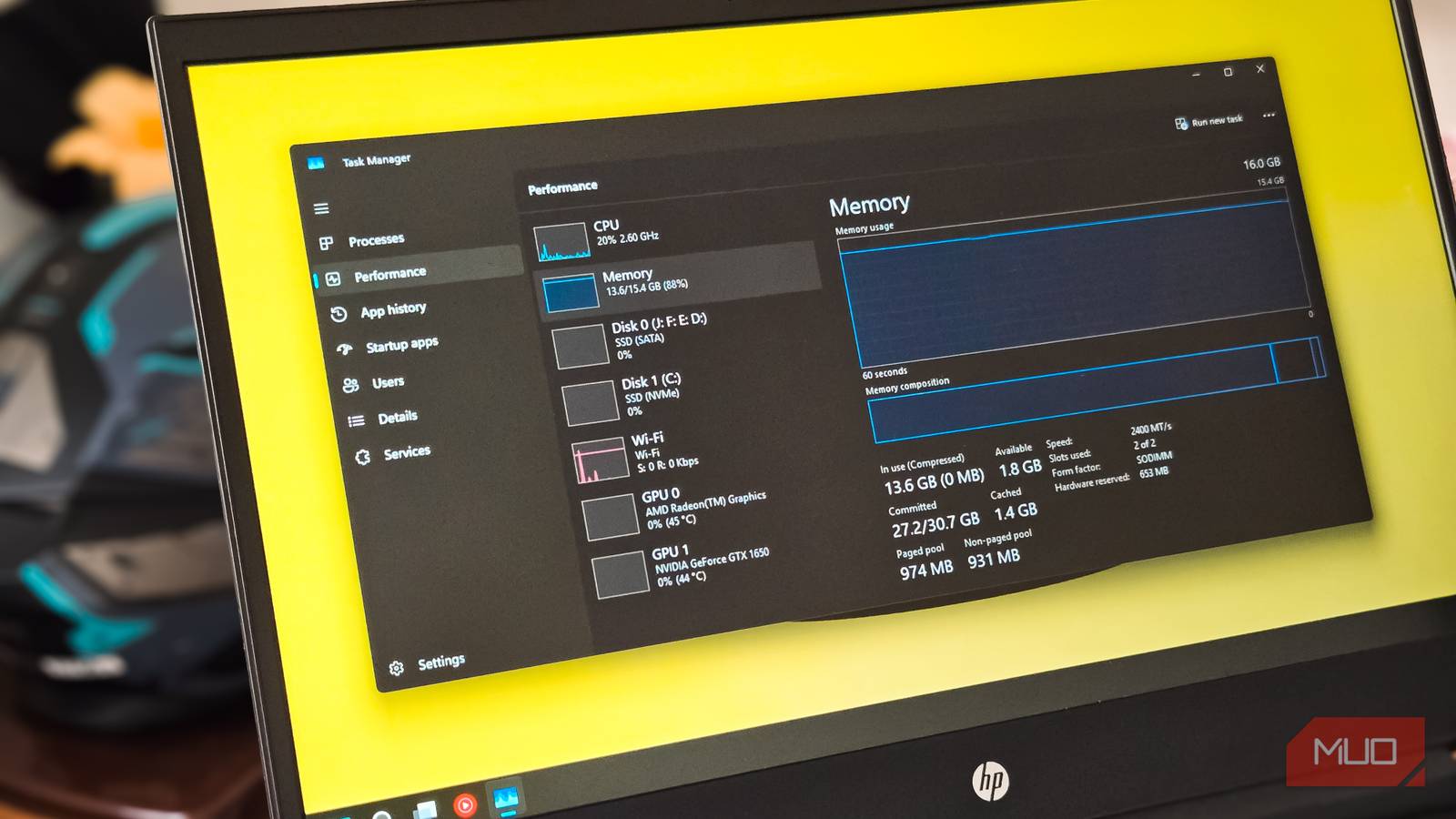
Your PC’s RAM may be fast, but it’s also limited. So at some point, Windows may run out of space to keep everything active in memory. When that happens, the page file acts as a backup solution.
The page file, which is stored on your main drive as pagefile.sys, essentially acts as an extension of RAM. When the physical RAM starts filling up, Windows automatically moves some of the less-used data out of RAM and into the page file. This process is called paging, and it keeps your system running smoothly even under heavier workloads. The idea behind this is simple. Instead of letting RAM usage hit a hard limit and break things, Windows can use the page file to manage the load.
Even if your PC already has 16GB or more RAM, the page file is still important. That’s because it gives Windows flexibility. If your PC’s RAM usage suddenly spikes due to dozens of browser tabs or a rogue app, Windows can handle that spike gracefully using the page file. Without it, something has to give, and that could mean freezes or forced app closures.
Also, there are some apps that are built with the assumption that paging is available. Without a page file, those apps can crash outright or behave unpredictably. The page file is what prevents those moments from turning into full-blown instability.
Why “disable the page file” is common, but flawed advice
A classic case of old advice meeting modern hardware

A common advice in Windows optimization guides is always this: disable the page file to increase your SSD’s lifespan. The logic behind this is simple. SSDs have limited write cycles, and the page file feature constantly writes data to the disk. So, in theory, turning it off should reduce wear and help your drive last longer.
While this is technically true, you still shouldn’t do it for a couple of reasons. For one, modern SSDs are designed with features like wear leveling, over provisioning, and endurance ratings that can easily handle these workloads. More importantly, the amount of disk activity generated by the page file under normal conditions is negligible in comparison. Unless your PC is constantly running out of RAM, the page file is not being hammered with heavy writes.
So yes, disabling the page file might reduce a few writes. But those are writes your SSD is already designed to handle comfortably. By removing the page file, you’re removing a key part of how Windows manages memory under pressure.

Everyone disables this Windows setting to protect their SSD, but they’re wrong
Your SSD will last for years, and Windows has your back.
It’s better to adjust the page file size then disable it
The middle ground
If you’re still worried about the page file constantly writing to your SSD, you can adjust its size instead of turning it off completely.
By default, Windows manages the page file dynamically. That means it increases or decreases the size based on your PC’s needs. Most of the time, this works fine and doesn’t require any changes. But if you want a bit more control, it’s quite easy to set a custom file size yourself. This can reduce excessive disk usage while still allowing Windows to fall back on virtual memory when needed.
To change the paging file size, search for advanced system settings in the Windows search bar. Then, go to Advanced > Performance > Settings, switch to the Advanced tab, and click the Change button. Here, uncheck Automatically manage paging file size for all drives, select your main drive and choose Custom size. Now comes the important part. In the Initial size field, enter a value that’s about 1 to 1.5 times your PC’s actual RAM. For the Maximum size, set a value around 2 to 3 times the RAM.
If your PC has plenty of RAM, you can be more conservative. Something like a fixed size equal to your RAM works well. Of course, you shouldn’t go too far. If you set the page file too small, you’re essentially recreating the same problem as disabling it. That may cause Windows to run out of virtual RAM and experience stability issues.
The appeal of quick Windows tweaks is easy to understand. After all, who doesn’t want better performance and longer life for their PC? But it’s always worth checking if the tip is still relevant for the modern hardware, or if there are any downsides that make it less appealing.
