

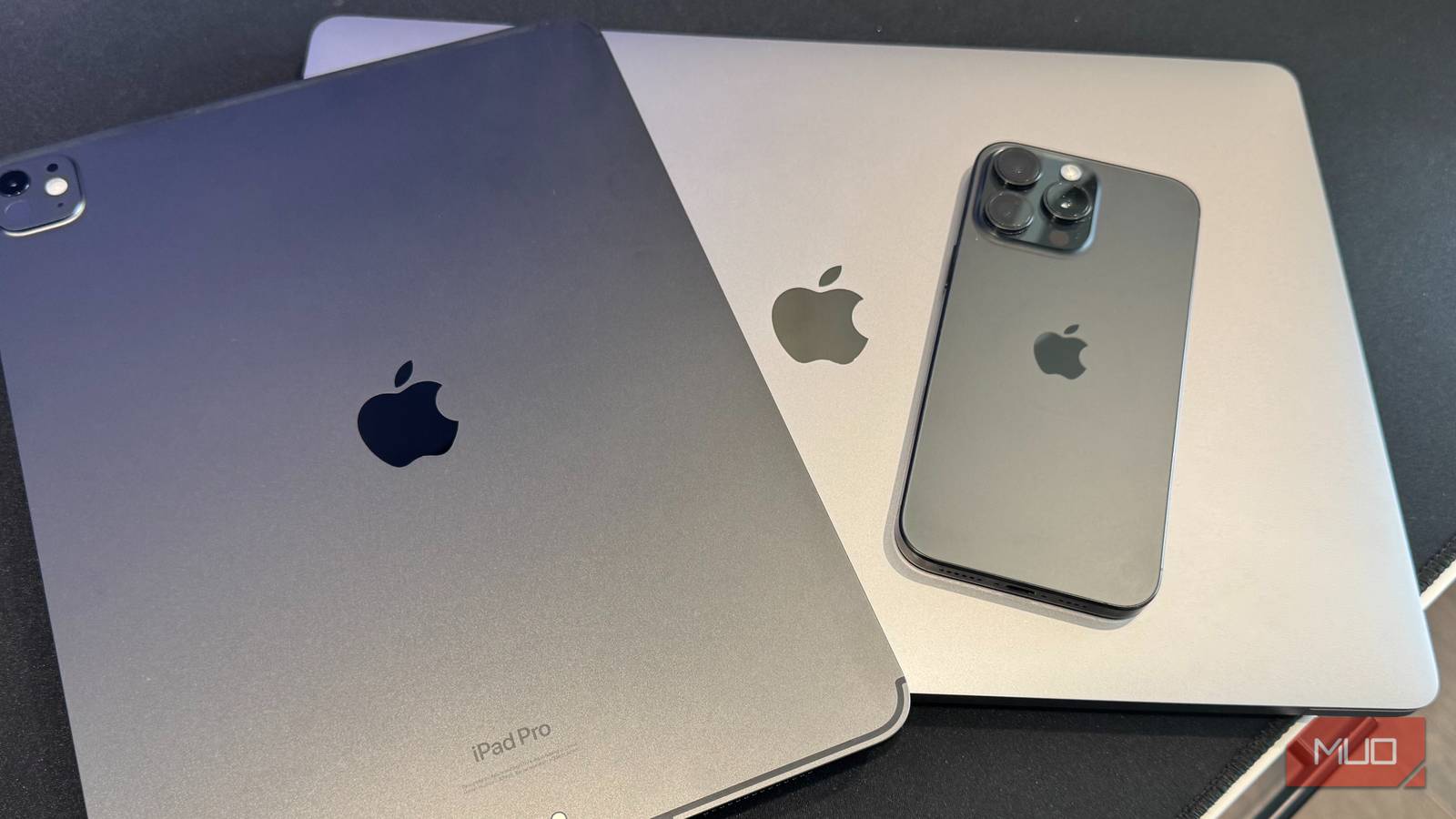

I made the switch from Windows to Mac back in 2017, but it wasn’t a clean break. My corporate job issued me a Windows laptop, and while I worked remotely and most of our programs were cloud-based through Google Workspace, there were still applications I could only access on that clunky Windows machine.
Leaving that job in 2022 to focus on digital marketing strategy, engineering/technical writing, and smart home writing meant I could finally ditch Windows for good. It felt like a weight off my shoulders. I’ve now spent three years exclusively on macOS, and I’m never going back. Here’s why it won me over for good.
My Apple devices talk to each other seamlessly
Everything just works together

I forgot how good I have it with my iPhone, MacBook Pro, iPad Pro, and two Mac Minis until I think back to my Windows days. I can start an email on my iPhone while making coffee, then finish it on my MacBook Pro without any extra steps. That’s Handoff, and it’s magic.
AirDrop takes three seconds to send files, photos, and other content between devices. To send a photo from my iPhone to my Mac, all I have to do is tap share, select the device, and it’s done.
Universal Clipboard lets me copy text on my iPhone and paste it on my Mac. Back on Windows, I was emailing myself files or messing with third-party services that broke constantly. On Mac, everything flows naturally between devices. Another bonus is using my old iPad Pro seamlessly as a second monitor for my MacBook with Sidecar.
I can actually text from my computer now
Messages on Mac changed everything

The Messages app on macOS shows my iPhone texts right on my Mac screen. I can reply without picking up my phone, which is huge during video calls or when I’m in the zone writing.
I tried Windows apps that claimed to do this. They didn’t. I faced constant reconnecting, dropped messages, and other issues—it was a total mess. With Mac, every text and iMessage appears instantly.
I can keep my phone charging across the room while staying fully connected. For someone who writes for hours at a time, this removes unnecessary context switching.
No more mystery freezes and random restarts
My Mac just keeps working

I’ll never forget when my Windows laptop decided to install a critical update five minutes before a major client video call. That “Working on updates: 0%” screen just sat there while I watched the clock. I couldn’t share my presentation from my phone, so we had to wait 20 minutes before we could start.
My Mac doesn’t do that. Freezes are rare; random restarts don’t happen. Windows picked the absolute worst times to crash, like when I had several research tabs open, a half-finished project with no recent save, and a deadline in an hour. Mac updates actually finish in a reasonable time and don’t ambush you. You can even schedule them at specific times.
I’m not worried about viruses anymore
Better security gives me peace of mind

The constant vigilance required on Windows was exhausting. Every download felt risky, and antivirus software constantly ran in the background, eating up system resources. Mac’s better security against malware and viruses has lifted that worry.
Gatekeeper checks apps before they open. I don’t run antivirus software anymore, which means no more CPU drain and better performance. Since I download tons of software for reviews, not worrying about every file being malware is a relief. I test the product instead of second-guessing the download.
Everything I need lives in iCloud
Seamless cloud storage that actually works

iCloud integration across all my devices has transformed how I manage files. Documents I create on my MacBook Pro automatically sync to my Mac Minis and iPhone. My Desktop and Documents folders exist simultaneously on every device.
Photos sync everything, so iPhone screenshots show up on my Mac right away for editing. OneDrive promised the same thing on Windows, but would often stop syncing without explanation. Plus, the interface made no sense. Now, if I need a file while I’m out, I grab it on my iPhone via iCloud Drive. Never again will I have to deal with “oops, that’s on my other computer.” Plus, I get all the other benefits iCloud has to offer.
The interface just makes sense
Everything feels cleaner

The Dock gives me my main apps without the mess of the Windows taskbar, plus the Start menu. Spotlight finds whatever I need instantly—apps, files, math, and even definitions. Windows Search was always slow and unreliable.
Mission Control revolutionized how I manage multiple windows. A simple swipe up on the trackpad (or Ctrl + Up Arrow on the keyboard) displays all my open windows, organized clearly. Trackpad gestures actually work—swipe with three fingers to switch apps, pinch to zoom, and scroll with two fingers—feeling responsive.
Mac ships without bloatware and has no trial software or manufacturer-specific utilities. System Settings organizes options logically, unlike Windows Control Panel’s labyrinthine structure.
It’s not all perfect
The reality check: what I gave up

I used to build my own PCs, carefully selecting each component and assembling custom machines. That’s impossible with Mac, especially now with Apple Silicon integrating the M1 through M5 chips directly onto the motherboard. There’s no upgrading RAM and no swapping graphics cards.
Macs are expensive. Not just the initial purchase price, but repairs too. Drop a Windows laptop and you might find cheap replacement parts online. Damage a MacBook, and you’re looking at Apple’s premium repair prices. I’ve embraced the “dongle life” with USB-C ports.
Gaming on Mac remains limited. The game library is smaller, performance isn’t optimized for many titles, and some popular games don’t have Mac versions. Some Windows-only professional software lacks Mac equivalents. For my work in technical writing, marketing, and smart home tech, Mac’s benefits far outweigh these drawbacks.
No regrets about ditching Windows
After years of exclusively using macOS, everything works together, doesn’t crash, and makes sense. My workflow is better than it’s ever been. Sure, Macs cost a fortune, and I do miss building my own PCs and upgrading parts whenever I wanted. But the time I’ve saved not troubleshooting crashes, hunting for synced files, or waiting for surprise updates has been worth every penny. For the work I do and the way I work, leaving Windows behind was one of the best tech decisions I’ve ever made.
