

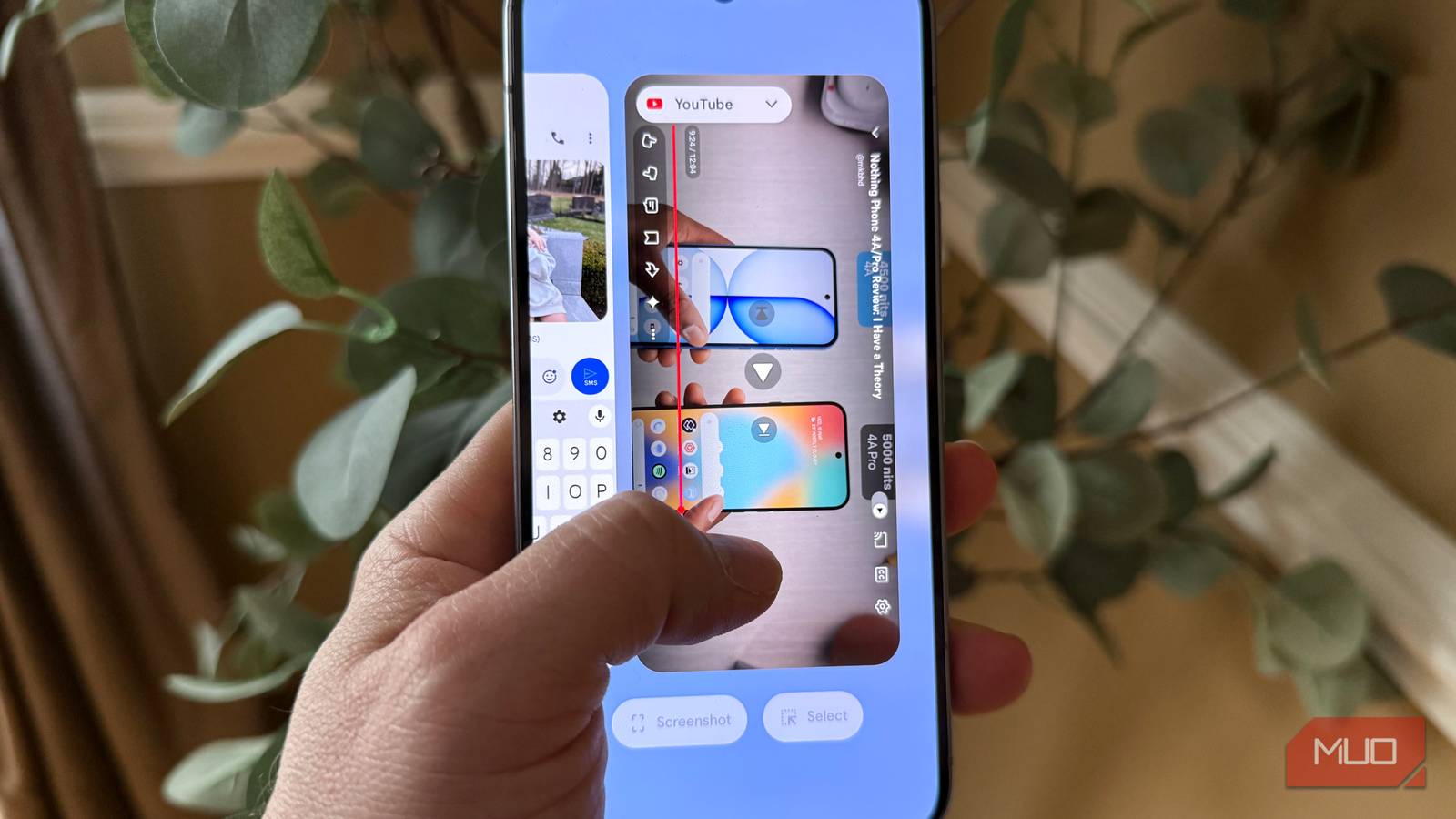

Android has multiple gestures built into the system and certain apps that are easy to miss. These gestures make navigating Android faster and easier, and allow you to access key functions with minimal effort, and over the years you might have triggered some of these gestures by accident. I know I have.
For example, Gboard (which has a cool extra feature on iOS) has a hidden trackpad function to allow for precise cursor placement — a lifesaver when editing text. Also, there’s a gesture that lets you rapidly swipe between two recent apps in a similar way to using the Alt + Tab on your PC. I put together a list of the most powerful Android gestures you might have missed, including several system-level gestures, one for Gboard, and towards the end, a YouTube gesture that makes navigating videos much faster.
Gboard precise cursor placement
Makes text editing much easier

When editing text on Android, you can position the cursor by tapping and holding in the text field to move the cursor. But a much faster option is to long-press the spacebar, which turns the spacebar into a linear-pad that allows you to slide your finger right and left to precision-place the cursor, which makes text editing so much easier.

- OS
-
Android, iOS
- Developer
-
Google LLC
Gboard is Google’s offiical keyboard app
On some devices, like the Pixel, there’s even a bit of haptic feedback, which gives you a slight vibration for each cursor position you go through. Another quick gesture in Gboard you might not know about: if you swipe left on the backspace key, it will highlight and delete an entire sentence. If you use Chrome, the next section covers a fantastic gesture to make switching tabs super easy.
The next gesture is really powerful for Chrome users.
Easily swipe between open Chrome tabs
Great if you work with multiple tabs

Switching between open browser tabs in Chrome for Android is a pain unless you know this gesture. Without this gesture, you must first open the tab view and select the tab you want.
Instead, you can swipe left or right along the address bar in Chrome to effortlessly move between open tabs. This is even easier if you’ve set Chrome on Android to display the URL bar on the bottom, which is much easier to use since your fingers have to do less movement versus placing the address bar on the top.
To enable the tab bar on the bottom, just press the three dots -> Settings -> Address bar -> choose Bottom. Another super useful Chrome gesture: swiping up on the URL bar will bring you into your open tab overview quickly.
With this gesture, you can sequentially move between as many tabs as you have open, which is very powerful if you’re referencing multiple open tabs at once. The next gesture is equally powerful and lets you quickly move between open apps in a similar way.
Alt-tab between open apps
This gesture makes multitasking powerful

In order to use this brilliant gesture, which makes switching between active apps as easy as using Alt+Tab on your PC, you must have gestures enabled on your device (and by the way, if you’re still using buttons, it’s time to move on). To switch your phone to gesture-based navigation, go to Settings -> search for “navigation” and look for either “navigation bar” or “navigation mode” and turn on Gestures. That said, if you’re intent on keeping the old-school Android buttons and still want to quickly toggle between open apps, you can actually double-tap the recents button to quickly toggle between open apps.
The next gesture on our list makes it superfast to jump to the handy shortcuts in your notification shade.
Open the quick settings panel easily
A two-finger swipe goes directly to your shortcuts

The quick settings tiles in the Android notification shade are a powerful tool (that you can customize with any shortcuts you want), but when you swipe down on your notification shade, these quick tiles by default are condensed. To see them fully expanded, you can swipe down with two fingers from any screen, and you can see all of your quick tiles expanded.
Lastly, for all the YouTube junkies, I’ve got a great gesture below that makes it easy to jump around within a video.
Bonus: quick skip ahead in YouTube
Instantly jump ahead 10 seconds with this simple gesture

This is super handy for those of us who watch a lot of YouTube. If you want to jump ahead precisely 10 seconds, you can double-tap the right side of the video player. To go backwards ten seconds, double-tap the left side of the video player. If you double-tap more than once, you’ll skip ahead an additional 10 seconds. I find this is more precise than scrubbing the timeline.
Master gestures in Android
For faster navigation and efficiency

Android has so many fantastic gestures that you can learn that make navigating your phone a much easier and fluid experience. A lot of these gestures are not obvious, and some I’ve found by accident over the years.
