

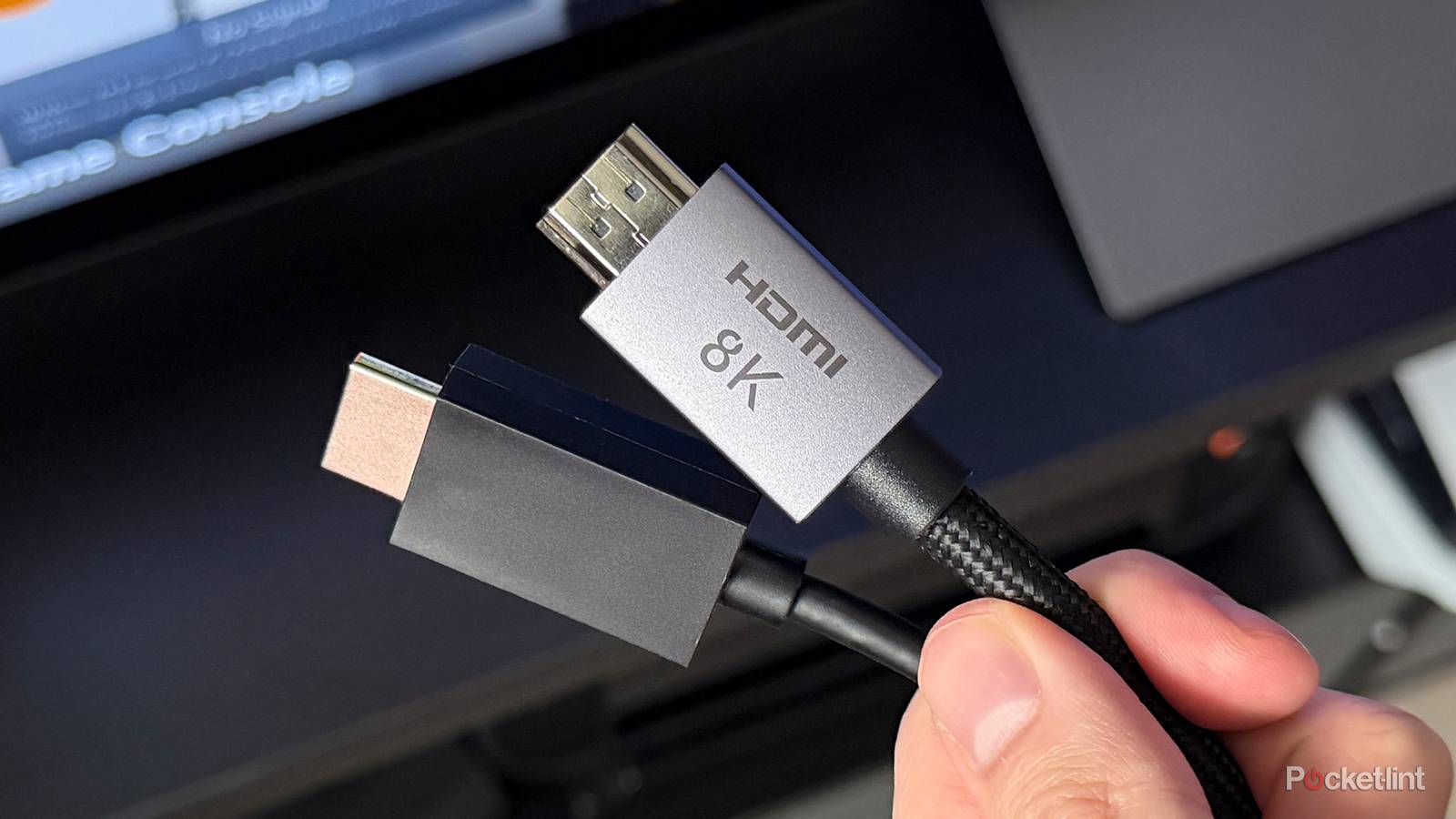

Adapters are pretty much a necessity in the modern tech landscape. Standards like USB-C and HDMI are nominally meant to get around the need for some of them, but old formats have a tendency to hang around in inconvenient places, like your car or laptop. And in some cases, standards just don’t transfer between product categories — you’re never going to find a native DisplayPort connection on your phone.
Not too surprisingly, HDMI adapters are some of the most common out there. TVs and projectors rely almost exclusively on that for input, and we’ve got a lot of things we want to put on the big screen. There are a variety of potential problems you need to be aware of, though the good news is that some of the issues that affected pure analog connections are long gone.
The highs and lows of HDMI adapters
What you need to know before buying one

The first thing to know is that if a connection is bridging two digital sources, you generally don’t need to worry about signal degradation based on materials. Well, you do — but digital signals are an all-or-nothing proposition, so any damage or poor material quality will cause an adapter to fail outright. This does of course mean that analog-to-digital adapters can run into problems on their analog side without complete failure, so remember to be picky about build quality, as well as keeping surfaces clean and safe.
While HDMI adapters don’t inherently affect bandwidth, choosing the wrong one can. Bandwidth is always restricted by the weakest part of the connection chain — so if your PC and TV ports are technically capable of handling HDMI 2.1, but your adapter is only rated for HDMI 2.0, you’ll be stuck with 2.0 specs. That’s a big deal. HDMI 2.1 supports faster refresh rates at higher resolutions, as well as features like VRR, which keeps refresh rates in sync with framerates to prevent visual glitches. You could ruin the graphics of a $3,000 gaming rig with a $10 adapter.
Perhaps the most serious concerns involve cable range. Generally speaking, passive (that is, unassisted) HDMI signals are only reliable up to about 10 feet (3 meters). Beyond that length, there’s a growing risk that video will flicker or drop out completely. In some circumstances, you’ll still receive a signal, but encounter a snow/sparkle effect caused by signals becoming too weak. Essentially, it becomes harder to tell if a bit is supposed to be a 0 or a 1.
The answer to range problems may be an “active” adapter cable that boosts signal quality, but you’re not out of the woods. One risk involves HDCP handshakes, since unlike a vanilla HDMI cable, any adapter cable has a middleman chip. HDCP is a copy-protection technology. If there’s a mismatch in HDCP versions, the signal will be blocked. Realistically, then, you should be hunting for adapters rated for HDCP 2.3 or later if you want maximum compatibility.
Another issue is input lag. Because of that middeman chip, there may be a few milliseconds of delay. This on its own can be imperceptible, but could add to other sources of lag, ranging from your internet and TV’s performance to controller input. This still won’t matter if you’re just watching a movie or show, probably — but if you’re playing a game online, a split second may mean the difference between landing a headshot or taking one.
The retro tech problem
Be prepared when you’re hooking up old gear

This all starts to become a lot more complicated if you’re trying to convert an analog source to HDMI. For one thing, raw conversion from the likes of RCA or component may introduce dozens of milliseconds of lag, not just a few. That’s because cheap adapters aren’t going to have much in the way of processing power, and the assumption is that you don’t necessarily care about lag — watching a VHS copy of Blazing Saddles isn’t very demanding. If you want to hook up your old Super Nintendo, though, it’s absolutely essential that you spend more on an adapter with better conversion tech.
Although upscaling to higher resolutions is often de facto, a basic adapter may do little else to present an ideal picture. This is why retro enthusiasts often buy dedicated conversion peripherals.
You’ll probably need more than a cable-style adapter for quality results, to be honest. Although upscaling to higher resolutions is often de facto (and one cause of lag), a basic adapter may do little else to present an ideal picture. You could, for example, get a 4:3 image stretched out to the 16:9 ratio of your TV, which is bad enough on its own. Depending on the video source, you might also end up with interlacing artifacts, refresh rate issues, and more. Ironically, sometimes converted images are rendered too sharply — the creators of Super Metroid weren’t designing with 4K in mind, nor was your TV maker expecting you to connect 30- or 40-year-old hardware.
This is why retro enthusiasts often buy dedicated conversion peripherals like a RetroTINK. These not only minimize lag, but do extra work to clean up an image, or make it look better than ever before. The most advanced products will let you add special effects, say by simulating the look of a CRT TV. Expect to pay for the privilege — some of these converters cost hundreds or even thousands of dollars. It could be worth it, however, if you play more games on an SNES or Genesis than you do on a PC or PlayStation 5.
Are there valid alternatives to HDMI adapters?
Waiting for the universal in USB

Yes, there are, but typically only if you’re connecting a (relatively) recent device to a display that isn’t a TV. That’s because of DisplayPort, or DisplayPort Alt Mode, the latter incorporated into the USB-C 3.1 spec as well as Thunderbolt. If both your device and the display support it, you can skip HDMI and DisplayPort entirely with a compatible USB-C or Thunderbolt cable. Be sure to check for this compatibility before assuming anything — sometimes, USB ports will be specifically labeled with something like “D” or “DP” if video is an option. And just as with HDMI, more recent versions of the DisplayPort standard offer better performance.
It would be nice if hybrid TV/monitor products were treated as the default rather than a spin-off specialty.
Unfortunately, when it comes to TVs, HDMI reigns supreme. On some models, you may be lucky to find anything better than USB 3.0, and Thunderbolt is out of the question. Manufacturers haven’t quite caught up to the modern age, where some people will bring a gaming laptop over to their living room, or use a 4K TV as a desktop monitor. And if you’re in one of those camps, an adapter will do the trick — as long as you know how to pick the right one. Hopefully I’ve given you enough info to get started in that direction, but it would be nice if hybrid TV/monitor products were treated as the default rather than a spin-off specialty. I’m more likely to connect a game console than a VCR, after all.
