


While there are certainly benefits to sticking with physical media formats, it’s impossible to overstate the advantages of maintaining a digital music library. Namely, you can store an effectively limitless amount of music and media with relatively small storage devices. There are now 2TB microSD cards available that can fit hundreds of thousands of songs onto something that can fit on a fingertip.
That doesn’t mean there aren’t limits to how many songs an app or device can handle. Scanning, indexing, and shuffling large music libraries will require more processing power and available memory than most would expect. I have a modest library of 10,000 songs, which is small compared to the largest digital libraries, but it’s rapidly growing. I wanted a music player I could grow with, and settled on Symfonium.
Why powerful music players fall short
App, operating system, and device limitations limit library sizes

It’s not uncommon to run into stability and scanning issues with Android music player apps after passing the 50,000-song threshold. Diagnosing the problem can be tricky, however. Some apps use Android’s built-in media scanner, which isn’t made to handle large media libraries. The issue could also be with your device, especially if it’s an older model lacking in processor power and RAM. For instance, shuffling a large media library requires accessing every song in it at once, and this is a memory-intensive task.
Many dedicated music player apps use their own library databases, bypassing the limitations of Android’s default media library. These are not all made equal, though. Some are better than others at indexing and scanning big libraries. These hard limits typically come into play when managing music files stored on-device or on a local source, like a microSD card or flash drive.
They can be avoided by using dedicated media servers that handle file sync and indexing, thereby taking the burden off your music player app and Android device. With the right hardware and media server setup, there are effectively no limits to the size of your music library. For users relying on their Android device and local storage, library size remains a consideration.
Symfonium can handle hundreds of thousands of tracks
There’s seemingly no limit to how big your library can get
I use a mix of music player apps on my Android phone, including Apple Music for streaming, Echo for open-source extensions across multiple platforms, and Poweramp for local playback. While Poweramp is a solid option for my current library size, it is bound to run into issues as my collection grows. In part, this is because Poweramp does not scan your library in the background — it only scans when Poweramp is playing music or is actively in use. For extremely large libraries, this means it will take Poweramp a long time to complete its scan, and you have to be actively using the app.
Instead of sticking with Poweramp in the short term, I turned to Symfonium. It’s perhaps the best app for scanning and indexing large music libraries on Android, and it’s only getting better over time. Symfonium’s local scanner typically started having memory issues with libraries larger than 95,000 songs as of July 2025, according to the app’s developer. Just a few months later, version 13.3.0 expanded support for libraries in the hundreds of thousands.

Now, Symfonium can scan on-device libraries containing up to 300,000 tracks without issues. That’s probably more than I will ever need, but it means I can use Symfonium forever without having to switch to a new app as my library grows too large. I’m rapidly acquiring CDs for cheap at thrift stores and might painstakingly digitize my vinyl collection eventually, and I can do all of those things before sniffing Symfonium’s track limit.
What’s great about Symfonium
It’s clean, reliable, and customizable
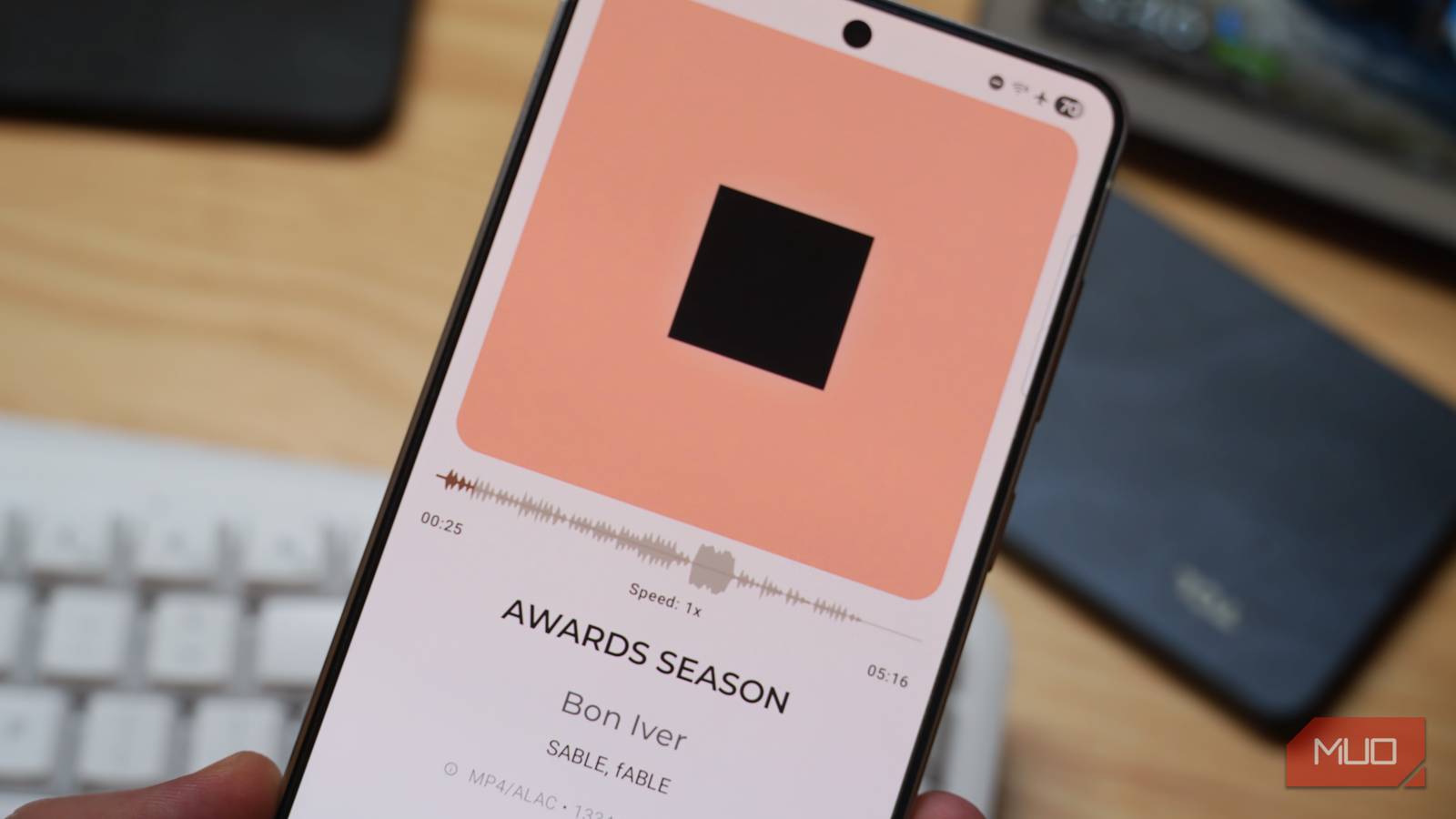
Simply supporting the highest number of songs isn’t enough for me to recommend one music app over another. Luckily, Symfonium has its bases covered elsewhere, too. Design is subjective, but I prefer the clean, lightweight, and light-mode-friendly look of this app to Poweramp, which previously handled my local playback duties. You can customize the theme, colors, and typography to your liking. Plus, you can personalize the appearance of your compact and expanded player views by configuring certain buttons and controls.
There’s wide support for audio file types, including ALAC, FLAC, Opus, and Vorbis. It also includes smart playlists, a built-in equalizer, metadata scraping, playback caching, and integration with the largest cloud music players and server platforms.

Symfonium is a paid app that can be unlocked with a one-time in-app purchase of $5.99 on the Google Play Store. You can download it for free, which automatically starts the free trial period, eliminating the need to give your payment information before you decide to purchase it.
If you have (or expect to have) a massive music library, it’s worth trying out the no-commitment free trial and seeing if this app works for you. I particularly like that this cheap purchase offers lifetime access to the app, including all future updates, and you can request features for yourself on the app’s forum.

- OS
-
Android
- Subscription Price
-
$5
.99
- Price model
-
One-time in-app purchase (free trial)
Symfonium is an Android music player app specifically suited for people with large music libraries. It has a modern design with customization, advanced features like gapless playback and silence skipping, as well as wide support for audio formats.
