


I’m not someone who always remembers their wallet. I have left it in my car plenty of times or realized once I’m away from my house that I don’t have it on me. It’s a frustrating proposition when you feel like you’re unable to purchase something, should it be necessary. That’s why digital wallets are such a great invention.
I was always leery about storing my banking information or credit card details on my phone. Having my info readily available just always seemed like a security risk. But being able to use a digital wallet has been more beneficial than my worries. With the movement towards contactless payment in more places, I have access to my payment methods even when I forget my wallet at home.
Using a digital wallet for payment is so helpful
It can free your mind from worry
Currently, Apple Wallet only supports driver’s licenses from Arizona, California (mDL and Pilot), Colorado, Georgia, Hawaii, Iowa, Maryland, Montana, New Mexico, North Dakota, Ohio, Puerto Rico, and West Virginia.
The Apple Wallet is not something I expected to use as much as I do. Being able to tap my phone as I’m in the store and not having to fish around in my wallet for a card just to hold it up to the card machine saves so much time. I really fell in love with the idea of contactless payment and Apple Pay once I became a dad.
I’m constantly struggling to keep my eyes on my toddler as I’m checking out at the grocery store. She’s in a phase of not wanting to be in the cart but wanting to walk around the store. So, trying to grab my wallet, take out a card, hold it on the machine, wait for the beep, and then asking her to grab the receipt is a lot more difficult than just tapping my phone and having her collect the receipt.
Adding a card for Apple Pay to your Apple Wallet is incredibly simple. You just have to open up the Wallet app on your iPhone and tap the + button at the top. You can add a debit, credit, transit, or ID card, as well as your driver’s license. Enter the information and you’re set.
To get to your Wallet, you can either open the app or you can use the card that you deem your most important by hitting the right-side button twice in a row. This lets you quickly get to your card, even if your phone is locked (you’ll have to unlock it with your passcode to use it). That way, you’re not holding up the line behind you.
Pay from your watch too
Can it get any easier?

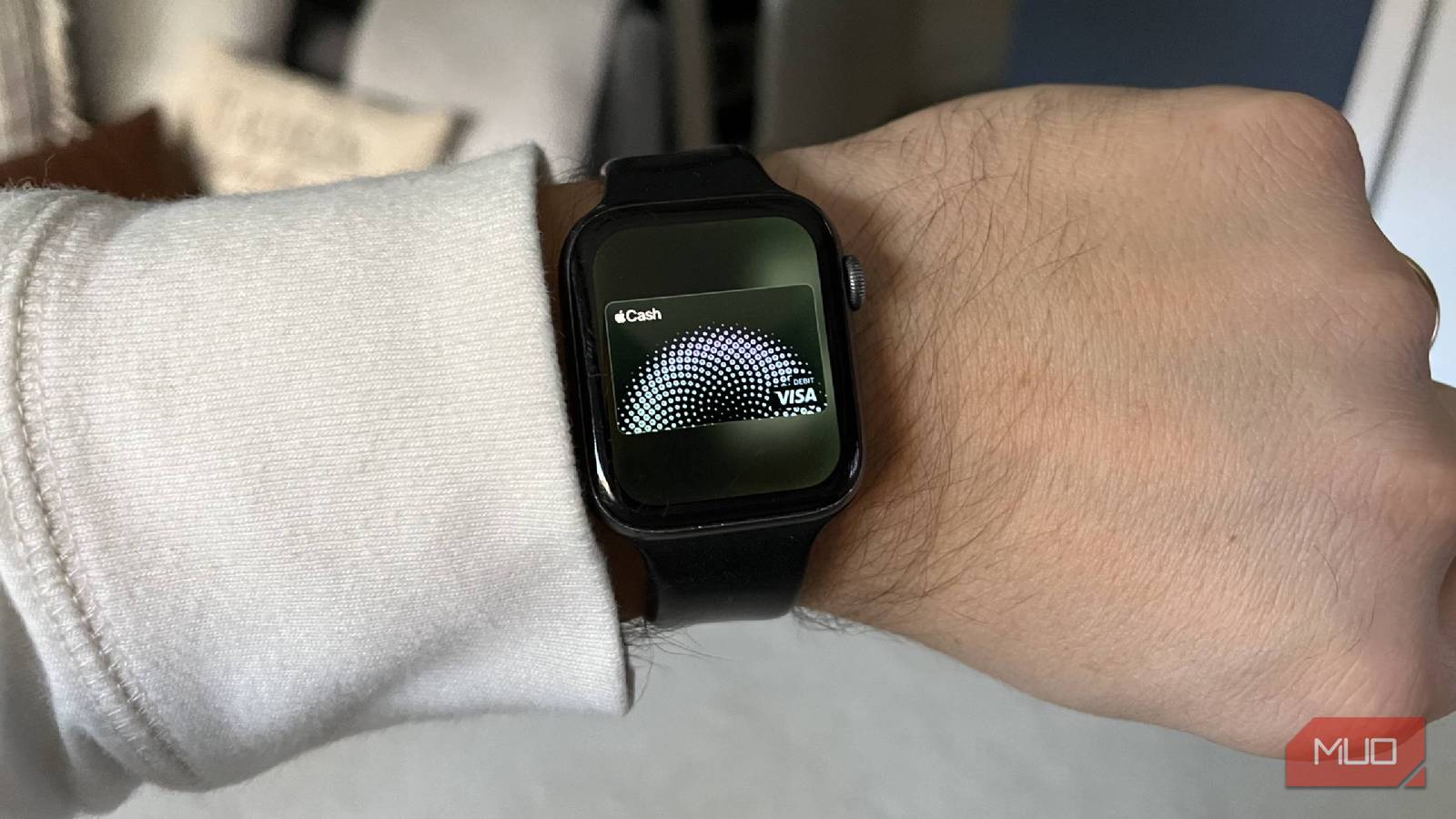
Getting your credit cards and digital wallet on your Apple Watch is simple, too. I have been out on a run before through town and knew I had to stop and pick something up from Walgreens or CVS. I’d ducked in and been without my phone, so the only thing I could pay with was my Apple Watch.
Luckily, I’d gone into the Apple Watch app on my iPhone and scrolled down to the Apple Wallet app, one of the most useful apps on watchOS. Once there, you can add a card to your Apple Watch. You can either use one of the ones already on your phone or add another one. If you want to add a card to your Apple Watch, you are asked to passcode-protect it, similar to how your iPhone has a passcode, which you need to disable if you want to use Apple Pay.
I tapped the bottom right button on my watch to bring up my Apple Wallet. A quick tap on a card reader at the store helped me be on my way. Your Apple Watch doesn’t give you a full look at the Apple Wallet app like your iPhone does, but you can see both your cards that you’ve added and any tickets that you’ve also deemed eligible for your Apple Watch.
Store your entertainment tickets in your wallet
Don’t think about printing anything out again
When you open your Apple Wallet, you have the option of storing all kinds of e-tickets as well. In this day and age, you are likely to have to utilize mobile ticketing apps to get into concerts, games, experiences, shows, and more. Rather than needing to open up an app at a time when you might not have service, you can opt for storing those tickets in your Apple Wallet, making them stored locally and easier to access.
Your Apple Wallet will show you everything that you have coming up, helping you keep your events calendar. It will also show you previously used or expired passes, giving you a memory book of the most fun events you’ve been to in recent memory. Another great feature of the Apple Wallet is seeing all the transactions that you’ve made on your stored cards. This goes for both times you’ve used the physical card and times you’ve used it with Apple Pay, assisting you in keeping track of your purchases.
I’ve become a believer in digital wallets
Despite having reservations initially because of security, I’m fully on board with digital wallets. They make for easy transactions at stores, and setting up your wallet is simple. Being someone who uses the Apple ecosystem of products, Apple Wallet has been a favorite app of mine, as I’ve used it for keeping track of transactions, storing concert tickets, and paying for items with my Apple Watch. The integration is smooth, and Apple Wallet is something I look forward to using for the foreseeable future.
