

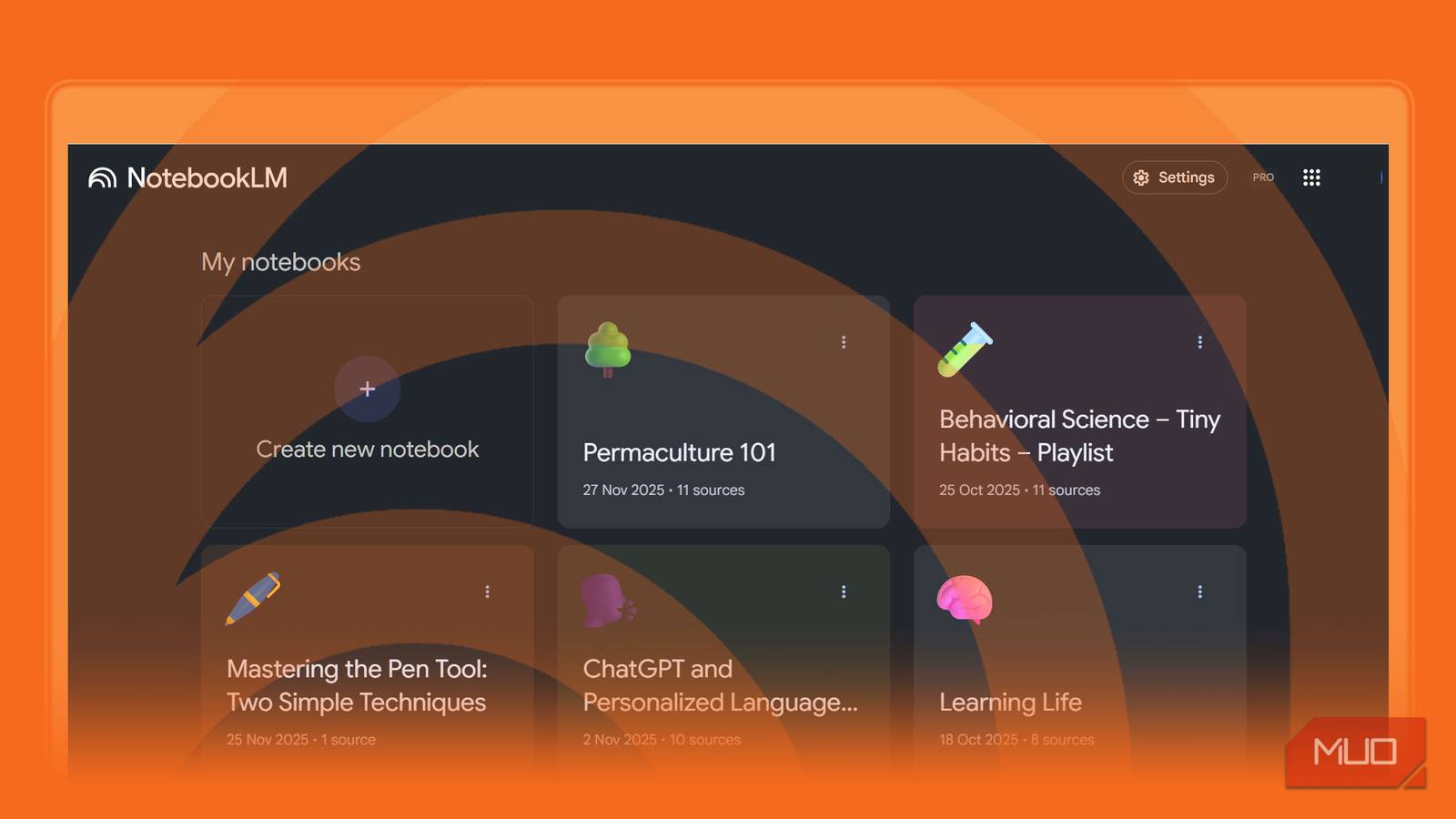

Sometimes, research is procrastination with another name. I have been (and still am) guilty of hoarding bookmarks and never reading them, reading books, and watching umpteen YouTube videos instead of taking action. Could there be a way to start new topics, instead of just hoarding links and feeling overwhelmed by the sheer volume of information? I had a breakthrough with a simple five-step NotebookLM workflow that turns any chaotic pile of links into a clean, structured topic primer. This starter kit clearly shows what’s important, what to learn first, and what to ignore for now. It completely changed how I learn.
1
Collect everything without sorting
Let NotebookLM handle the organization
This is the equivalent of collecting your pile of clothes in one corner without sorting them. NotebookLM is designed to read unstructured sources, so let it do the heavy lifting for you. Just start by gathering everything related to your topic—from bookmarked articles to screenshots. You can also use Discover sources with proper prompts and filter out irrelevant links. Here’s a sample prompt:
You are my research assistant. I am a complete beginner to [topic] and want to build a strong foundation from reliable, beginner-friendly material.
Please identify and recommend high-quality basic sources that introduce [topic] clearly and practically.
Everything goes into a dedicated NotebookLM notebook. You don’t have to tag, categorize, or pre-sort anything. A small error icon will show next to a source if NotebookLM is unable to parse it correctly. You can add up to 50 sources per notebook in the free version, but shoot for fewer for better focus.
The obsessive organizer in me sometimes wants to number them sequentially. But that’s also a waste of time for some topics. Though I do structure my notebooks when using NotebookLM for learning from YouTube.
Gather 5 to 10 distinct sources that cover different angles of the topic. This variety is crucial because NotebookLM is grounded in your sources and is only as smart as the information you feed it.
2
Prompt NotebookLM to map the key theme
Get an overview before diving into the details

NotebookLM automatically generates a high-level summary at the top of the chat window. Instead of text, you can even generate a video overview for your learning. But I think it’s important to also have an idea about each source behind it. For instance, sometimes NotebookLM won’t extract the entire transcript of a sourced video. So, it helps to know at least the gist of it. I tend to select each source individually and use the chat prompts to grab the summary for each. Then, I ask NotebookLM to read across everything and surface the key ideas.
For instance, you can use any or all of these prompts:
What 5–7 themes repeat across all these sources?
Group related concepts together and label each cluster.
Which ideas show up most frequently? Which ones appear only once or twice?
Explain the relationships between these themes.
This step alone reduces overwhelm because you no longer feel like you need to read everything. You only need to understand the key themes NotebookLM reveals.
Remember, every answer to your prompts becomes a source you can save back into the notebook.
3
Turn the themes into a one-page primer
Ask NotebookLM to create a “crash course”

This step is the time hack after the general overview in the earlier step. Instead of reading or watching every source in detail, NotebookLM can cover the main points with a one-page primer. I like to keep it as simple as possible at this stage, as I still tiptoe through an unfamiliar topic.
Try this prompt:
Turn these themes into a clear, beginner-friendly, one-page topic primer. Use simple language, short paragraphs, examples, and analogies.
I even ask for versions for different levels, especially if it’s a tough topic. For instance,
- Explain like I’m five…
- A version that avoids jargon…
- A structured syllabus for a beginner with basic definitions and moving to complex concepts…
After saving the answer as a source, go ahead and generate a report, a slide deck, or even an infographic by selecting only the saved Primer note (or its different versions) from the Sources panel.
Break down learning into levels so you avoid overload

The primer is just one part of the starter kit. Our learning has to continue from here with the help of a roadmap. NotebookLM can create a learning pathway with different waypoints along the way. Each point can become a yardstick to measure our progress.
Ask NotebookLM to build the roadmap,
Create a tiered learning roadmap with beginner, intermediate, and advanced stages. For each level, tell me what to read first, second, and last based on the sources I uploaded.
As this roadmap is based on the uploaded sources, you might need to give NotebookLM more sources as you move from the beginner to the advanced stages. A typical roadmap can look like this:
Beginner: Key jargons and definitions, simple explainers, introductory examples.
Intermediate: Deep-dive articles, case studies, comparisons, complex concepts.
Advanced: Research papers, technical deep dives, expert interviews.
I focus only on the level I’m ready for. This mindset, guided along by the roadmap, helps me avoid overwhelm.
5
Use the primer to build actionable learning aids
Turn the structural knowledge into tools you can use to master a topic

As someone with a poor memory, I need to revisit the starter kit and put myself to the test. NotebookLM has all the features necessary to help us internalise whatever we are learning. A single tap can turn the sources into mindmaps, flashcards, quizzes, and professional-grade slide decks. I use the Audio overviews only when learning on the go.
You can also prompt NotebookLM to generate other formats.
Turn the primer into a concise cheat sheet with bullets only.
Such short formats are especially good when you need to quickly revise or recall something.
For more intensive deep dives, configure your notebook’s chat style to Learning guide. The Learning Guide option mimics a personal tutor and breaks down problems step by step instead of just giving you instant answers.
From chaotic web search to self-tutoring
The whole point of this exercise is to avoid the information barrage that can stop us in our tracks. A “starter kit” often helps me test the waters and find out if I am interested in the subject or if I have it in me. Instead of meandering through any subject, a more deliberate studying strategy with AI saves a lot of time. NotebookLM can be your personal research assistant that organizes, summarizes, and guides your learning before you even start reading.
