


Modern routers love to brag about ad blocking, smart DNS, traffic control, security layers, AI-this, and cloud-that. If I give it another firmware update, it’ll probably start offering life-coaching services. And for a while, I bought into all that. I let my router run most of my home network like some overconfident middle manager who just discovered dashboards. It “optimized traffic.” It “protected devices.” It made decisions I never explicitly asked for. It also randomly broke things: websites timing out for no reason, DNS slowing down like it needed a vape break, and devices behaving differently depending on what corner of the crib they were in, as if my Wi-Fi suddenly developed moods.
Every time I opened the settings, everything looked fine. Because, of course, it did. That’s when I realized something slightly awkward. I had no idea what my own network was actually doing. So I did the only reasonable thing and turned all of it off.
I stopped trusting my router
When “it just works” slowly stops working

It didn’t collapse all at once. That would’ve been too easy. Instead, it was death by a thousand tiny annoyances. A site that loads instantly… except when it doesn’t; ads that disappear… except when they sneak through like they own the place, and that one device behaves perfectly while another acts like it’s connected through a potato. Nothing was fully broken, but it felt off. And that’s the worst kind of problem, because you can’t point to it. You just feel it. Like something in your setup is slightly cursed.
So you check the router. Everything looks pristine with a clean UI, no warnings, and no logs that say anything useful. You get a polite little interface going, “All good here:)” while your network is obviously gaslighting you. At some point, I stopped troubleshooting and started guessing, which, apparently, was my limit. I went nuclear, in my very calm, Swedish way. I turned off every “smart” feature. Out with filtering, DNS magic, and security extras. I left routing and Wi-Fi where they were. And just like that, things stabilized. Not perfect, but stable. And that was enough to tell me exactly where the problem lived.
I moved everything off the router
One device should not try to do everything
Once you see it, you can’t unsee it. Routers are genuinely great at being routers. They move packets around all day without complaining.
But the moment they try to be something else? That’s when things get weird. You get limited controls, half-exposed features, and settings that look configurable but really aren’t. It’s like being handed a steering wheel that only turns sometimes. So I stopped asking the router to be clever.
I gave it one job and moved everything else somewhere that actually wants to be configured. In my case, an old Lenovo 310S desktop that had been doing absolutely nothing useful for far too long. It’s now running Ubuntu 24.04 LTS, plugged in via Ethernet, and finally doing real work instead of pretending to be retired. And here’s the funny part: Adding another machine didn’t make things more complicated; it made everything make sense. Because now each piece has a role with no overlap, mystery behavior, or “why did this suddenly change” moments. Just systems doing what they’re told. Wild concept.
I rebuilt DNS and routing with Docker
Pi-hole, Unbound, and Nginx Proxy Manager replaced everything “smart”

First thing to go was DNS and ad blocking. Out with the router’s “trust me, I’m blocking stuff” checkbox. In with Pi-hole and Unbound running in Docker like adults. Pi-hole blocks ads across the entire network, which is nice. But the real magic is that it shows you everything: Every query, every block, and every device asking for something it probably shouldn’t. No more guessing and no more blaming “something in the network.” It’s either happening or it’s not, as Pi-hole will happily expose it.
Unbound handles DNS resolution locally, which sounds boring until you realize it removes yet another external dependency that can randomly slow things down or fail in creative ways. Together, they’re fast, but more importantly, they’re honest.
Then came routing. Port forwarding on consumer routers is one of those things that technically works, but feels like it was designed to test your patience. Open this port, forward to this IP, and hope you remember why in two weeks. I replaced all of that with Nginx Proxy Manager. Now everything gets a clean subdomain. Services live behind proper URLs. SSL just … works. And I manage it all from an interface that doesn’t make me feel like I’ve time-traveled back to 2009.
I set it up without overcomplicating things
A small Ubuntu box, a few containers, and one key change in the router

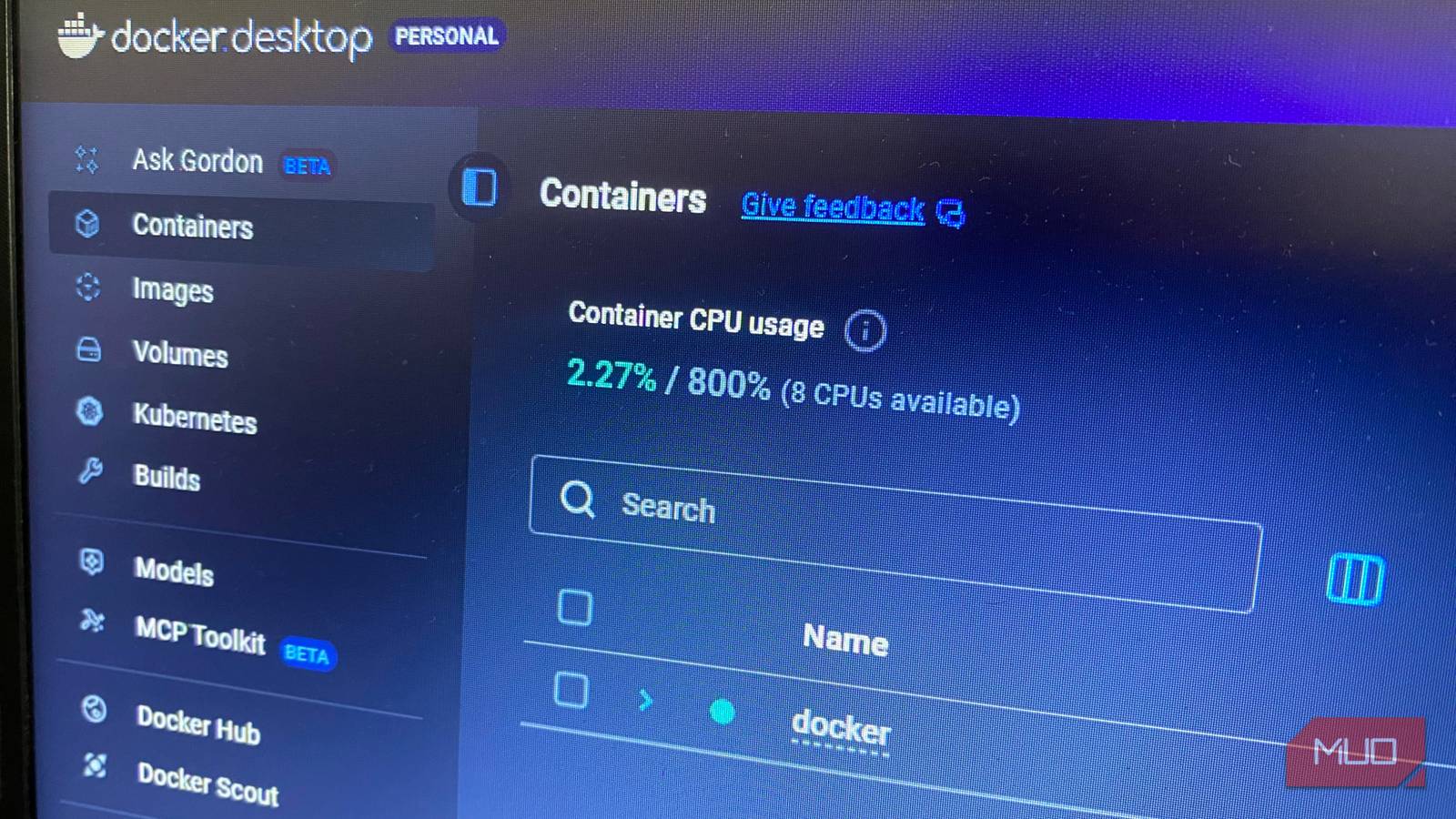
This is the part where people expect things to spiral into complexity. It doesn’t. The Lenovo box runs Ubuntu with Docker and Docker Compose. That’s the whole foundation with no over-engineering, and no “let me just add Kubernetes while I’m here” moment. Each service runs in its own container:
- Pi-hole does DNS filtering.
- Unbound resolves DNS locally.
- Nginx Proxy Manager handles routing.
They don’t fight each other, and they don’t overlap. They just sit there and do their jobs like well-behaved introverts. The only real change on the router was pointing DHCP to use Pi-hole as the DNS server. One setting is the moment the power shifted. After that, everything started behaving like a system instead of a collection of polite lies. No firmware updates sneaking in new behavior, and no vendor logic doing “helpful” things behind the scenes.

I stopped fumbling with Docker containers after learning these commands
You can manage Docker easily and effortlessly.
Performance improved, but the real win is visibility
DNS lookups are quicker, pages load without hesitation, and random hiccups are gone. But honestly? Speed isn’t the headline here; understanding is. For the first time, I can actually see what my network is doing. If something gets blocked, Pi-hole shows me instantly. If DNS acts up, Unbound is right there. If a service isn’t reachable, I know exactly where to look instead of performing ritual restarts and hoping for the best. There’s no guessing anymore.
There’s no refreshing the same page three times like it might suddenly decide to cooperate, and no blaming the Wi-Fi, the ISP, or Mercury being in retrograde. It either works, or I can see why it doesn’t. And once you’ve had that level of visibility, it’s very hard to go back. Because the real upgrade here isn’t speed, but control. And giving that back to a single plastic box that refuses to explain itself? Yeah, that’s not happening again.
