

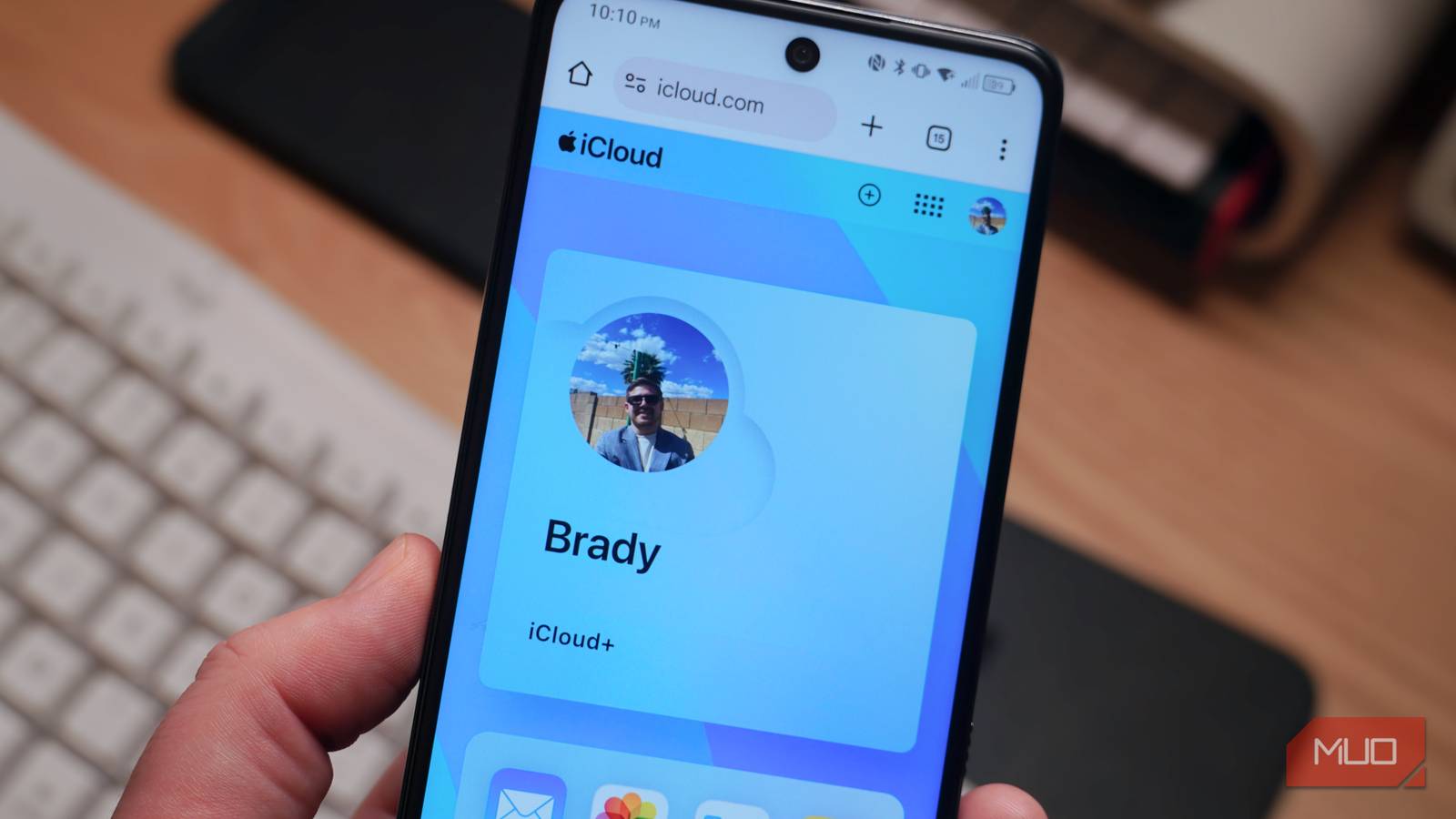

Choosing the right subscription service is trickier than simply picking the one that typically goes best with your phone. As an Android user, it might make sense to stream music with YouTube Music Premium or save files to the cloud with Google One. Instead, I’ve done the opposite. I subscribe to iCloud+ and Apple Music, pairing both Apple subscription services with whatever Android phone I currently have in my pocket — most recently, the Samsung Galaxy S25 Edge.
Out of all the benefits included with iCloud+, there’s one feature I simply can’t live without, and it’s called Hide My Email. This is a simple tool included with every iCloud+ tier that creates unique, randomized email addresses on demand. By using Hide My Email instead of your personal address, you can protect your privacy, cut off access at any time, and find out who’s filling your inbox with spam.
Hide My Email is a lifesaver for privacy
Put a barrier between the outside world and your real email
iCloud’s Hide My Email feature is far from the only way to create random email addresses and sort your inbox. At the basic level, Gmail’s “plus addressing” feature allows users to filter messages by using a + sign to add letters or numbers to the end of their address, forming a unique email. However, this method doesn’t actually hide your main email address. Instead, users will need to use a temporary email address client that can create randomized addresses and forward them to their main inbox.
As it turns out, that’s easier said than done. There isn’t another service available that matches the affordability, security, and simplicity of iCloud’s Hide My Email feature. The tool lets iCloud+ subscribers instantly create a unique and random email address using the @icloud.com domain. You can then share this email address with people or websites, and any messages received are forwarded to your personal inbox. I have my Hide My Email addresses set up to forward to my primary Gmail account.
iCloud’s Hide My Email feature is hardly an Apple exclusive. It’s available via the iCloud app for Windows or the iCloud web client — which can be installed on Android phones as a progressive web app (PWA).
Using the iCloud PWA on my Android phone, I can generate random email addresses in only five taps. It’s as simple as opening the iCloud app, tapping the Apps button, pressing Hide My Email, and tapping the + icon to add a new Hide My Email address. You can optionally add a label for the randomized email address, make a custom note, or just hit Create email address to save it. There’s even an option to Use a different email address if you don’t like the random one provided.

The benefits to using anonymous Hide My Email addresses are abundant. For one, you can receive emails or fill out a web form without providing a person or entity with your real email address. This makes it possible to deactivate the randomized address at any time with one click.
Additionally, you can find out who’s selling your email address to bad actors or filling your inbox with spam. By checking which Hide My Email address a suspicious email was forwarded by, you can identify where it was originally used. Based on the label or note you added to the Hide My Email database during email address generation, it’ll be clear who used — and abused — your private address. Then, you can deactivate it to prevent future spam, and know not to work with that person or company again.
Yes, you can use iCloud+ on Android
It’s excellent as a progressive web app

Apple doesn’t currently offer an iCloud app for Android, but there are other ways to access the platform on any operating system. The easiest way is by visiting the iCloud web client, found at iCloud.com. The best way, for frequent users, is to add the iCloud site as a progressive web app (PWA). After visiting the site, tap the three-button menu in Chrome and press Add to home screen. Edit the app’s name if you’d like, and tap Add to confirm.
This process will install iCloud as a self-contained progressive web app on your Android phone’s home screen. Once you sign in to your Apple Account and trust the browser, the iCloud PWA will function like a regular Android app. This makes it easy to access all your iCloud+ benefits on Android, and it’s a viable option for even those without an Apple device.

What Are Single-Page Applications and Progressive Web Apps?
If you’re keen to uncover the differences between these two web heavyweights, keep reading.
Everything else I get with iCloud+
I can share every benefit with up to five family members

I’d pay $0.99 monthly for Hide My Email alone, but the extra benefits are just icing on the cake. There’s iCloud Private Relay, but this isn’t available for Android users, and it’s not a replacement for a virtual private network (VPN) anyway. Custom Email Domain, however, is incredibly useful. It’s a simple way to create a custom email address for a website domain you currently own or want to buy. This is a perfect fit for Hide My Email users, and it helps to round out the experience.
Additionally, you get 50GB of cloud storage at a minimum, and this can be upgraded all the way up to 12TB for higher fees. Every feature can be shared with up to five other family members, too. Paying less than a dollar per month to protect my entire family against email scams is a no-brainer — even as someone who uses Android daily.
