

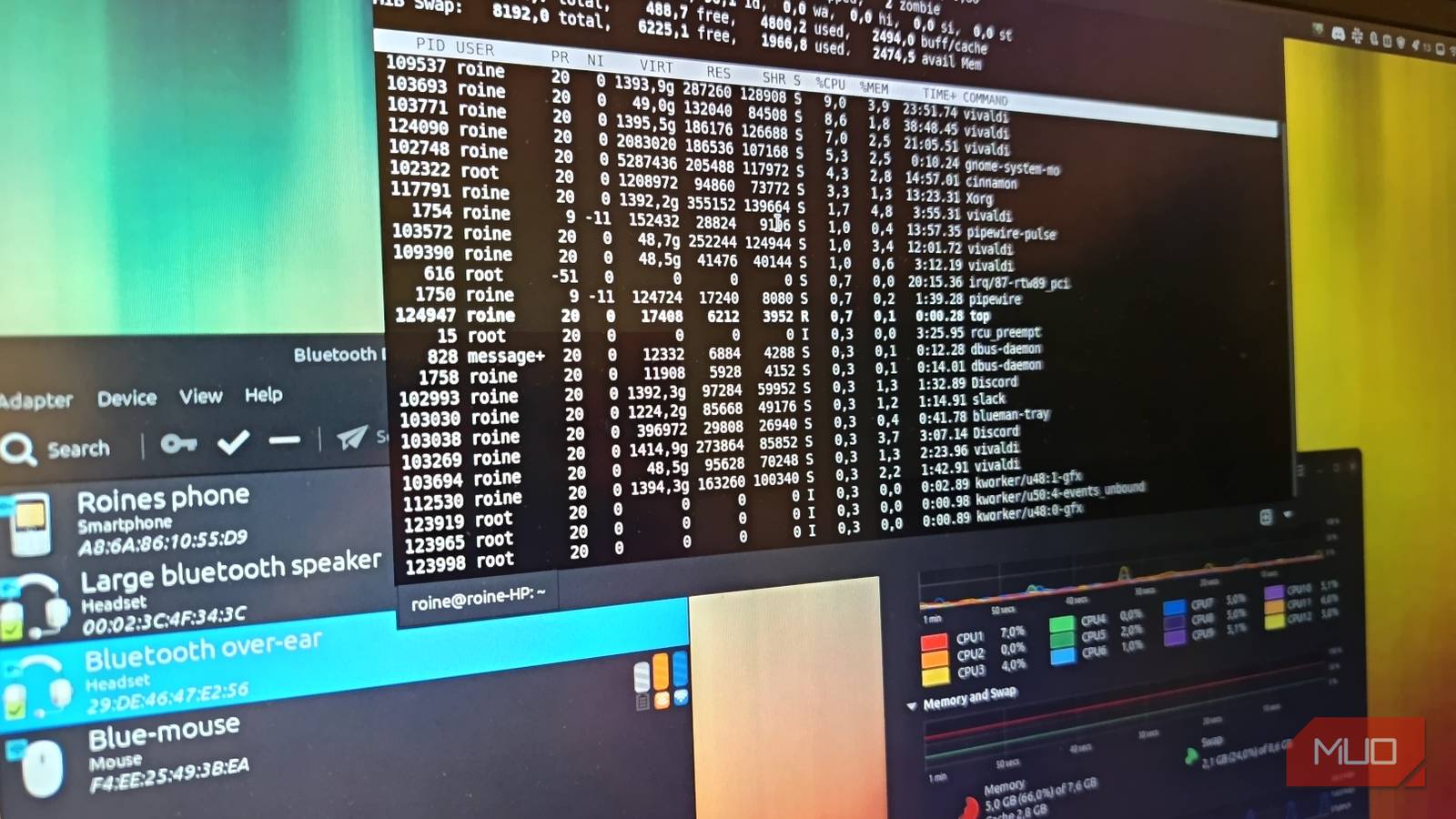

A Linux system can feel slow without actually being slow. That’s the unsettling part. My CPU usage looked calm. Memory was nowhere near full. Disk activity was quiet. System monitors told a reassuring story about a machine that was happily doing almost nothing at all. And yet the desktop felt … wrong. Animations had a slight hitch. Typing lagged just enough to be noticeable. Windows hesitated when opening. Nothing was broken enough to scream “problem,” but everything was just sluggish enough to feel irritating.
This is the kind of performance issue that drives Linux users slightly mad(der). The system looks idle, but something underneath is clearly misbehaving. After a few hours of investigation, I eventually found the cause. But I had to go through several misleading checks first before the real culprit revealed itself. If your Linux desktop ever feels mysteriously laggy despite showing healthy system stats, here’s how that investigation can unfold.
When a Linux system feels slow but looks perfectly healthy
The kind of lag that doesn’t show up in system monitors
The first sign something was off was the desktop animations. I run Linux Mint with the Cinnamon desktop, which normally feels smooth and responsive. Windows open instantly. Workspaces glide around without hesitation. It’s not flashy, but it’s comfortably fluid. Then one day it stopped feeling that way.
The desktop wasn’t freezing, and nothing was really crashing. But small delays started creeping into everyday actions. Opening menus took half a beat longer than usual. Dragging windows felt slightly sticky. Typing into a text editor occasionally lagged behind my keyboard. Naturally, I opened System Monitor.
CPU usage was almost idle, memory usage had plenty available, and even disk activity was quiet. The background processes looked completely normal. According to every obvious metric, my system should have felt snappy. Instead, it felt as if it had quietly aged ten years overnight. This is where Linux troubleshooting becomes part detective work, part mild paranoia.
The usual suspects (that turned out to be innocent)
CPU spikes, runaway processes, and disk activity

When Linux feels slow, there are a few classic culprits. The first one is a runaway process quietly eating CPU cycles. A browser tab misbehaving, a background indexer working overtime, or some poorly behaved application chewing through resources, so I checked.
htop looked calm.
No mysterious CPU hogs, and no background tasks dominating the system. The load average barely moved. Next suspect: memory pressure.
If your system runs low on RAM, Linux starts leaning on swap. Once that happens, things can feel noticeably slower. But memory usage was nowhere near the limit, and swap activity was minimal, so no red flags there.
Then came disk activity. A failing drive or background indexing job can quietly drag system responsiveness down. Disk reads and writes were low. Nothing unusual appeared in iotop. My SSD was behaving exactly as expected. At this point, every obvious explanation had politely stepped aside and said, “Not me.” The desktop still felt sluggish, and that made the problem even more frustrating.
I started looking in the wrong place
When troubleshooting turns into educated guesswork
Once the obvious checks fail, Linux troubleshooting tends to drift into experimentation. Maybe a recent update caused a regression, maybe a graphics driver is acting strangely, or maybe some extension or background service was interfering with the desktop environment.
I restarted Cinnamon, but no change. I rebooted the entire system, but still laggy. Then I started checking the GPU behavior. Desktop compositors rely on graphics acceleration, so if the GPU is misbehaving, the whole desktop can feel slightly off, but GPU usage looked normal too. At this point, the system looked healthy from every angle. And yet my desktop still felt like it was wading through invisible molasses. That’s when I started paying closer attention to when the lag actually appeared. And a pattern started emerging.
The unexpected cause hiding in plain sight
Bluetooth audio was quietly wrecking desktop responsiveness

The lag didn’t happen all the time, but mostly appeared when my Bluetooth speaker was connected. That discovery came almost by accident. I disconnected the speaker to test something unrelated, and suddenly the desktop felt perfectly smooth again. Reconnect the speaker; lag returned. Disconnect it again. Yeah, smooth. At first, this sounded absurd. Audio devices shouldn’t affect desktop responsiveness in any noticeable way.
But Bluetooth audio can behave differently. Under the hood, Bluetooth audio relies on a chain of components: Bluetooth drivers, audio servers (like PipeWire), codecs, and wireless communication with the device itself. If something in that chain struggles, it can create small delays or interruptions that ripple through the desktop.
In my case, the Bluetooth speaker was using a less efficient codec that forced the system to constantly resynchronize audio buffers.
The CPU wasn’t overloaded. Memory wasn’t full. But the audio stack was repeatedly stalling and retrying operations. Those tiny interruptions were just enough to make the entire desktop feel subtly laggy. It wasn’t obvious in system monitors because the system wasn’t busy. It was just repeatedly stumbling. Once I switched the Bluetooth audio profile and forced a different codec, the lag disappeared instantly. The desktop went back to feeling smooth and responsive.

5 commands to quickly fix broken packages in Linux
Unlock the potential of your Linux package manager and say goodbye to broken dependencies.
How to troubleshoot mysterious Linux desktop lag
When system monitors show nothing wrong

If your Linux desktop feels laggy, even though your system looks idle, the problem may not appear in obvious performance tools.
Here are a few things worth checking:
- Look for patterns when the lag appears.
- Test hardware connections.
- Check graphics acceleration. Tools like `glxinfo` or desktop diagnostics can help confirm whether hardware acceleration is active.
- Investigate the audio stack
- Restart the desktop environment.
It’s not glamorous, but it works surprisingly often.
Not all Linux slowdowns come from obvious resource limits
One of Linux’s strengths is transparency. You can inspect CPU usage, memory consumption, disk activity, and system logs with remarkable detail. But that transparency can also mislead you. When system monitors look healthy, it’s easy to assume the system itself must be fine. In reality, many subtle performance issues stem from small interruptions rather than heavy workloads.
Bluetooth devices retrying connections, compositors struggling with a driver edge case, audio servers resynchronizing buffers, or background services silently restarting. None of these will necessarily spike your CPU or fill your RAM. But they can still make the desktop feel strangely sluggish.
If your Linux system ever feels laggy despite looking idle, don’t assume you’re imagining things. Sometimes the real culprit is hiding somewhere completely unexpected. And occasionally, the fix is as simple as disconnecting a speaker that was quietly sabotaging your entire desktop experience.
