


Music listening can be as simple as you make it, or it can become a very expensive and complicated hobby quickly. There is a seemingly never-ending list of features, upgrades, and settings you can use to improve or change the way your music sounds. Not all of them are worth using, however — some are complete gimmicks, while others require the right hardware to maximize. Sound quality is subjective, so you might love a feature or setting the person beside you hates.
There’s no better example of that principle than spatial audio. It’s one of the biggest buzzwords in the consumer audio space today, with both streaming services and headphones billing it as the next premium feature you need to use. The idea behind spatial audio is simple. Using either specialized master recordings or software algorithms, spatial audio tries to place sounds around you in a virtual three-dimensional environment. This changes how your music sounds, with listeners reporting overwhelming bass and disappearing mids, and not everyone likes it.
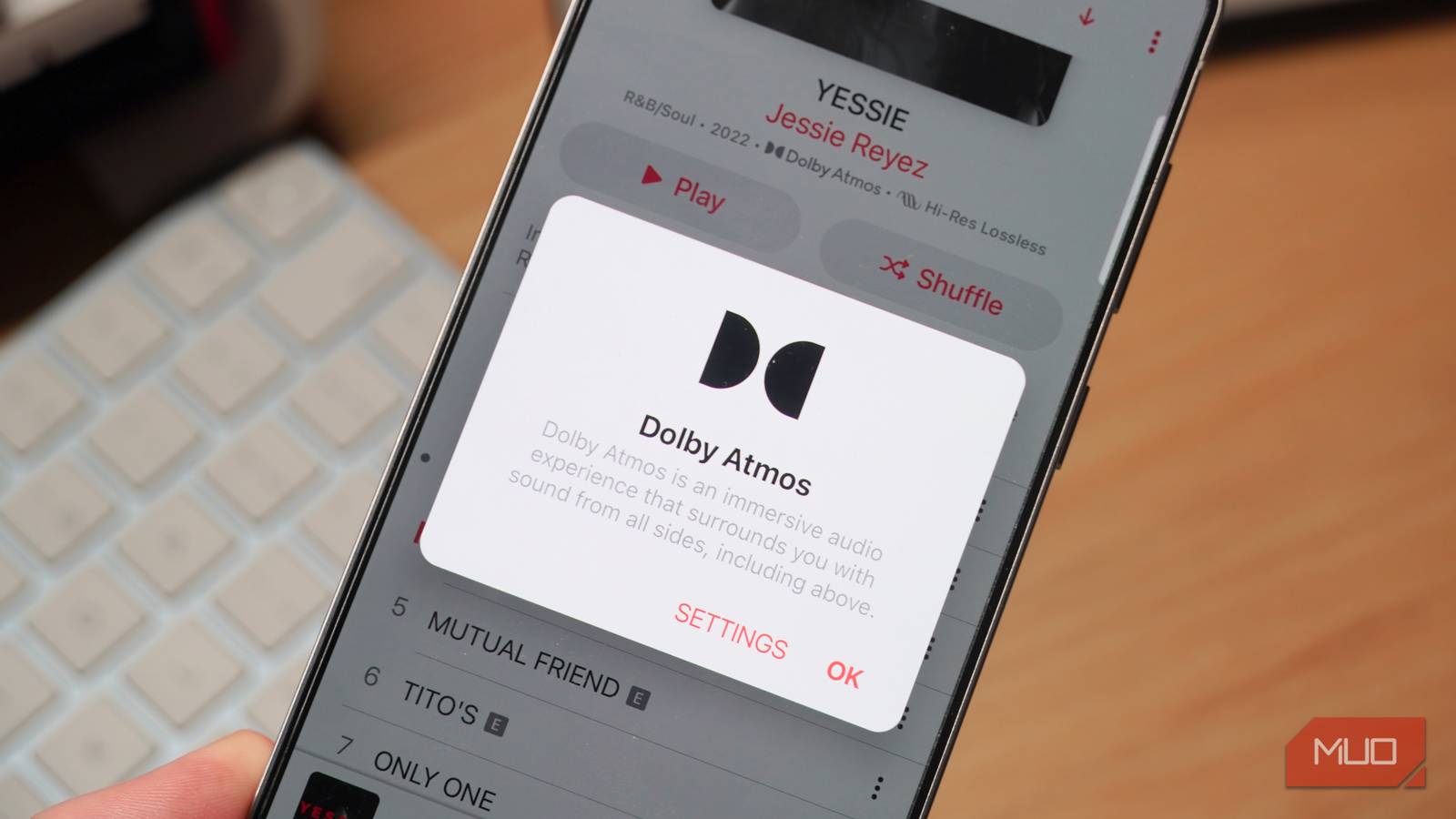
It’s harder to turn off than you might think. Dolby Atmos is just one form of spatial audio, but there are others you need to consider. Your streaming service, like Apple Music, might have a spatial audio mode of its own. Additionally, your set of earbuds or headphones could feature a separate spatial audio mode, like Bose Immersive Audio. If one of these settings is left enabled, you might be missing out on better sound quality.
Dolby Atmos isn’t lossless
If you’re saving music in a spatial audio format, it’s not lossless
Dolby Atmos is often talked about in the same vein as lossless audio, but the two audio formats are completely different. Lossless audio represents any format that preserves all original data during the compression process, and loses none. Typically, lossless audio is described as CD-quality or better, which are recordings with at least 16-bit depth and a 44.1 kHz sampling rate.
Dolby Atmos, on the other hand, uses object-based masters to create an immersive listening experience. Using a custom mastering process, artists and producers decide exactly where sounds should come from in a three-dimensional environment, and this is reflected in the final Dolby Atmos masters. When you listen to a Dolby Atmos recording with supported speakers, earbuds, or headphones, you get the feeling of a surround sound listening experience — even if you’re using something like a soundbar or standalone speaker.
Generally speaking, Dolby Atmos recordings use the Dolby Digital Plus codec, which is not lossless. You can find Dolby Atmos in lossless quality when it is encoded in Dolby TrueHD, but this is typically reserved for Blu-ray and 4K Ultra HD Blu-ray discs. It’s more common for movies, and virtually nonexistent for music. When you use a streaming service that offers Dolby Atmos songs, you’re streaming in Dolby Digital Plus.
This means that, if you own a music listening setup that could benefit from lossless audio, using Dolby Atmos instead comes at the cost of quality and detail. Plus, when Dolby Atmos isn’t available, these tracks often fall back to 256kbps AAC in stereo. To turn the feature off, look for a Dolby Atmos or spatial audio toggle in your streaming service’s settings.

Don’t bother with Spotify Lossless unless you do this first
It’s not as simple as just firing up Spotify Lossless making your music magically better.
Spatial audio changes your sound
You might prefer the detail and balance of stereo sound

Spatial audio can exist without Dolby Atmos. The audio technology uses something called the universal Head-Related Transfer Function (HRTF) to recreate sounds in virtualized three-dimensional space. Software renders spatial audio while determining whether sounds come from above you, below you, to the right of you, to the left of you, in front of you, or behind you. Some devices, like iPhones and AirPods, use facial scanning to create HRTFs personalized for an individual user. These HRTFs make spatial audio possible, but spatial audio changes how your music sounds.
Most audio recordings are mastered in stereo, which means there are separate left and right audio channels. When wearing earbuds or headphones, the left and right sides each have their own channel. As part of the audio engineering process, engineers strive to achieve stereo separation. This is the difference between the left and right audio channels of a stereo track, and it’s crucial to how a song sounds. You want stereo separation to get crisp and clear sounds across all areas of the soundstage.
When the stereo separation of a track is poor, the audio becomes muddied, and certain audio frequencies can overwhelm others. If you’ve ever listened to a recording with strong bass or vocals and noticed mid-frequency sounds disappearing as a result, you already know the effect of poor stereo separation.
Some, but not all, spatial audio experiences suffer from the same problem. Spatial audio tries to trick your brain into thinking sounds are coming from all over, rather than just the left and right audio channels. When this doesn’t work, the result is a warmer listening experience with overemphasized bass and weak mids or highs. Everything seems to blend together, because in a way, that’s the goal. Some people prefer the clear and distinguished sound of stereo audio to spatial audio for this reason.
When to use Dolby Atmos or spatial audio
If a spatial or immersive experience is what you’re after, use them
Dolby Atmos and spatial audio have one major advantage — they aim to deliver a premium listening experience while maintaining smaller file sizes than lossless formats. If you like the sound of spatial audio, you can use it without needing a dedicated digital-to-analog converter (DAC) or extra storage space. While not every device, speaker, or headphone supports Dolby Atmos, many of the most popular consumer hardware options do offer compatibility.
That said, I find Dolby Atmos and spatial audio to be very hit-or-miss in terms of effectiveness. With the right song, streaming service, and pair of headphones, it can sound great. I particularly enjoy listening to spatial audio with the AirPods Max or Bose QuietComfort Ultra Gen 2 headphones. However, I’ll always trust a lossless stereo audio recording over a Dolby Atmos or spatial audio recording. With excellent stereo separation and sound quality, you don’t need Dolby Atmos to enjoy listening to your favorite songs.
