

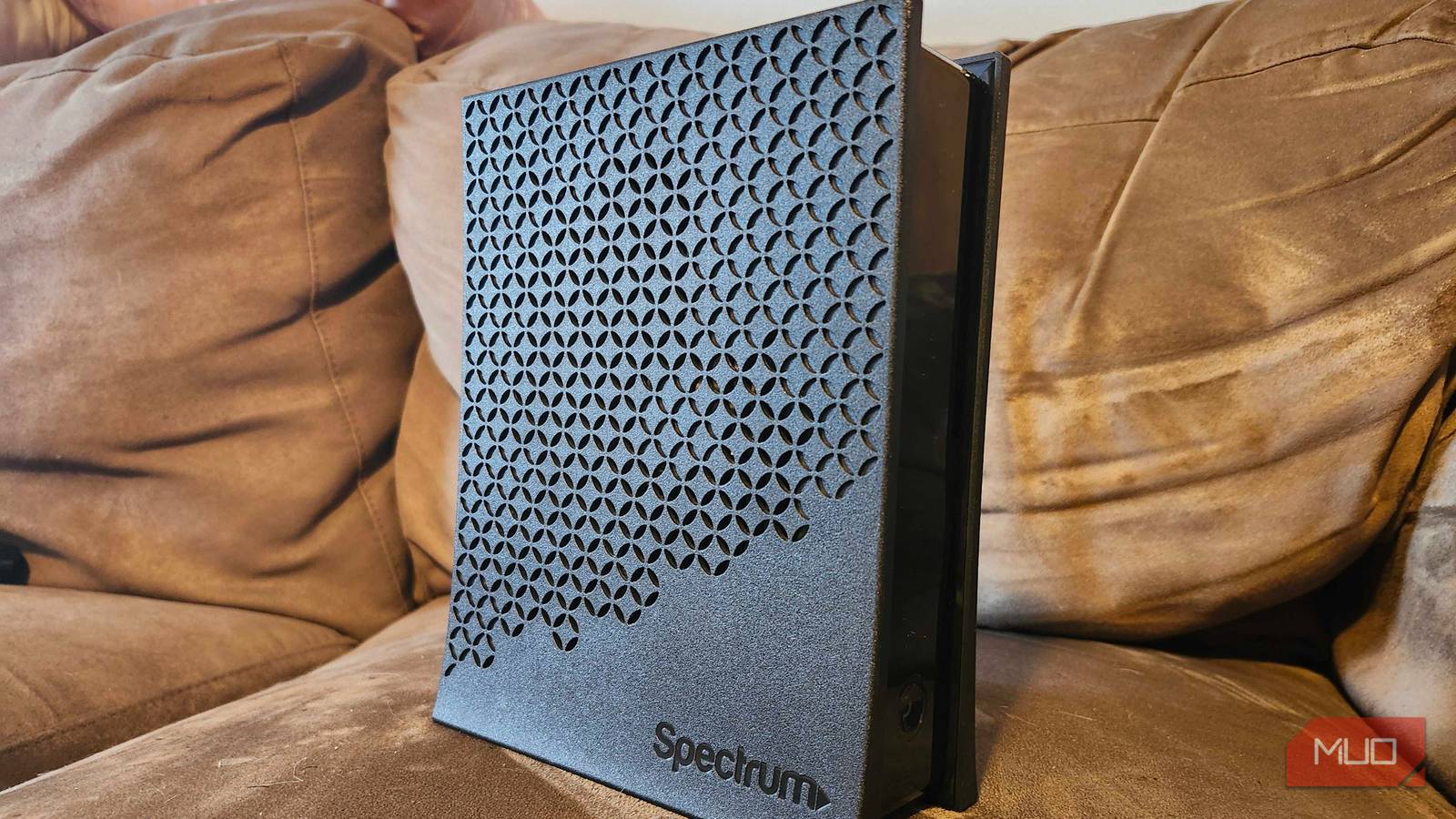

It’s a normal part of having a home internet plan to tack on another $10-$15 per month to rent a modem/router combo from your ISP. While the companies highly encourage you to do this, and it might seem like the best option, it isn’t.
You’re already paying too much for your internet plan—adding that extra charge is unnecessary. And you’re not even getting a good product in exchange. Ditching your ISP’s router and upgrading to your own has lots of benefits.
The rental fee is a waste
Pay forever for what should be one charge

We’ve talked about the biggest tech traps that waste your money, and renting a modem is near the top of the list. Unless your ISP offers the option to buy its modem outright, the rental fee is an endless source of extra revenue.
Say you live at one location for five years. Renting a modem for $15/month means an extra $900 spent over the time at that location. You could buy your own modem and router, then replace them halfway through the five years, and still spend less than the rental would cost.
But beyond the cost, there are other reasons to ditch the modem your ISP wants you to use.
You get worse hardware
OK for everyone; great for no one

In mass-market situations like this, companies want a “one size fits all” product: one that’s affordable to produce and covers the basic needs of most people. That means you’re not going to get a top-shelf router with your ISP’s solution.
Expect a weaker Wi-Fi signal, which might not be able to handle as many simultaneous devices as a better router. The signal likely won’t go as far either, meaning you’ll have a poor experience at distances or have to spend on extenders or a mesh solution.
Speaking of mesh, you can use mesh Wi-Fi with most ISP modem/router combos. This requires putting the box in bridge mode so it acts only as a modem, then connecting your own mesh points. But if you’re going to do that, it’s best to pay the cost for mesh and a better modem upfront.
You likely won’t get a model that supports the latest standards, either. Many rental gateways are older models, and depending on your ISP, it could take years before you’re able to upgrade.
With your own router, you can choose a model that’s as powerful as you need, then upgrade as soon as you want the latest features. And you can reuse the old router in tons of useful ways, instead of returning it to the company.
Rented routers have fewer configuration options
You don’t get all the cool settings

An ISP’s desire to keep official routers basic extends to the software, too. While they let you log into the admin panel and manage your router’s essentials, advanced functionality might be watered down or missing entirely.
Features like parental controls and the guest network are often not as robust on ISP routers as they are with store-bought routers. Essential router speed tweaks like QOS, which let you prioritize certain kinds of traffic, could be absent. The same goes for advanced functions like using a VPN on your router.
If you want to get even more advanced, installing third-party firmware on your router unlocks features you never thought possible. This isn’t possible on locked-down ISP hardware, though.
Your ISP has more control
The router isn’t entirely yours
It’s not surprising that your ISP has more control over a device it provides. The major ISP in my area (Comcast Xfinity) says it doesn’t track what sites you visit or build a profile around you. While this may be true, it’s certainly easier for the company to collect and access data when you’re using the rented modem, compared to the service alone.
Several features of ISP routers may also give you pause. Xfinity WiFi Motion is a feature that can detect motion in your home when it senses disruptions in the Wi-Fi signals between devices. It’s a neat bit of technology, but it feels invasive (especially from your ISP). Thankfully, the feature is opt-in, but who knows when that might change?
Another way your router isn’t fully under your control with Xfinity is its hotspot feature. Every Xfinity modem broadcasts a separate “xfinitywifi” network, which any subscriber can use as a Wi-Fi hotspot by signing in with their account.
This is a handy feature; I use it myself. But you might not love having your router donating its bandwidth to random people passing by. This network uses a separate band, so it won’t count toward your data cap and is designed not to consume your bandwidth. However, in theory, heavy hotspot use could affect your own Wi-Fi performance.
For these and other reasons, you might not trust your ISP’s router and wish to replace it with a device you can configure to your liking.
It’s not difficult to get a better router
If you’re ready to control your own network equipment, it’s not difficult to get started. In most cases, nearly any router will do, though you should know what to check when buying a router.
You have fewer options for a modem. Check your ISP’s website for information about its recommended modem options, which depend on the internet speed you pay for.
Once you order a new modem and router, let your ISP know that you’re not going to use its equipment anymore. You’ll need to contact support to activate your service with the new modem, which is easy. From there, you can log into your new router and enjoy all its features.
Don’t fall for the trap of an ISP router being “easier”; the cost isn’t worth it, and configuring your own router and modem isn’t difficult. You’ll save cash, understand more about your home network, and be able to make your own network decisions.
