

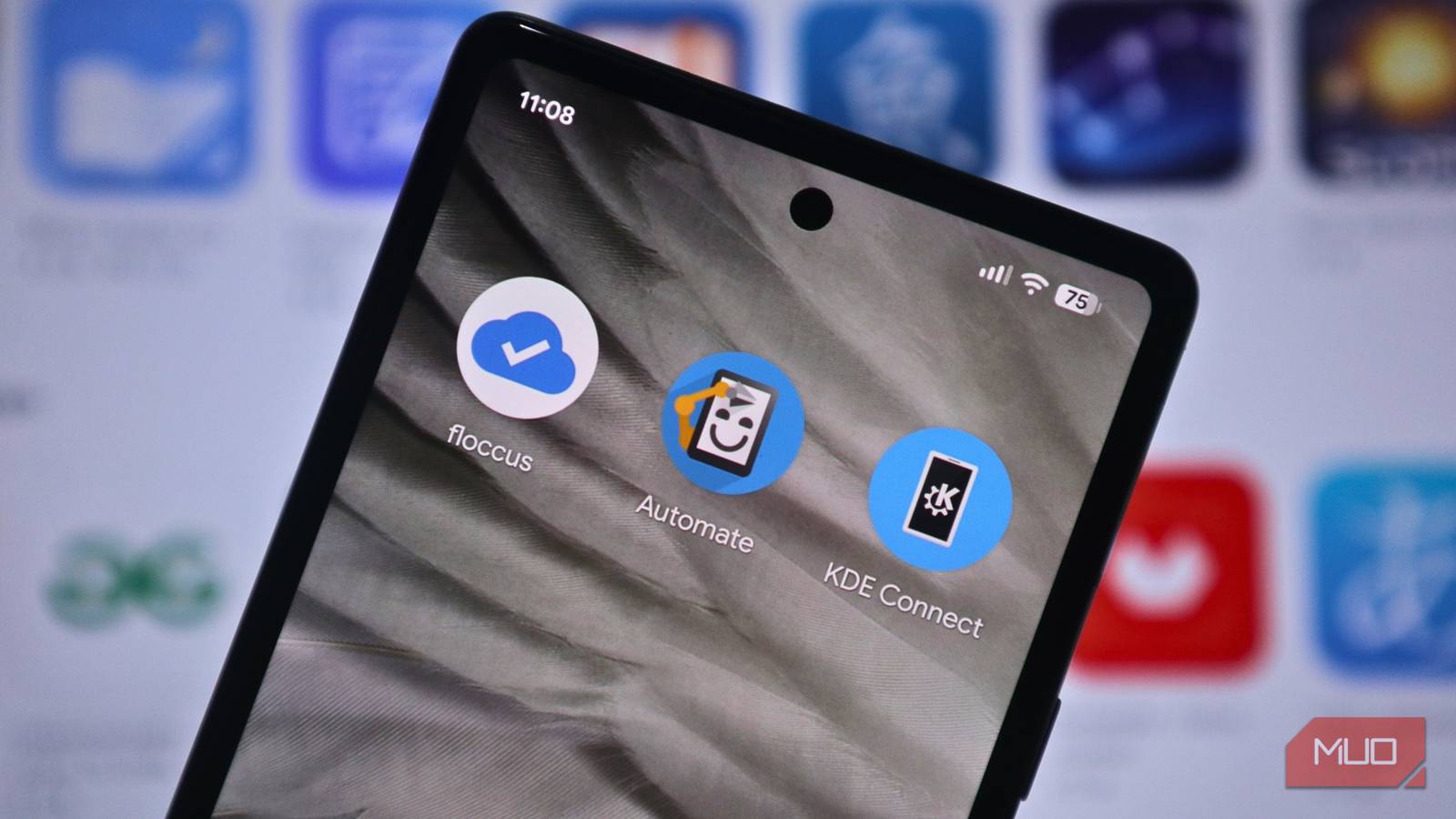

Finding genuinely useful Android apps shouldn’t feel like a chore, but too often it does. Most mainstream tools either lock core features behind paywalls or push ads so hard that you end up frustrated, forcing you to either buy the app or uninstall it. Still, there are a few free apps that I genuinely find useful. I’ve been using them for quite some time now, and they’ve quietly become part of my daily routine without demanding constant attention or updates.
These three apps stood out because they’re refreshingly straightforward. No lengthy tutorials, no premium tiers hiding the useful features, and no constant prompts to rate the app or share it with friends. They simply do what they’re supposed to do, then get out of the way. They’re the kind of tools you keep not because they’re on the Play Store’s top charts, but because they make everyday tasks smoother.
KDE Connect
Transfer files and control your devices wirelessly
KDE Connect establishes a wireless connection between your Android phone and computer when both devices are connected to the same Wi-Fi network. The app handles file transfers, notification mirroring, clipboard syncing, and remote media control. You can also use your phone as a presentation remote or send SMS messages from your desktop.
The file transfer feature is what got me using KDE Connect in the first place. I write articles regularly, and my workflow involves taking screenshots and photos on my phone that need to end up on my PC for editing. For the longest time, I’d either email these files to myself or hunt down a USB cable every single time. Both methods worked, but it was annoying to keep cleaning my Gmail inbox to save space for files or plug in a cable and enable mass storage whenever I needed to transfer.
KDE Connect changed that completely. Now I just select the photos on my phone and send them directly to my computer. The transfer occurs in seconds, and the files appear exactly where I need them, without requiring any cloud uploads or cable connections. It’s one of those things that sounds minor until you realize how often you actually do it.
Another feature I use frequently is clipboard syncing. Sometimes I’m browsing on my computer and find a link or some text I need on my phone. I highlight it, copy it, and send it to my phone’s clipboard with one tap. When I pick up my phone, it’s already there, ready to paste. The same thing works in reverse when I need to move something from my phone to my PC.
I also control my music playback through KDE Connect because my desktop connects to better speakers. Instead of walking over to my keyboard every time I want to pause or skip a track, I just pull out my phone and use the media controls. It’s a small convenience that adds up when you’re listening to music throughout the day.

- OS
-
Android
- Price model
-
Free
KDE Connect allows your phone and computer to work together seamlessly by enabling file transfers, notifications, text replies, and clipboard sharing between devices over a secure wireless connection.
Floccus
Sync bookmarks privately across all your browsers
Floccus syncs bookmarks across Chrome, Firefox, Edge, and other browsers using your own cloud storage. The app supports Nextcloud, WebDAV, Google Drive, and Git repositories as sync backends. You can enable end-to-end encryption, set automatic sync intervals, and maintain your bookmark folder structure across all devices.
I started using Floccus because I had a specific problem that bothered me more than I realized. On my work laptop, I use Microsoft Edge instead of Chrome because Edge has a few productivity features that Chrome doesn’t offer. Over time, I built up a pretty substantial collection of bookmarks in Edge for work-related resources, articles, and references.
The frustrating part was that those bookmarks only existed on my laptop. When I was away from my desk and needed to look something up on my phone, I couldn’t access any of those carefully organized links. Mobile browsers don’t sync with desktop Edge unless you’re using Edge on every device, which I wasn’t.
Floccus solved that problem without requiring me to change browsers or sign up for another service. It syncs all my Edge bookmarks to my phone automatically. The setup took maybe five minutes through a simple wizard that connected it to my Google Drive. Now, when I save a bookmark on my laptop, it shows up on my phone within seconds.
The privacy aspect is nice too. Your bookmarks sync through your own cloud storage instead of going through Floccus servers, so you’re not handing your data over to another company. Once it’s set up, you never think about it again. The syncing just happens in the background, and your bookmarks are available wherever you need them. If your Android productivity setup uses open-source apps like mine, Floccus is definitely an app you should try.
Automate
Create automations without coding using visual flowcharts
Automate uses visual flowcharts to create Android automations without coding. The app provides over 410 building blocks covering location triggers, scheduled tasks, Bluetooth and Wi-Fi control, phone calls, SMS, notifications, photos, and custom logic using variables. You can test flows step by step and share them with the community.
My Pixel phone had this annoying issue where calls would randomly drop before I could even answer them. The typical workaround was toggling airplane mode on and off before calls, but remembering to do it manually every time got old fast. I found a community flow specifically designed to fix this problem. It automatically toggles airplane mode on and off every hour in the background, keeping the cellular connection fresh and preventing dropped calls.
Of course, there are a lot more things you can do with Automate, from organizing downloaded files by type to turning on Bluetooth when you connect headphones, automatically backing up photos to cloud storage, or silencing your phone when you arrive at specific locations. You can find a lot of these readily made in the community section.
For those who would like to make custom automations, Automate’s visual flowchart interface makes it easy to create custom flows without writing code or dealing with complicated syntax. Simply select building blocks from the library, specify inputs and outputs, then connect them together.
Start using these tools today
These apps handle specific problems without demanding your attention or money. KDE Connect removed the hassle from moving files between my devices, Floccus finally gave me access to all my bookmarks regardless of which browser I’m using, and Automate runs automations in the background that save me from repetitive tasks. While not that popular, these apps quietly eliminate small frustrations that make your life just a bit easier. If you juggle multiple devices, use different browsers for different purposes, or deal with repetitive tasks that feel like they should be automated, these apps are worth trying out.
