


Time is our most valuable resource — you can never get it back once you spend it. Using my time wisely helps me get my work done faster and more efficiently, so I can finish earlier to spend time with my daughter or go to the beach. It’s easier said than done, of course, because I was hooked on YouTube and social media apps. They were all competing for my attention and distracting me from all my tasks at hand.
I recently found myself falling into these rabbit holes during the day, so I decided to swap my entertainment and social media apps for productivity tools that could improve my life.
The transition wasn’t easy, but having free time at the end of the day is its own reward, and I have less stress because I’m no longer chasing deadlines. I know there are many to choose from, but I get more done and maximize my efficiency with these Android apps.

- Brand
-
Samsung
- SoC
-
Snapdragon 8 Elite
- Display
-
6.2-inch
- RAM
-
12GB
The base model of Samsung’s flagship smartphone lineup for 2025, the S25 features the Snapdragon 8 Elite chipset, a 6.2-inch display panel, and a triple camera array.
Pixel Bookmarks
View distracting sites later

I often get sidetracked by reading the latest sports news or watching YouTube videos, which costs me precious time while I’m working. I now use Pixel Bookmarks to save the links of interesting videos and articles I come across during the day for later viewing when I’m not on the clock.
The free version offers great functionality without unwanted ads. Alternatively, you can try the paid version, which starts at just under $3 a month and includes backup and restore, reminders, and the ability to protect sensitive bookmarks with biometric locks.
Pixel Bookmarks is user-friendly, and it only takes a second to save my bookmarks for later viewing. For a free app, it offers comprehensive customization features, including the ability to add notes to the link, set an expiration date, or copy the link into other apps.
The best thing about saving bookmarks for later is that I usually end up ignoring the clickbait that caught my eye earlier and focusing on genuine topics I enjoy.
I can further customize the experience by adjusting the thumbnail size and choosing whether to display the notes and time icons. The best thing about saving bookmarks for later is that I usually end up ignoring the clickbait that caught my eye earlier and focusing on genuine topics I enjoy.
Google Keep
Create and share notes and lists

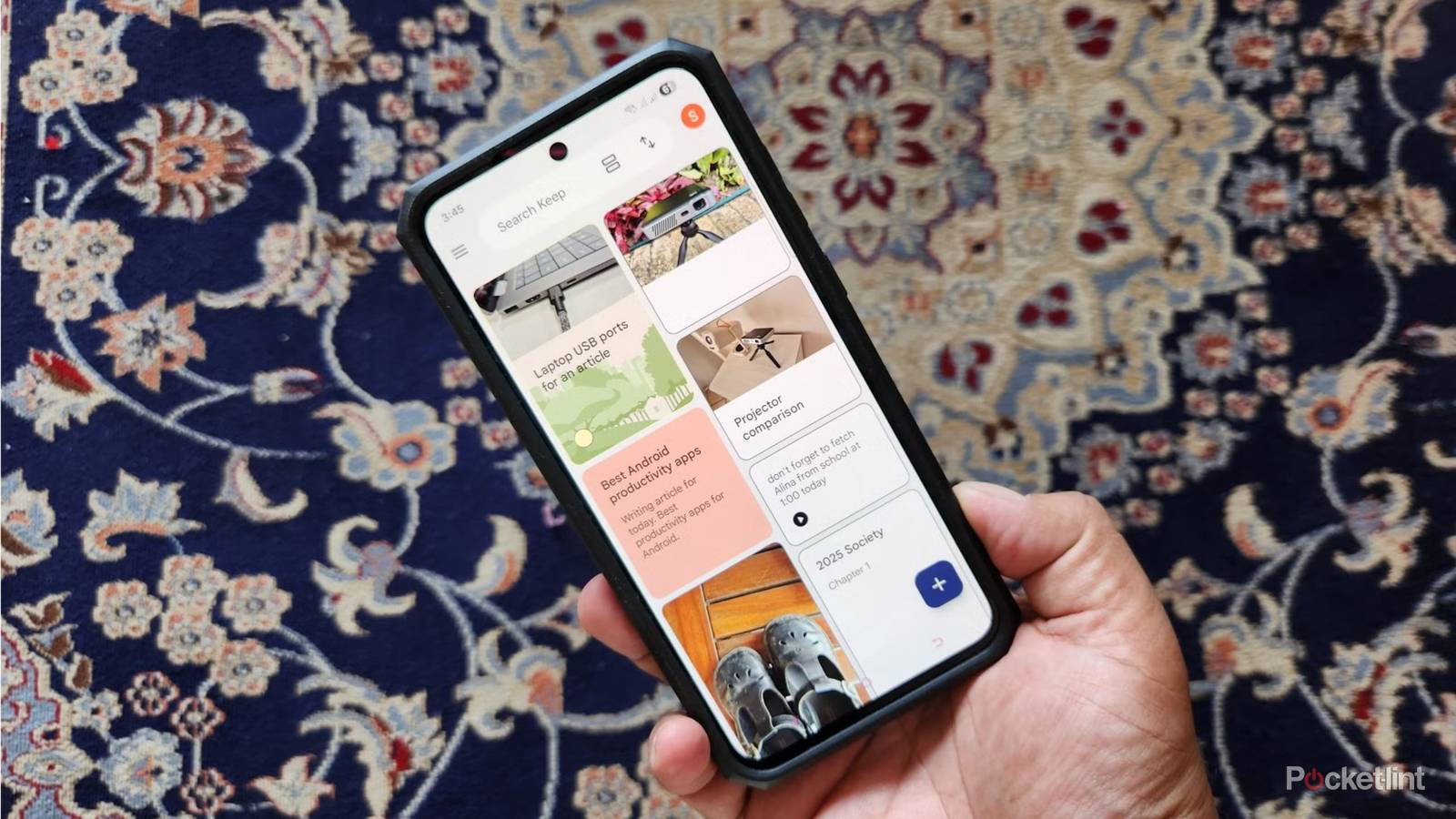
Everyone needs a note-taking app to keep track of their shopping lists, reminders, and interesting ideas throughout the day. I use Google Keep because of its simplicity and Google Integration.
With Google Keep, I can create notes for the articles I have in the pipeline and add any images that need to be included. On busy days, I create voice notes to summarize my important calls, so I don’t forget to address the tasks or issues later.
I work better with deadlines and use the reminder feature to set times or days to work on specific projects and other tasks.
I like that I can export my Google Keep notes into other apps, like Google Docs, or collaborate with my team or spouse to make lists or resolve problems. After creating a note, I usually add images or audio recordings to add more context.
I work better with deadlines and use the reminder feature to set times or days to work on specific projects and other tasks. It’s easy to prioritize them in order of importance by adding custom colors or backgrounds, which are easier on the eye than plain white.
Clockify
Manage time more effectively with deadlines

Tracking the time I spend on each project and setting deadlines have improved my workflow and reduced time-wasting. I use Clockify to track my projects, so I know how much time to allocate to each and can accurately bill my clients. I do this by entering the names of my project and clients, then starting a timer. I can pause it at any time if I need to work on something else, then restart it when I’m ready.
Clockify has taught me the importance of setting deadlines for each job and serves as a valuable tool for managing my workload and billing.
After entering all my projects for the week, I use the reports feature to see how much time I’ve spent on each and track my billable hours. Sorting the information is a breeze because I can color-code each task to correspond with a specific client and add custom tags with extra details.
Ultimately, Clockify has taught me the importance of setting deadlines for each job and serves as a valuable tool for managing my workload and billing.
Notion
A personal assistant in your pocket

Notion is my go-to app for planning and completing every kind of task. The app offers different workspaces for work, personal life, or school, and creates custom interfaces for each. Work-related workspaces will create interfaces like projects and pipelines, while educational workspaces help create lesson plans or manage clubs. I mainly use Notion for personal tasks, like budgeting and brainstorming ideas.
I use Notion’s AI chat feature to create tailored content plans to help me schedule my posts.
I find it easy to budget and track my expenses with a handy Notion template that provides pre-created fields to enter my costs. Instead of searching through multiple webpages to come up with plans, I use Notion’s AI chat feature to create tailored content plans to help me schedule my posts. I also use this feature to brainstorm birthday party ideas and recipes, or research the best workout routines and latest products on the market.
