

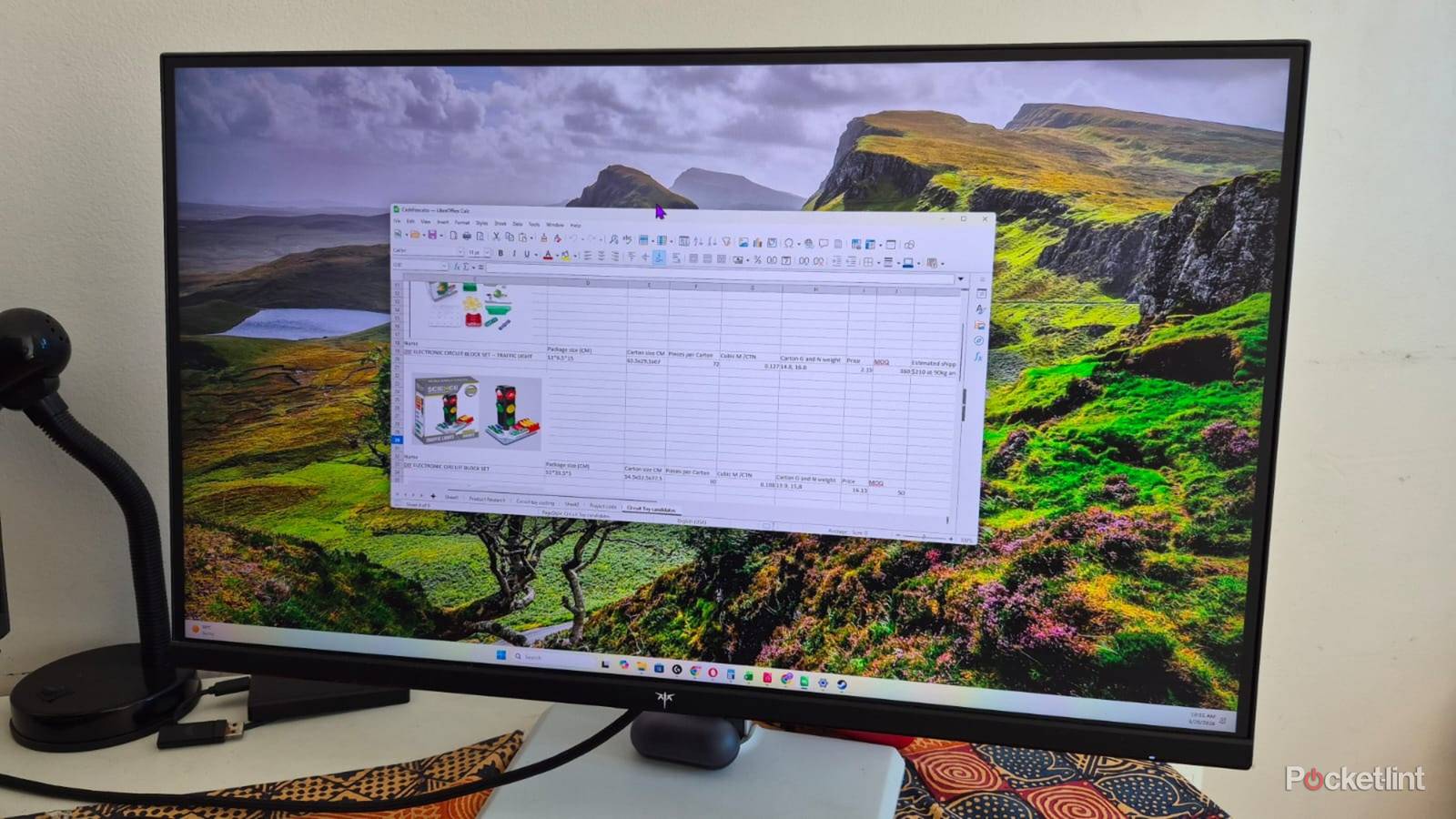

LibreOffice is a free and open-source alternative to Microsoft 365 and includes similar apps and features. It’s compatible with Word, Excel, and PowerPoint formats, so everyone can access your files. LibreOffice also works on most systems, including Windows, macOS, and Linux. Mobile apps are available for iOS and Android phones, but these are primarily for viewing documents and spreadsheets and have limited editing features.
So why would you want to try it? There’s no need for a monthly subscription, which can add up to a lot at the end of the year. There’s also no account required, and you still get free updates. On the other hand, you don’t get access to AI features, like Copilot, and there’s no cloud storage which could be deal-breakers for some users and advantages to others. Here are some of LibreOffice’s best features, which make it worth considering if you’re looking for a simpler version of Office 365.
Writer
Type letters and create documents

Writer Document is LibreOffice’s Word equivalent with similar features. The user-friendly layout will feel at home for anyone who’s used a word processing app with most icons and shortcuts mimicking Microsoft’s style. One of the most noticeable differences is that LibreOffice integrates all its modules into a single app, and you can open spreadsheets and presentations from within the Writer Document.
The user-friendly layout will feel at home for anyone who’s used a word processing app with most icons and shortcuts mimicking Microsoft’s style.
The Form menu is one of Writer Document’s standout features because it provides me with a simple way to add checkboxes, push buttons and other fields to a document. I also like that there are shortcuts to inserting hyperlinks and comments on the home screen instead of the Insert menu, like in Word.
Calc Spreadsheet
A simple spreadsheet app

The Calc is a spreadsheet app offering similar functionality to Excel, although the toolbars are different and may take a bit longer to get the hang of it. It didn’t take me long to learn the new icons and, after that, I had no issues formatting my spreadsheets, inserting new elements, or creating macros.
The Calc is a spreadsheet app offering similar functionality to Excel, although the toolbars are different and may take a bit longer to get the hang of.
This app gets a lot right, but has some limitations. For one, it doesn’t offer any formula presets like Excel, and you’ll need to create your own. There’s also no pre-installed templates, but you can always import them if you like. Calc should be sufficient to handle everyday spreadsheet requirements, but won’t compete with Excel for advanced features.
Draw
Create plans and charts

Draw is a free vector-based graphics app which can work for creating complex technical drawings or basic image editing. It also works as a PDF editor, and I use it to edit text or move graphics and other elements around my documents. The layout is fairly straightforward with a vertical toolbar with shape and arrow tools running down the left of the screen and all the other functions on the main toolbar at the top of the screen.
I like that Draw has a lightweight design, so I can open multiple windows simultaneously and copy images and other elements from one to the other without any lag.
I like that Draw has a lightweight design, so I can open multiple windows simultaneously and copy images and other elements from one to the other without any lag. I’m not into technical drawing and use the app for creating business plans and flow charts for writing projects. I also use it as a basic image editor and no longer pay for Pixlr.
Base
A free database creator

LibreOffice Base is a free database app ideal for creating all kinds of projects. I can use Base to create my own projects from scratch or open existing databases in Microsoft Access, dBase, and other popular formats. I often create business spreadsheets in Calc, then import them into Base to mae things easier.
I can use Base to create my own projects from scratch or open existing databases in Microsoft Access, dBase, and other popular formats.
If you’d rather start from scratch, you can use the built-in wizard feature to create a table, or use the design view and add individual keys yourself. You can then create your own databases for project management, contact, listings, customer service, and other tasks. Base is simple to use, but requires a separate Java Runtime Environment download to work.
