

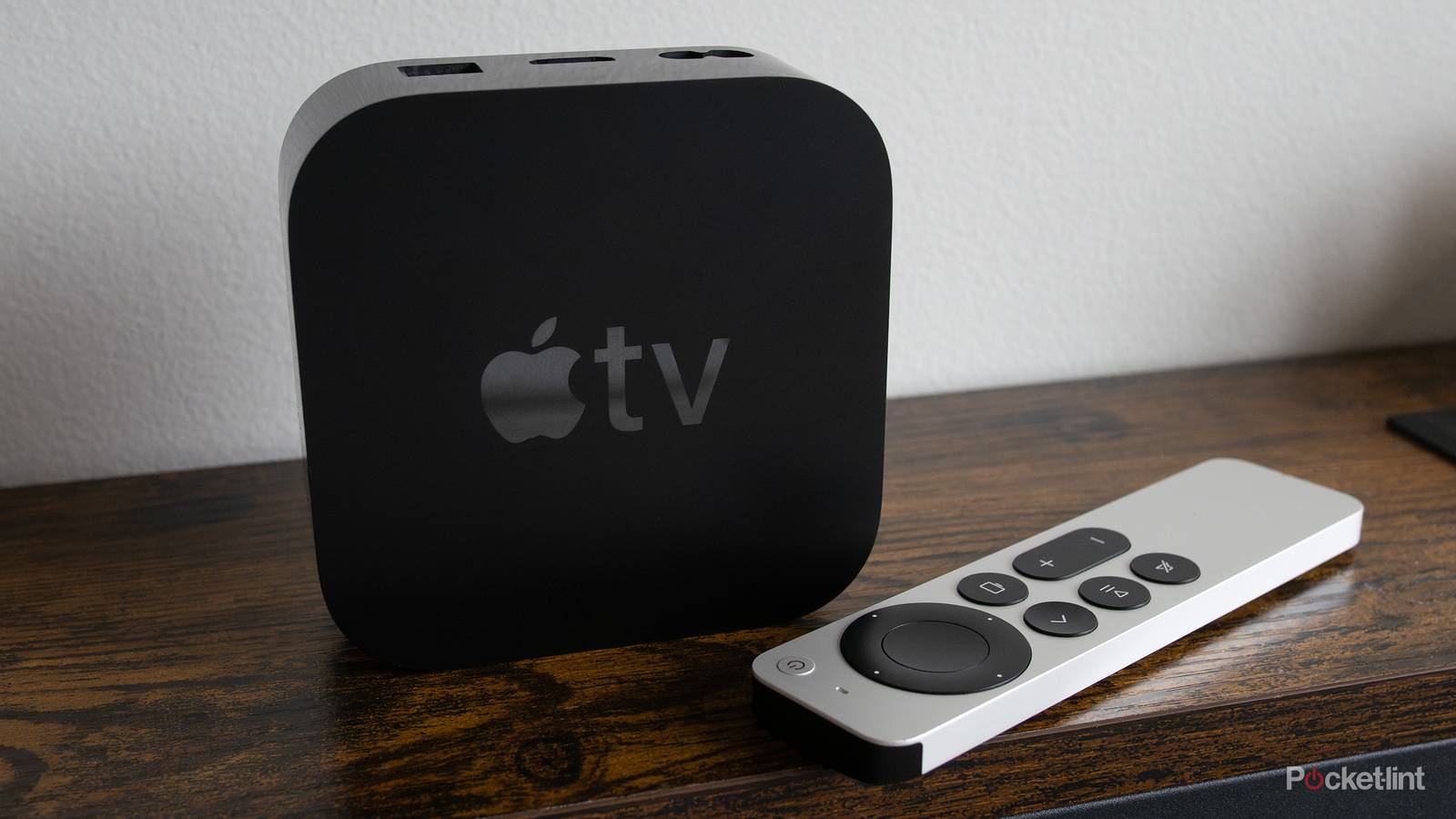

Your TV is packed with different HDMI ports, so I don’t blame you for not knowing the difference between them all. It gets even more complicated once you start reading the different things on the back of your TV. You’ll see things like HDMI 2.0, 2.1, and eARC. Each of these ports do a different thing, and the problem is that your Apple TV 4K will largely work the exact same no matter what port you select.
Once you start to learn more about what these ports do, you’ll know the eARC port is meant for audio equipment such as a soundbar or receiver. That means you should avoid plugging in most devices there, but your Apple TV 4K might be an exception. A lot of people like to stick with the Apple ecosystem, and that means many Apple TV 4K owners also have a set of HomePods. What’s cool about the Apple TV is that you can use those HomePods as your audio system. If you’re doing that, then you should actually have your Apple TV 4K plugged into that eARC port.

- Brand
-
Apple
- Bluetooth codecs
-
5.0
- Wi-Fi
-
6
- Ethernet
-
Gigabit (128GB model only)
- Storage and RAM
-
64GB, 128GB
You might not be wrong about the port
It’s not common, but it happens

For most scenarios, you want to keep your streaming boxes far away from this port, but the Apple TV 4K bucks that trend. I want to stress that this is only the case if you have your Apple TV 4K paired with HomePods. The reason for this is because your Apple TV 4K is actually acting as the audio system in this scenario. The eARC port gives you the best sound quality possible, so you see benefits here that wouldn’t otherwise do anything.
Yes, your Apple TV will work in this port regardless of whether you have HomePods or not, but if you also have a soundbar or other sound system, you’re using a port that should be used by another device. I know this goes against conventional wisdom, but it’s important you know how to take advantage of what your device has to offer. There won’t be many scenarios like this, and it’s easy to think it’d have no effect on wireless speakers, but that’s not the case here.
Now, whether you’ll notice a real-world difference or not depends on the person. You are getting better audio by using this port, but there are so many people who use TV speakers just fine, so it’s obvious that audio enjoyment varies by person. I wouldn’t say HomePods are high-end speakers by any means, but they’re certainly better than your TV’s speakers. If you’re using them, you might as well get the most out of them.
Stay away from the eARC port with other devices
More harm than good

This advice doesn’t apply to you if you have a soundbar or another source of audio. I know soundbars and the like are only growing in popularity, so there’s a decent chance you have it plugged into the wrong port. Your TV’s ARC and eARC port are meant to maximize your audio, so while your Xbox, PS5, Roku, etc. will all work just fine, but it’s not ideal. The most important thing you should be doing is making sure you have an HDMI 2.1 cable plugged into these devices. These cables give you the best speeds, and since modern TVs are packed with HDMI 2.1 ports, you’re getting the most out of your devices. You can only get 4K 120 FPS on your PS5 and Xbox Series X through a 2.1 cable, for example.
It’s very easy to fall into the trap of thinking the nicest HDMI port on your TV is one to use, but it’s not the case. Fortunately, it’s nothing that is not easily fixed as you can just unplug an HDMI cable and move it around. Even if you have your devices in the wrong part, I don’t know if it’s anything the average person would notice. However, if you’re paying for expensive audio equipment, you’ll want to make sure everything’s plugged in properly considering you’re likely in the group of people who can tell the difference in audio.
Unfortunately, even if you have your devices plugged in properly, streaming audio can only take you so far. For the best sound, you need to get a physical disc since you won’t typically run into lossy audio like you do with streaming services. I fully understand why streamers do this because using full uncompressed sound means there would be compromises elsewhere. It’s a bit of a bummer to see so much cool stuff being locked to Netflix with no physical release in sight, though. I have no choice but to put up with what Netflix has to offer, and that means I have to put up with the less-than-ideal audio quality. This is why it’s important to have your devices plugged into the right spots because you can at least soften the blow.
