

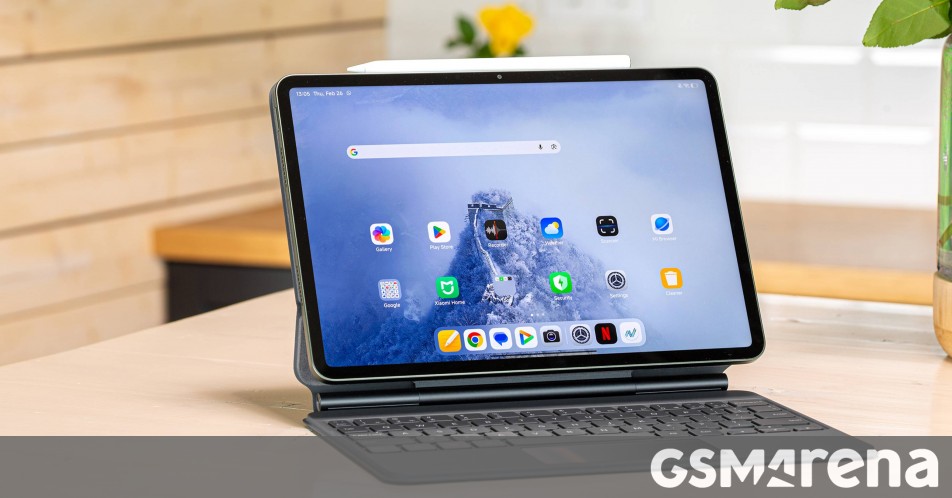

A few months after launching in China, the Xiaomi Pad 8 Pro is expanding to more markets around the world. This is one of Xiaomi’s thinnest LCD tablets as it is 0.4mm slimmer than the Pad 7 Pro. The new slate measures only 5.8mm thick and weighs 485g (15g less than the previous model).
You might not think it matters, but these improvements add up over time – the Pad 7 Pro was 0.3mm thinner than the Pad 6 Pro and now this model shaves off an extra 0.4mm. This matters since tablets almost have to be used with a case of some sort.
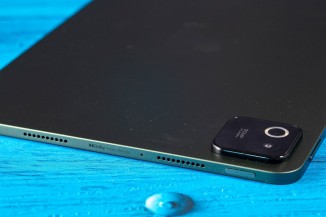
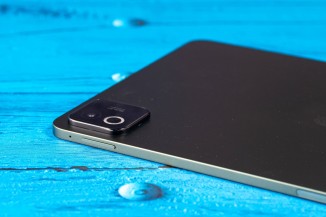
The Xiaomi Pad 8 Pro measures 5.8mm thick and weighs 485g
Our test unit came with the new Xiaomi Pad 8 Pro Focus Keyboard (which is also compatible with the vanilla Pad 8). What sets this apart from the regular keyboard case is the floating hinge design – it makes it much easier to adjust the angle of the tablet, so the experience is closer to using a laptop.
PC-level productivity is a major focus for this tablet. It comes with improved split-screen modes that offer a 5:5 vertical split and a 9:1 horizontal split option. Additionally, Workstation Mode (Xiaomi’s desktop mode) now lets you add more apps to the Dock on the bottom of the screen for easy access.
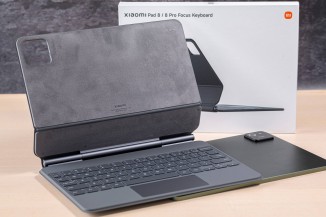
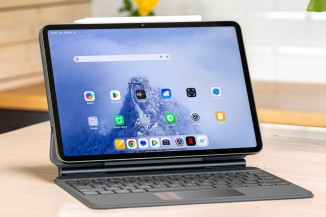
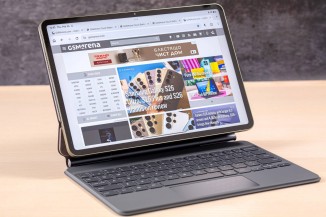
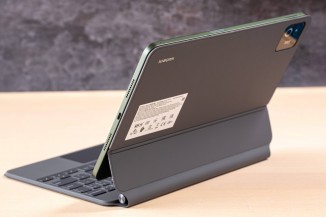
The Xiaomi Pad 8 Pro and the Focus Keyboard
The web browser supports tabs, right-click functionality and mouse hover previews. You can use the stylus (more on that in a bit), but these features are best used with a mouse. And while carrying a Bluetooth mouse will certainly do the trick, the Focus Keyboard has a touchpad.
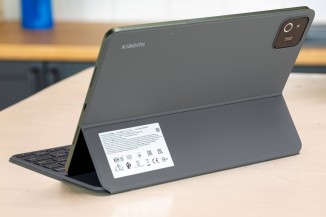
The touchpad is another thing that separates it from the regular Xiaomi Pad 8 Pro Keyboard. We have one of those as well – it offers a similar typing experience, but since the keyboard is supported by a kickstand, getting the angle right is harder.
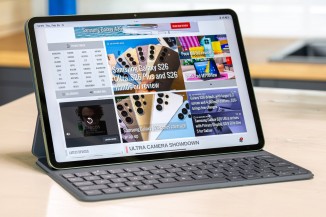
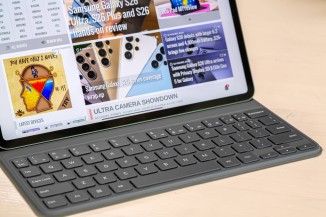
The Xiaomi Pad 8 Pro and the regular Keyboard case
We also have the Xiaomi Pad 8 Pro Cover, which uses an origami-style kickstand to hold the tablet either in portrait or landscape orientation.
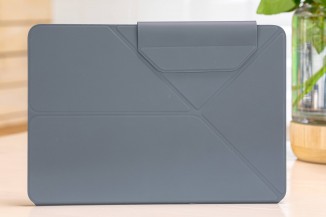

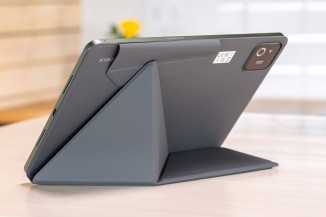
The Xiaomi Pad 8 Pro and its origami-style case
To wrap up the accessories section, we should also mention the new Xiaomi Focus Pen Pro. The company went for a button-free design, but still managed to squeeze in some controls – literally, you can squeeze the stylus to access additional functions. In the main UI, this brings up a “shortcut ring” with 1-6 shortcuts. In apps, it can bring up relevant settings and controls.
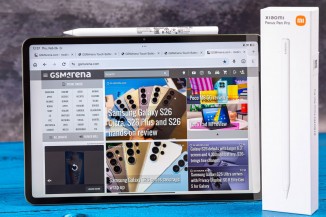
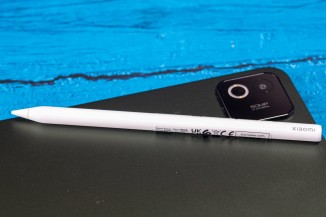
The new Focus Pen Pro for the Xiaomi Pad 8 Pro
Alright, we mentioned that the Xiaomi Pad 8 Pro is slimmer than its predecessor and why that matters. The good thing is that there is no downside – the new model has a 9,200mAh battery, which is 350mAh more than before. It still supports 67W fast charging (whether you get a charger in the box varies by region) and now it can even do 22.5W reverse charging.
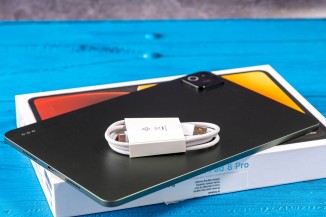
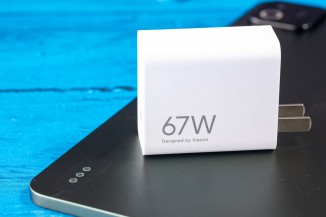
The Xiaomi Pad 8 Pro has a larger 9,200mAh battery with 67W fast charging
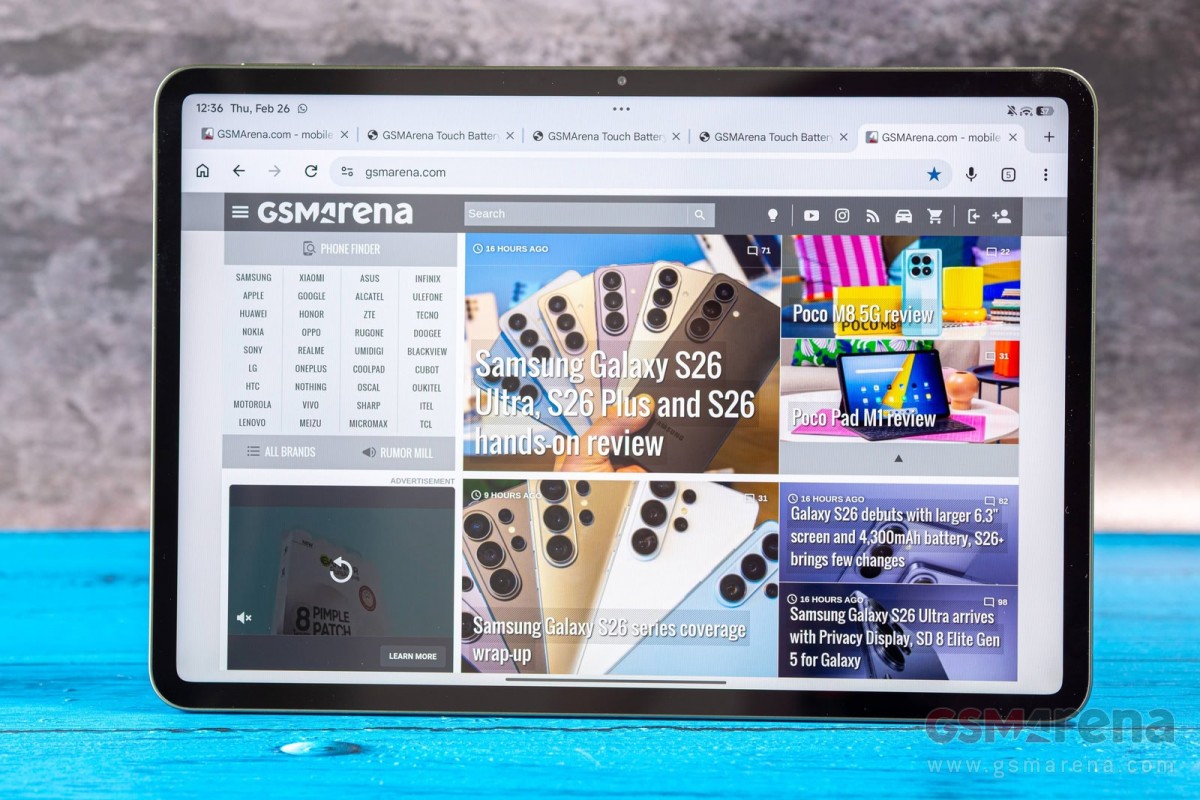
This tablet has an 11.2” LCD – it’s a 3:2 panel with 3,200 x 2,136px resolution (345ppi). It supports Dolby Vision and Adaptive HDR, which can boost the brightness to 800 nits. The display has a 144Hz refresh rate.
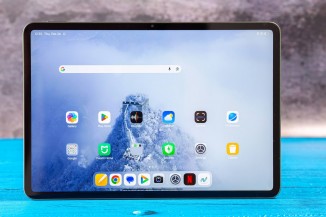
The Pad 8 Pro is equipped with an 11.2” 3:2 144Hz LCD
Those are largely the same specs as before. Also like before, there are four Dolby Atmos-equipped speakers on board. Hi-Res and Hi-Res Wireless Audio are also supported if you want to use headphones.
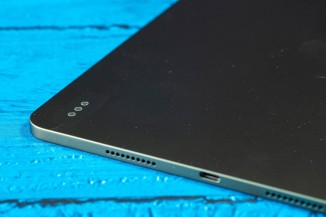
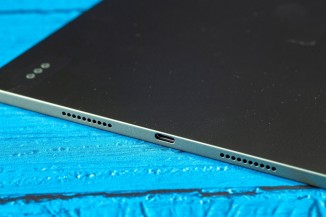
The tablet has four speakers with Dolby Atmos
What has changed from the previous model is performance – the Pad 8 Pro is powered by the Snapdragon 8 Elite. While no longer the latest chip, it handily beats Pad 7 Pro’s Snapdragon 8s Gen 3. Xiaomi says that the CPU is 81% faster (as measured by Geekbench), the GPU is twice as fast (+103% on 1440P on Aztec Ruins Vulkan) and the overall AnTuTu score is 68% higher.
The tablet can be configured with 8 or 12GB of RAM and 128GB, 256GB or 512GB storage. Note that the 8GB RAM option is LPDDR5X, while going for 12GB gets you faster LPDDR5T RAM. It’s a similar situation with storage: the base 128GB version uses UFS 3.1, while 256GB and 512GB tablets feature faster UFS 4.1 chips.
The Pro slate has a fingerprint reader on the side – this serves to unlock the tablet itself, of course, but you can also configure it to unlock your phone too, if multitasking on a single device isn’t enough.
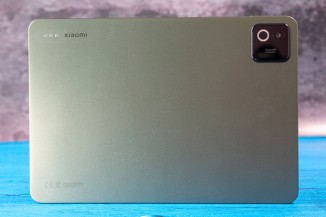
We should also mention that the tablet has a 50MP camera on the rear alongside a 32MP front-facing camera with an ultra-wide lens (19mm). This will come in handy for video calls.
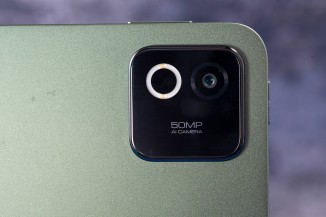
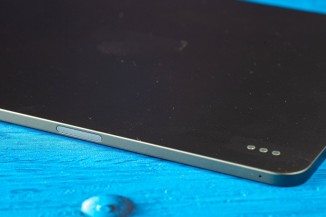
Xiaomi Pad 8 Pro: 50MP camera on the back • fingerprint reader on the side
That’s all from our first encounter with the Xiaomi Pad 8 Pro. Xiaomi has more to show at the MWC, including the global Xiaomi 17 and 17 Ultra, plus new wearables and we will have extensive coverage on all of it.
