

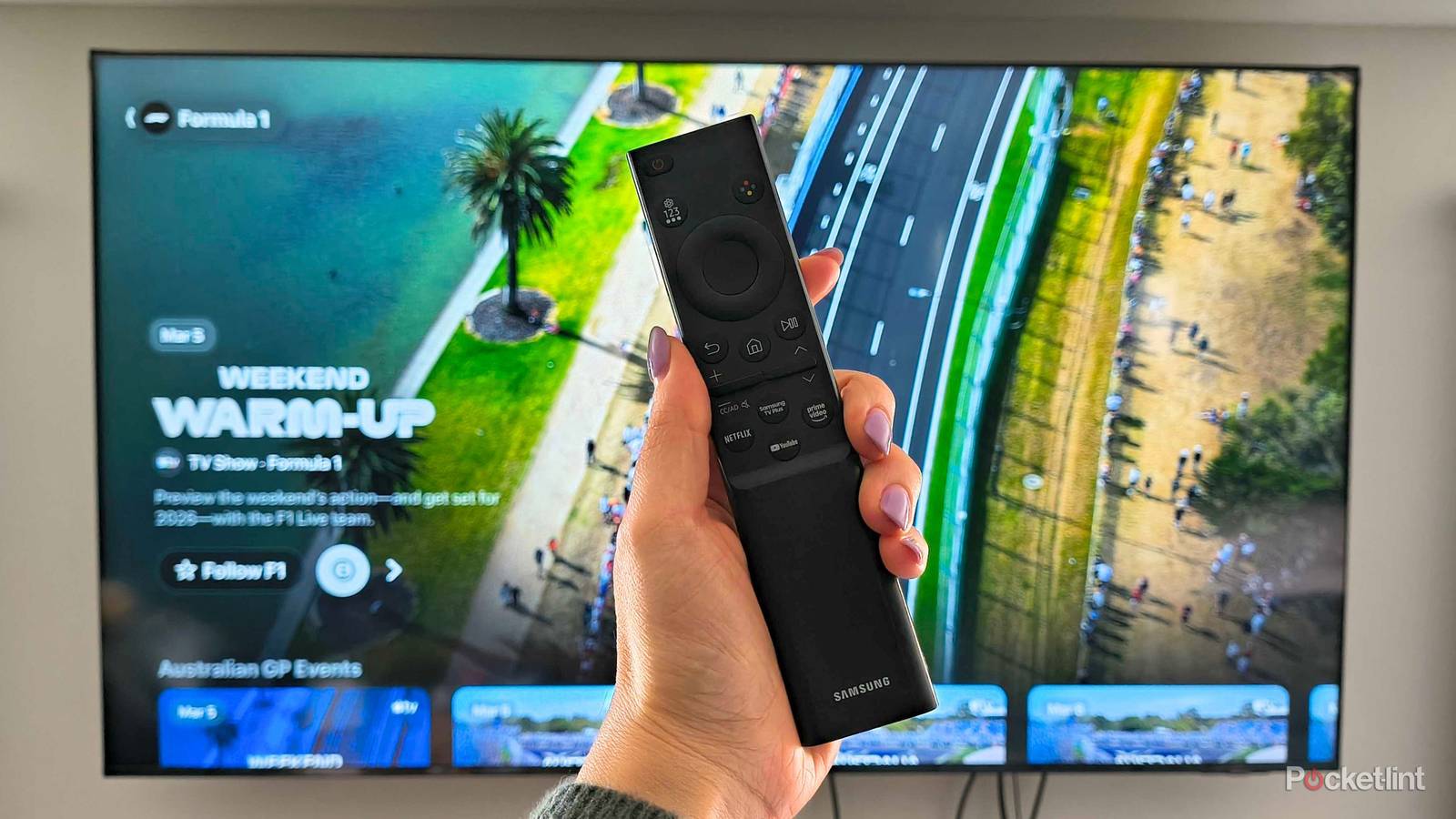

Old technology fails for a lot of reasons, but that doesn’t mean you can’t take preventive steps to make sure things last longer, and that includes your smart TV. Nowadays, while there are many cheap smart TVs available, nobody likes to drop hundreds of dollars on something out of the blue. If your smart TV is becoming sluggish, my best advice is to go out and buy a streaming stick or box. I have an Apple TV 4K plugged into my living room TV, and I love it. Similarly, I have a Roku Ultra plugged into my bedroom TV.
However, sometimes you don’t want to have to go out and buy a separate device to get things running smoothly. I’m right there with you, especially if you’re happy with how your TV performs otherwise. Chances are that you’ll find your smart TV just needs some extra steps to get up and running as you remember it. Try out some of these things before going out and buying a stick.
Give your TV a restart
An actual restart, not turning it off and on

Restarting your devices is a tried-and-true method of making them work again. There’s a good chance that you’ve heard of turning it off and on again to fix problems. While that might fix the problems you’re running into, that’s not actually what I’m suggesting here. What I’d rather you do is give your TV an actual restart. This can usually be found in your power settings, and what it does is fully cycle your TV’s power and state and give everything a fresh start of sorts.
This will close all of your apps and give your TV a clean interface when it cycles back around. A lot of times, this works for me, and for devices other than your TV. My Apple TV 4K and Xbox Series X have both benefited from this power cycle, too.
If you’re having trouble finding the actual restart setting for your TV, unplugging your TV completely for about 10 seconds and then plugging it back in should have the same effect. If you see the manufacturer’s logo on your TV when you start it back up, and it takes longer than usual, it means it should’ve worked. I’ll keep my fingers crossed that this works for you because it’s definitely one of the easiest things you can try.
Force close your sluggish apps
Teach them a lesson

You might not realize it, but many apps that you aren’t using actively are still running in the background of your device. This applies to your phone and TV, and that’s why it’s important to close everything down periodically. There are many ways to do this, depending on your TV or device. On my Apple TV 4K, I have to double-tap the home button to bring up all my apps, and then I swipe up to close them. Holding the select button down over the icon could result in something similar.
Doing this will close the app and stop it from running in the background. This means the next time you open it up, it won’t go back to the screen you left off on. Sadly, it means you’ll have to wait a little bit longer to get to where you’re going, but if it results in faster speeds for your smart TV as a whole, I’d say it’s worth the trouble. At the very least, I think it’s good practice to keep the apps you hardly use closed. I don’t use the Shudder app all that often, so I don’t have any issues with waiting longer for it to boot up, for example. Even uninstalling some unused apps could be something to consider. There’s no point in keeping things around that could possibly be slowing down your TV if you don’t use them.
Factory reset could be a last resort
If all else has failed

If your TV is running super sluggishly, sometimes a factory reset could help make things feel new again. The downside of this is having to reinstall everything, as this will wipe your TV to the point where it’s as if it’s coming home new from the store. If you only have streaming apps installed that take a few seconds to download anyway, then it’s not as much of a hassle. Factory resetting a game console or phone has always been more time-consuming for me, since I do more with those things than I do with my TV.
The good news is that a fresh reset means you can only install the apps you use instead of bloating your TV again with apps you used just a single time. Having limited apps means there will only be so many running in the background at any given time. In many ways, this can be seen as a net positive, and once you get locked back into all your streaming services, hopefully, your TV will be running faster than it was.
An Ethernet cable can help out
Some much-needed stability

I don’t personally like to use Ethernet cables with my TV, but my biggest reason for doing so is that I don’t want to run a cable down my stairs and into my living room. Not everybody has their router placed in the same spot as I, and many people are much better at cable management. If that sounds like you, then you might see some benefits from hardwiring your TV with an Ethernet cable.
Try out some of these things before going out and buying a stick.
Depending on your home Wi-Fi, you might not experience increased speeds — and there’s even a chance you could see slower speeds. However, something Ethernet can provide is some much-needed stability, and that could often be looked at as a way of being speedier. If you find yourself buffering more often than you’d like, an Ethernet cable could put an end to those problems by giving a consistent connection to your TV. Streaming doesn’t require blazing fast speeds as it is, so many times it’s more important to have a stable connection over a fast connection.
Using an Ethernet cable can also give the additional benefit of speeding up your other devices on Wi-Fi by not clogging up the network with unnecessary things. This can similarly be done by moving your TV’s internet connection to the 2.4GHz channel and leaving your other devices on the 5GHz one, if your home has two bands. You might find that this is your best path forward for faster speeds, but not everybody has access to two bands. I had to manually split mine to get my Xbox 360 connected to Wi-Fi, so that’s the only reason I have two networks to pick from now.
