

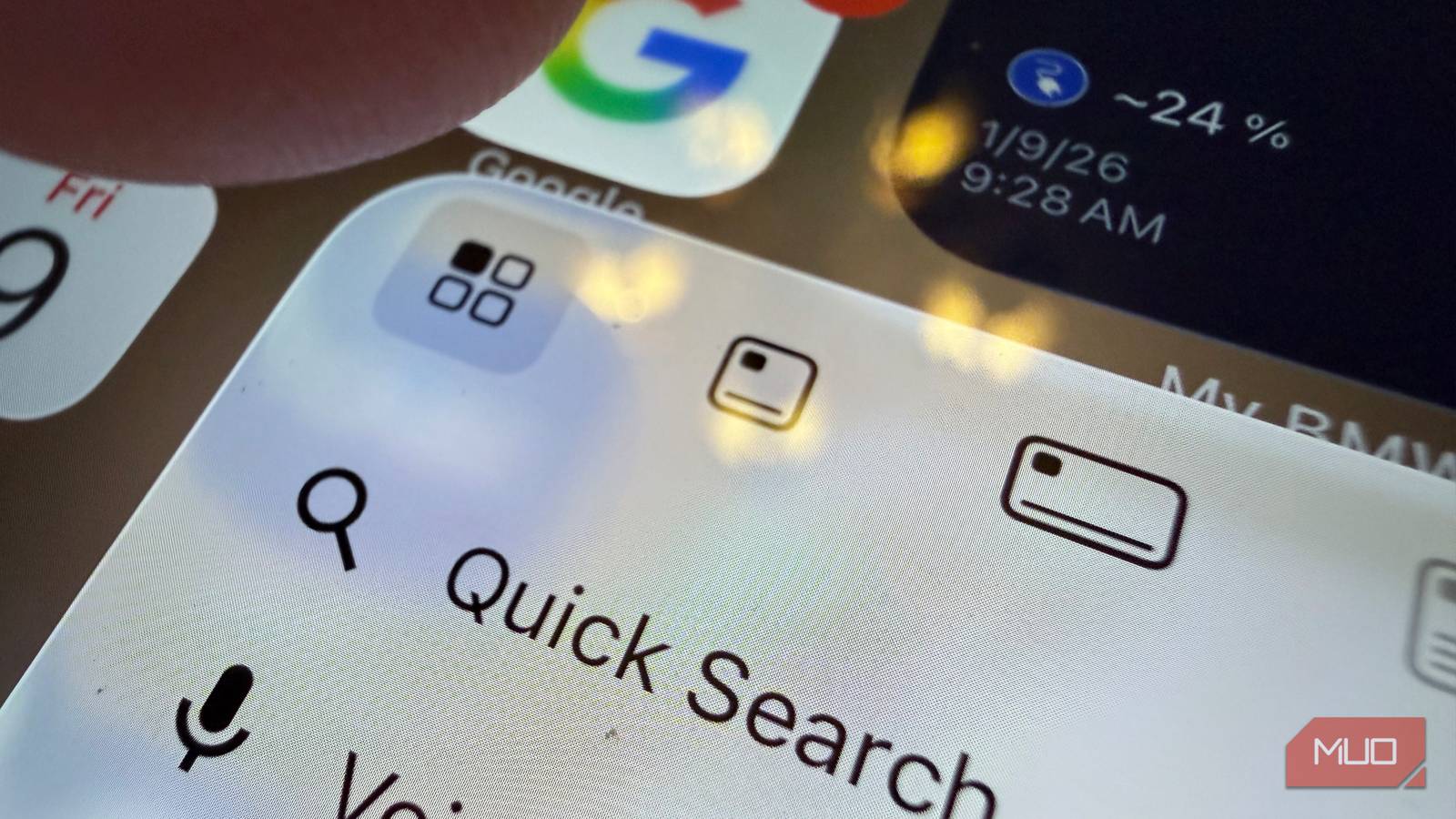

In 2015, Apple introduced 3D Touch on the iPhone 6s, adding a revolutionary dimension of pressure sensitivity to the touchscreen we had all gotten used to. Features like Peek & Pop allowed for seamless content previews, while Quick Actions enabled instant shortcuts from app icons. It even transformed the keyboard into a precise trackpad with a firm press.
Unlike today’s slower long-press (Haptic Touch), 3D Touch felt instantaneous and mechanical. Despite its ingenuity and “pro” utility, Apple eventually removed the hardware to save space and cost. While software workarounds exist, the tactile brilliance of true pressure sensitivity remains a missed “game-changer” for many people, and it’s the one feature I wish Apple would bring back.
Peek and Pop
Preview content without fully opening it

Peek and Pop was a brilliant UI paradigm that combined different levels of finger pressure with haptic vibration from the fantastic Haptic Engine linear vibration motor.
It allowed you to firmly press on content, like a link on a website or an email in your inbox, to “bring forward” a small preview. Then, with a firmer press, the content would fill the screen. It was a more natural way of looking at something without leaving your current activity, then letting you jump to it with a natural gesture.
App Quick Actions
App shortcuts to quickly perform key actions

Using a firm press on any app icon, you could access quick actions for that app right on the Home screen. While continuing to press firmly, moving your finger to the action you wanted to take, then releasing, would perform it.
This was an amazing shortcut to have. You could tap and hold the Messages icon firmly to see a list of the people you’ve recently contacted. Then, continuing with a gesture to release your finger on the name you wanted to text was natural.
Why did Apple kill 3D Touch?
In a nutshell: no one used it

Apple tends to kill features that people don’t use, as it sources anonymous data from its enormous fleet of devices. 3D Touch was exciting at first—our coverage in 2015 even claimed that Android users might switch to an iPhone for 3D Touch. But by the time the iPhone 11 series launched in 2019, Apple dropped the feature from its lineup.
The main problem with 3D Touch was that there was no way for the average person to know it existed, unless they read a tech article or stumbled on it by accident. Not only that, but 3D Touch required an additional display layer to sense pressure.
Even back then, having an extra display layer didn’t make much sense for a feature that most people didn’t use—or even know about anyway. And we’re now in the era of the iPhone Air and the relentless pursuit of minimizing phone components (RIP the headphone jack, the alert slider, and the SIM tray) to maximize battery. I can’t see it coming back anytime soon.
Haptic Touch is the replacement
It still has some key features you should know about

While Apple killed the 3D Touch hardware, it left several key features intact. Today’s iPhones are no longer pressure-sensitive, but allow you to access much of the same functionality with a press-and-hold gesture, called Haptic Touch.
You should know about these features because, while they’re not obvious, they’re super helpful:
- App Shortcuts: Press-and-hold any icon on the Home screen to access app shortcuts, then continue the long press and release on the action you want to perform. This works especially well in some messaging apps where—if the developer supports it—you can seamlessly jump into a recent conversation or begin a new one.
- Cursor placement on the keyboard: You can long-press the spacebar on the default iOS keyboard to turn the keyboard into a gesture pad that lets you precisely move the cursor. I use this all the time, and it’s fantastic. This doesn’t work if you use a third-party keyboard for iPhone.
- Peek and Pop in some apps: In some apps (mostly Apple’s own) you can long-press on links to preview them in a small window, then continue the long-press to make the content full screen.

7 iPhone Features That Feel Like Magic—Yet You’re Not Using Them
Transform how you interact with your iPhone.
I highly recommend you change the Haptic Touch duration, which is available under Settings > Accessibility > Touch > Haptic Touch. Set this to Fast, and the feature becomes so much more useful because you don’t have to wait for it. It’s one of the best ways to make your iPhone feel faster.
I wish Apple hadn’t killed 3D Touch
Apple has a long history of deleting features. MacBooks no longer have a CD tray, modern iPhones lack SIM card slots, and we can’t forget about the headphone jack, which I still lament. But 3D Touch and its ability to interact with UI elements based on touch pressure were never given a fair shot.
Some developers, like Meta (then Facebook) and Twitter, started to build 3D Touch functions that made using their apps more engaging and fun. But because Apple removed this feature after just a few years, there wasn’t enough time for it to fully mature and be utilized by developers.
Today, you can still use a couple of the features of 3D Touch with Haptic Touch, but it’s not the same. You had to feel that pressure-sensitive panel yourself to appreciate what we lost. I really wish Apple hadn’t killed this promising display technology.
