

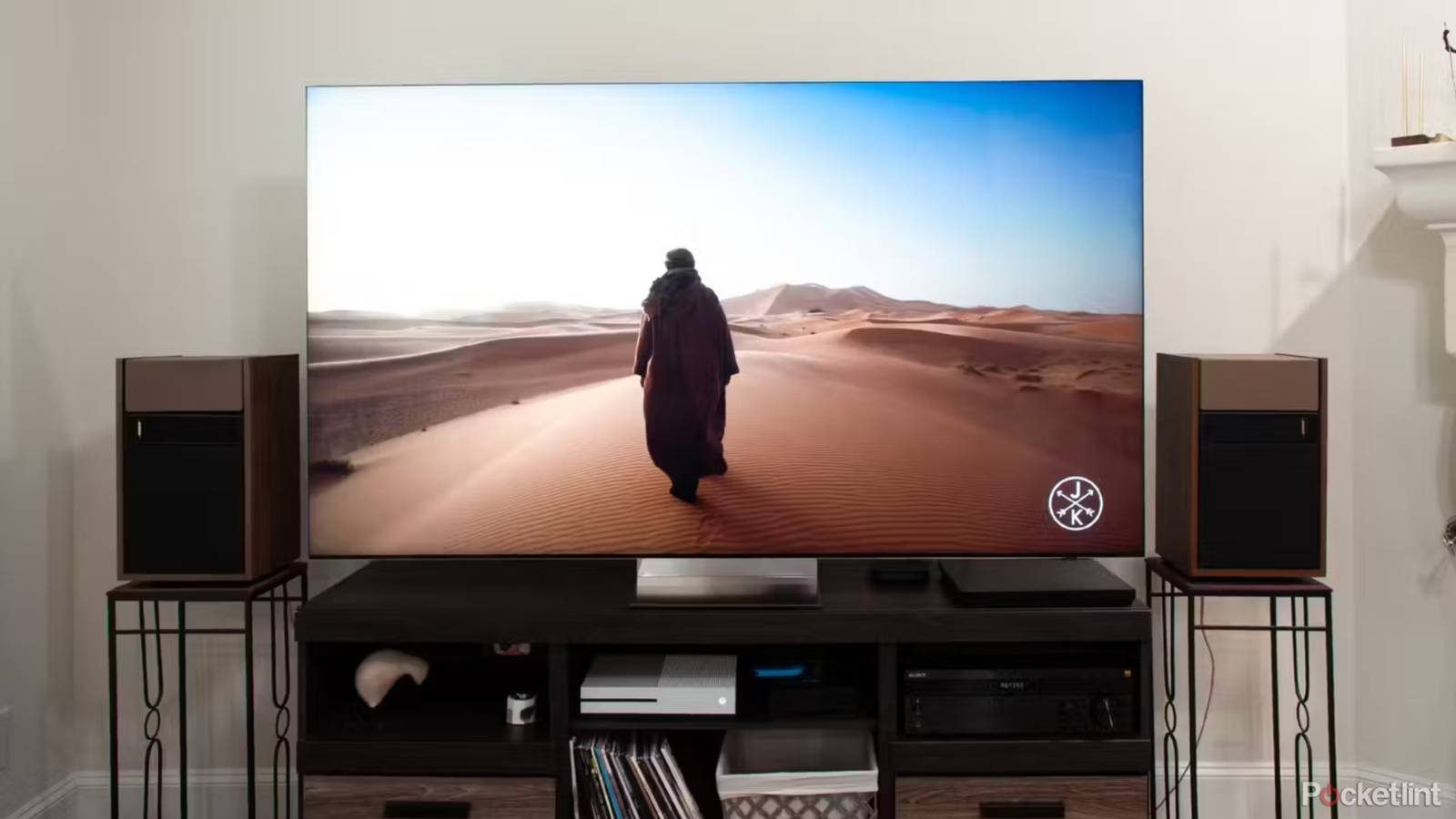

Hollywood is full of tropes about dads who won’t let anyone touch the thermostat, or who complain when someone leaves lights on or the fridge door open for a second longer than they have to. Being a dad myself, I sympathize a little — owning a home is expensive enough without worrying about power bills going up. I am a realist though, so I just rely on smart home tech to turn things on and off in a way my family can live with.
One thing I don’t have much control over is how long TVs run. I’m pretty judicious about turning a TV off the moment I’m done with it, but my wife and son have their own habits, and yours are probably unique as well. Thoughts along similar lines led me to ask — what would happen if you literally left a TV on 24/7? I don’t have a test unit I’m willing to sacrifice, but there’s plenty of publicly available data that can help answer the question.
The power consumption question
You’ll probably be okay

A TV won’t consume as much power as, say, central heating in a Minnesota winter, but it is one of the more power-hungry devices in your home. That’s not surprising, given that it’s a light panel that can potentially outshine the daylight coming through your window.
Complicating the answer to this question is the growing range of panel formats out there. OLEDs and modern LED-lit LCD TVs are more power-efficient than CRTs, but they’re also available in larger sizes than ever before, and there are variations on these technologies such as QD-OLED and mini-LED. Consumption is further impacted by resolution, and how often you’re viewing HDR (high dynamic range) content, which can make highlights exceedingly bright.
Let’s go with my own TV for a relatively standard example. I have a 65-inch version of the Hisense U68KM, which is a 4K, quantum-dot mini-LED TV, but on the cheaper end of that tech. In action, it’s estimated to consume up to 190W per hour. That figure is debatable, but reasonable given numbers I’ve seen for other TVs. If I left my TV on for 24 hours straight, that would translate to a little over 4.5kWh (kilowatt-hours). For seven days straight, about 31.9kWh. For a whole month, upwards of 136kWh.
It’s enough to inflict a small but noticeable wound on a power bill, given the rates utility companies charge.
That’s enough to inflict a small but noticeable wound on a power bill, given the rates utility companies charge. Austin Energy, for example, currently charges 4.640¢ per kWh for the first 300. If you were running nothing else in your home, that would cost you a little over $6 extra per month — but since you’re liable to use more than 300kWh per month, you’re going to get bumped into a higher price bracket. That could run anywhere from 5.138¢ to 10.884¢ in Austin, or about $7 to $15 per month. You might have to sacrifice that HBO Max subscription.
The effect of HDR comes in brief spikes, but shouldn’t be discounted. A 65-inch OLED TV could see its consumption surge as high as 300W — so if you’re watching a lot of content in Dolby Vision or HDR10+, your bills could theoretically be higher, although that’ll probably be offset somewhat by dark scenes.
What about the lifespan of my TV?
Don’t worry about it (too much)

Even under the best conditions, it’s unlikely you’re going to be handing down a TV to your baby, much less your grandchild. Electricity generates waste heat, and key components like backlights (on LCD/LED TVs) or self-illuminating pixels (on OLED and MicroLED TVs) are fragile enough to degrade under the strain.
That said, you’re not going to kill a TV very quickly by leaving it on all the time. On average, an LCD should last about 40,000 to 60,000 hours when its backlights are operating at maximum (or near-maximum) brightness. That’s about 4.5 to 6.8 years of non-stop viewing, and of course, most people dial brightness back a bit. I suspect that zero rests from heat would accelerate failure, in practice, yet you might still be able to hold out long enough to upgrade your TV voluntarily.
On average, an LCD should last about 40,000 to 60,000 hours when its backlights are operating at maximum (or near-maximum) brightness.
Lifespan can be impacted by both panel technology and build quality. Samsung claims that its QLED TVs should last for 70,000 to 100,000 hours, or roughly 8 to 11 years. OLEDs can run the gamut from 30,000 to 100,000 hours. MicroLEDs may actually break the 100,000 mark, which is part of their appeal.
An issue you might not have considered is software stability. Like a computer or smartphone, a smart TV is constantly managing background processes and temporary (cached) data. Without downtime, there’s a chance that these factors could slow down your TV’s apps and operating system, or even trigger system crashes if there’s a bug or a corrupted cache. Your TV will probably be fine in the long run — but I wouldn’t count on a TV operating well year-round without at least one forced reboot.
The OLED scenario
Avoiding Achilles’ heel

Anyone familiar with smart TV tech is aware that until now, I’ve ignored a key issue with OLED TVs: burn-in. The “O” in OLED refers to an organic electroluminescent layer, which tends to degrade faster than the synthetic material in LCDs, MicroLEDs, and so forth. When static images are onscreen for a long time — such as the logo for a 24/7 news channel, or the heads-up display in a first-person shooter — the pixels in an OLED panel degrade unevenly, and that can lead to permanent “ghost” images that will appear when that part of the screen is dark.
It’s important to distinguish between burn-in and image retention, though. The latter can happen in as little as an hour, but will usually go away in a matter of minutes. True burn-in tends to require several hours of static content at a time, and even then the results may not be noticeable until you repeat the process for hundreds or thousands of hours. So conceivably, as long as there’s a diversity of images onscreen, all you’re going to be doing by running an OLED 24/7 is decreasing its overall lifespan. It’s leaving a TV on CNN or Fox News round-the-clock that’s disastrous.
True burn-in tends to require several hours of static content at a time, and even then the results may not be noticeable until you repeat the process for hundreds or thousands of hours.
TV makers are also well aware of burn-in, and have implemented a variety of measures to counteract it. These include screensavers, pixel shifting, and automatic logo dimming, which despite its name can potentially impact things like Windows taskbars as well. These don’t prevent degradation, per se. Instead they ensure that degradation is more even, which should reduce the chances of ghosting.
A problem unique to running an OLED non-stop is pixel refreshes. Normally, OLEDs run occasional whole-panel refreshes to extend their usable lifespan. But because this cycling is disruptive, it’s often scheduled to happen when a TV is in standby mode. So while there’s no hard data that I know of, I wouldn’t be surprised to see burn-in creep in a little more aggressively running 24/7, no matter what.
Time for common sense
Some final thoughts

No good can come from leaving your TV on all day, every day. It’s going to cost you extra, shorten your TV’s lifespan, and potentially lead to burn-in on OLED panels. It’s bad for the environment as well, unless you’re fortunate enough to be connected to a 100% renewable power source.
For the occasional all-day marathon, however, there’s not too much to worry about. You won’t put more than a dent into your TV’s hour count, much less your power bill. Feel free to knock yourself out if there’s a major news event, or you’re hosting the party to end all parties.
