

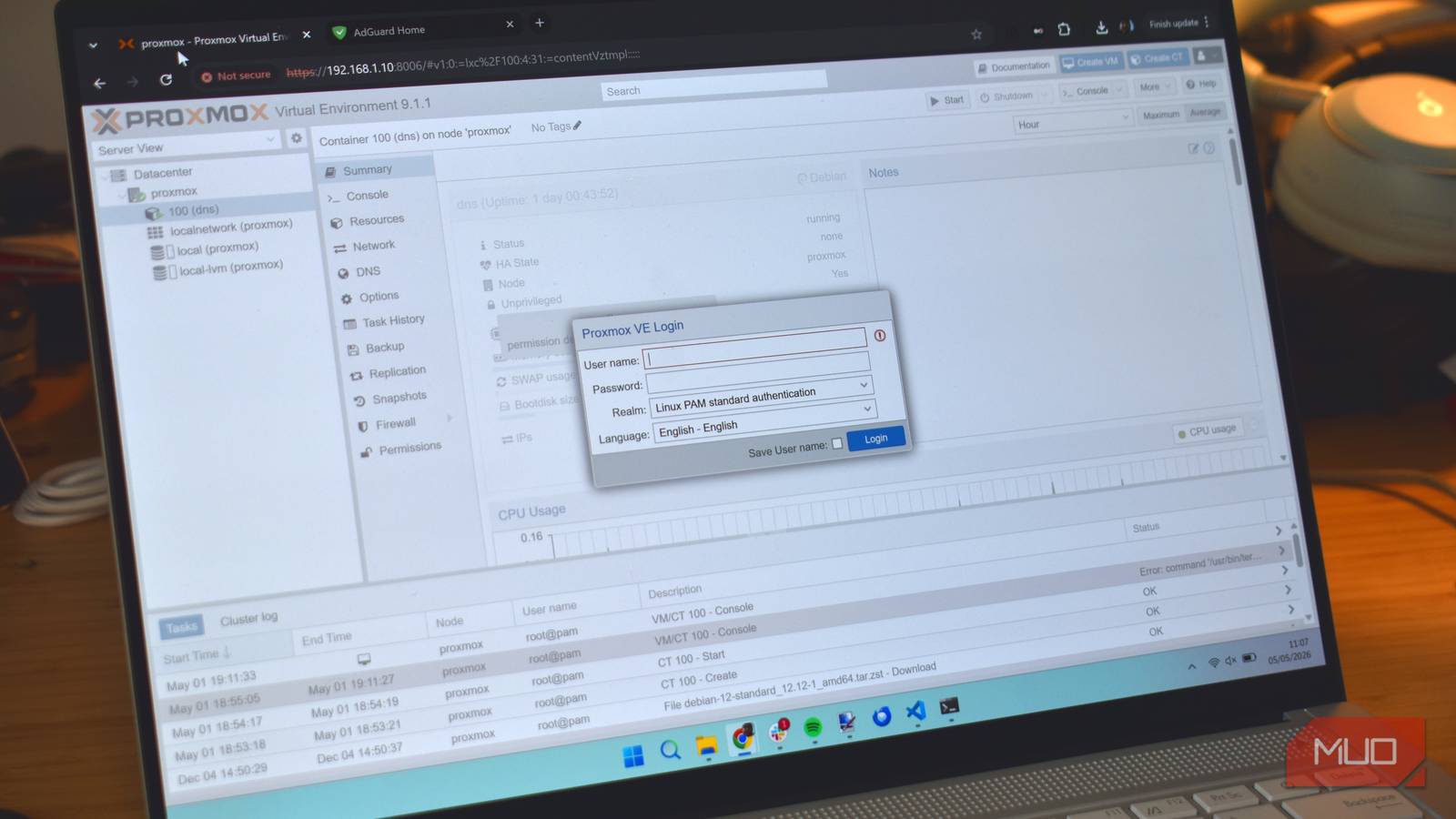

Self-hosting sounds like a big ordeal that you’ll need loads of super-specific hardware for. For a long time, I thought the same, to be honest, that I’d need at least a NAS or something along those lines to make self-hosting worthwhile.
It turns out I was wrong, and that couldn’t be further from the truth. The machine running my self-hosted server sat on the floor of my office, covered in dust for years, and some of the other hardware I was going to use I found lurking in a cupboard I’d not opened for years.

5 things you shouldn’t self-host, even though you technically can
Some things are better left to professionals.
I turned my old laptop into a Proxmox server
Start with what’s gathering dust

I wanted to get into self-hosting for a long time, but for one reason or another, I always put it off. Most of the time, to be fair, but also a definite belief that I needed some proper hardware to make it worth doing.
I couldn’t have been more wrong, really.
I had an Honorbook 14 on the floor of my office for ages, just doing nothing. So, one day, I decided it was finally time to put it to good use; I turned my old laptop into a DNS stack using Proxmox.
What surprised me most was that it only took me a couple of hours to get everything configured, and more than that, I didn’t need any extra hardware to start self-hosting. I certainly didn’t need a dedicated NAS with heaps of features and multiple terabytes of storage. What I actually needed was some time to get the job done, which I eventually found.
I’m not detailing everything I did to get my Proxmox server up and running. The previous link above has all of the information on that process, with detailed steps to guide you through. What I also found interesting was the hardware requirements, or lack thereof.
Really, I could have made a little home server using old hardware ages ago. I have other old laptops. I have a couple of Raspberry Pis sitting around doing not much. I’m pretty sure I have most of a couple of old desktops I could have cobbled together to make something work. In all cases, stuff lurking in my cupboards would have done the job!
Old drives are free storage for more things
So much room for activities
The other most common bit of hardware hanging around the home is hard drives. Yes, I’m generalizing, but anytime I’ve sold or recycled a laptop, the hard drive is one of the first things I remove. It’s important for your data, but hard drives are also one of the easiest bits of hardware to reuse in other devices.
Depending on the other hardware you’ve owned, you could be looking at SATA SSDs, 2.5-inch laptop drives, chunky 3.5-inch desktop drives, and even external hard drives. On that, you don’t need all the extra storage, but it can be handy to have, and it’s definitely a simple addition to your home server.
Connectivity is the real question here. Among my cupboard of tech (or doom, as some in my family call it), I actually have a drive enclosure that I can slot one of my old hard drives into. It makes it easy to protect the drive and connect it using the correct cables, functioning as an external drive.
If you don’t have something of that nature, though, you’re very likely to be able to find an empty hard drive bay on the old laptop, and if you’re using an old desktop, it should be even easier. Hanging 500GB of extra storage off the side of your repurposed home server is going to make it much easier to use self-hosted apps like Jellyfin for media or Immich for photo backups, and it is simple to install.
Your closet is hiding the parts you need
Maybe you just need a laptop, like me
An old laptop with a built-in power backup is an obvious candidate. But other hardware can do the job — an old desktop will definitely do the job, too, and a Raspberry Pi or other single-board computer with the right operating system will do most of the bits you want.
Sometimes, though, you do need a NAS. They come with loads of features that are quite nice to have on hand, like proper RAID redundancy, hot-swappable drives, and hardware that comes with a warranty to run flat-out for years.
In that, it’s not that a NAS is bad, by any stretch. It’s more that you just don’t need one to get going with self-hosting, as your cupboard is probably a goldmine of old hardware just waiting to be put to use.
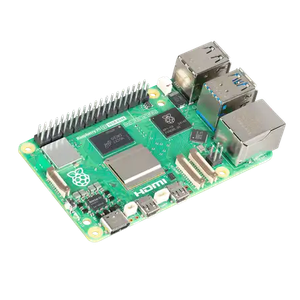
- Brand
-
Raspberry
- CPU
-
2.4GHz quad-core 64-bit Arm Cortex-A76 CPU
- Memory
-
16GB LPDDR4X
- Ports
-
4 USB ports, GbE, microSD, 2 mini-HDMI ports
The fifth iteration of the Raspberry Pi delivers significant CPU and graphics improvements over previous models, incorporating dual 4Kp60 HDMI output, faster USB 3.0 throughput, and a dedicated PCIe 2.0 interface for high-speed peripherals and advanced industrial or hobbyist applications.
