

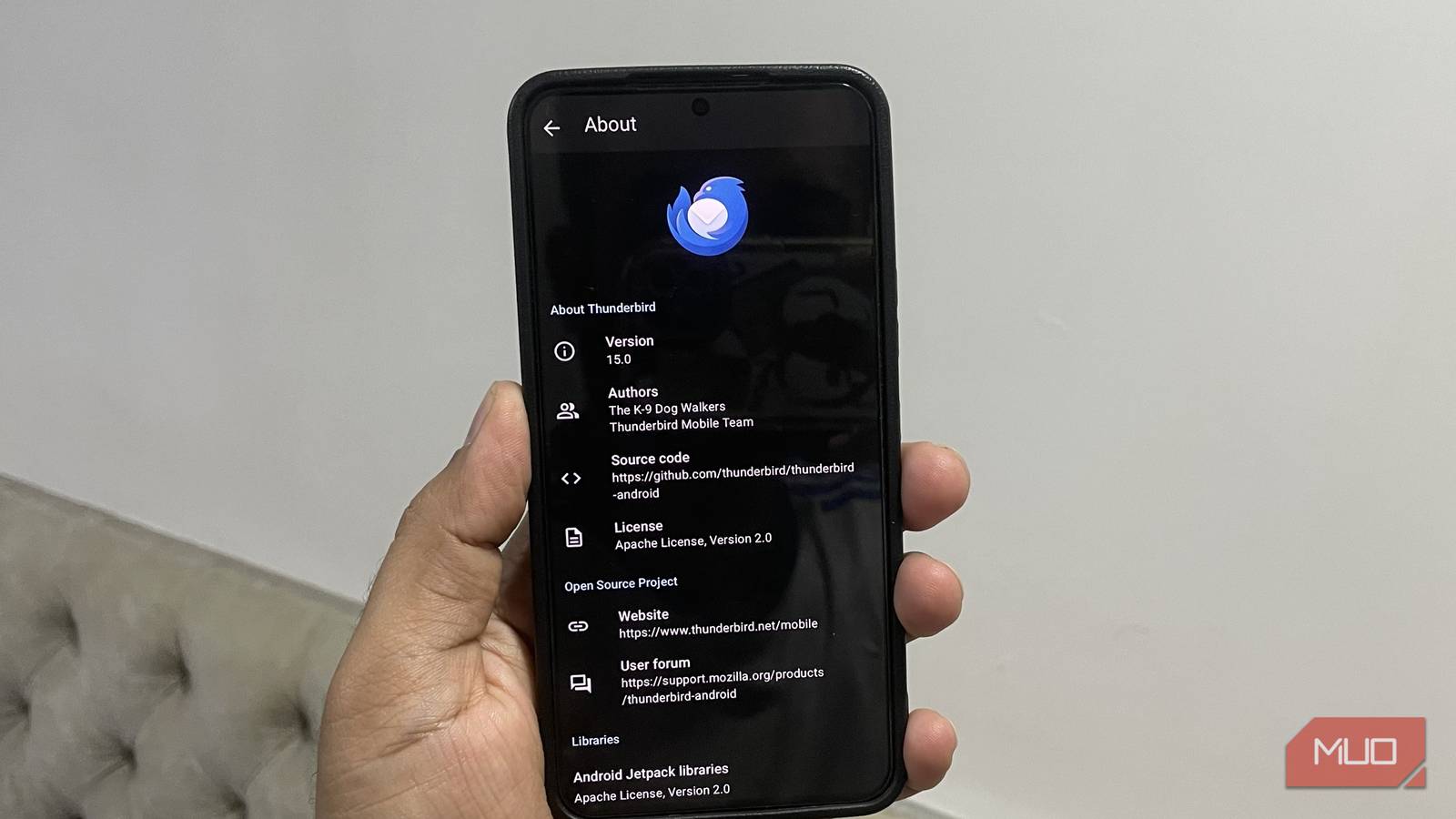

Gmail is the go-to email app for most Android users because it just works, and there’s not much to complain about. But that doesn’t mean it’s the best choice. After switching to Thunderbird on Windows and absolutely loving it, I decided to try it on my Android phone as well, and my only regret is not making the switch sooner.
Thunderbird is a free and open-source email app that offers better customization, no ads, and no forced AI features. It focuses on the basics and does them well. And now that I’ve used it for a few days, Gmail no longer feels like the obvious default.

- OS
-
Android, Windows, Linux & Mac
- Price model
-
Free (open-source)
The features that made me ditch Gmail for Thunderbird
Practical features that make sense
When I first installed Thunderbird on my Android phone, I honestly wasn’t planning to use it as the default email app. But after spending a few minutes with the app, that quickly changed. At first, Thunderbird doesn’t feel any different from Gmail. You get the same clean interface with a hamburger menu on the left, a unified inbox, and per-account settings that are easy to manage.
The real difference, though, is in the details. Thunderbird gives complete control over how the inbox looks and behaves. Head to Settings > General settings > Display, and you’ll see the option to change the display density. You can set it to Compact view to see more emails at a glance, or Relaxed to have a bit of breathing room. There’s also the option to increase the preview lines up to six. This is quite handy, as it lets me glance at a message and decide if it’s worth opening.
My favorite feature, though, is the split view. I can set Thunderbird to always use this or only enable it when I’m in landscape mode. On a larger phone or a foldable, this almost makes it feel like a desktop email client.
The customization doesn’t stop here. Thunderbird even lets you set different themes for different parts of the app. You can set the app to switch between light and dark themes depending on whether you’re in the main window, composer window, or message view.
And unlike Gmail, its dark theme has proper black backgrounds. This might sound like nitpicking, but if you use dark mode all day, the difference between true black and washed-out gray is very noticeable. Personally, I’ve never liked how Google uses dark gray themes in all of its apps, including Gmail.
Easy interaction, no AI nonsense, and reliable notifications
The more I used it, the more I liked it


Thunderbird isn’t all about customization. What really sealed the deal for me was the small details throughout the app. For instance, I like how the app lets me use the volume key to navigate between messages. You can enable it by heading to Settings > Interaction > Volume key navigation. You can also swipe left and right to switch between emails, much like Gmail.
Another thing I appreciate is what Thunderbird doesn’t try to do. It doesn’t summarize my emails, suggest canned replies, or shove AI into every corner of my experience. This can be subjective, but I feel these AI features hurt more than they help. They are not always accurate, and I would rather read my emails myself than rely on an automated summary to understand them.
Finally, I’ve had my fair share of issues with Gmail notifications on Android. Sometimes, they’d arrive hours late, and other times not at all. I’ve tried everything possible to fix this, but Gmail notifications have always been hit-and-miss for me. Ever since I’ve switched to Thunderbird, though, I have had my notifications arrive on time, every time.
Thunderbird even includes the option to set Quiet Time, where it delivers notifications without vibrating or lighting up the screen. All of these little things add up in daily use.
It’s ad-free and open-source
A cleaner inbox with no hidden agendas


This is a big one. Despite being completely free, Thunderbird doesn’t show any ads. You don’t see any sponsored banners in between your messages or subtle nudges that push you to try one of their other apps. You can still choose to support them by donating, but there are no guilt-driven pop-ups reminding you to chip in.
With Gmail, ads are a part of the experience, even if Google insists on calling them “promotions.” Plus, there’s the Google Meet integration in Gmail, which feels unnecessary and out of place.
Thunderbird is also open-source, which makes it even more compelling. Anyone can inspect the code, see how the app works, and verify what it does with your data. That kind of transparency matters, especially for something as personal as email. And it also means you’re not trading your attention or data for “free” software.
Thunderbird for Android was only released in late 2024, but it already feels surprisingly polished. And using the same email client on my phone and my PC brings its own benefits. I already had all my accounts set up on the desktop client, so bringing the same setup to my phone only took seconds. All I had to do was scan a QR code, and everything was ready in seconds.
