

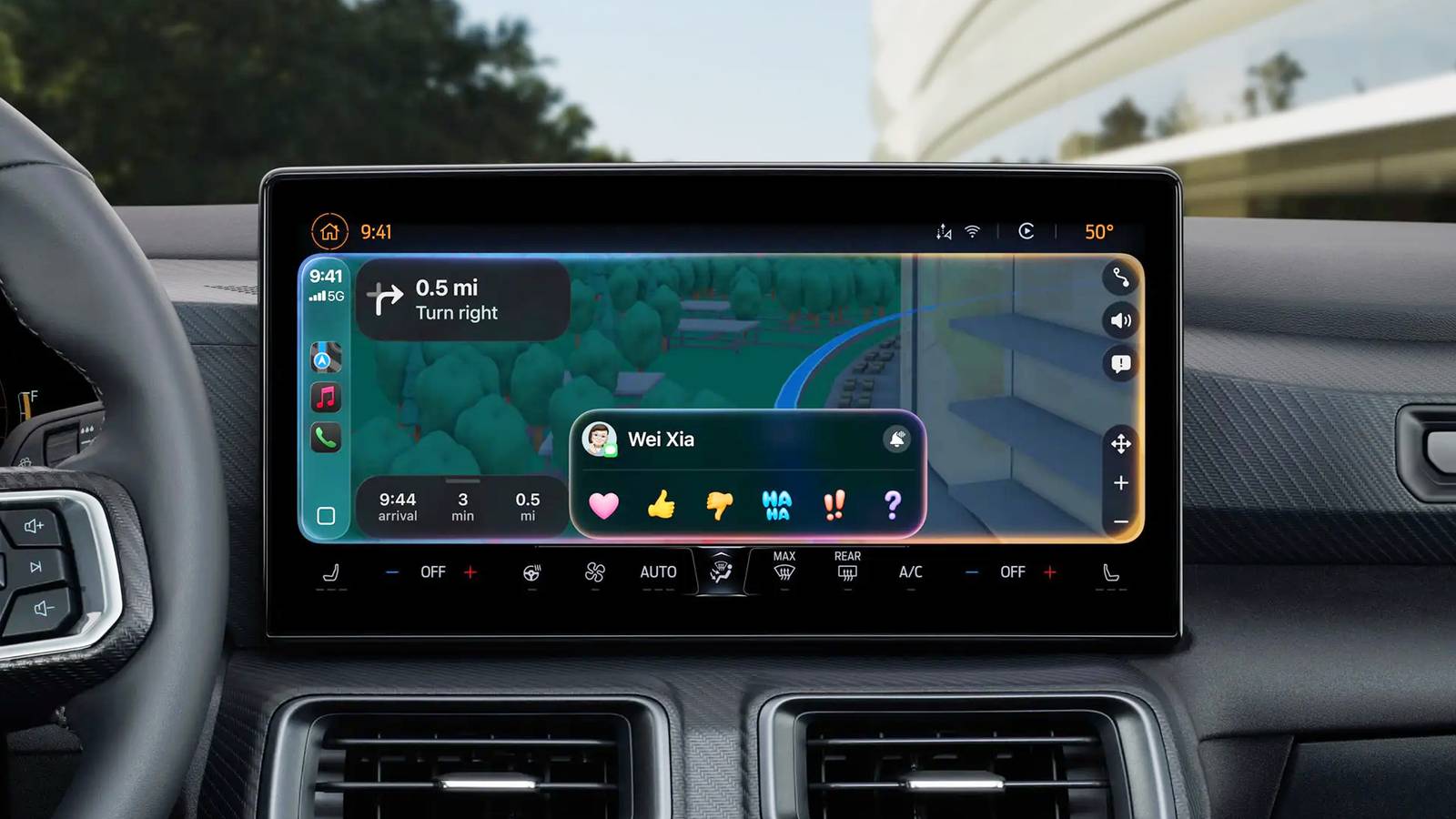

Old cars usually have outdated infotainment systems which need upgrading to work with Android Auto and Apple Carplay. They have smaller head units which lack touchscreens and navigation and don’t support streaming apps or wireless connectivity. The good news is that there’s no reason to get left behind, and you can still give your car a digital makeover regardless of its age.
There are numerous benefits to doing this. Your day-to-day commuting and long road trips will be more fun and less stressful when you can enjoy music from Spotify, and find the best way to your destination with Google Maps or Waze. An upgrade can even improve your safety by adding hands-free phone connectivity and a reverse camera. Here are 4 easy ways to upgrade your car’s old audio system to work with Android Auto and Apple CarPlay.
Replace your car’s head unit
An infotainment makeover

Replacing your car’s head unit is one of the easiest places to start because the new one can integrate into your dashboard and work with your existing speaker system. However, this will only work if your car has the required space install it and might not work on very old models.
Replacing your car’s head unit is one of the easiest places to start because the new one can integrate into your dashboard.
Modern head units from reputable brands, like Kenwood and Pioneer vary in price, depending on their features, but you can generally get entry-level models for a couple of hundred dollars. These head units come in various sizes, usually ranging between 6.2 and 10.1 inches, and you’ll need to find one that’s compatible with your dash. After installation, you’ll have access to Apple CarPlay and Android Auto, and sometimes the increased power can improve your speaker’s sound quality.
Add a portable screen
Fits on any car

You can add a portable infotainment screen if you have an older car without space to integrate a modern infotainment unit in the dash. These screens fit on top of your dash with an adjustable mounting system and are powered by your car’s 12V socket. They provide similar functionality to a head unit with touch and voice controls, and other modern features.
Many of these screens include a reverse camera to improve your safety.
You can get portable Android Auto and Apple CarPlay screens in different sizes, ranging between seven and eleven inches, so you can choose the perfect size to fit in your car. Many of these screens include a reverse camera to improve your safety and some add dashcams which come in handy if you have an accident or dispute with law enforcement agents. The best thing about these screens is that they have a simple plug-and-play design which you can move between different cars if you like.
Buy a wireless adapter
Cut the cable

Some cars only support wired Android Auto and Apple Carplay, and it’s worth getting a wireless adapter if you don’t want to plug your phone into the USB port whenever you’re driving. You can find many adapters on Amazon and other online retailers, and it’s worth examining the specs before making a purchase. Some adapters support either Apple CarPlay or Android Auto, while others support both options.
Some adapters support either Apple CarPlay or Android Auto, while others support both options.
These adapters usually have a simple plug-and-play design. You’ll need to attach them to your USB port, then connect your phone via Bluetooth to access Apple CarPlay or Android Auto on your infotainment screen. I usually prefer adapters which plug directly into my car’s USB port, like a memory stick, compared to models with an external cable which takes up more space and can get damaged with frequent use.
Don’t forget about the charger
Keep your phone topped up and cool

Apple Carplay and Android Auto are notoriously heavy on battery usage and can often throttle your phone’s performance through overheating. That’s why it’s worth getting a car charger to keep your phone topped up on your journey. You can find many types of car chargers on the market, but I prefer wireless models which double as a holder.
You can find many types of car chargers on the market, but I prefer wireless models which double as a holder.
These chargers make things more convenient because I can place my phone on a magnetic cradle, and it will charge without me needing to plug it in each time. They are usually easy to install and often have built-in fans to keep my phone cool. Some wireless car chargers don’t have built-in fans, but install on your vents and cool your phone when the air conditioner is on. Both types work off your car’s 12V socket so you won’t need to worry about your battery dying when using Android Auto or Apple CarPlay on longer trips.
