

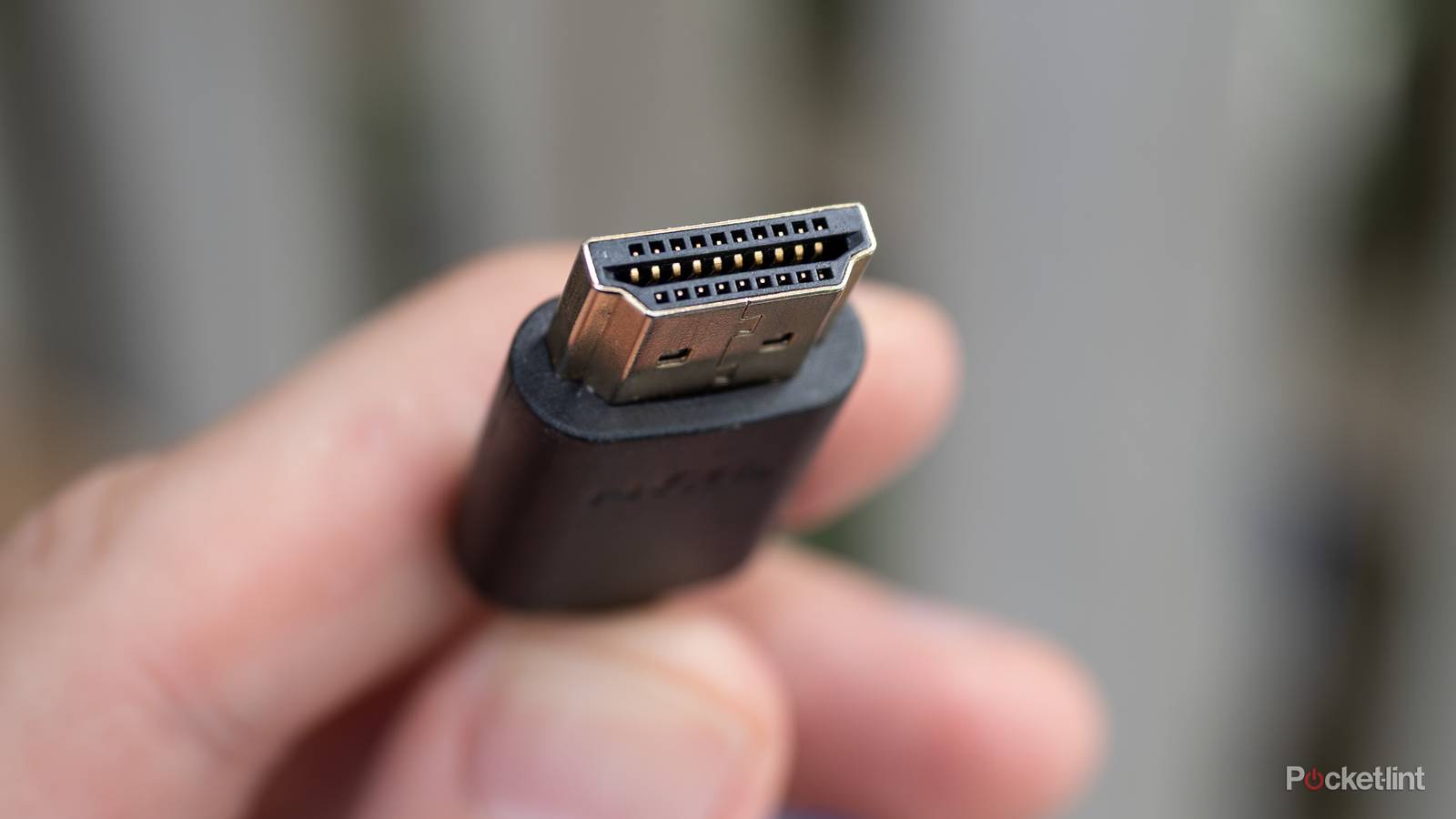

HDMI cables are just about everywhere these days. All your game consoles need them, your Blu-ray player needs one, your streaming box needs one, and we’ve been using them for about two decades now. If you’re like me, you have a box filled with all the cables you’ve amassed over the years. These HDMI cables, although they look the same, have a few tricks up their sleeves.
One of the biggest things an HDMI cable can do is control your devices via HDMI-CEC. Okay, the cable itself isn’t controlling your devices, but this feature lets one remote control everything. If you toggle HDMI-CEC on, you can use a single remote to control all your devices. For example, my Apple TV 4K controlled my Apple TV 4K, TV, and audio receiver before I moved on to a universal remote. It worked great for a long time, but that doesn’t mean it wasn’t without its fair share of issues.
The big thing is that I really don’t know what’s going to happen each time I turn on my TV. Yes, I know that sounds strange, but that’s the most frustrating aspect of HDMI-CEC. It’s like gambling each time I hit the power button.

- Brand
-
Apple
- Bluetooth codecs
-
5.0
- Wi-Fi
-
6
- Ethernet
-
Gigabit (128GB model only)
- Storage and RAM
-
64GB, 128GB
HDMI-CEC doesn’t work perfectly… at all
When it works, it works

In an ideal world, HDMI-CEC turns on all of my devices with the click of a button, and then it controls exactly what I want it to. The reality is much worse than that. Each time I turn on my TV, my receiver clicks on right after, and it’s meant to go to my Apple TV 4K home screen on the HDMI 3 setting. Sometimes, it works just as it should, and all is right in the world. This is what usually happens, but there are still plenty of times when it doesn’t work like this, and I really don’t understand why.
Sometimes, I turn on my TV, the receiver clicks on, but it turns on my 4K Blu-ray player and displays that instead. I don’t know why it works like that, and it’s frustrating when it does because I have to get up and turn off my player. Something obviously gets tangled up behind the scenes, because most of the time it doesn’t work like that. The most frustrating part about all of it is that I don’t know how to fix the problem, and it’s something that many people experience. In fact, it’s one of the biggest flaws of HDMI-CEC, and I’m really not sure if there’s anything anybody can do about it. As you add more devices, it only opens the door for more problems.
The convenience of the format still means you should use it, because I’d much rather deal with these small issues than have to keep several remotes around. My ottoman used to be filled with remotes, but now I can put my feet up on it and relax. Unfortunately, I don’t know if these HDMI-CEC issues will ever be addressed, because the problems go back several years. If they haven’t been fixed yet, what hope is there for them to be fixed in the future? I want to be optimistic, but I don’t see much of a reason to be at this point.
Fortunately, I found a solution in my living room with a universal remote and an IR blaster, but that doesn’t help the rooms where I don’t use a remote. Also, universal remotes, like the SofaBaton X2 that I have, aren’t exactly cheap. I don’t expect people to go out and drop hundreds of dollars on a TV remote just to do something that HDMI-CEC should already do for them. Sadly, this might be the best option available for people who are fed up with the wrong devices turning on or things not working the way they should be.
Use what you need and don’t go further
Maybe your game console doesn’t need HDMI-CEC

The thing I’ve been fine-tuning over the years is what devices I want to control and what I don’t. As it turns out, there are quite a few things that fall into this category. My Xbox Series X, and most game consoles for that matter, don’t need to have this feature turned on. Any time I want to play on a console, I’m usually putting in a disc or grabbing a controller. I keep my game controller on top of my Xbox, so I have to go over there anyway if I want to play. It’s no extra trouble for me to hit the power button while I’m there.
This line of thinking also applies to my 4K Blu-ray player, where you already have to give up and put in a disc. While you’re doing that, you have to turn on the player, so there’s not much of a reason to have HDMI-CEC toggled on. For volume control, you just have your TV or receiver control the volume. I will concede that pausing will be sorely missed going this route, but I think it’s a worthwhile tradeoff. As you start to remove devices from the mix like this, it does lower the risk of things going wrong when you turn on your TV. I certainly wouldn’t want my Xbox to turn on when I turn on my TV every time, so this is a good step to take.
I understand it’s annoying that you have to do this in the first place, but you don’t have many options if you’re unhappy with how HDMI-CEC is acting. Another issue is that it’s difficult to tell if a specific device is giving you trouble. Some people report running only devices with the same brand — Sony TV, Sony Blu-ray player, etc. — fixes the problems, but that hasn’t been my experience.
The best advice I could give, and what worked for me until I grabbed a universal remote, was to have as few devices as possible being controlled. I just had my Apple TV, my TV, and my receiver using HDMI-CEC by the end, and so when I ran into problems, it wasn’t anything particularly difficult to fix. I didn’t have to get up and turn off my Blu-ray player or Xbox, so I considered that setup to be the best-case scenario.
Maybe there will be some improvements to HDMI-CEC down the road. It feels like we need them now more than ever, with the rise of streaming devices and more things to plug into our TVs’ HDMI ports. I don’t know if that day will come, but I’d hate for somebody to try out the feature and be discouraged. When HDMI-CEC works, it really works, and it feels revolutionary. The problem is that it doesn’t always work.
