

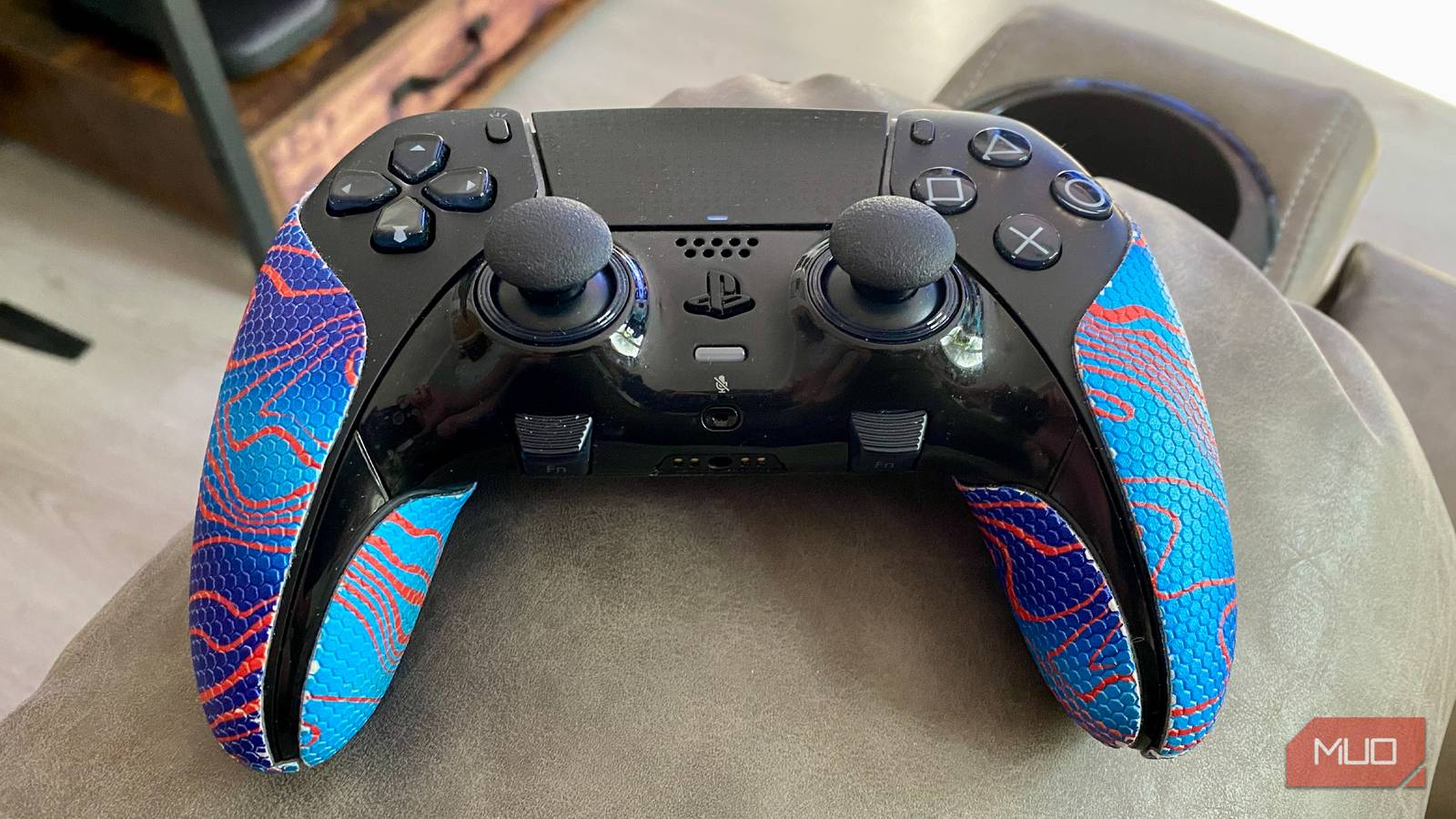

I really like the look of Valve’s second-generation Steam Controller. The only problem for this diehard PC gamer is that this peripheral, which should retail for $99, is currently going for well over $150 on auction sites. That’s because the first waves of stock for this gamepad disappeared oh so quickly. While there are reasons the new Steam Controller is the best thing to happen to gaming in a long time, I’m happy to stay loyal to my current gamepad of choice.
And that controller is the DualSense Edge. Sure, it’s not exactly a cheaper alternative to Valve’s peripheral (official MSRP is still set to $199). For me, though, the best gamepad Sony has ever manufactured has become my go-to PC peripheral of choice over the past couple of years for (ironically) Steam-focused reasons.
I turned my Steam Deck into a portable PS5 with this one app
Forget the PS Portal. This free software brings PS5 remote play to Valve’s portable PC.
The best Sony controller ever
This high-end gamepad has the Edge over its competition
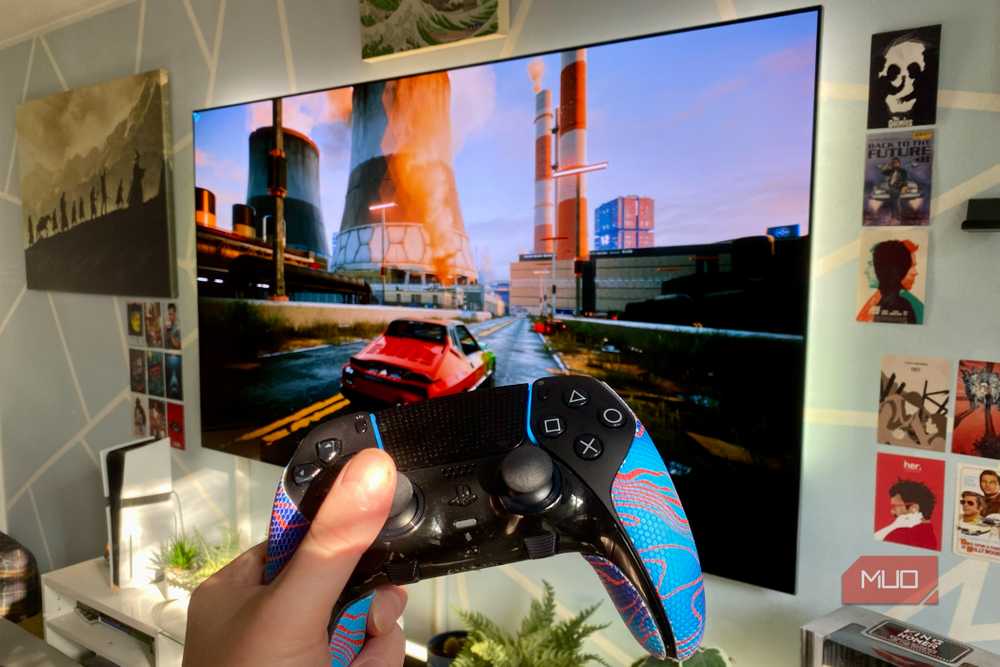
I don’t want to throw shade at Sony, but the Edge being the best PlayStation pad since the OG PS1 launched back in 1994 isn’t exactly a Herculean achievement. When you’re going against the likes of the PS3’s rumble-free Sixaxis, victory is all but assured for a premium $200 controller. Still, the DualSense Edge really does rock.
Before I pour a whole lot of love on the Edge, let me quickly address the awkward Dumbo in the room. Yes, just like the normal DualSense, the Edge’s battery life is poor. How poor? We’re normally talking about under six hours from a full charge. That’s far from ideal, but for my money, I can accept how quickly the Edge runs out of juice thanks to the sheer quality that’s gone into the construction of this controller.
At every turn, the DualSense Edge feels absolutely premium. Textured grips, re-mappable back buttons, high-quality haptics, and to top this delicious sundae with an extra scrumptious cherry, adaptive triggers. First-party games like Horizon Forbidden West and third-party greats such as Cyberpunk 2077 fully embrace these super-responsive triggers, and I’m glad a host of studios have decided to port the Edge’s hall/full pull mechanics into their titles.
$200 is a serious chunk of change to drop on a controller, no doubt. Yet thanks to its premium build quality and customizable features (which I’ll get to), I don’t regret coughing up that outlay for my Edge in the least.
A pad that makes snapping screens a cinch
Those function buttons are ideal for taking screenshots

The number one reason the DualSense Edge is the best controller I’ve ever paired with a PC that costs more than my car, is simply because it’s the pad I find easiest to take Steam screenshots with.
I used to own an Xbox Elite Controller 2, which was a fabulous pad. Sporting two more rear inputs than the Edge and substantially better battery life than Sony’s controller, it was hard to fault the Elite when I owned it. BUT … there’s no super easy way to take screenshots in Steam Big Picture mode using an Xbox controller.
Sure, you can hold down the Xbox home button, then press one of the face inputs and Steam might snap a shot, yet it’s not always consistent between games. The DualSense Edge, by comparison, is the controller I’ve found easiest to customize when using Steam. It helps that Valve’s OS actually recognizes the Edge as a proper PlayStation pad, rather than a generic Xbox rip-off peripheral.
Because Steam not only supports the back buttons on the Edge but also its front Function (Fn) inputs, taking screens on Sony’s prosumer pad is a breeze. While the Fn buttons are primarily designed to work with the PlayStation Accessories app, which plays pleasingly well on Windows 11, they also have a secondary, super-useful function. Steam lets you remap them to take screenshots with a single press. Personally, I find the positioning of the Edge’s function buttons to be more natural for taking screenshots than the controller’s default Share button, which Steam normally doesn’t recognize.
Taking Steam screens in simple style probably sounds like an obscure reason to love a $200 gamepad to the degree that I adore the Edge, no question. What can I say, though? As a former video game journalist, I’m utterly obsessed with taking dozens upon dozens of virtual snaps in every PC game I play.
You can swap in new sticks
Stick drift worries aren’t a big deal for Edge owners
I might be the only person on Earth who owned a Nintendo Switch and didn’t subsequently suffer a massive headache with stick drift on its Joy-Cons. And don’t get me started on the huge letdown of the Nintendo Switch 2’s LCD display.
Back on the controller front, I’ve definitely not been that fortunate with other pads in terms of stick drift. Enter my DualSense Edge. During a playthrough of Resident Evil Requiem a few months ago, I could feel my sticks start to drift during even the softest of pushes. If this was a normal DualSense, I would have considered my controller to be cooked, but the hot-swap nature of the Edge has lessened the issue of stick drift.
That’s because you can swap out the DualSense Edge’s sticks. If continued wear and tear has damaged the analog sticks on your high-end Sony pad, you can at least buy a new pair of stick modules for $20. Having to replace the inputs on a $200 pad clearly isn’t ideal, yet having the option to swap out faulty sticks for the average price of a small round of drinks at a bar isn’t a huge issue.
Considering analog stick quirks are probably the number one problem most controllers face, having a customizable solution to fixing drift issues without replacing your pad makes the DualSense Edge appealing. Though I can’t lie, I really do wish it had Steam Controller hall effect joysticks.
A premium pad that’s brilliant for PC gaming
The DualSense Edge is expensive but brilliant. I adore its two back buttons; its function inputs let me take Steam screens in a pleasingly hassle-free style, and the games that have been ported to support its adaptive triggers are often a visceral joy to play. Once the Steam Controller finally falls back to its $99 MSRP after stock shortages have abated, I’ll probably give it a go. In the meantime, the DualSense Edge is all the premium PC pad I need.
