

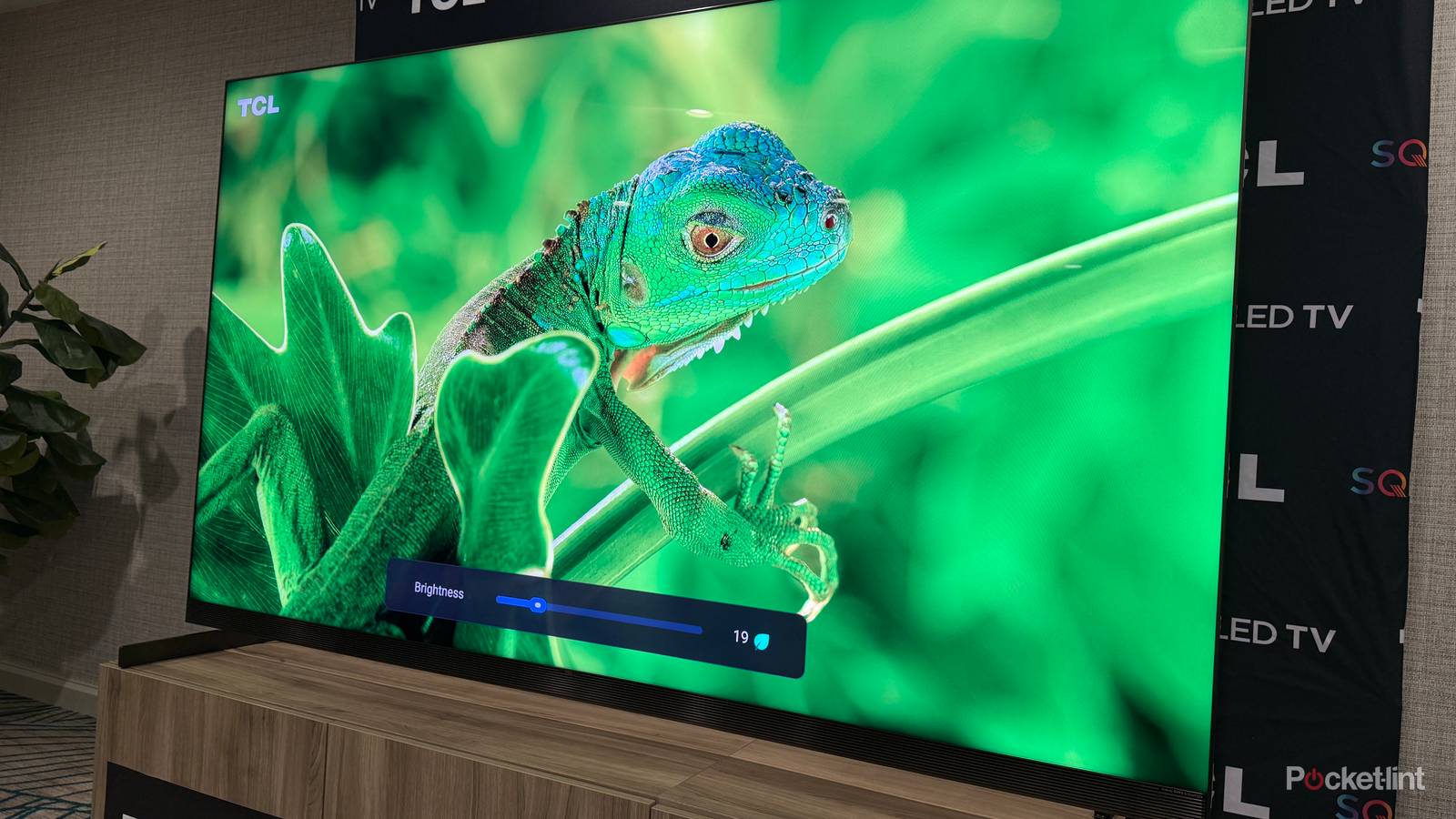

I’m normally a big proponent of energy-saving modes on my devices. My iPhone, laptop, and even my Steam Deck are all normally set to hold off on charging to 100% whenever possible. When I move into a new house, the only smart home accessory I consider non-negotiable is a smart thermostat — it’s one of the few that can actually save me money in the long run.
When it comes to TVs, though, these policies go out the window. I’ll explain why, while highlighting an exception that really isn’t one — that’ll make more sense in a minute. I’ll also tackle what you can do to keep consumption under control without handing over the reins.
What’s so terrible about auto-brightness and eco modes on a TV?
Like a speed limiter on a Porsche

Before I sink into the meat of things, it’s worth laying down some definitions. Auto-brightness is largely self-explanatory, but specifically links its adjustments to a small ambient light sensor. As your room changes, so do brightness levels, in theory reducing power consumption without noticeably sacrificing picture quality. Broader eco/energy-saving modes can incorporate this tech — but they often go a step further, for instance capping peak or overall brightness levels, or throttling the responsiveness of dimming zones. Some TVs might restrict refresh rates to 60Hz.
The first issue is that in the real world, auto-brightness tech is frequently off-target. In my experience, it aims dimmer than it should, regardless of ambient conditions. This negatively affects elements like contrast and color saturation. Other people complain about levels swinging dramatically mid-scene, say if clouds temporarily obscure window light. At best this is distracting. In some circumstances, it might kill shadow details for you, since your eyes are better able to react to room conditions than a cheap sensor.
Hard caps can do even more damage, particularly when it comes to HDR content. The point of HDR is to extend video closer to the limits of human vision, which means extreme highlights, improved shadow detail, and a wider color palette. Eco modes shrink the gap between SDR and HDR, potentially rendering it meaningless.
It gets worse. Reduced dimming zone performance is another blow to contrast, and can sometimes lead to blooming/halo effects as well. Lower refresh rates aren’t necessarily an issue — but they will impact motion smoothing, and might as well be death for connected PCs and game consoles. That’s because those devices often top 60 frames per second, and depend on an HDMI 2.1 technology called VRR (variable refresh rate) to prevent the visual artifacts created by mismatched refresh rates, such as screen tearing.
Think of everything this way: you’re buying a TV for the best possible picture quality, and what’s possible is determined by the amount of light your set can throw out when it’s called for. As nice as it is to lower energy bills and help the environment, turning on these modes is akin to installing a speed limiter on a sports car — you’re undermining the purpose of what you bought. More importantly, there are smarter ways of conserving power.
What are some better ways of saving power on a TV?
A few easy tricks

If your TV supports it, my first recommendation would be turning on (or at least testing) Dolby Vision IQ and/or HDR10+ Adaptive. These are limited to HDR content, but the key is that unlike normal auto-brightness modes, they aren’t overshooting in the name of lower power consumption — they’re maintaining all aspects of HDR quality under a range of conditions. It just so happens that under dimmer lighting, your TV can scale back a bit.
Otherwise, my recommendation is to disable all energy-saving options, choose a picture mode based on quality, then calibrate a general brightness level you can live with. Begin by putting on a favorite movie or TV show with some particularly dark scenes, ensuring you’re surrounded by typical lighting conditions. When those dark scenes appear, adjust brightness (and/or gamma) until you can barely discern the faintest details. The darkest areas (like night skies) should remain black rather than gray.
This will probably translate into a brightness level of 80% or less, depending on how well-lit your room tends to be, and the capabilities of your set. That might not save a tremendous amount of power, but it’s better than nothing, and you won’t feel like you’re sabotaging the hundreds or thousands of dollars you spent on your hardware.
