

Close Menu

    Subscribe to Updates

    Get the latest Tech news from SynapseFlow

    What's Hot

    What Comes Next for Humanity – NextBigFuture.com

    October 10, 2026

    Mafia III has a free update available right now

    October 10, 2026

    The real reason your high-end Bluetooth headphones don’t sound as good as you’d expect

    October 10, 2026
    Facebook X (Twitter) Instagram
    • Homepage
    • About Us
    • Contact Us
    • Privacy Policy
    Facebook X (Twitter) Instagram YouTube
    synapseflow.co.uksynapseflow.co.uk
    • AI News & Updates
    • Cybersecurity
    • Future Tech
    • Reviews
    • Software & Apps
    • Tech Gadgets
    synapseflow.co.uksynapseflow.co.uk
    Home»Tech Gadgets»I switched my Kindle to a different view and changed my whole perspective
    I switched my Kindle to a different view and changed my whole perspective
    Tech Gadgets

    I switched my Kindle to a different view and changed my whole perspective

    The Tech GuyBy The Tech GuyOctober 10, 2026No Comments3 Mins Read0 Views
    Share
    Facebook Twitter LinkedIn Pinterest Email
    Advertisement


    Planes, trains, and automobiles — all places you’ll find me with my trusty Kindle Paperwhite in hand. I’m a voracious reader who doesn’t have the muscle mass (or a strong enough tote) to lug around a library and a half of hard covers. Even a modest re-read of my favorite series, Throne of Glass, is too much paper to carry for one girl alone. Five-thousand and some pages really does add up.

    Advertisement

    It’s true that, in most public transportation and social settings, readers will usually be found posted up in a chair, reading their e-readers in normal vertical format. It’s the default, after all, and traditional books are typically printed in portrait. However, catch a reader mid-series on a beach towel or at 3AM saying “just one more chapter,” and they’ll probably have a game-changing setting enabled to make reading on their side even more convenient: landscape mode.

    Didn’t know your Kindle could play that way? Lots of people don’t. So, here’s how to enable Landscape mode and read sideways like a pro.

    basic-kindle-2024-tag

    Storage

    16GB

    Screen Size

    6-inch E Ink (300ppi)

    Connections

    USB-C

    Battery

    Up to 6 weeks

    Amazon’s base-level Kindle ships with 16GB of storage, a 6-inch E Ink display, and a ruggedized exterior shell that can withstand the elements.


    How to put your Kindle in Landscape mode

    Only five taps

    Putting a Kindle in Landscape mode.

    Just like every other setting on Kindle, finding Landscape mode is easy and relatively intuitive. You don’t even have to exit out of the book you’re currently reading.

    1. Start within a book you’re already reading. Tap the top of the page to open the menu options.
    2. Tap the Aa option.
    3. Select the Layout tab.
    4. Under Orientation, tap the second option depicting Landscape mode.
    5. Tap out of the menu, and your text will reorient.

    There you have it — now rotate your Kindle 90 degrees and enjoy longer lines in your current read.

    Why would I put my Kindle in Landscape mode?

    Change of pace, or otherwise

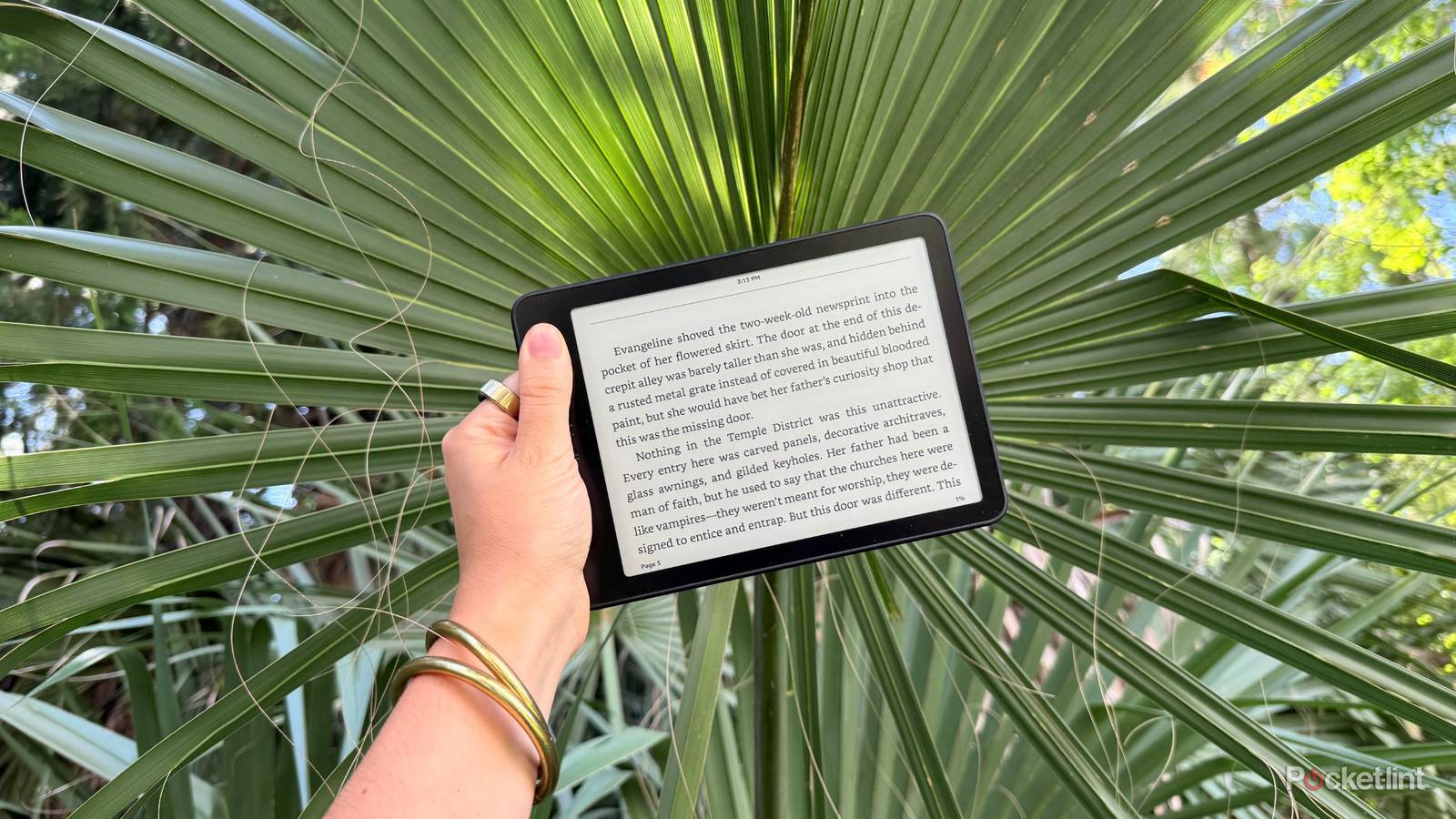
    Kindle in landscape mode.

    Yes, dear reader, I know what you’re thinking: the text doesn’t change orientation no matter how you hold the Kindle — unlike on tablets and phones where we have to use Portrait Lock to keep the orientation the same when we lie on our sides. But there are a few reasons why Kindle-lovers out there are flocking to this not-so-new way to read.

    First, readers who like lying on their side (especially to even out a tan if you’re at the beach or pool) thoroughly enjoy the landscape layout. It’s also incredibly popular for late-night readers, with users all over TikTok expressing their awe and excitement at discovering the setting.

    TikTok comments about landscape mode. Credit: Pocket-lint / TikTok

    Finally, it’s simply a nice change of pace. Kindles may be single-use technology, but they’re still much more advanced than a regular hardcover or paperback. The ability to change text styles, font sizes, margins, and more provides a more refreshed reading experience in general. Not to mention, if someone isn’t particularly fond of reading normal physical books, they might find that the lack of passion was in the formatting, not the contents or act of reading books themselves.

    If Landscape mode isn’t your cup of tea, don’t fret. There are plenty of other fun settings to mess with on your Kindle, not to mention on the Kindle app as well on your smartphone or tablet.

    Advertisement
    Share. Facebook Twitter Pinterest LinkedIn Tumblr Email
    The Tech Guy
    • Website

    Related Posts

    The real reason your high-end Bluetooth headphones don’t sound as good as you’d expect

    October 10, 2026

    How to watch Arsenal vs Leeds: Free Streams and TV Channels for Premier League 2026/27

    October 10, 2026

    OnePlus plans on launching two flagships in India, here’s when

    October 10, 2026

    Want an iPhone Duo? These AT&T deals will knock the price down

    October 9, 2026

    4 Blu-ray discs to upgrade to 4K UHD sooner rather than later

    October 9, 2026

    Beyond the vault: Who’s responsible for what banking sites share?

    October 9, 2026
    Leave A Reply Cancel Reply

    Advertisement
    Top Posts

    You don’t need a NAS to self-host — I proved it with hardware from my closet

    June 7, 2026393 Views

    Spotify is giving one of its best playlists a big visual upgrade to give subscribers ‘a closer connection’ to its New Music Friday curators — and I think it could be the update it’s always needed

    June 12, 2026211 Views

    The iPad Air brand makes no sense – it needs a rethink

    October 12, 202517 Views
    Stay In Touch
    • Facebook
    • YouTube
    • TikTok
    • WhatsApp
    • Twitter
    • Instagram
    Advertisement
    About Us
    About Us

    SynapseFlow brings you the latest updates in Technology, AI, and Gadgets from innovations and reviews to future trends. Stay smart, stay updated with the tech world every day!

    Our Picks

    What Comes Next for Humanity – NextBigFuture.com

    October 10, 2026

    Mafia III has a free update available right now

    October 10, 2026

    The real reason your high-end Bluetooth headphones don’t sound as good as you’d expect

    October 10, 2026
    categories
    • AI News & Updates
    • Cybersecurity
    • Future Tech
    • Reviews
    • Software & Apps
    • Tech Gadgets
    Facebook X (Twitter) Instagram Pinterest YouTube Dribbble
    • Homepage
    • About Us
    • Contact Us
    • Privacy Policy
    © 2026 SynapseFlow All Rights Reserved.

    Type above and press Enter to search. Press Esc to cancel.

    Ad Blocker Enabled!
    Ad Blocker Enabled!
    Our website is made possible by displaying online advertisements to our visitors. Please support us by disabling your Ad Blocker.