

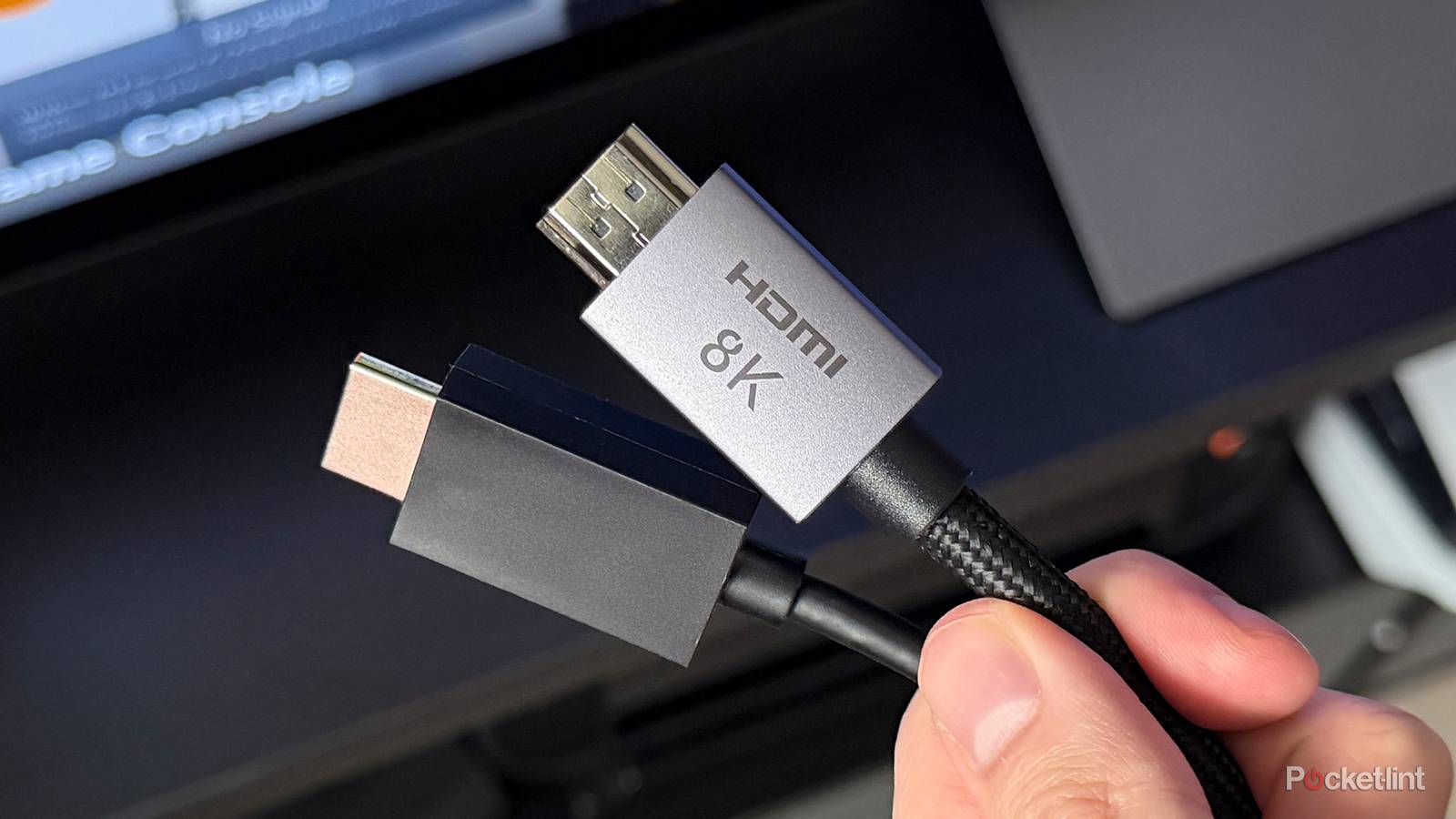

HDMI has been around for a long time, serving as the de facto audio and video connectivity standard across much of the smart TV and monitor hardware ecosystem. It’s an incredibly versatile form of I/O, capable of pushing through a significant amount of data bandwidth through its pipes.
Lesser known is that HDMI comes in a variety of flavors, with generational improvements to be found between versions. There’s a good chance that the HDMI cable you’re using is of an older variety, meaning that it isn’t driving your hardware to as performant a degree as it could be.
If your modern, state-of-the-art AV equipment is reliant on, say, an HDMI 2.0 cable, then you might be inadvertently bottlenecking your entire setup. In other words, your HDMI cable might be well past its expiration date. Thankfully, swapping out cables is a simple process that has the potential to bolster your audiovisual fidelity to a demonstrable degree.
HDMI 2.1 and 2.2 are massive leaps forward
It’s all about bandwidth throughput

HDMI 2.0 was first released in September 2013, making it several years old at this point. The 2.0 standard, which has remained prominent on the scene ever since its introduction, is capable of a maximum bandwidth of 18 Gbps (up from 10.2 Gbps on the older HDMI 1.4 specification). HDMI 2.0 can drive a 4K display at 60Hz with up to 32 audio channels, while also supporting static high dynamic range (HDR) in its HDMI 2.0a update.
HDMI 2.1 is a massive technical leap forward. Releasing in November 2017, the standard can achieve a bandwidth throughput of 48 Gbps, which is enough to drive a 4K display at 120Hz, or an 8K display at 60Hz. HDMI 2.1 also supports dynamic HDR (Dolby Vision, HDR10+), variable refresh rate (VRR), auto low latency mode (ALLM), and eARC (a step up from the standard audio return channel found in HDMI 2.0).
Needless to say, HDMI 2.1 is a big step-up over its predecessor.
Needless to say, HDMI 2.1 is a big step-up over its predecessor. But it doesn’t stop there: HDMI 2.2 was released in June 2025, serving as the latest-and-greatest version of HDMI, and increasing bandwidth yet again to 96 Gbps. This translates to 4K at 480Hz, 8K at 240 Hz, 12K at 120Hz, or a whopping 16K at 60Hz using Display Stream Compression technology.
Of course, not a lot of hardware currently supports the full breadth of HDMI 2.2, but the good news is that 2.2 is fully backwards compatible with 2.1, 2.0, and even 1.4. The physical connector is the same, and using a 2.2 cable on an older non-2.2 device will simply dial down performance to match the capabilities of your equipment.

Quiz
HDMI Ports & History
Trivia Challenge
Think you know your HDMI versions from your ARC from your eARC — put your display tech knowledge to the ultimate test!
HistoryVersionsFeaturesHardwareStandards
In what year was the first HDMI specification (version 1.0) officially released?
Correct! HDMI 1.0 was released in December 2002 and became commercially available in 2003. It was developed by a consortium of electronics manufacturers including Sony, Panasonic, and Philips as a successor to analog standards.
Not quite — HDMI 1.0 arrived in late 2002 and hit the market in 2003. It was a landmark moment for home entertainment, replacing bulky analog connections with a single digital cable capable of carrying both audio and video.
Which founding companies were part of the original HDMI consortium that developed the standard?
Correct! The original HDMI founders included Hitachi, Panasonic, Philips, Silicon Image, Sony, Thomson, and Toshiba. Together they created a royalty-bearing standard that would go on to dominate home AV connectivity worldwide.
Not quite. The founding seven companies were Hitachi, Panasonic, Philips, Silicon Image, Sony, Thomson, and Toshiba. Notably, Apple was not an early backer, and Samsung joined later as a major adopter rather than a founding member.
Which HDMI version first introduced support for 4K video at 60 frames per second?
Correct! HDMI 2.0, released in 2013, boosted bandwidth to 18 Gbps and introduced 4K resolution at 60Hz. It was a crucial upgrade for the emerging 4K TV market and also added support for 32 audio channels.
Not quite — it was HDMI 2.0, released in 2013, that first enabled 4K at 60fps. HDMI 1.4 could handle 4K but only at a sluggish 30fps, which was fine for still images but not smooth enough for video or gaming.
What does the ‘ARC’ in HDMI ARC stand for?
Correct! ARC stands for Audio Return Channel, introduced in HDMI 1.4. It allows a TV to send audio back down the HDMI cable to a soundbar or AV receiver, eliminating the need for a separate optical audio cable.
Not quite — ARC stands for Audio Return Channel. Introduced with HDMI 1.4, it was a clever addition that lets your TV send audio upstream to an external speaker system using the same cable already carrying video to the TV.
What is the maximum bandwidth supported by the HDMI 2.1 specification?
Correct! HDMI 2.1 supports up to 48 Gbps of bandwidth, a massive leap from HDMI 2.0’s 18 Gbps. This allows it to handle 8K at 60fps, 4K at 120fps, and features like Variable Refresh Rate (VRR) for gaming.
Not quite — HDMI 2.1 delivers a whopping 48 Gbps of bandwidth. That’s nearly triple the 18 Gbps of HDMI 2.0 and enables next-generation features like 8K resolution, 4K/120Hz gaming, and Dynamic HDR all over a single cable.
HDMI was designed as a digital successor to which widely used analog video interface?
Correct! HDMI was conceived as a successor to component video, the analog standard that dominated home theater setups in the late 1990s and early 2000s. HDMI combined audio and video into one cable, something component video could never do.
Not quite — HDMI was designed to replace component video (YPbPr), the three-cable analog system common in home theaters. While DVI is a digital cousin of HDMI and shares much of its underlying technology, component video was the primary analog standard HDMI aimed to supersede.
Which HDMI version was the first to support Ethernet data sharing over the HDMI cable?
Correct! HDMI 1.4, released in 2009, introduced the HDMI Ethernet Channel (HEC), which allows a 100 Mbps network connection to be shared between devices over the same HDMI cable. It was a forward-thinking feature, though rarely implemented by manufacturers.
Not quite — HDMI 1.4 was the first version to include the HDMI Ethernet Channel when it launched in 2009. In theory it lets devices share a broadband connection without extra cables, though in practice very few products ever took advantage of this feature.
What key improvement does eARC offer over the original ARC in HDMI 2.1?
Correct! Enhanced Audio Return Channel (eARC) introduced in HDMI 2.1 supports high-bandwidth, lossless audio formats including Dolby TrueHD, DTS:X, and object-based formats like Dolby Atmos. Original ARC was limited to compressed formats like Dolby Digital 5.1.
Not quite — the big leap with eARC is its support for uncompressed, lossless audio and object-based formats like Dolby Atmos and DTS:X. Standard ARC could only pass compressed audio, meaning audiophiles with high-end soundbars were missing out until eARC arrived with HDMI 2.1.
Your Score
/ 8
Thanks for playing!
Consider switching to HDMI 2.1
Your AV setup will thank you

If you want to get the most out of your modern 4K UHD disc player, video game console, or even set-top box, I highly recommend investing in officially certified HDMI 2.1 cables — these are usually labeled as Ultra High-Speed HDMI. There was previously even an official application from the HDMI Licensing Administrator for checking cable authenticity, but the app has unfortunately since been delisted from the Apple App Store and the Google Play Store.
With HDMI 2.1 in tow, you’ll benefit from silkier refresh rates at full 4K resolution, in addition to VRR for a reduction in screen tearing. Of course, this is contingent on your television set and game console or other connected hardware also supporting the full stack as well. If nothing else, HDMI 2.1 will future-proof your setup at the cable level, which will come in handy if and when you upgrade AV setups over time.
HDMI 2.1, for the time being, is the ultimate sweet spot between performance and availability.
The good news is that many (but not all) modern game consoles, set-top boxes, streaming sticks, and disc players come with an Ultra High-Speed HDMI cable right in the box, saving you from having to purchase one separately. The Nintendo Switch 2, for example, ships standard with a 2.1 cable. By contrast, the all-new Apple TV 4K only comes with a power cord and no HDMI cable to speak of.
I wouldn’t recommend investing too heavily in HDMI 2.2 cables quite yet, unless you want to truly future-proof your setup to the best degree possible. There simply isn’t enough AV equipment or TV sets out there that can take advantage of so much bandwidth, though over time this will undoubtedly change. HDMI 2.1, for the time being, is the ultimate sweet spot between performance and availability.
