

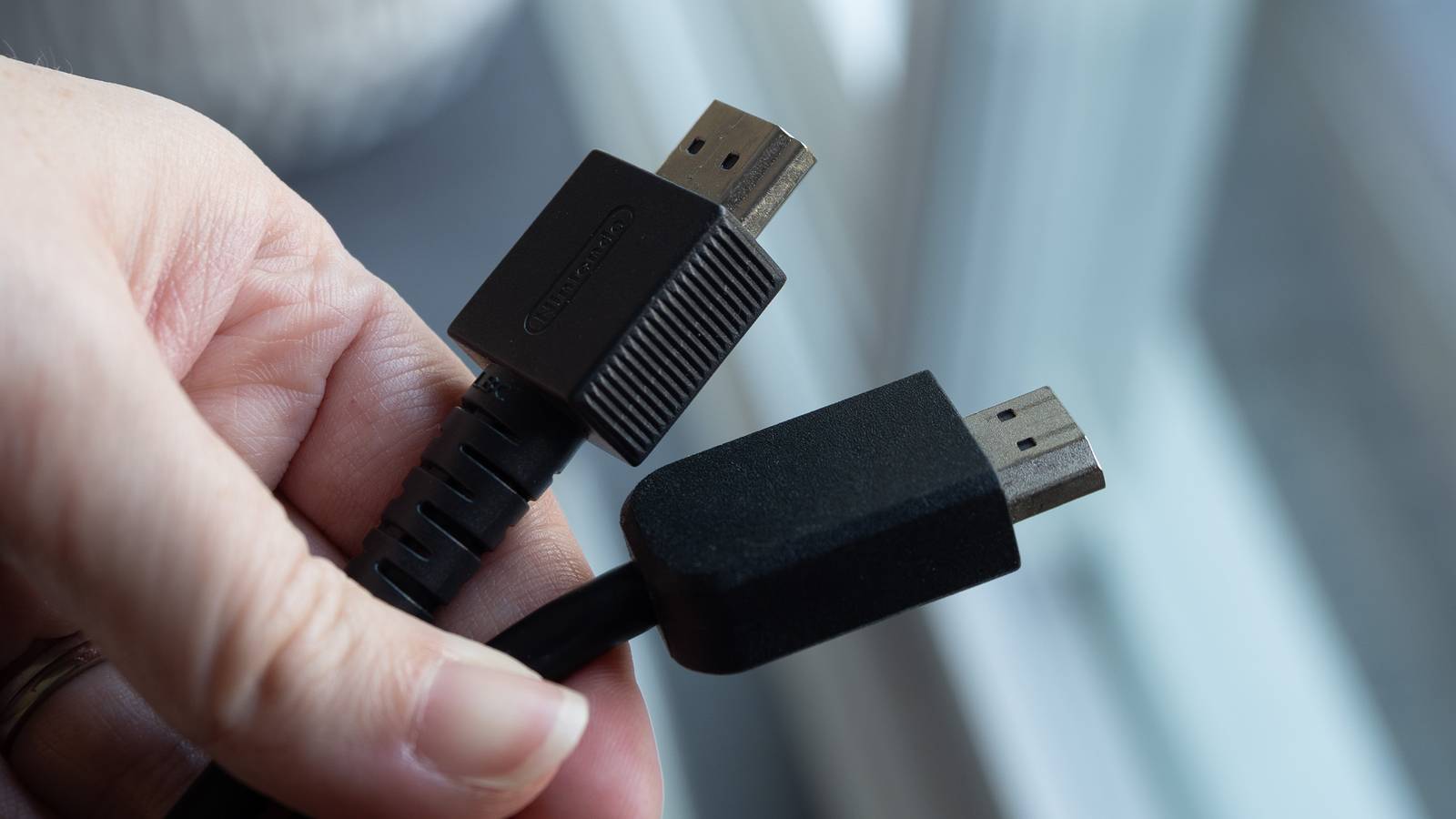

HDMI is a constantly evolving format, and we’re on the verge of HDMI 2.2. This is exciting for many reasons, but you might be wondering what it means for your old cables. The good news is that your HDMI 2.1 cables will continue to work as they do now, and you can use them for as long as you want.
All HDMI cables are both backward-compatible and forward-compatible, so your cable from 2011 can be plugged into your 2025 TV with no issues. However, it does mean you’ll be leaving many features on the table by using an older cable with a modern TV.
For some people, that’s not a big deal, but if you’re using something like an Apple TV 4K or Xbox Series X, you really should be using an HDMI 2.1 cable for the best performance. As for your 2.0 and older cables, you shouldn’t just toss them in the garbage. There are many ways to still use them.
Plug them into your old game consoles
Relive your childhood

Retro gaming is on the rise, and yes, retro is beginning to apply to some of the early HDMI consoles such as the Xbox 360 and PS3. Your older HDMI 1.4 cables will work just fine on these consoles since there’s no 4K resolution to worry about, and the expanded bandwidth provided by the cables doesn’t matter like it does for modern options.
However, that 1.4 cable will be pushing it for the PS4 and Xbox One generations, and you’re better off going for a 2.0 cable if you can, as that can get you to 4K 60 FPS. The point is, your older cables still have a lot of value, but your 2.0 cable is far more versatile than the 1.4 options. If you’re an early adopter of HDMI, you no doubt have many extras lying around that fit the bill.
Put your TVs and monitors to use
Those old TVs still work just fine

I have an older TV that doesn’t have any smart TV capabilities, but that doesn’t mean the TV is completely junk. I’ve found that it’s still useful despite being locked to a 1080p resolution. Before I got a Roku Streaming Stick, I used an old Xbox One with it to get Netflix, and I did that with my older HDMI 2.0 cable. I don’t need the best of the best for Netflix on a TV like that, so it’s nice that I had a few lying around.
Before I moved that TV into my basement, I used a computer monitor connected via the same HDMI cable, and the result was the same — I didn’t need a 2.1 cable at all. Older cables work for this as well, so if you have anything lying around, I don’t see why you can’t use them in this way. I’m certainly glad I had extras lying around because nothing’s more annoying than having to unplug and move around cables when I need them in another part of the house.
Connect your laptop to your TV or projector
It works quite well

If you’re watching something on a website that doesn’t have a smart TV app, or if what you’re watching on isn’t a smart TV at all, there’s a nice workaround. Your HDMI cable can connect to a laptop and display on your TV just by plugging it in. There’s nothing special you have to do, as it’s as simple as plugging your HDMI cable into your laptop and then your TV.
Your screen will instantly show up on the TV, and from there, you can think of it as a bigger monitor. The best part is that your old cables are more than up to the task for this, and this is something I relied on quite a bit in my college days. It’s not as useful to me now as it was, but it’s an easy way to give your laptop a bigger screen at the very least.
Recycle or sell them
Maybe you have way too many

HDMI cables aren’t the most expensive thing to buy, but maybe somebody looking for a deal would buy a used HDMI cable at half the price. There are plenty of listings for under $10 for a cable, and you can find a better discount if you buy in bulk. It’s a nice way to save some cash, and if you have a lot of extra cables, you can list some yourself.
If you want to simply recycle them, you can look up areas that take e-waste off your hands. Staples and Best Buy are two popular options that take old cables, regardless of where you bought them. These stores typically have a designated recycling spot, and it’s a way to get rid of many of your older, smaller electronics. Instead of tossing an HDMI cable or even a laptop in the dumpster, you’re better off taking it to a recycling center so it can be properly disposed of.
