

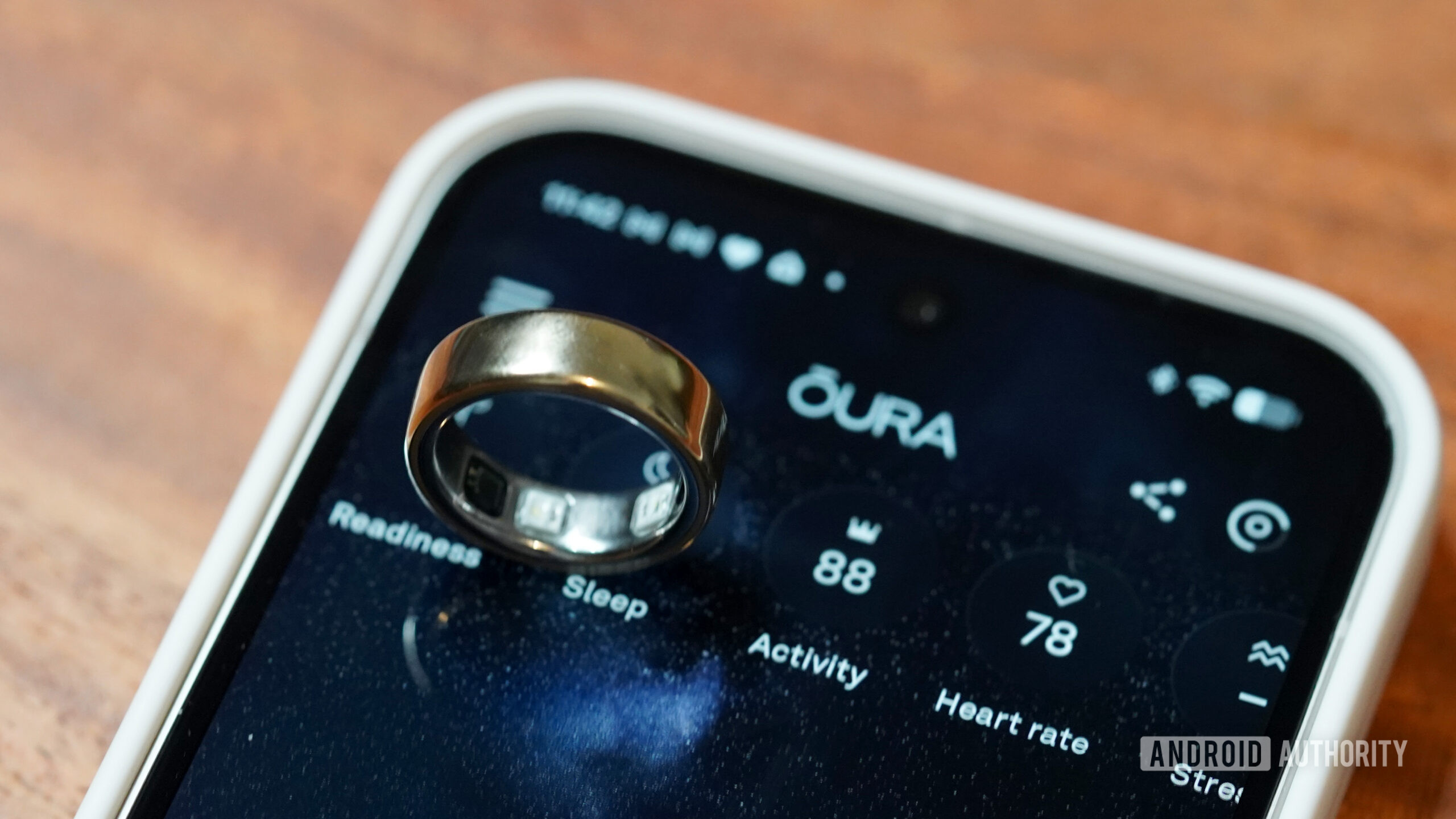


Kaitlyn Cimino / Android Authority
Add Android Authority on Google:
TL;DR
- Oura has confirmed that an issue with firmware version 2.13.1 is affecting the Ring 4.
- The bug is preventing the Ring 4 from syncing to the Oura app.
- Putting your smart ring on its charger, opening the app, and waiting for the ring to connect solves the problem.
Oura recently rolled out a couple of new health-related features to the Ring 3 and later — Cardio Effort and automatic VO2 Max. It also recently rolled out firmware version 2.13.1 for the Ring 4. If you haven’t updated to this firmware version yet, you may want to hold off, as it comes with an annoying bug. For those who already updated, you can rest easy, as there’s a simple way to get around the problem.
Oura has confirmed on its known-issues page (via Gadgets and Wearables) that firmware 2.13.1 is causing some issues with the Ring 4. The company warns that the update can cause the Ring 4 to stop syncing with the Oura app. This bug is apparently triggered “if you switched to a new phone after setting up your ring without completing a factory reset.”
Fortunately, it appears to be a fairly minor bug. Oura says that the bug prevents the smart ring from syncing for a day or two, or until you put it on the charger. This means you won’t see your sleep data or recovery and activity information in the app until the smart ring starts syncing again.
Since the automatic firmware updates setting is on by default, there’s a chance you’ve already updated to firmware version 2.13.1. If you’re running into this problem, Oura recommends that you follow these steps to fix the issue:
- Put your Oura Ring on the charger
- Open the Oura App while the ring remains on the charger
- Wait for the ring to connect and sync
