


It seems that, when it comes to PC apps and programs, there are always some go-to solutions that dominate their fields. When it comes to graphic design, the two biggest names in the business are undeniably Photoshop and Canva. Unfortunately, even though they both offer incredible functionality and capabilities, they also come with some drawbacks, like a steep barrier to entry for Photoshop.
However, this quest might not be as easy as it seems. Canva and Photoshop are, ultimately, two very different apps with different approaches to design, one much more granular, the former much more streamlined and amateur-friendly. Alternative apps will also be placed somewhere along this spectrum, so you have to pick based not only on the functionality that they offer, but also the user interface and user experience that they have in mind.
That being said, there are a lot of different options to choose from that vary significantly based on both their ease of use and the depth of their function set. Here are some of the best Photoshop and Canva alternatives that you should consider.
Like father, like son
Adobe has got you covered with Adobe Express

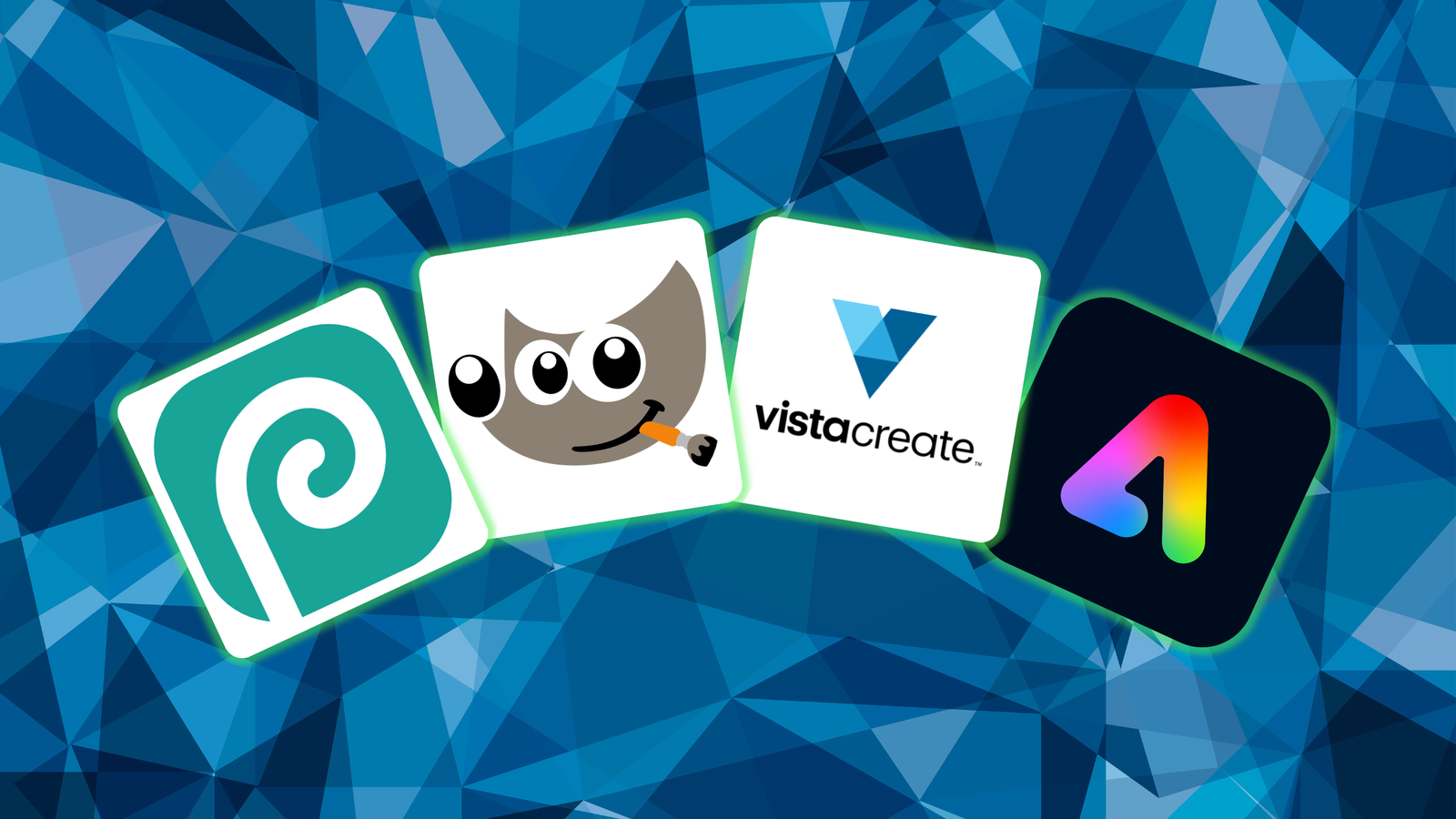
If you’re looking for a Photoshop alternative that would be similar to Canva, but still remain within Adobe’s creative suite, the company has got you covered with Adobe Express. It’s difficult to describe that app differently than Adobe’s answer to Canva’s success. Adobe Express offers the same, template-based functionality as Canva, coupled with hundreds of thousands of different templates and drafts.
The main selling point of Adobe Express is its integration with the whole Adobe suite. It is indispensable when you’re already using tools like Photoshop or Premier Pro and have your whole library accessible through Adobe’s cloud. What’s more, the free tier is similarly robust to Canva’s proposition, and Adobe’s AI integration seems to be even better than Canva’s if you’re into that sort of thing.
The classics are there for a reason
GIMP is free, open source, and more powerful than ever
I don’t think there can be a list of graphic design programs without mentioning GIMP. It’s a mainstay for a reason: GIMP is probably the most complete competitor to Photoshop with its layer-based design philosophy and incredibly vast feature set. What’s more, it’s open-source and completely free, so you can harness all this power without the hefty price that Adobe wants for Photoshop.
You can add to that the fact that new functions in GIMP are community-based, meaning that developers focus on the functionalities that users report as required or nice-to-have. This means that while GIMP is slower to receive all the cool new functions that Photoshop has, it focuses on what’s most important for its users without all the fluff that Adobe likes to throw into the mix.
Installing anything is so 2015
Photopea gets things done in your browser

On the market right now, it seems like you have a difficult choice to make. There are more powerful apps like GIMP or Photoshop that you have to install locally, and more user-friendly apps like Canva or Adobe Express that run in your browser, without the need to install anything. Photopea destroys this distinction by offering a program that equals Photoshop in its capabilities while being always available through your browser, just like Canva.
That’s not all good news. To top it all off, Photopea is free to use, as its revenue is based on the ads that are shown on the bottom and side banners. You can also unlock Premium features either by watching an additional add, or by paying a monthly subscription. The AI features are rather limited, but if you want to replace Canva because of its overreliance on generative AI, this might be another reason to check out the competition.
You can also go a bit more indie
There are some gems out there, waiting to be found

Even though Canva has somewhat of a monopoly on template-based image editors, there are more competitors in this space than the Adobe-backed Express. If you want to check something by a smaller developer, VistaCreate is a great spot to start looking. The app offers hundreds of thousands of drafts, templates and assets, letting you use a toolset as diverse as Canva’s.
It has to be said that VistCreative’s free tier also offers access to various royalty-free content, such as photos and illustrations, making your creations even more versatile. Even paid subscriptions heavily undercut Canva’s payment structure, making it also a great choice for budget-conscious creators. It also comes with social medi publishing and scheduling tools, which is great news for all social-media-heavy users out there.
