

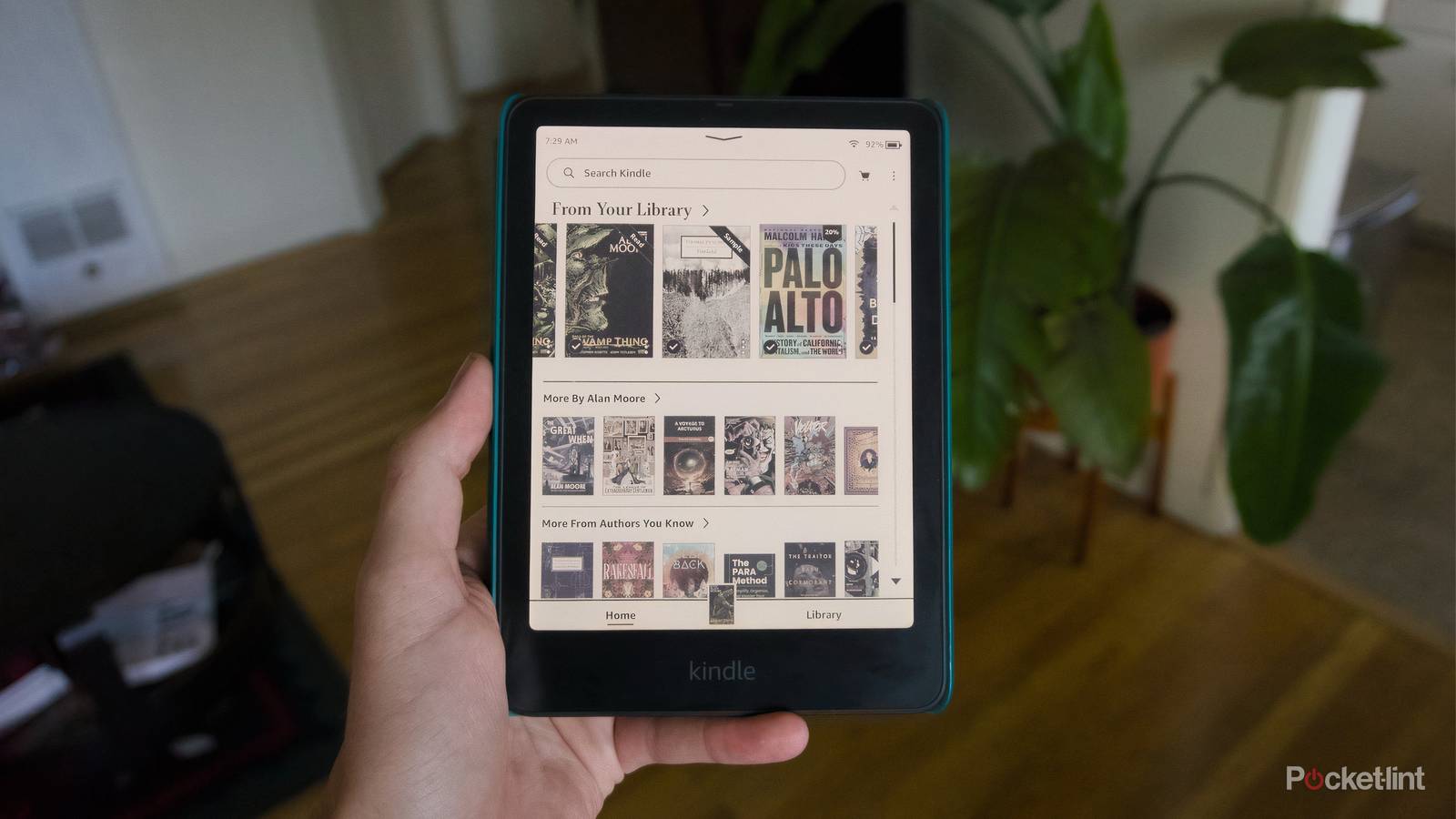

For good and for bad, Amazon’s Kindle e-readers are self-contained systems — all you need is an Amazon account and the Kindle itself to start and stay reading. That can create a pretty warped understanding of ebooks, and make it very easy to never venture outside of Amazon’s walled garden. That’s a shame, because if you never do, you’ll miss a lot of the other things that make the e-readers great, and the great free tools that have sprung up around the Kindle that make reading even better.
There’s actually lots of software that can help you get new reading material on your device, make it perfectly formatted for Amazon’s hardware, and more. Here are some of the best free apps I turn to as a long-time Kindle owner, and how you can fit them into your reading routine.
Calibre
eBook management and formatting in one app

Calibre is free software that’s probably best known for being able to convert ebooks into a variety of different file formats, an unfortunate necessity when most e-reader makers lock down their platforms in one way or another. More than that, though, Calibre is great ebook management software, an iTunes for digital books that also offers plenty of customization options for making your books look and read exactly how you want them.
If you want to change the margins, you can do that. If you want to upload and read a book in an entirely new font, you can do that. Calibre is beloved by hardcore e-reader afficionados because it makes it easy to format your library for each device in your collection for free, but it’s also just a good tool for managing a library outside of Amazon.
Libby
The best app for getting library books on Kindle

You’ve undoubtedly heard of Libby before, and that’s for a good reason. The service is the best and most popular way to get books from your local library onto your Kindle if you live in the US. And that includes audiobooks, periodicals, and comics, too. All you need is a library card to set up a Libby account, and the app makes it easy to manage the books you’ve checked out, place holds on books, and even renew a book loan so you can keep reading a bit longer.
The Libby app is a little difficult to navigate, and you’ll have to do some set up to let it easily send books to your e-reader, but it’s absolutely worth it for the free books.
The Libby app is a little difficult to navigate, and you’ll have to do some set up to let it easily send books to your e-reader, but it’s absolutely worth it for the free books. Better yet, if you have multiple library cards, you can add them both to your Libby account, and it’ll default to whatever library system has the book you’re looking for.
Send to Kindle / Kindle app
Amazon offers multiple apps for getting documents on your Kindle


- Developer
-
Amazon
- Offline downloads
-
Yes
- Ads
-
Yes
- Downloads and background play
-
Yes
Amazon’s first-party Kindle app is best known for letting you download and read all your favorite ebooks across your mobile devices, but it can also transfer files to your e-reader.
E Ink screens aren’t just good for reading books, they also vastly improve the experience of reading in general. While there are more open-ended devices like the reMarkable Paper Pro that are purpose-built for reading PDFs and taking notes, a Kindle works just as well in a pinch. Amazon maintains multiple ways to get documents (.pdf, .docx, etc.) onto your Kindle, all under the broad umbrella “Send to Kindle,” which happens to also be the name of the free macOS and Windows the company offers for transferring things.
If you’re looking to kill two birds with one stone, you can also use the Kindle app and share articles and files directly through the iOS, Android, macOS, or Windows sharing menus. The Kindle app is also free to use, and when you’re not using it to share files, it also doubles as a way to read the books stored in your Kindle library.
Instapaper
A simple read-it-later app that can also send articles to your Kindle

Instapaper is part of a shrinking number of read-it-later services with direct Kindle integration. With the Instapaper extension in your browser or the app on the phone, you can save articles to read later. You can do all of that for free, and read on the web or through an Instapaper app, but the service also offers a way to send things to the Kindle.
Instapaper offers a paid Premium subscription that removes things like ads and makes your library of saved articles searchable.
You can have Instapaper send collections of articles to your Kindle on a set schedule (daily or weekly) or immediately through Instapaper’s extension. You have to set up the delivery system manually by entering your Kindle’s email address and Send to Kindle can technically do the same thing, but it’s a great option if you already have an Instapaper library.
Storygraph
A free alternative to Amazon-controlled Goodreads

StoryGraph is an independently run alternative to Goodreads for anyone who wants to track their reading and share book reviews with friends. It covers all the core functionality of Goodreads, with a bit less of the polish of Amazon’s reading-focused social platform.
As an alternative, StoryGraph offers the same ability to review books, create reading lists, and even hold book clubs for discussing the things you’re reading with other users on the platform. It doesn’t offer the same kind of direct integration with the Kindle that Goodreads has, but it also doesn’t have the pressure to constantly share what you’re reading or buy things on Amazon that Goodreads does either.
You don’t need to spend money to have fun reading
If you’ve already spent money on a Kindle, hopefully this list offers ample evidence that there are plenty of ways to make using the device even better, completely for free. The same goes for finding books to read, which Pocket-lint has already covered.
If you’re interested in getting a Kindle for yourself, Amazon announced new ones late last year. And if you’re curious what the company could announce next, it has an event scheduled for the end of September.
