

Close Menu

    Subscribe to Updates

    Get the latest Tech news from SynapseFlow

    What's Hot

    Critical Juniper Session Smart Conductor Flaw Exploited in Attacks

    November 26, 2026

    New Excuse for Being Late Just Dropped as Man Claims to Find Loaded Firearm in His Waymo

    November 26, 2026

    AFERIY P310 portable power station review

    November 26, 2026
    Facebook X (Twitter) Instagram
    • Homepage
    • About Us
    • Contact Us
    • Privacy Policy
    Facebook X (Twitter) Instagram YouTube
    synapseflow.co.uksynapseflow.co.uk
    • AI News & Updates
    • Cybersecurity
    • Future Tech
    • Reviews
    • Software & Apps
    • Tech Gadgets
    synapseflow.co.uksynapseflow.co.uk
    Home»Tech Gadgets»Android Auto’s new app nav layout looks perfect for wide displays
    Android Auto’s new app nav layout looks perfect for wide displays
    Tech Gadgets

    Android Auto’s new app nav layout looks perfect for wide displays

    The Tech GuyBy The Tech GuyNovember 25, 2026No Comments2 Mins Read1 Views
    Share
    Facebook Twitter LinkedIn Pinterest Email
    Advertisement


    android auto launcher home screen 1

    Andy Walker / Android Authority

    Advertisement

    Add Android Authority on Google:

    TL;DR

    • Android Auto appears to be introducing a new UI for many apps, with navigation options stacked on the side of the screen.
    • Compared to screen-top navigation, the new interface should be easier for drivers to access without being distracted.
    • So far, we’ve seen this look with Spotify, YouTube Music, Amazon Music, and the system dialer.

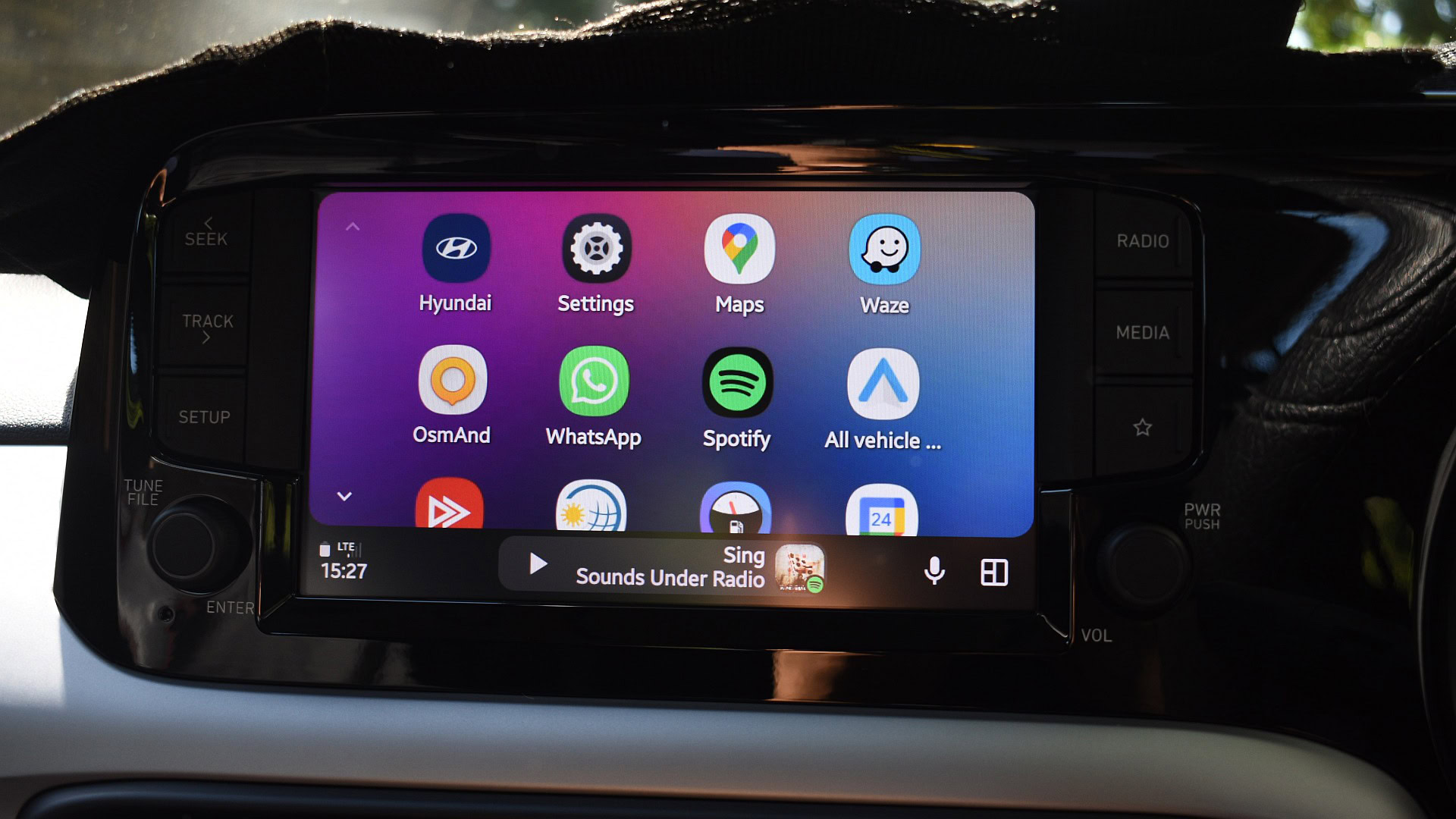
    For as much as we like a good UI on our phones, interface design is arguably even more important when we’re looking at a platform like Android Auto, and today we’re checking out what seems to be an intuitive new upgrade with a big emphasis on easy touch controls.

    On Android Auto 18.2.664604-release, we’re starting to see apps adopt a new layout, trading screen-top navigation options for a list along the side. For an example, here’s how Spotify used to look:

    Compare that with how the app is starting to appear for Android Auto users now:

    Instead of having to stretch all the way across the screen to navigate within the app, all our options are conveniently lined up along one side. While that does result in some trade-offs in terms of the density of content on the display, what we do have left tends to be larger and makes better use of available space.

    Beyond the new navigation layout, we also spot a few other small tweaks here, like a big new now-playing bar with album art and playback controls.

    We see a similar transition happening for YouTube Music. Here’s what we’ve had so far:

    android auto ytm old

    AssembleDebug / Android Authority

    And now the new, side-navigation layout:

    android auto ytm new watermarked

    AssembleDebug / Android Authority

    In addition to Spotify and YouTube Music, we’ve also seen reports of the new look hitting Amazon Music. But lest you start thinking that this change is only happening for media apps, we also see the new view coming to Android Auto’s dialer:

    Android Auto is on the edge of a big evolution right now, which Google teased earlier this year back in the leadup to I/O. That’s going to involve new widgets and expanded app support, but also a UI that’s just a whole lot more flexible across varying screen geometries. While we don’t recall seeing this particular tweak show up in any of those previews, it does feel like it’s reasonably in line with those changes.

    Advertisement
    Share. Facebook Twitter Pinterest LinkedIn Tumblr Email
    The Tech Guy
    • Website

    Related Posts

    JBL Go 5 pocket speaker drops under $40 on Amazon

    November 26, 2026

    The unfortunate reason I had to stop using HDMI

    November 26, 2026

    How to watch Sweetpea season 2 from anywhere now

    November 26, 2026

    Anker’s MagGo 2-in-1 Qi2 charging stand is 35% off on Amazon

    November 25, 2026

    Your PlayStation 5 isn’t a good Blu-ray player

    November 25, 2026

    Ninja is cooking up some huge Black Friday savings — here are 5 kitchen appliance deals worth grabbing

    November 25, 2026
    Leave A Reply Cancel Reply

    Advertisement
    Top Posts

    You don’t need a NAS to self-host — I proved it with hardware from my closet

    June 7, 2026395 Views

    Spotify is giving one of its best playlists a big visual upgrade to give subscribers ‘a closer connection’ to its New Music Friday curators — and I think it could be the update it’s always needed

    June 12, 2026216 Views

    Apple iPad (A16) drops to £329 at Tesco, £100 less than Apple

    October 30, 202621 Views
    Stay In Touch
    • Facebook
    • YouTube
    • TikTok
    • WhatsApp
    • Twitter
    • Instagram
    Advertisement
    About Us
    About Us

    SynapseFlow brings you the latest updates in Technology, AI, and Gadgets from innovations and reviews to future trends. Stay smart, stay updated with the tech world every day!

    Our Picks

    Critical Juniper Session Smart Conductor Flaw Exploited in Attacks

    November 26, 2026

    New Excuse for Being Late Just Dropped as Man Claims to Find Loaded Firearm in His Waymo

    November 26, 2026

    AFERIY P310 portable power station review

    November 26, 2026
    categories
    • AI News & Updates
    • Cybersecurity
    • Future Tech
    • Reviews
    • Software & Apps
    • Tech Gadgets
    Facebook X (Twitter) Instagram Pinterest YouTube Dribbble
    • Homepage
    • About Us
    • Contact Us
    • Privacy Policy
    © 2026 SynapseFlow All Rights Reserved.

    Type above and press Enter to search. Press Esc to cancel.

    Ad Blocker Enabled!
    Ad Blocker Enabled!
    Our website is made possible by displaying online advertisements to our visitors. Please support us by disabling your Ad Blocker.