


Taking notes is something many of us do throughout the day. I know I can’t get through mine without setting reminders or jotting down a few things to jog my memory. It’s like I’m still in school and note-taking is my saving grace before the next test — except instead of studying, I’m just trying not to forget something I need to do.
Whether I’m in a meeting or researching a new topic for a story, I take notes as I go. I try to figure out what’s going on with a new program or make sense of a topic that’s getting traction lately, and I jot things down along the way. My favorite app to use is Obsidian. It’s great for keeping tabs on all kinds of topics, and a free, easy-to-use note-taking app that’s become popular with millions of users.
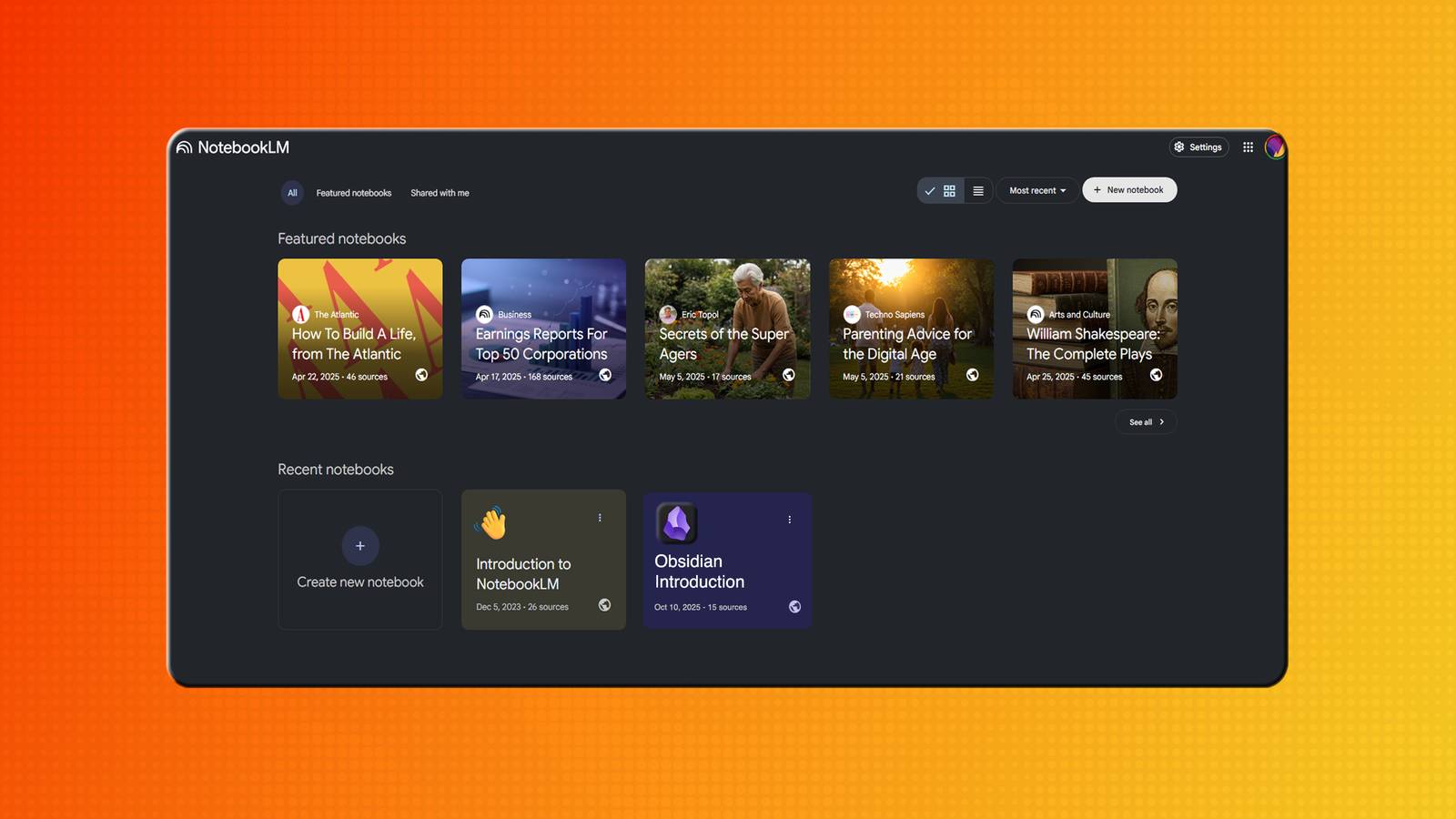
I’m also a big proponent of NotebookLM and figured why not try to use Google’s note taking app to help me decipher some of my notes in Obsidian. What I found was actually pretty surprising. Not only is my handwriting atrocious, but my notes can be really hard to decipher. Luckily, AI was able to help me spot some patterns.
Obsidian is easy to use and simple to integrate
I was pleased with how to bring it over

If you’re using Obsidian, you can open different kinds of notes and use them for just about anything. At the end of the day, you’re the one typing in them, so it’s completely up to you how you use them. I like to use Obsidian to keep track of my week. I usually have a note with reminders for each day, along with one for freelance topics I want to research for story ideas. I’ll even make a daily note for random thoughts or things I need to look into.
That can present a bit of a challenge, since you might lose the connections between your notes — and the AI may not understand how everything fits together. So, using Markdown links is important.
Luckily, there are a few ways to integrate the notes I keep in my Obsidian vault. I can export them as PDFs and upload them to NotebookLM. It’s simple enough, but you do have to save each note individually. That can present a bit of a challenge, since you might lose the connections between your notes — and the AI may not understand how everything fits together. So, using Markdown links is important.
Markdown is the secret ingredient for easy integration
You can copy, paste, and get the links

Because NotebookLM works with Markdown, I use Markdown links in my Obsidian notes. I rely on those links to connect my notes and help me understand which topics are part of the same research thread. I do keep them in folders in my vault, but rather than opening one note and then another just to toggle between them, a Markdown link lets me jump from one to the other.
That means I can copy and paste text from Obsidian into NotebookLM, and it understands how the notes are connected… all thanks to the Markdown links. This is proven when I use one of the many features that NotebookLM offers to help people study and do research. Of course, I also fill out my notebook with other research links outside of Obsidian to paint a fuller picture of whatever topic I’m diving into, especially if I’m starting with notes I uploaded from Obsidian.
Mind Map helps me connect my research further

I uploaded a list of the notes I had opened today and threw them into NotebookLM’s Mind Map. It mapped out all of my notes, showing how they’re connected and how to best navigate through them. It even found parts of my research and notes that I hadn’t connected via Markdown links and grouped them together. That might seem like a small thing, but I do so much research on different topics that it can be tough to keep track of everything.
Granted, I don’t always put everything into Obsidian. But I do frequently link back to older notes from new ones. Using Mind Map helps me make deeper connections to notes I may have missed linking. I also really enjoyed the newer NotebookLM tool, Reports. I’ll add in some of my scribblings (which may read like they’re from a madman) and Reports can turn that into a briefing doc to help me better understand both my own writing and the research links I’ve added from around the web. Since NotebookLM uses whatever I provide as its source material, it can pull the answers I need straight from my research.
Sometimes, I just use it to summarize and help me organize
I can ask questions to remind me about the topic

I do plenty in Obsidian to keep track of everything going on in both my professional and personal life. Since I’m at my computer for most of the day, I switched over from the iPhone’s Notes app to Obsidian because it’s much easier to organize and customize with different features. Now that NotebookLM has a mobile app as well, it opens up even more flexibility in how I integrate it with Obsidian.
The more I use these two and integrate them, the better they’ll be, which is something I’m genuinely so excited about.
I can go back into Obsidian to revise or expand what I’ve written and take advantage of its wide range of features. Keeping Obsidian tidy also improves how well NotebookLM can process and use the content — especially as I make updates. Once I sync the two, I can use NotebookLM like a chatbot, asking questions to search deeper into the research. The more I use these two and integrate them, the better they’ll be, which is something I’m genuinely so excited about.
