

Close Menu

    Subscribe to Updates

    Get the latest Tech news from SynapseFlow

    What's Hot

    DentaQuest Data Breach Potentially Impacts Over 23 Million People

    July 27, 2026

    Father-Son Duo Accused of Kidnapping Government Biologists Who Were Out Studying Frogs

    July 27, 2026

    Google Maps’ biggest Android Auto upgrade is reaching more users

    July 27, 2026
    Facebook X (Twitter) Instagram
    • Homepage
    • About Us
    • Contact Us
    • Privacy Policy
    Facebook X (Twitter) Instagram YouTube
    synapseflow.co.uksynapseflow.co.uk
    • AI News & Updates
    • Cybersecurity
    • Future Tech
    • Reviews
    • Software & Apps
    • Tech Gadgets
    synapseflow.co.uksynapseflow.co.uk
    Home»Tech Gadgets»The Xbox 360 proved I can’t get rid of my Ethernet cables yet
    The Xbox 360 proved I can’t get rid of my Ethernet cables yet
    Tech Gadgets

    The Xbox 360 proved I can’t get rid of my Ethernet cables yet

    The Tech GuyBy The Tech GuyOctober 30, 2025No Comments4 Mins Read0 Views
    Share
    Facebook Twitter LinkedIn Pinterest Email
    Advertisement


    I dug out my old Xbox 360 and decided to give it a go just to see how it still runs. Unsurprisingly, it was very slow at first, maybe because I hadn’t used it in years, but once it got past the initial loading, it was smooth sailing. With an Xbox Series X and backwards compatibility, I don’t have many reasons to use my 360 anymore, but it’s still fun to mess around with old hardware every now and then.

    Advertisement

    As it turns out, the Xbox 360 is a lot older than I thought. I upgraded to AT&T Fiber for my internet, and that replaced my old router with one directly from AT&T. I thought nothing of it, and everything worked as expected for everything I used. What I didn’t realize was that it automatically merged my 5Ghz and 2.4Ghz networks into one band. For most things, that wasn’t an issue, but apparently, it’s a problem for my Xbox 360.

    The Xbox 360 doesn’t like newer formats

    There’s one easy fix

    tp-link-router
    TP Link / Pocket-lint
    Credit: TP Link 

    I found out the hard way that the Xbox 360 can’t connect to 5Ghz Wi-Fi connections, so I needed to find out how to get my 2.4Ghz band back. Luckily, it was easy to track down the steps to do this, and I was able to split the connections in about 10 minutes of troubleshooting. However, there’s a much easier thing to do, and it’s just plugging in an Ethernet cable.

    A lot of people already use Ethernet cables for their consoles, but I can’t imagine many people are still rocking an Xbox 360 two decades after its release. If you’re like me, you just get it out for special occasions, and you’re surprised by how extra steps there are now to take for you to get it online. I decided to just grab the Ethernet cable plugged into my Roku Ultra and run it to my Xbox 360 to speed up the process. It worked just fine, and it didn’t matter that I didn’t have a 2.4Ghz connection on my Wi-Fi.

    I didn’t want to have to rely on an Ethernet cable for a connection for long, however, as my Xbox 360 won’t always be set up in an area that’s accessible by a cable, so I went through the process of creating the second band. It was very simple, and now my 360 is connected without issues. This doesn’t mean I’ll stuff my Ethernet cable back into the closet, because I see now that it’s important to have one handy when you need it.

    Keep an Ethernet cable around

    It can be very helpful

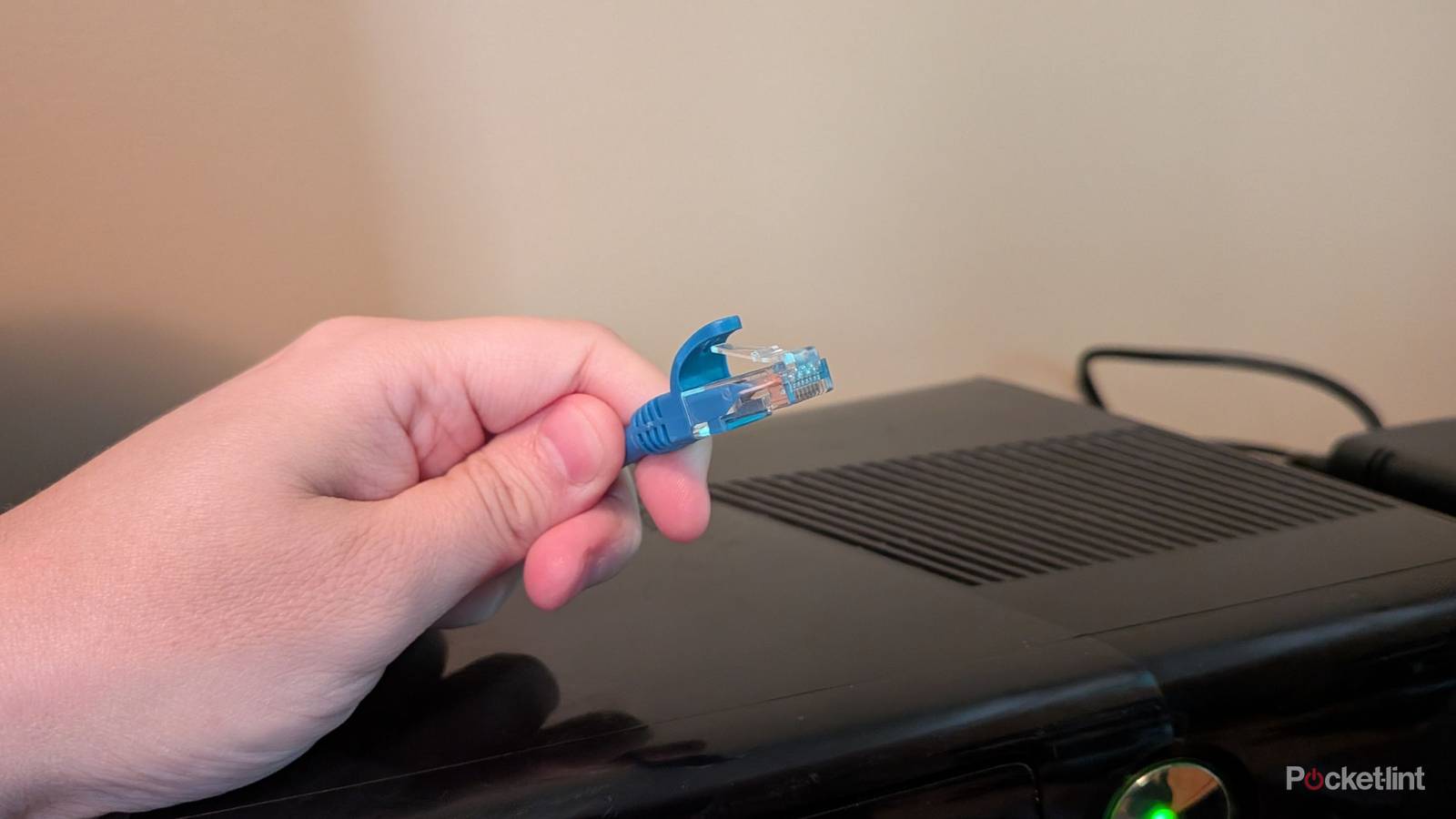
    A hand holding an Ethernet cable.

    I’ve been largely ditching Ethernet cables when I can, but I can’t deny that it was nice to have one available in this case. I didn’t know problems like the one I ran into with my Xbox 360 even existed, so I imagine a lot of older hardware will run into issues like this over time. An Ethernet cable is a good shortcut around this, and it’s great to have a few extras lying around. Over the years, I’ve amassed quite a few extra cables, so I’m glad I never tossed them out. In an increasingly wireless world, the cable still reigns supreme in some ways.

    As Wi-Fi continues to become more advanced, it seems like our older hardware will no longer be able to keep up. Fortunately, if the Ethernet cable continues to be a workaround, it’ll always have a reason to exist. In this scenario, with my Xbox 360, it’s not even about having fast speeds or stability, two common reasons to plug in a cable.

    Now that I have my two Wi-Fi bands separated, I won’t have to use my Ethernet cable with the 360 anymore, so that’s one problem solved at least. However, downloading a game on my Xbox 360 over Wi-Fi certainly isn’t fast by any means, so I’ll keep the cable handy in case I need to redownload a game I bought previously.

    Advertisement
    Share. Facebook Twitter Pinterest LinkedIn Tumblr Email
    The Tech Guy
    • Website

    Related Posts

    Honor Robot Phone to launch on August 12, unboxing video leaks

    July 27, 2026

    The Z Fold 8 may have just teased a massive Galaxy S27 battery upgrade

    July 27, 2026

    Speeding up your iPad isn’t just possible

    July 26, 2026

    It’s not just OpenAI models escaping and running riot — experts show how Claude Cowork can break its bonds and access Mac files

    July 26, 2026

    vivo X300 E appears in an official trailer ahead of launch, processor confirmed

    July 26, 2026

    Storage upgrades cost too much, and we need microSD cards back

    July 26, 2026
    Leave A Reply Cancel Reply

    Advertisement
    Top Posts

    You don’t need a NAS to self-host — I proved it with hardware from my closet

    June 7, 2026306 Views

    Spotify is giving one of its best playlists a big visual upgrade to give subscribers ‘a closer connection’ to its New Music Friday curators — and I think it could be the update it’s always needed

    June 12, 2026187 Views

    The iPad Air brand makes no sense – it needs a rethink

    October 12, 202516 Views
    Stay In Touch
    • Facebook
    • YouTube
    • TikTok
    • WhatsApp
    • Twitter
    • Instagram
    Advertisement
    About Us
    About Us

    SynapseFlow brings you the latest updates in Technology, AI, and Gadgets from innovations and reviews to future trends. Stay smart, stay updated with the tech world every day!

    Our Picks

    DentaQuest Data Breach Potentially Impacts Over 23 Million People

    July 27, 2026

    Father-Son Duo Accused of Kidnapping Government Biologists Who Were Out Studying Frogs

    July 27, 2026

    Google Maps’ biggest Android Auto upgrade is reaching more users

    July 27, 2026
    categories
    • AI News & Updates
    • Cybersecurity
    • Future Tech
    • Reviews
    • Software & Apps
    • Tech Gadgets
    Facebook X (Twitter) Instagram Pinterest YouTube Dribbble
    • Homepage
    • About Us
    • Contact Us
    • Privacy Policy
    © 2026 SynapseFlow All Rights Reserved.

    Type above and press Enter to search. Press Esc to cancel.

    Ad Blocker Enabled!
    Ad Blocker Enabled!
    Our website is made possible by displaying online advertisements to our visitors. Please support us by disabling your Ad Blocker.