


According to podcastatistics.com, there are “over 4.52 million podcasts worldwide, with nearly 487,200 new shows launched in just the past three months.” In the US alone, around 158 million people listen to podcasts every single month. Podcast popularity shows no signs of slowing, with the industry expected to reach $39.63 billion by the end of 2025, up from $30.72 billion in 2024.
With so much hype and interest around podcasts and podcasting, I thought it was high time that I jumped on the bandwagon and turned my skills towards hosting my own show. Now, it’s worth saying that before this experience, I had never hosted a podcast before. This isn’t because I don’t like the attention or am nervous about “putting myself out there”. It’s just that the right opportunity hadn’t come along yet.
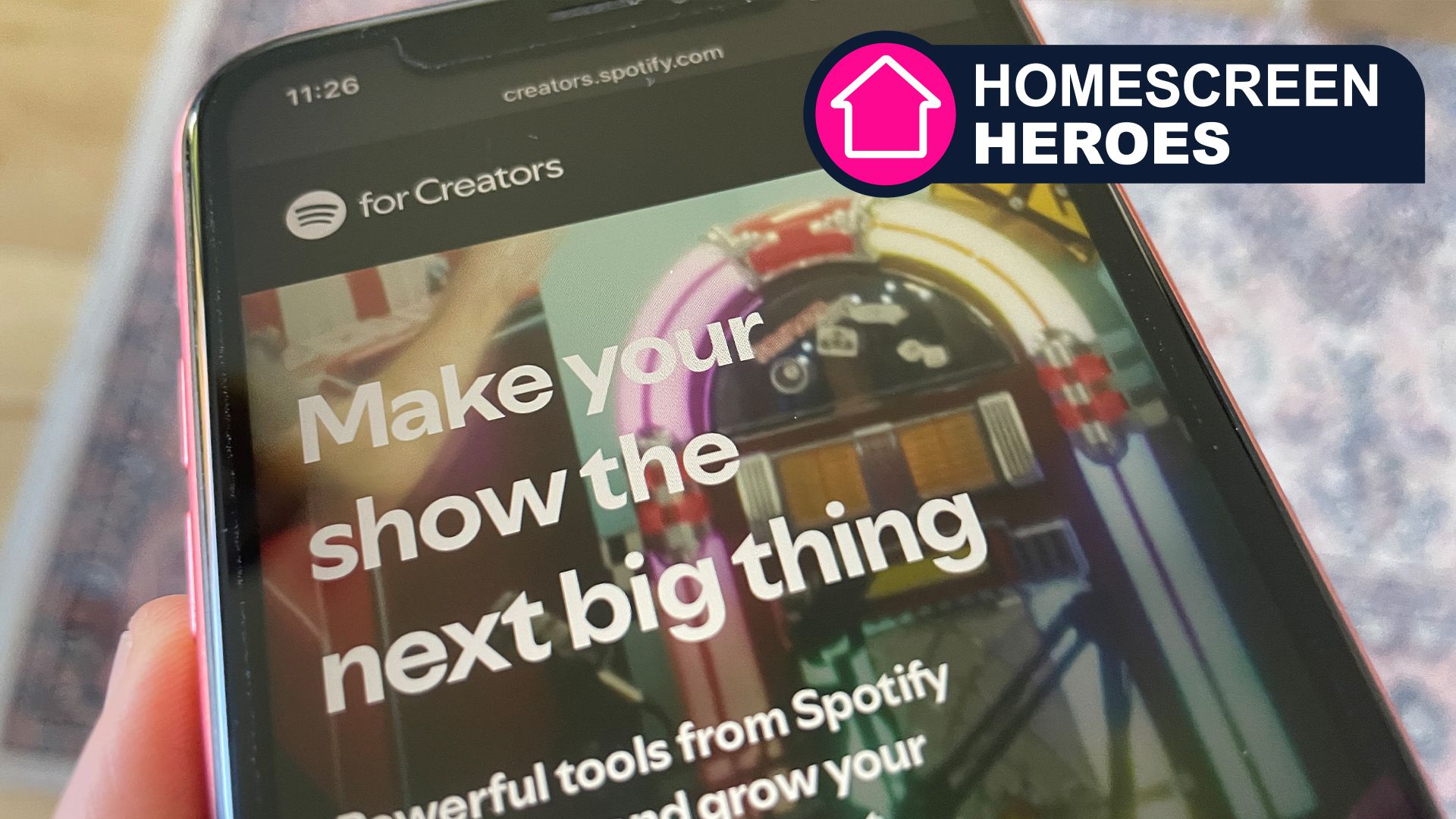
So, with all this newfound enthusiasm and desire to launch a podcast, I proceeded to download Spotify for Creators and create an account. All super simple so far. The tricky thing came with deciding what to podcast about. I have a lot of personal interests, including tennis, football, and cycling, but in the end, I decided to create a show about the latest tech products I’ve been reviewing.
Homescreen heroes
This is part of a regular series of articles exploring the apps that we couldn’t live without. Read them all here.
The Spotify for Creators app is available on iOS and Android and is incredibly straightforward to use. We’ll dive into all the main features, including recording a podcast, editing the audio, adding in other contributors, making the podcast visible to the waiting world, and finally, tracking performance.

Record and edit an episode
The first step is to record the episode. It’s not possible to do this directly inside the Spotify for Creators app, but instead requires you to find your own recording workflow. This can be as simple as using the built-in voice recording facilities on your phone, tablet, or computer. Alternatively, you can use bespoke software like Audacity or Zencastr, which offer advanced recording tools. You might also want to consider purchasing a microphone to enhance the quality of your captured audio.
If you’d like a cohost or to record with guests remotely, then this can be achieved using the Riverside integration. This allows for recording multi-track audio or video in your browser or on mobile, before importing the file straight into Spotify for Creators.
With it being my first podcast, I wanted to keep things as simple as possible, so I used my MacBook with an attached microphone that I had on hand. I recorded directly into Adobe Audition, which let me control the sound levels. The same application then let me trim the recording and normalize the audio for optimum quality.
After spending a little more time tinkering with the audio, I proceeded to export the file from Audition and import it into the Spotify for Creators app.

Connect with fans
Through the Comments tab, it’s possible to connect with your community. One of the primary ways of doing this is by interacting with the comments that your fans have posted. The Spotify for Creators interface makes this quick and easy, and much like any other messaging app that you will no doubt be familiar with.
If you’d like to increase engagement, then it’s possible to upload a short video clip of your episode and even start a poll. These will attract listeners to your podcast and give them greater reason to interact with you as the host. Link the polls directly to your audio content, and you’ll maximise your chances of engaging new listeners.
It’s early days for my podcast, and so my community is still very small, but I can see that the app provides all the necessary tools to help me grow my audience. This is far from a lightweight podcasting platform, but instead features all the tools I would expect from this sort of app.

Growing your audience
Spotify for Creators provides a range of tracking features, including the number of followers and episode plays. There’s also data about how many hours of your content users have consumed. If you’d like to dive further into the demographics of your audience, then it’s also possible to see stats related to gender, age, geography, and which platforms they use to listen. All analytics data can be viewed for the last 7, 30, or 90 days, so you can track your progress over time.
If you’re struggling to gain followers, then you might want to check out Spotify’s “How to grow your podcast audience” resource. This includes help on finding your niche, researching your audience, and how to complement your audio content with video content. Following Spotify’s tips will give your podcast the best possible chance of succeeding.
I’ve no idea where my podcast will end up, but I’m glad I’ve made a start, and it couldn’t have been easier thanks to the Spotify for Creators app. Maybe now is your time, too.
