


I’m constantly trying to find ways to do things more efficiently, especially when it comes to research. I don’t have a ton of time in the day for personal agendas and wish I had more time to read — I used to read about a book a month. Nowadays, I can barely find time to read two books a year. Finding ways to streamline my learning has been a struggle, but that’s what led me to use NotebookLM in the first place.
NotebookLM is a terrific tool for learning more about topics. You can create your own database to pull information from. Not only can you better funnel the sources that the AI assistant gathers data and facts from, but you can also upload your own information and have it do a number of different tasks for you. Want to learn more about a long PDF that you’re required to read? Upload it to NotebookLM and have it write up flash cards to study. Need to learn a lot about a topic in a short time? Build a Notebook and create an Audio Overview to take an educational AI podcast on the go.
While you can ask Google to discover sources for you, rather than giving NotebookLM the sources you want to use, you may not want some of what it finds. It will usually give you 10 sources and some of them may not be reputable. So why not use AI in other ways to get more information to feed in. That’s why I’ve integrated Microsoft Copilot responses into NotebookLM.
Learn about a new topic from a Copilot prompt
Why not have Microsoft do the heavy lifting?

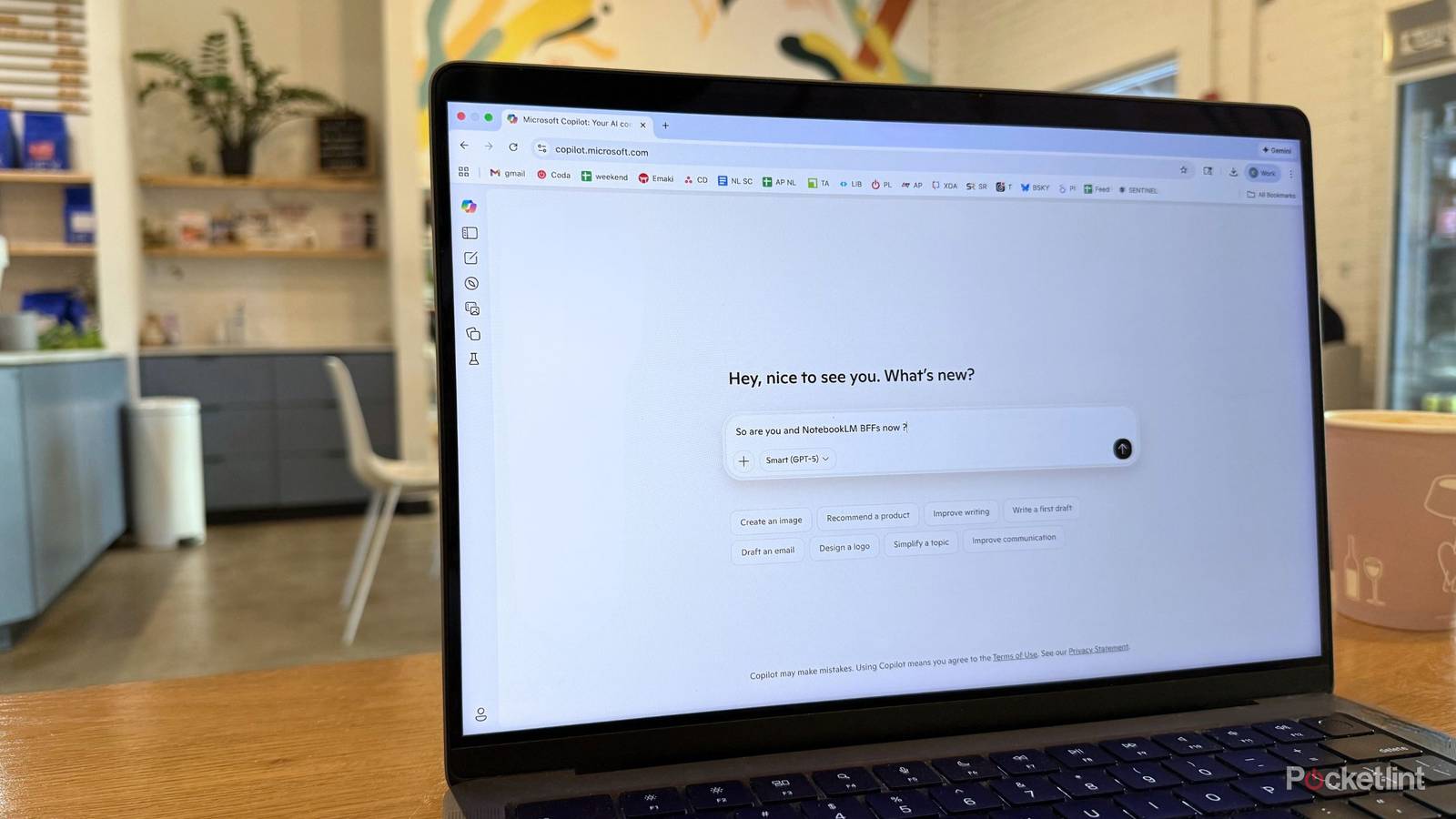
NotebookLM is great because it can use what you’re giving it and create an all-encompassing database from which to respond to questions. But what if you don’t know anything about a topic, and you want to learn about it before gaining knowledge from NotebookLM? You can use the Discover sources option on the platform. But you can also ask Copilot to tell you about it. I’ve found that asking Copilot or another LLM to help me with learning about something can be a quick way to get the answers I’m looking for.
I recently asked it to teach me about cryptocurrency. While I generally understand the concept, I don’t have a full grasp on the topic by any means. I’m not an investor (at least not yet). So why not have Microsoft Copilot tell me some more about it? I asked it to help me understand the basics, and it gave me a good rundown of the topic in broad terms.
It even gave me pros and cons to investing in crypto, which was very helpful in terms of better understanding how I might want to do it in the future.
Integrate Copilot with NotebookLM for a database of my own
This Notebook was put together without much effort from me

I asked Copilot to “write a detailed analysis of how someone should get started in investing in cryptocurrency.” It gave me even more information. But rather than read its entire write-up, I simply copied the responses that it gave me to my two prompts and pasted them into NotebookLM. When you open up a new Notebook, you can choose Paste text in the Upload sources portion. Once I added that in, NotebookLM created the Notebook “Cryptocurrency Fundamentals and Investment Guide.”
From there, I added some more sources from Google to flesh out the information to give it less of a beginner’s feeling. I now had a database where I could ask questions — specifically if I should invest in a certain type of cryptocurrency. Candidly, Google made it clear that it could offer personalized financial advice, and, honestly, this is something that I appreciated. There could be dire ramifications if AI was providing financial advice to individuals. But it also began providing me with a more in-depth explanation of the different types of cryptocurrency to help me better understand my options.
Use what Copilot has taught NotebookLM to my advantage
Take NotebookLM’s feature for a spin

Any of NotebookLM’s features can work well once you’ve integrated prompts from Copilot.
Now that I’ve fed the Copilot responses into NotebookLM and created a Notebook I can ask questions in, I want to actually understand everything Copilot and NotebookLM have compiled. I first started out with a Mind Map about cryptocurrency, which broke the topic into more digestible offerings. I went from the broad topic to learning more about the tax break implications as written by the IRS guidelines in regard to crypto in just a few clicks.
I then created a Visual Overview that summarized all the sources and their knowledge. This video gave a visual representation of all the information that I could sit, watch, and learn in a 10-minute span. After that, I use the quiz function to test myself to see how much I actually understand. With a topic like crypto, I was never going to completely understand it right away, especially since I’m relying on about 10 sources. But it gave me a better understanding than I’d previously had.
For more fun, I took part of the response from NotebookLM regarding capital gains tax calculations and fed it back into Copilot and asked it to succinctly summarize what it meant. Rather than wading through long answers from NotebookLM, I got a short and sweet answer from Copilot. Just to mess around, I asked NotebookLM to make an Audio Overview focused solely on capital gains tax calculations, so I was able to listen about it from that source too.
There’s so much that you can do with both of these and, when they work together, it can power your studying forward.
