


There are a lot of black boxes to deal with when you’re shopping for a new Mac or Windows PC, both literally and figuratively. It can be difficult to keep up with the latest CPU and port options available, never mind figuring out what graphics card you need, or how much storage is enough. If you haven’t upgraded in a while, just the shift to a new operating system can be daunting. Some people are clinging to Windows 10 like their life depends on it.
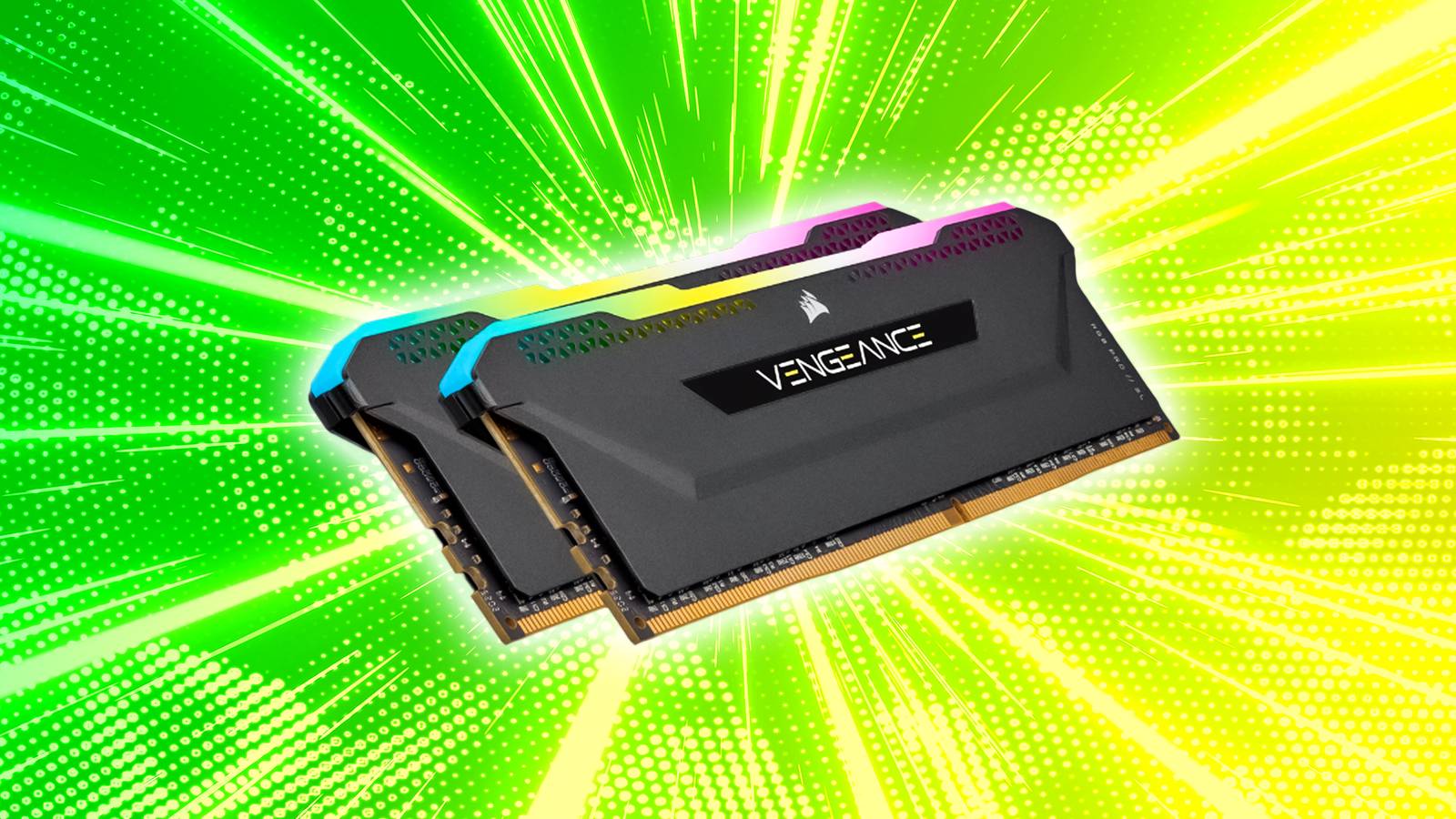
RAM is, of course, another one of those topics that can leave you scratching your head. Most people are aware that RAM matters, but not necessarily why, and even veteran PC users are sometimes left debating how much they should buy. More is always better — but how much can you get away with if you’re trying to construct the most cost-effective computer possible? As always, it depends on what you’re trying to accomplish with your machine.
What’s the minimum amount of RAM you can get away with?
Don’t trust official software requirements

For macOS Tahoe, Apple lists compatible Macs instead of the amount of RAM you need. For Windows 11, Microsoft says that the minimum is 4GB. Realistically, however, no PC is going to function well with that little memory. Many individual apps require more than 4GB, and in practice, most of us want to run multiple apps simultaneously, both in the foreground and the background. On my work laptop, for instance, I’m currently running Chrome, Spotify, Slack, Messenger, and GIMP up front, and a handful of less demanding things in the Windows system tray.
On a Mac, you may be able to make do with 8GB. That’s owing to the tight integration between macOS and Apple’s custom-designed processors, which makes a Mac extremely efficient. That said, the company has shifted over to 16GB as the baseline on newer models, so it’s safe to say that you should aim for that even if you’re buying a used system.
16GB is the absolute minimum I’d suggest for a Windows PC. It used to be considered plenty, even for gaming PCs, but the demands of apps have crept up to the point that 8GB will noticeably choke performance in mundane tasks. The best (slash worst) example of this is Google Chrome — as I write this, the web browser is consuming over 6GB on my PC as it handles 11 tabs. It’s not hard to imagine how combining that with apps like Adobe Photoshop or Microsoft Excel could quickly max out 16GB.
16GB used to be considered plenty, even for gaming PCs, but the demands of apps have crept up to the point that 8GB will noticeably choke performance in mundane tasks.
Believe it or not, gamers can still function with 16GB, but sometimes only by exercising strict practices. It’s wise to close as many apps as possible before loading a 3D game, particularly web browsers, and take advantage of any OS boosts like Windows 11’s Game Mode. You may still end up with performance limitations, potentially forcing you to scale back detail, but that’s better than not being able to play at all. Many games still don’t require much RAM, mercifully — you’re not going to blow up a modern PC with a title like Balatro or Duck Detective.
If you’re a creative, engineering, or scientific professional, your RAM requirements can easily scale much higher. One of the most popular video production suites, DaVinci Resolve, needs at least 32GB to operate smoothly, and will sometimes demand 64GB or more. Similar requirements exist for audio production suites like Logic Pro. When in doubt, check what your fellow professionals are using by asking around on forums. Don’t trust official software requirements — often, those are just the bare minimum to get an app working. It’s akin to driving a car that needs to go full throttle just to match the speed limit.
How much RAM should I get if I want things to run well?
Kick things up a notch

Honestly, if all you’re doing is browsing the web, watching video, checking email and chats, and perhaps using some 2D games or light productivity apps (like the Microsoft 365 suite), 16GB should be fine. You may occasionally max out your RAM, but not to a degree that warrants spending extra. This rule applies to both Macs and Windows PCs. Older or more basic 3D games won’t push memory much either, some examples being Fortnite and Minecraft.
For state-of-the-art 3D games like ARC Raiders and the latest Call of Duty, it’s time to step up to 32GB. These are caching so much in the way of map, model, and media assets that the impact can be noticeable, particularly if you want to leave other apps running in the background. There’s also an element of futureproofing — while 16GB can be sufficient, game developers are constantly trying to outdo each other by exploiting the latest hardware. A few years from now, it may be unthinkable to have less than 32GB.
For state-of-the-art 3D games like ARC Raiders and the latest Call of Duty, it’s time to step up to 32GB.
As for those creative, engineering, and scientific professionals, there’s no hard and fast rule. You may want as much as 128GB or even 256GB if you’re doing Hollywood-level video work, for example editing in resolutions over 4K. Conversely, a scientist may need as little as 16GB if they’re just doing notetaking and standard math, but as much as any video editor if they’re running complex simulations. As mentioned, talk to other professionals about what’s best. One thing I can say for sure is that you’ll want to get things correct from the jump if you’re buying a laptop — it’s difficult and sometimes impossible to upgrade laptop RAM post-purchase. Apple doesn’t support this at all, so you’re always better off overestimating when you’re shopping for a MacBook.
A factor I haven’t touched on yet is speed. Some motherboards support faster forms of RAM than others, the gold standards at the moment being DDR5 and its mobile equivalent, LPDDR5X. In some scenarios, it may be more important to choose a computer with the fastest RAM rather than the most. No matter what, though, if you’re upgrading an existing PC, remember that you should always use the fastest memory your motherboard allows. Anything less will bottleneck performance, if it works at all. You can find compatibility info on a PC or motherboard maker’s website.
A final thought I’ll leave you with is that it’s hard to gauge where the industry is headed. DDR6 is on the horizon, but RAM requirements often seem to plateau for several years at a time, that 16GB gaming threshold being just one of them. Game developers are already running into huge production hurdles trying to support 4K gaming, so 32GB might last you into the 2030s. Similarly, movie studios rarely have any reason to edit work in resolutions over 8K, given the limitations of screens and the human eye. I wonder if it’s AR and VR that will push the boundaries — it’s quite a feat to render a photorealistic world with accurate physics.
