


With affordable prices and increased compatibility, there’s never been a better time to invest in a smart home ecosystem. While many lament subscription-based smart home products, there are plenty of viable alternatives that cut out recurring charges altogether. It’s easy to find offline, subscription-free home security cameras that put the user in control of how they’re used. In fact, I’ve been using one such camera for the past two years—the TP-Link Tapo C125.
On paper, the Tapo C125 is an excellent security camera. It retails for under $50, supports local recording with a microSD card slot, and integrates with the Google Home, Amazon Alexa, and Apple HomeKit ecosystems. Despite all the apparent benefits, I’ve been underwhelmed by the Tapo and HomeKit security camera experience, so I’m going all-in on Google Nest cameras with Gemini.
TP-Link’s HomeKit cameras left me wanting more
Local storage and a subscription-free life are overrated
There’s a lot to like about the Tapo C125, and leaving the cameras behind—I own two of them—wasn’t an easy choice. They’re cheap, they support HomeKit Secure Video, and they’re easy to move and mount. Truthfully, many of my reasons for switching have to do with HomeKit, not the Tapo cameras. I’m not a fan of the Tapo C125’s corporate and industrial design, and I experienced minor, infrequent connectivity issues.
Aside from those minor gripes, the real problems lie with HomeKit and HomeKit Secure Video. As someone who is split between the Apple and Google ecosystems, getting products that play nicely with one another is crucial. HomeKit doesn’t fit the bill. The platform has major compatibility and stability issues, in my experience, and isn’t easily accessible on Android or Windows. I found myself only using HomeKit for the secure video features and to connect with the Tapo C125 cameras.
HomeKit Secure Video isn’t perfect, either. It does have end-to-end encryption going for it, and that can’t be understated due to its security and privacy implications. However, it’s also limited to 1080p event recording and video streaming. That’s true for cameras with higher-resolution sensors too, like the Tapo C125 and its 2K QHD recording capabilities. I realized that encryption and event recording doesn’t cut it if the video quality isn’t good enough to actually see what’s happening in your home.

Eventually, HomeKit Secure Video became more of a nuisance than a feature. Getting motion-based notifications only on Apple devices was frustrating, and being unable to check in on my cameras with my Google Nest displays was a hindrance. While keeping the Tapo C125 cameras with local recording or moving them to another platform were options, I ended up taking the plunge and moving to Google entirely.
Google’s upgraded Nest cameras filled the gap
Google Home is still the best smart home ecosystem
I’ve long been intrigued by Google Nest cameras, but Google finally made the right combination of moves to make me switch. The company released upgraded Nest camera hardware, gave away Google Home Premium access for Google AI Pro subscribers, and replaced Google Assistant with Gemini across the Home ecosystem. Plus, a set of Black Friday discounts makes now the perfect time to pick up a few third-generation, wired Nest Cam Indoor cameras.
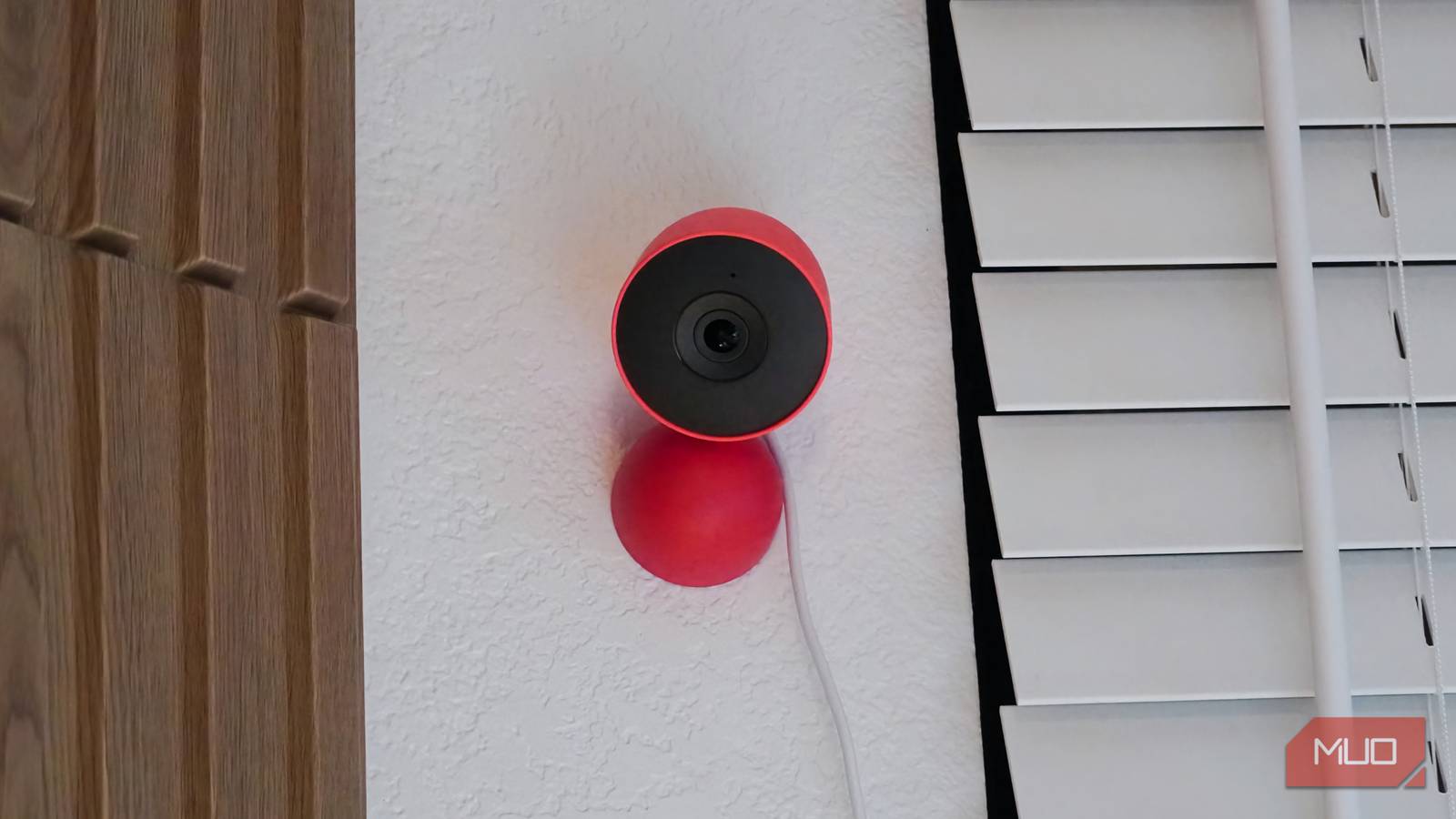
Google’s Nest Cam Indoor fixes everything I hated about my Tapo/HomeKit setup. The camera has a friendly design that blends into your home. It also sports a 2K camera sensor with a 152-degree field of view and 6x digital zoom. When I first tried streaming from the Nest Cam Indoor, I was blown away at the crispness and clarity. I could see exactly what was sitting on my desk from miles away.

The cross-platform nature of the Google Home app is another selling point. I get the same camera notifications on my iPhone as I do on my Samsung Galaxy. There is perfect feature parity across the two platforms, and the Nest Cam Indoor works great with my existing smart home ecosystem. I can view live camera feeds on my Nest displays and see them right beside the view of my Nest Doorbell Battery.

Home Assistant is powerful, but I’m still not leaving Apple and Google
Nothing beats the simplicity and interconnected nature of Apple Home and Google Home.
I’ll gladly pay for a Nest camera subscription
The good news is, you don’t even have to

I used my Nest Doorbell Battery for years without paying for the Nest Aware subscription service, and you could do the same with the Nest Cam Indoor. It’s even easier to avoid paying for a Nest subscription now. The amount of free event video recording was recently bumped from three to six hours. On top of that, Google AI Pro and Ultra subscribers get Google Home Premium Standard for free, adding 30 days of event-based video history.

However, I’ve gone one step further and upgraded my Google Home Premium subscription to the Advanced tier. It unlocks a host of Gemini features, including one that lets you search your video history in natural language to find relevant recordings. Plus, you get 10 days of 24/7 video history, descriptive notifications, and AI-powered daily summaries. This makes it easy to decipher which event recordings need your attention and which ones are safe to skip.
Although the Google Nest Cam Indoor isn’t perfect—it lacks end-to-end encryption—it’s better than my old Tapo/HomeKit setup in the ways that matter.
