

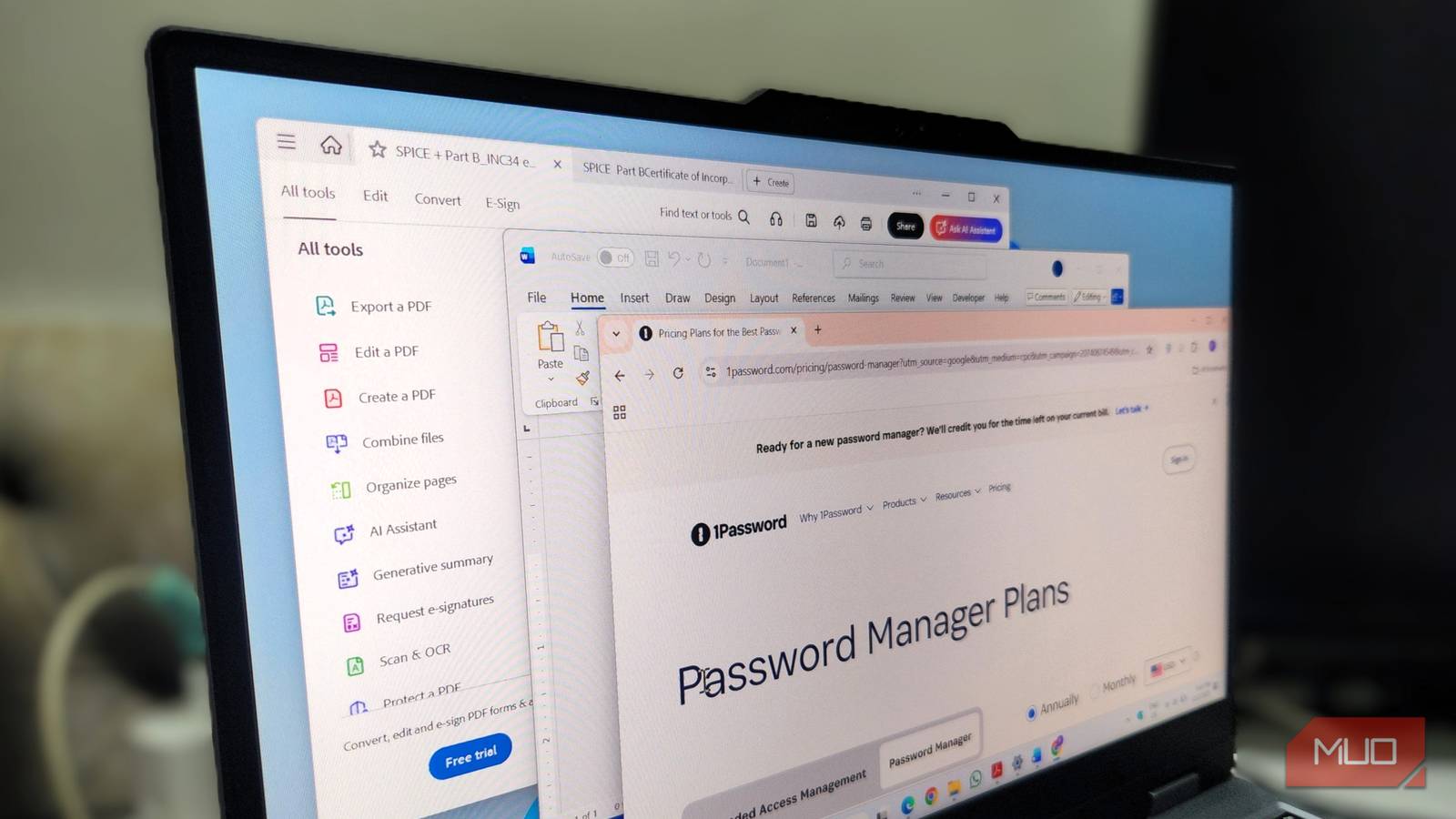

There’s nothing wrong with paying for great PC software. Some apps absolutely earn their price for the convenience they offer. But over the past few years, many tools that were once essential are no longer must-haves. This includes screen capturing tools like SnagIt, PDF editors like Adobe Acrobat, password managers like 1Password, and even the all-mighty Microsoft Office Suite.
What makes it even harder to justify is that most of these apps don’t offer a one-time purchase. They lock you into a subscription, so once you’re used to the workflow, you’re paying every single year just to keep access.
SnagIt
Capture everything without spending a dime

SnagIt has long been a popular screen capture tool for power users. If your job involves grabbing screenshots all day, it offers just about everything you could need, from scrolling screenshots to an extensive image editor, and even AI tools that turn your captures into a clean step-by-step guide.
The problem is the price. Paying $39 every year for SnagIt feels like far too much, especially now that its biggest advantages are no longer unique. In recent years, Microsoft’s Snipping Tool has improved a lot and now includes almost every feature you might need, including screen recording, text extraction, and basic annotations.
If you are someone who needs all the advanced options SnagIt offers, ShareX is a great alternative. It’s a free, open-source tool that offers plenty of capture modes, a dedicated image editor, and even the ability to upload your captures to the cloud.
Microsoft Office Suite
Free suites can handle your work with ease
Microsoft Office has been the default productivity suite for so long that most people aren’t even aware there are alternatives. Word, Excel, and PowerPoint have been around forever and are still unmatched in many ways. But unless you rely on very specific Excel formulas or advanced Word features, paying for a yearly Microsoft 365 subscription or even buying Office Home for a one-time fee of $149.99 doesn’t make much sense.
LibreOffice is an open-source tool that works with all Office files. It offers LibreOffice Writer for Word, LibreOffice Calc for Excel, LibreOffice Impress for PowerPoint. These tools offer similar functionality to Office apps and can be used offline.
If you spend most of your time online or collaborating with others, Google’s Workspace apps like Docs, Sheets, and Slides are a perfect fit. They run in any browser, save your work automatically, and make real-time collaboration effortless.
1Password
When open-source security beats paid software

1Password has built a strong reputation as one of the most polished password managers around. Everything about it feels refined. It has a clean interface, smooth autofill, secure password sharing and extra tools like data breach monitoring. It’s definitely an easy recommendation for anyone who doesn’t mind paying $36 a year.
But that price is hard to justify when you look at a free alternative like Bitwarden. It delivers everything you need in a modern password manager at no cost. It does have a paid plan at $10 a year, but the free one already offers unlimited password storage, cross-device sync and secure sharing. It’s also fully open-source, which is always nice.
For most folks, Bitwarden matches 1Password’s core features without asking you to spend a dime. And if you prefer a fully offline vault that you can control from top to bottom, KeePassXC is another great option.
Adobe Acrobat
Edit, merge, and convert PDFs for free

Adobe Acrobat needs no introduction. It’s a household name for working with PDFs. It offers everything you might need, from robust editing tools to a built-in AI assistant. Acrobat is polished and dependable, and Adobe knows it, which is why the subscription price keeps climbing.
But there are also PDF editors available that are just as good and don’t cost a thing. PDFGear, for instance, is a free app that lets you edit, convert, merge, and even split PDFs. It also has built-in ChatGPT assistance, so you can summarize long documents, ask questions about them, or get suggestions. PDFGear is also available on both Android and iPhone, which is handy when you want to make minor edits on the go.

I found an open-source alternative to every Adobe app
Turns out, Adobe’s creative suite isn’t your only option.
McAfee
Built-in protection is already enough

There was a time when an antivirus program was the first thing you’d install on a new PC. Even today, McAfee comes bundled with new PCs, and a lot of people just assume they need to keep paying for it. But the truth is, paying for third-party antivirus programs doesn’t make sense anymore.
Microsoft’s built-in Windows Security app has matured into a fully capable protection suite. It offers features like real-time protection, ransomware protection, SmartScreen filter for blocking malicious downloads, and tamper protection to keep your security settings safe. It covers every essential layer of protection you need, and it does it for free.
Unless you want the extras that McAfee offers, like personal data cleanup tools, parental controls, and a bundled VPN, paying for McAfee just for keeping your PC protected isn’t necessary.
If you genuinely benefit from a premium app, you should by all means keep using it. But if you are only paying for the above apps out of habit rather than need, this is the perfect time to reassess your setup. A few smart swaps can save you real money every year.
