

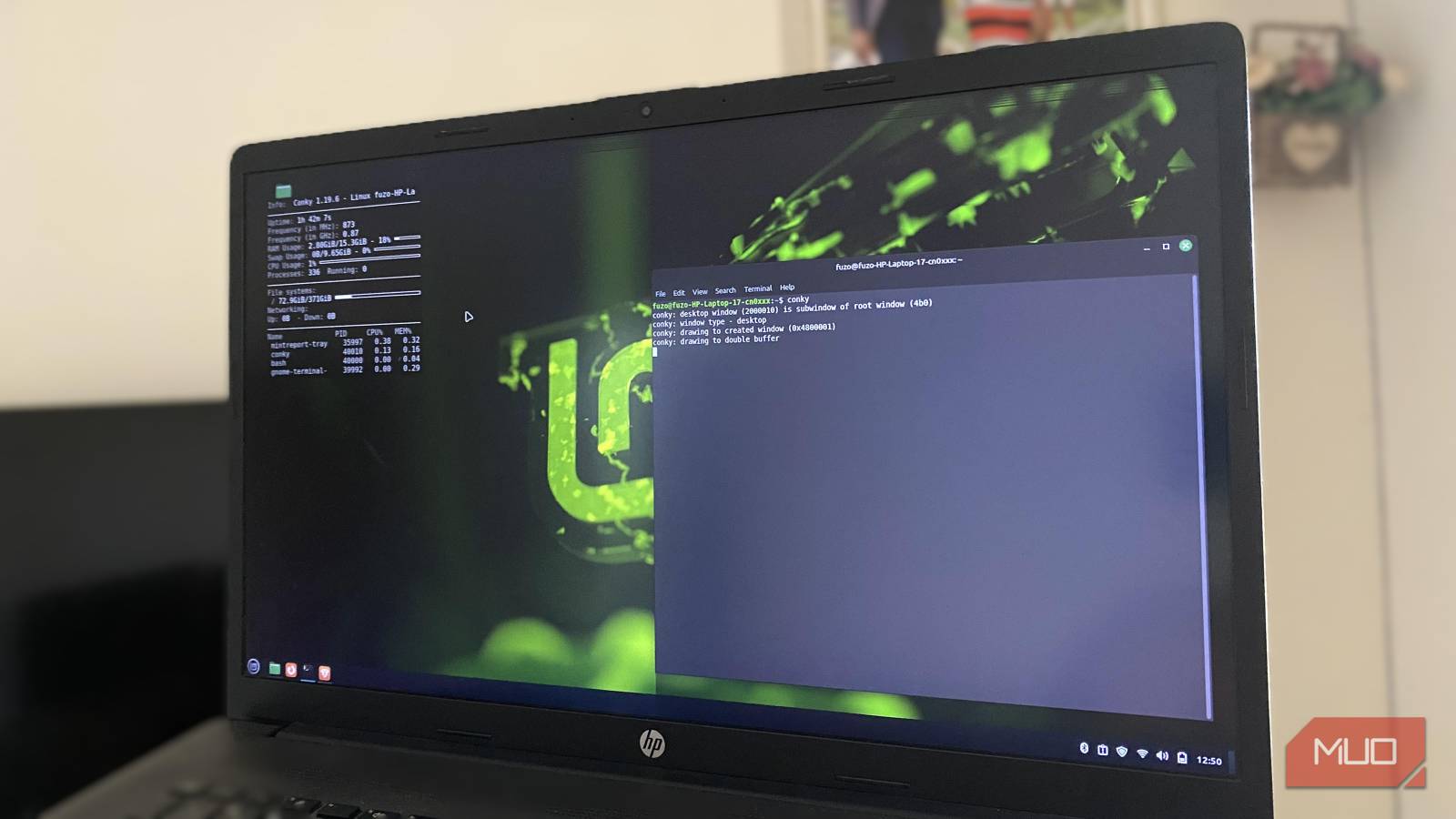

It’s almost impossible to think of Linux without the terminal. This relationship spans decades, and for good reason. Scripting for automation, clarity with pipes, and the speed and control the terminal provides can’t be rivaled by a graphical interface.
However, over the years, I have come to appreciate the GUI for a different kind of precision—not necessarily as a compromise. Visual feedback is important, and mastery of Linux means knowing when to reach for the terminal and when to embrace the GUI.
The terminal excels at precision, scale, and automation
Why experts adore it and why it remains irreplaceable

One area where the terminal excels is converting intention into precise action. Using rsync, awk, and sed, you can manipulate data with surgical precision. Where the GUI will expect several clicks, you can chain these tasks into one command in the terminal. The applications of the terminal are unlimited: batch file naming, mass configuration changes, updating multiple servers, and more.
In addition to speed, it offers unmatched scalability. Over SSH, you get full system control with negligible bandwidth usage. Where the GUI abstracts away low-level interactions, the CLI directly exposes permissions, the filesystem, and processes. It becomes more beneficial if you manage infrastructure, compile software, or debug kernel logs.
Lastly, the terminal excels at piping commands that turn small, specialized tools into complex workflows. This is the kind of modality an expert will thrive on for solving problems in ways a visual interface cannot. But if the terminal is this powerful, why do I recommend the GUI to 90% of Linux users?
The GUI solves the cognitive and discovery problems the terminal creates
The “power cost” of the CLI most experts never talk about

The terminal comes with a steep cognitive toll in return for mastery. To be efficient means commands must be memorized, syntax recalled precisely, and arguments entered correctly. Even after using the terminal for years, I still occasionally stumble over obscure flags, with consequences far more catastrophic than a random GUI element misclick.
The GUI, by contrast, helps you commit steps to memory forever. The options are visible and may include tooltips and previews that guide your steps. It’s easier to avoid errors because the feedback is immediate with drag-and-drop operations and menus. Daily tasks like organizing directories, visually inspecting logs, or comparing large datasets become instantly manageable.
I see this cognitive efficiency as a pragmatic adaptation. You’re focusing on the task rather than the syntax, and you’re able to free up mental bandwidth for problem-solving and more creativity. Even for someone like me who loves the terminal, the reduction in friction is a worthwhile trade-off for granular control. That’s why I typically push newbies toward Linux distros that offer a Windows-like experience rather than hardcore distros like Arch Linux.
Modern Linux productivity thrives with GUI-native workflows
Many everyday tasks are objectively faster or clearer visually

Another honest realization is that many modern computing workflows are simply more efficient when visualized. I find browsing directories, previewing documents, or comparing media assets extremely cumbersome in a text-based environment. You can instantly spot patterns with tools like Nautilus, Dolphin, or Thunar; these allow immediate spatial understanding.
GUI also dominates multimedia creation. You need fine-grained, real-time feedback for graphic design, video editing, and audio work. The CLI tools in this space are generally inefficient, ineffective, or inaccessible for rapid iteration. The same goes for system settings like display configuration, network management, and device pairing.
Another point to consider is that modern desktops now favor side-by-side comparisons, quick task switching, and multiple virtual workspaces. These all make the GUI a more capable option than it was in the earlier days of Linux.
GUI accessibility expands the entire Linux ecosystem
More accessible tools strengthen the community, development, and adoption
According to StatCounter, Windows holds about 69% of the desktop OS market share. But maybe the real question is: what percentage of those using Windows are power users who would rather spend the bulk of their time in the terminal? The average person wants to get their tasks done in the most convenient way possible, not necessarily the most “geeky” way. A friendlier entry point will thus bring more people on board.
More users translate to more bug reports, more testing, and more developer attention. New users will eventually contribute and experiment more if they’re not pushed to memorize commands before performing tasks.
Also, like it or not, the professional world encourages GUI adoption. For training, compliance, and collaboration, enterprises require consistent, predictable interfaces. This kind of adoption enhances reliability, security, and scalability, and brings more development that will benefit even hardcore terminal enthusiasts.
Mastery means choosing, not restricting
I may have started out using the terminal, but I’ve learned not to see a dichotomy between the GUI and the terminal. The GUI offers a real opportunity for the Linux ecosystem, and the community should push it as hard as possible.
I see so many debates about the best Linux distro for Windows users, and such talk only proves there’s a real barrier to switching over. I recommend the GUI to anyone who wants to try Linux, because the Linux community needs more users if it’s going to reach its potential.
